Modernizing Your Dining Experience
The hospitality industry moves fast, and keeping up with customer expectations requires smart, efficient tools. If you are looking to set up a digital restaurant menu qr code, you already know that traditional paper menus are becoming a thing of the past. Paper menus get dirty, they cost money to reprint every time a price changes, and they severely limit your ability to upsell items visually. Whether you are managing a cozy neighborhood cafe, a multi-branch burger franchise, or a bustling shawarma shop with a rotating list of 40 daily items, digitizing your ordering process is a massive upgrade. By the end of this practical guide, you will know exactly how to set up, customize, and launch your own digital menu using eMenu AI. We will walk through the concrete steps to get your items online, connect your kitchen printers, and place your first custom QR code on a dining table.
Step 1: Access the System and Create Your Account
The beauty of a modern management system is that it lives wherever you are working. To begin your setup, you need to navigate to our smart platform link. This single address is the only link you need. If you open it on an iPhone or iPad, it automatically directs you to the App Store. On an Android device, it takes you directly to Google Play. If you are sitting at your office computer, it opens the powerful web dashboard. We highly recommend doing your initial heavy lifting, like typing out large menu lists and descriptions, on the web dashboard using a computer keyboard. However, having the mobile app installed means you can quickly adjust a price, hide an out-of-stock item, or check incoming orders while you are picking up supplies from the local market.
Step 2: Build Your Menu and Generate AI Food Images
A digital menu is only as effective as its organization. Start by creating broad, easy-to-navigate categories: Breakfast, Starters, Main Courses, Cold Drinks, and Desserts. Once your categories are set, begin adding your individual dishes. You can quickly input the names, descriptions, and prices for every item. Do you lack professional photography for every wrap, salad, and side dish? eMenu AI features built-in AI food image generation. You can instantly create appetizing, high-quality images for your menu items without hiring a professional photographer. Furthermore, your digital menu is built for a global audience right out of the box. The platform supports over 100 world languages with automatic translation. When international tourists sit at your table, they can switch the entire menu to their native language with a single click. You can also display prices in over 95 international currencies, and if you need a specific local currency that is not listed, it can be added within seconds upon request.
Step 3: Choose a Professional Design Template
Your digital presence must match your physical restaurant atmosphere. eMenu AI does not force you into a single, boring layout. You have access to multiple ready layouts that fit different aesthetics. You can browse the full collection of professional designs in our templates gallery. Every single template is fully customizable. You can change the background colors, update the fonts, and prominently display your restaurant logo at the top of the screen. If you want a layout that is uniquely yours, custom templates are made completely free on request to perfectly match your brand identity. Before you commit to a final look, you can see how our platform performs in the real world by checking out a live demo menu.
Step 4: Generate Your Digital Restaurant Menu QR Code
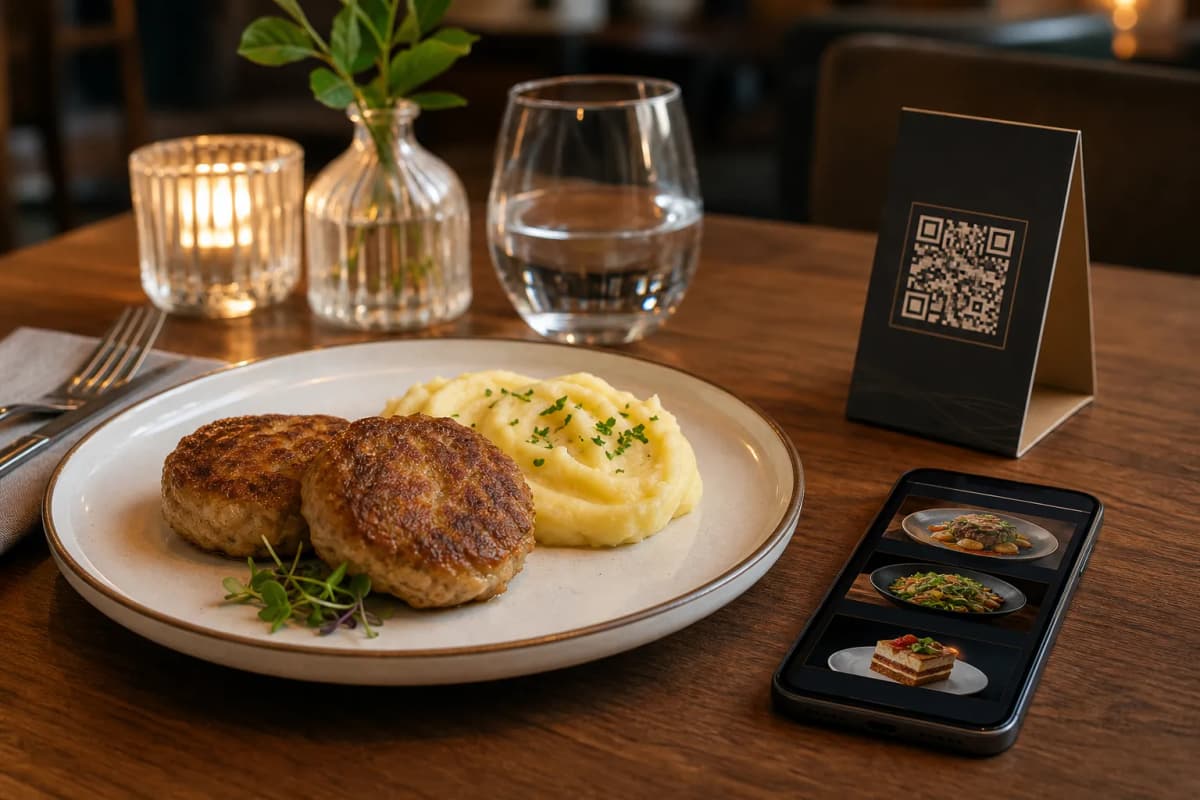
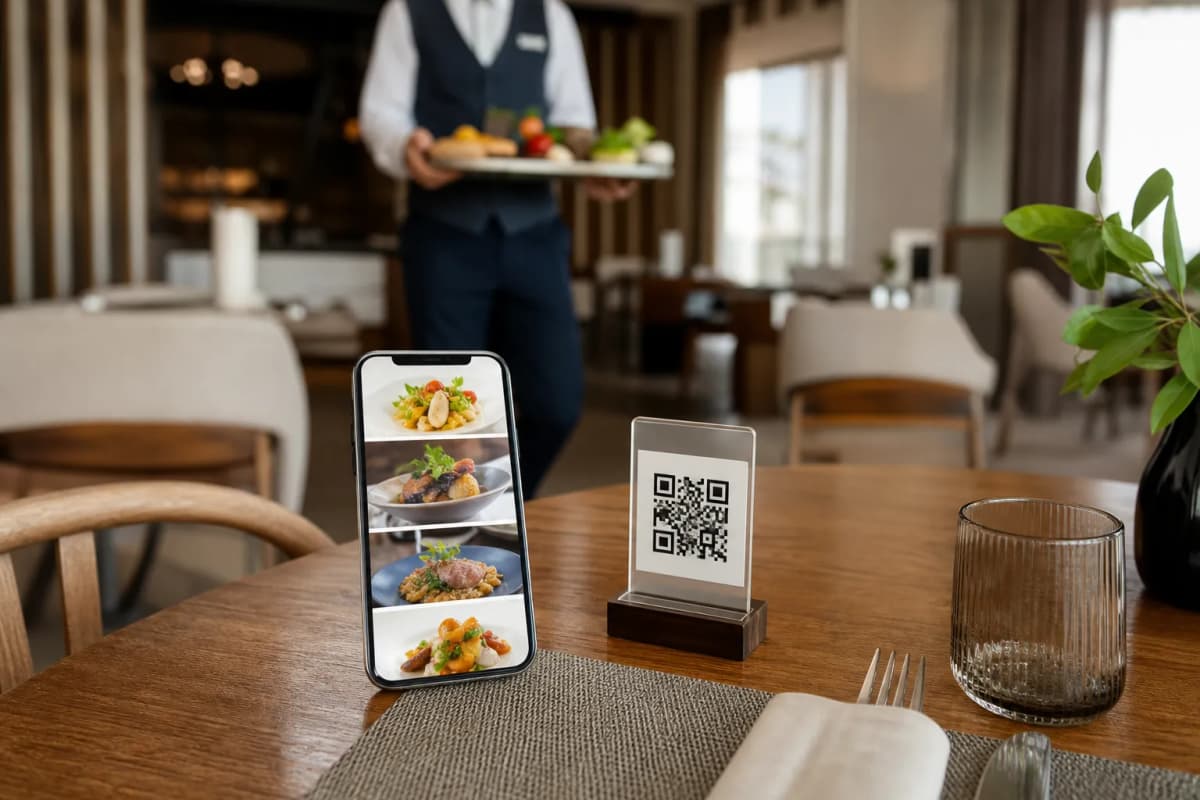
Now it is time to bridge the gap between your physical tables and your digital setup. In the dashboard, you will find the tools needed to generate your professional QR code. This is not just a standard black-and-white box. You can create a highly customized QR code that incorporates your exact brand colors and features your logo right in the center. Once generated, download the high-resolution file. You can print these codes on table tents, engrave them on wooden blocks, or place them as durable stickers directly on your tables. You can also print a larger poster version to display at your entrance, allowing waiting customers to browse the food options before they even sit down.
Step 5: Streamline Kitchen Operations with POS Integration
Displaying your food is only half the battle. You need a fast, reliable way to get those orders to the kitchen staff. When customers scan the code, they can browse and send orders directly from their table. To make this seamless for your staff, eMenu AI features robust POS and printer integration. Orders placed from the digital menu stream directly to your point-of-sale system and kitchen printers. Your chefs see the printed tickets the exact moment the order is placed. This completely eliminates the delay of servers writing down orders and walking them to a terminal. You can also enable the Pay in Menu feature. This allows guests to settle their bills directly from their smartphone using cards and local payment gateways, with the money settled securely to your restaurant account.
Step 6: Expand Your Reach with Takeaway and WhatsApp Orders
Your digital menu is a powerful tool for off-premise sales as well. Without installing any third-party delivery apps or paying high commission fees, you can configure the system to accept pickup orders. Customers simply open your menu link from home, place a takeaway order, and come collect it. For even more convenience, you can activate WhatsApp ordering. This allows customers to send their orders directly to your business WhatsApp account, complete with live order tracking. It is a highly personal, incredibly fast way to serve your local community without paying a middleman.
Step 7: Enhance the Dining Experience with Smart Service Features
Great food needs great service to back it up. With eMenu AI, you can turn on several features that make your service stand out. Enable the Call Waiter function so that with one tap from the menu, a customer can request assistance or ask for the check. Your staff receives instant notifications showing the table number and the specific request type. To secure future business, activate the table reservation system, letting customers book their next visit directly from within the menu interface. Lastly, turn on the in-menu rating system. Collecting comprehensive customer feedback directly inside the menu helps you address concerns privately before they end up on public review websites.
Frequently Asked Questions
Do my customers need to download an app to scan the code?
No, your customers do not need to install anything. They simply point their standard smartphone camera at the QR code on the table. The interactive menu opens immediately in their default mobile web browser, ensuring a frictionless experience.
Can I update my prices after printing the QR codes?
Absolutely. The QR code links to a dynamic digital space. Whenever you change a price, add a new dish, or hide an out-of-stock item in the eMenu AI dashboard, the menu updates instantly for the next person who scans the code. You never need to reprint your table stickers just to change a price.
How do I handle international tourists who do not speak English?
The platform supports over 100 world languages with automatic translation built right in. When a guest scans the menu, they can easily select their preferred language from a dropdown list, and the entire menu instantly translates for them.
What if I need help setting up my specific menu layout?
The dashboard is designed to be highly intuitive, but if you run into any unique challenges while building your menu or setting up kitchen printers, you can always reach out through our contact page. Our support team is ready to help you optimize your setup.
Ready to Launch Your Digital Menu?
Transforming your hospitality business is easier than you think, and you do not need a massive budget to get started. eMenu AI offers very affordable plans, including a free tier so you can test the waters risk-free. Check out all the available options on our pricing page. Take the first step today: grab your phone or sit down at your computer, log in to the dashboard, and build a digital dining experience that your customers will absolutely love.