Why Every Owner Needs a Solid QR Menu Restaurace Strategy
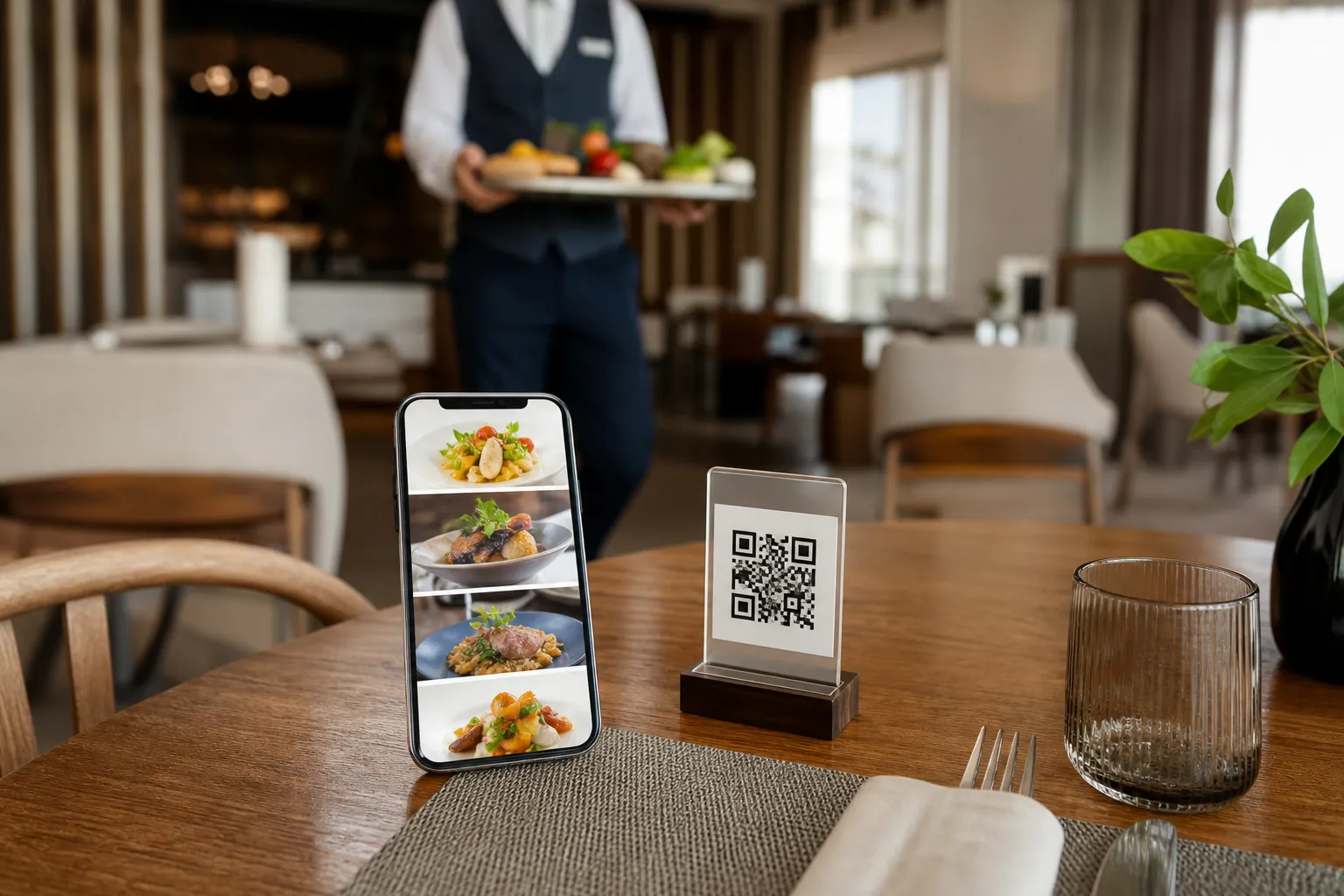
When searching for a reliable qr menu restaurace setup, restaurant owners often find themselves overwhelmed by complex software and vague marketing promises. You do not need another sales pitch. You need a practical, actionable checklist to get your digital menu live today. Operating a hospitality business involves tight margins and endless daily tasks. Technology should simplify your workflow, not add to your technical headaches. With eMenu AI, your customers simply scan a QR code and browse your offerings directly on their phones. There is absolutely no app installation required for your guests.
Whether you run a fast-paced shawarma shop with forty different combo meals or a growing cafe with two branches, this checklist is designed for real-world operations. You can manage everything seamlessly from your computer browser using the web dashboard or directly through the eMenu AI app on your phone or tablet. Let us break down the exact steps you can literally tick off today to modernize your dining experience and serve your guests faster.
Phase 1: Building Your Digital Foundation
Before you place QR codes on your tables, you need a beautifully structured menu. The initial setup is fast, especially when you have a clear plan of action.
- Tick 1: Register and create your venue profile. Why: This is your operational hub for all locations and settings. Begin by accessing the platform. You can create your menu on any device. The smart link will automatically direct you to the App Store, Google Play, or the web version depending on what hardware you are currently using.
- Tick 2: Add your categories and dishes. Why: A well-organized menu helps customers find what they want instantly, naturally increasing your average order value. Use the web dashboard to organize your menu into clear sections like Starters, Mains, and Desserts. If you are missing professional photos for some dishes, eMenu AI features built-in AI food image generation. This tool instantly creates appetizing, realistic visuals for your menu items, saving you hundreds of dollars on professional photography.
- Tick 3: Enable global languages and currencies. Why: Serving tourists becomes effortless when they can read the menu and see prices in their native format. You can enable support for over 100 world languages with automatic translation. Customers can switch languages with a single click. Furthermore, the platform supports over 95 international currencies, and any new currency can be added within seconds upon request.
Phase 2: Setting Up Ordering and Kitchen Flow
A digital menu is not just a digital flyer. It is a complete ordering engine that connects the dining room directly to the kitchen instantly.
- Tick 4: Activate Table Ordering. Why: Customers can send orders directly from their table, reducing wait times and freeing up your staff. When guests browse your menu, they can select their items, customize their modifiers, and submit the order right from their seat.
- Tick 5: Connect POS and Printer Integration. Why: Staff see orders the exact moment they come in, eliminating lost paper tickets and delayed service. Orders placed from the digital menu stream directly to your point of sale system and kitchen printers. If a customer orders a customized burger without onions, those exact details print directly at the grill station, ensuring perfect accuracy every time.
- Tick 6: Configure WhatsApp Orders and Pickup. Why: You capture takeaway diners without paying high commission fees to third-party delivery apps. Enable WhatsApp orders to let customers send requests directly to your business number with live order tracking. You can also activate Pickup orders, allowing customers to place takeaway requests straight through the menu without making phone calls or downloading separate apps.
Phase 3: Streamlining Payments and Guest Services
Modern diners expect convenience not just when ordering, but throughout their entire visit. Setting up these interactive features will significantly elevate your customer service standards.
- Tick 7: Turn on the Pay in Menu feature. Why: Faster checkout means faster table turnover and happier customers who do not have to wait for the bill. Allow your guests to pay directly from the digital menu. eMenu AI supports cards and local payment gateways, and the funds are settled directly and securely to the restaurant account.
- Tick 8: Enable the Call Waiter function. Why: Guests get immediate assistance without waving their hands, keeping the dining atmosphere relaxed. With one tap from the menu, diners can request assistance, ask for water, or request the bill. Your staff will receive instant notifications specifying the table number and the exact request type, preventing unnecessary trips across the dining room floor.
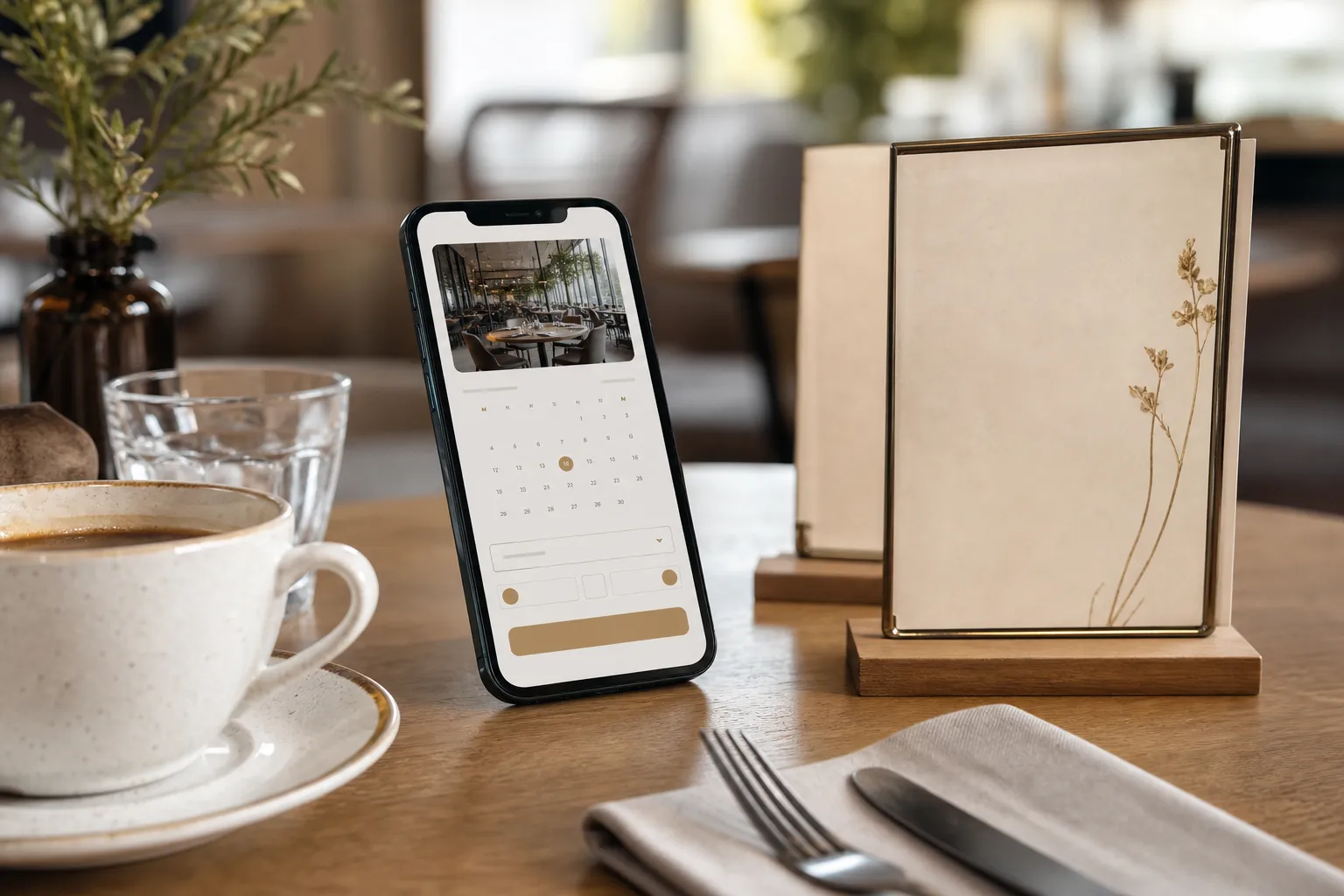
- Tick 9: Activate the Table Reservation System. Why: You secure future bookings directly from your menu while the customer is already engaged with your brand. Customers can book their next visit or reserve a table for a special event straight from within the digital menu interface, bypassing the need for expensive third-party booking software.
Phase 4: Design, Branding, and Final Deployment
The final phase ensures that your new digital tools perfectly match your restaurant brand and are easily accessible to your patrons.
- Tick 10: Apply a professional design template. Why: Your digital menu should feel like a natural extension of your physical restaurant decor. eMenu AI provides an extensive library of professional designs. You can browse the multiple ready templates to find the perfect fit. Every template is fully customizable. If you need something unique, custom templates are made completely free on request to match your specific brand guidelines.
- Tick 11: Set up the In-Menu Rating System. Why: You collect comprehensive customer feedback privately before a disappointed guest leaves a public review. This built-in system allows diners to rate their experience and leave comments directly inside the menu. By catching a complaint early, your manager can intervene, offer a complimentary item, and turn a potentially negative situation into a positive one.
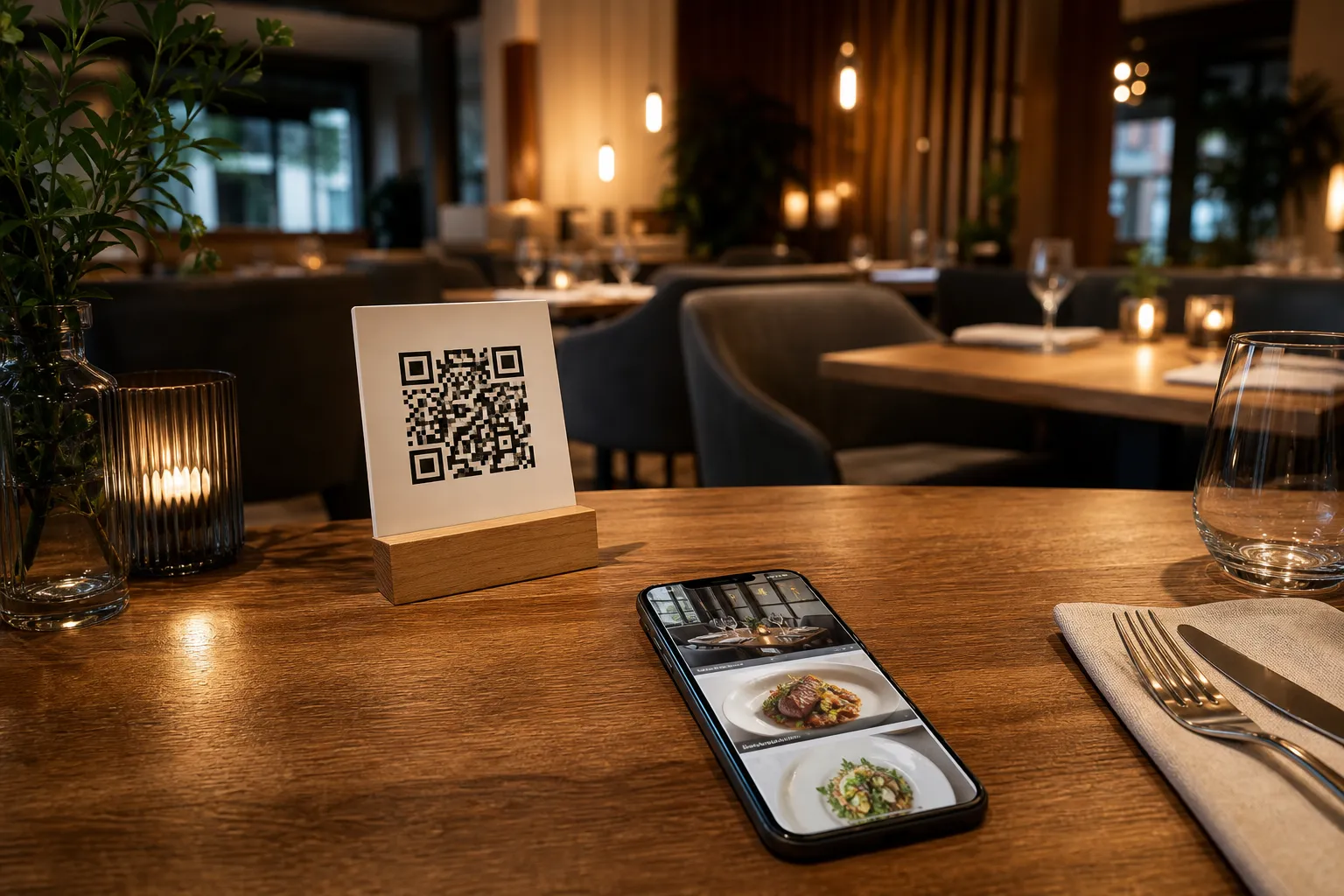
- Tick 12: Generate your Professional QR Code. Why: A branded, scannable code builds trust and invites diners to interact. Create a custom QR code tailored with your restaurant colors and logo. Once generated, you can print it for your tables, display it at the entrance, or add it to your takeaway packaging.
Experience the Difference Today
Checking off these items will completely transform how your business operates on a daily basis. From a small local cafe to a multi-branch dining establishment, giving your guests a frictionless ordering experience is the fastest way to boost revenue and build customer loyalty. You can explore our live demo menus to see exactly what your customers will experience when they sit at your tables. When you are ready to start checking items off this list, review our very affordable plans, which even include a generous free tier to help you modernize your operations without upfront risk.
Frequently Asked Questions
Do my customers need to install an application to view the menu?
No, there is absolutely no app installation needed for your customers. They simply scan the professional QR code using their standard smartphone camera, and the menu opens instantly in their mobile web browser.
How do my kitchen staff know when a new order is placed?
Through our advanced POS and printer integration, any order placed by a customer from their table is immediately streamed to your kitchen printers and point of sale system. Your staff will see the ticket the exact moment it is confirmed.
Can we use this system for takeaway orders?
Yes. eMenu AI fully supports pickup orders. Customers can browse your offerings from home, place a takeaway order directly through the menu link, and even use WhatsApp ordering with live order tracking to know exactly when their food is ready for collection.
Is it easy to update menu items if we run out of stock?
Updating your menu is incredibly fast. You have full control from the web dashboard on your computer browser. You can add new dishes, change prices, hide out-of-stock items, or reorganize sections in real time without having to reprint any physical materials.