The Best Approach for How to Make a Reservation in Restaurant Settings
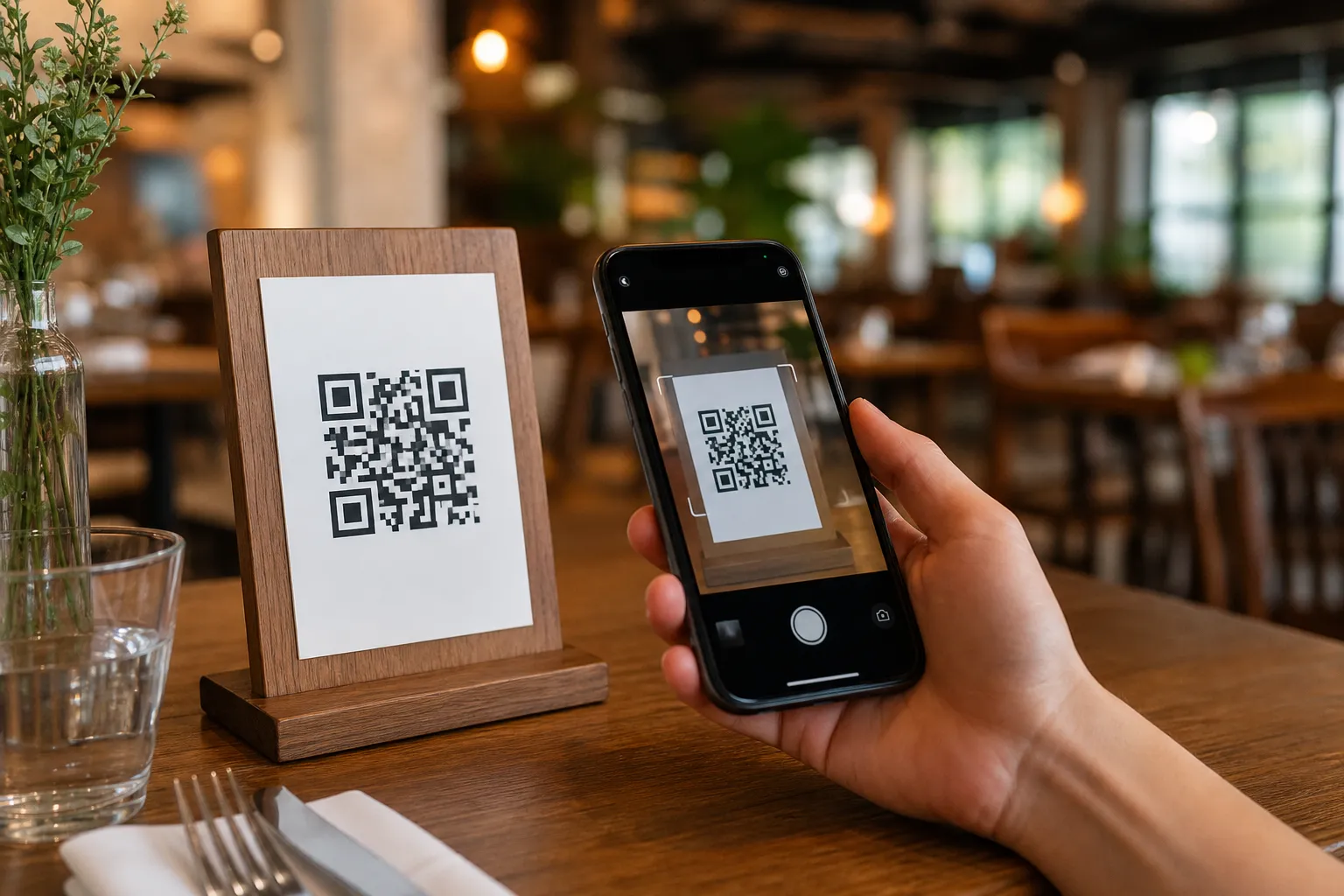
Managing phone calls during a busy lunch rush is a massive challenge for any cafe or dining establishment. When owners ask how to make a reservation in restaurant operations stress-free, the ultimate answer is digital automation. Instead of scribbling guest names in a messy paper diary or losing track of sticky notes, you can let your customers book their own tables directly through a smart digital interface. With eMenu AI, you get a complete digital QR menu platform that handles table bookings seamlessly. Customers simply scan a code or click a link on their phone, browse your offerings, and secure their table without installing any extra software.
Moving your front-of-house operations online solves multiple problems at once. If you run a busy seafood place or a bustling breakfast spot, you know the absolute chaos of double bookings. By integrating your table reservation system directly into your digital menu, guests can secure a spot while looking at your delicious dishes. The platform combines your food offerings, booking mechanics, and operational management into one smooth flow that saves your staff countless hours.
Step 1: Access the Smart Management Platform
The very first step to modernizing your workflow is getting your business onto the right system. You do not need to buy expensive proprietary hardware or complicated software licenses. You can manage everything directly from your iPhone, iPad, Android phone, tablet, or computer.
To begin, simply head over to https://app.e-menu.ai/app. This is a smart link that detects your device and automatically sends you to the App Store, Google Play, or the web version. Create your restaurant profile to start building your digital presence. Having full control from a computer browser via the web dashboard means you can oversee your business from the back office or while relaxing at home.
Step 2: Build Your Digital Profile and Menu
Before guests book a table, they almost always want to see what you serve. Setting up your digital menu is incredibly fast. You can browse multiple ready designs at our templates gallery to find a look that matches your brand perfectly. New designs are added regularly, and custom templates are made free on request. Every template is fully customizable to your exact needs.
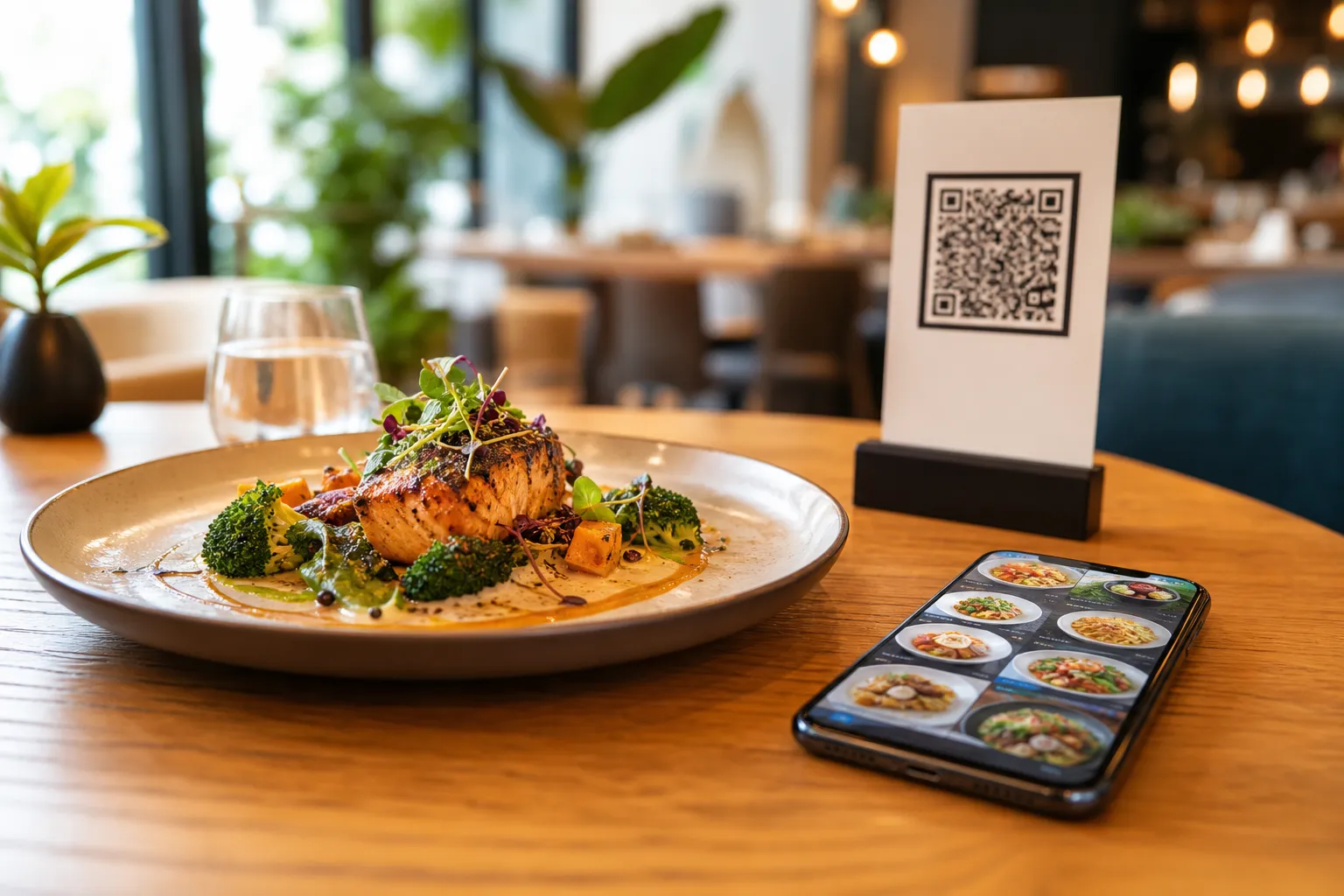
Consider a realistic scenario like a popular shawarma place with 40 items. You can easily organize your menu into clear sections like Grilled Meats, Wraps, Side Dishes, and Beverages. If you do not have professional photography for all 40 items, you can use the built-in AI food image generation to create stunning, mouth-watering pictures for your menu items instantly. A highly visual menu keeps customers engaged and much more likely to complete their booking.
Step 3: Configure Your Table Booking Parameters
Once your beautiful menu is live, navigate to the system settings and activate the table reservation system. This vital feature allows customers to book tables directly from within the menu interface. You can set up your available hours, seating capacities, and special instructions.
Imagine you manage a popular downtown cafe with two branches. You can set specific booking parameters for each location, ensuring that guests do not accidentally book a table at the wrong branch. The system handles all the complex logic behind the scenes, ensuring that your host stand always has an accurate, real-time view of who is arriving and when.
Step 4: Generate Your Professional QR Code
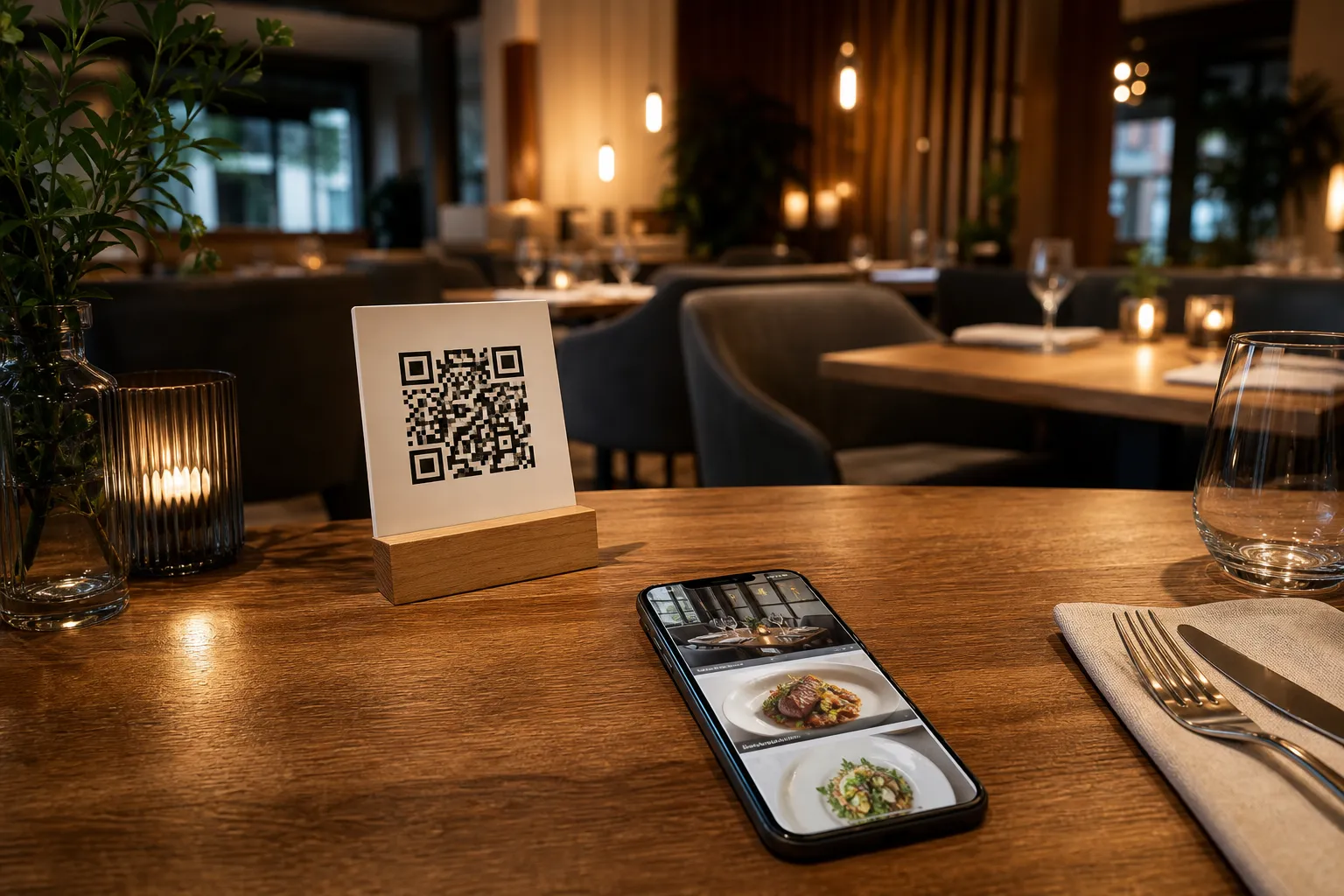
To connect your physical walk-in guests or window shoppers with your digital booking system, you need a custom gateway. The platform generates a professional QR code that you can print on tables, window displays, or the front entrance.
This is highly customizable with your restaurant colors and logo. When a customer walks by your closed restaurant in the morning and wants to secure a table for dinner, they just scan the custom QR code on your door, browse the menu in their preferred language, and confirm their booking instantly.
Step 5: Streamline Orders with POS Integration
Once your guests arrive and take their reserved seats, the experience gets even better. They can use the exact same digital menu to browse and order from their table. Orders placed from the menu stream directly to the POS and kitchen printers, so your staff see them the moment they come in.
Furthermore, the Pay in Menu feature allows customers to pay directly from the digital menu. This supports major cards and local payment gateways, with funds settled directly to the restaurant account. If you cater to tourists, the platform supports over 95 international currencies, and any new currency can be added within seconds on request.
Step 6: Elevate the In-House Dining Experience
Great service does not stop at taking the order. eMenu AI includes a Call Waiter feature. With one tap from the menu, guests can request assistance or ask for the bill. Your staff get instant notifications with the table number and the exact request type, cutting down on unnecessary walking and confusion.
After the meal, you can rely on the in-menu rating system to collect comprehensive customer feedback inside the menu. This gives you immediate, actionable insights into food quality and staff performance before the customer even leaves the building.
Expand Your Service Beyond Basic Bookings
A truly smart setup serves all types of customers, not just those dining in. Once your platform is active, you can serve a much wider audience with zero extra effort:
- Global Accessibility: The menu is available in over 100 world languages with automatic translation. Customers can switch the language with one click, completely removing the language barrier.
- WhatsApp Orders: You can enable ordering via WhatsApp with live order tracking, perfect for loyal local customers who prefer messaging.
- Takeaway Services: Customers can place pickup (takeaway) orders straight through the menu. There are no phone calls to manage and no apps for the customer to install.
Frequently Asked Questions
Do my customers need to download an app to book a table?
No, your customers do not need to install anything. They simply scan your custom QR code or click your smart link to browse the menu and secure their table directly from their mobile web browser.
Can I manage reservations and menu prices from my computer?
Yes, you have full control from a computer browser using the web dashboard. You can easily add new dishes, change prices, organize sections, and monitor incoming reservations in real time.
Is the reservation system available in different languages?
Absolutely. The entire system supports over 100 world languages with automatic translation. Your guests can switch to their native language with a single tap, making the booking process completely seamless for international tourists.
How much does it cost to set up this digital booking system?
eMenu AI offers very affordable plans tailored for businesses of all sizes, and there is even a free plan available to help you get started without any risk. You can explore all the options on our pricing page.
Stop losing track of phone reservations and start automating your front-of-house operations today. Take full control of your table management, speed up your kitchen orders, and provide a flawless guest experience from booking to billing. Set up your smart digital system right now by visiting https://app.e-menu.ai/app.