When a hungry customer sits down at a table, the last thing they want is a technical challenge. Knowing how to scan menu codes should be an instant, second-nature action. Yet, many diners struggle because of poor setup choices made by the venue. When the scanning process fails, it directly impacts your table turnover rate, order accuracy, and overall customer satisfaction.
To help your restaurant avoid these common friction points, let's explore how to make scanning effortless for your guests. We will look at the most common mistakes restaurants make, why each mistake costs them real money, and the exact fixes you can implement today using eMenu AI.
How to Scan Menu Codes Instantly: The Practical Steps
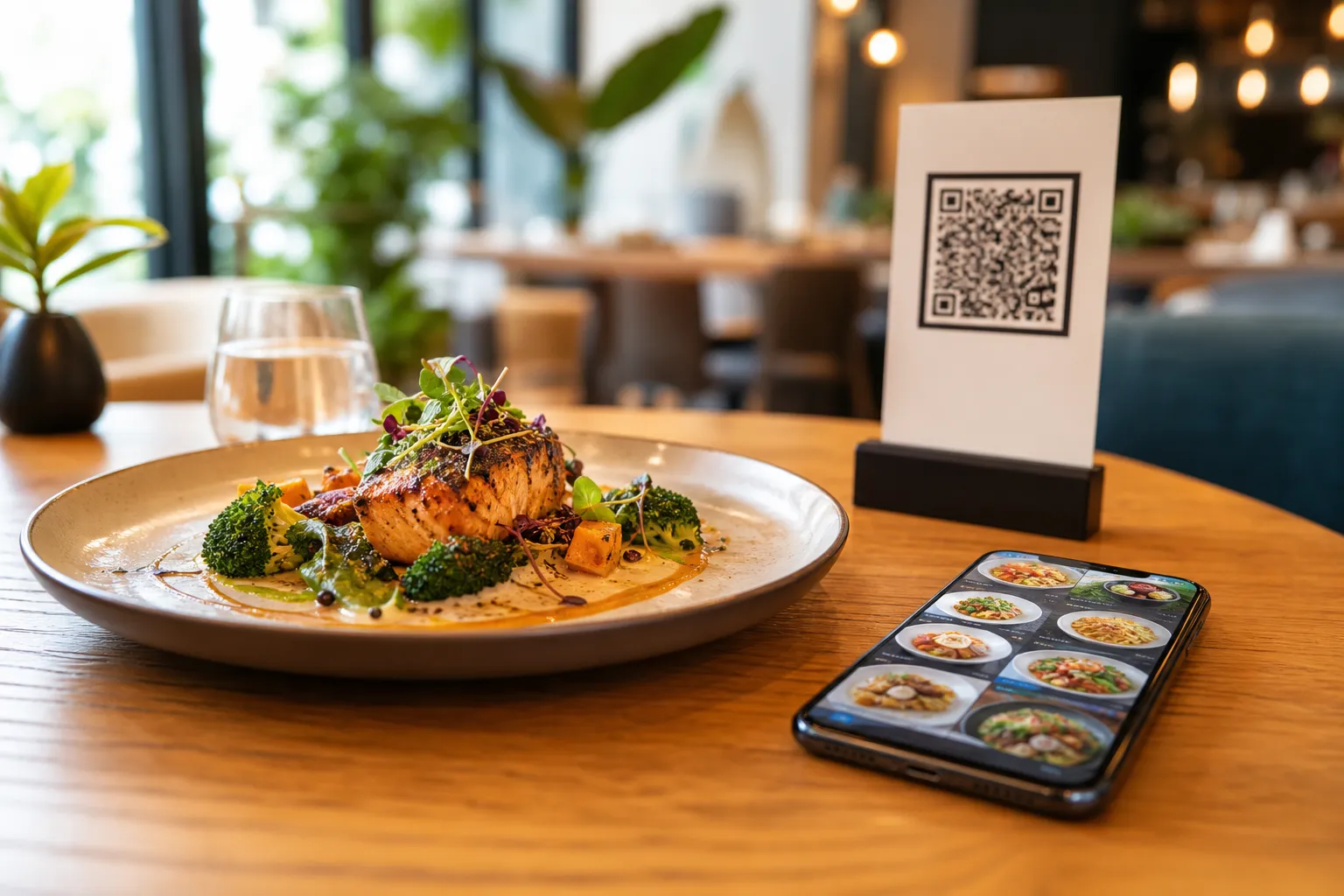
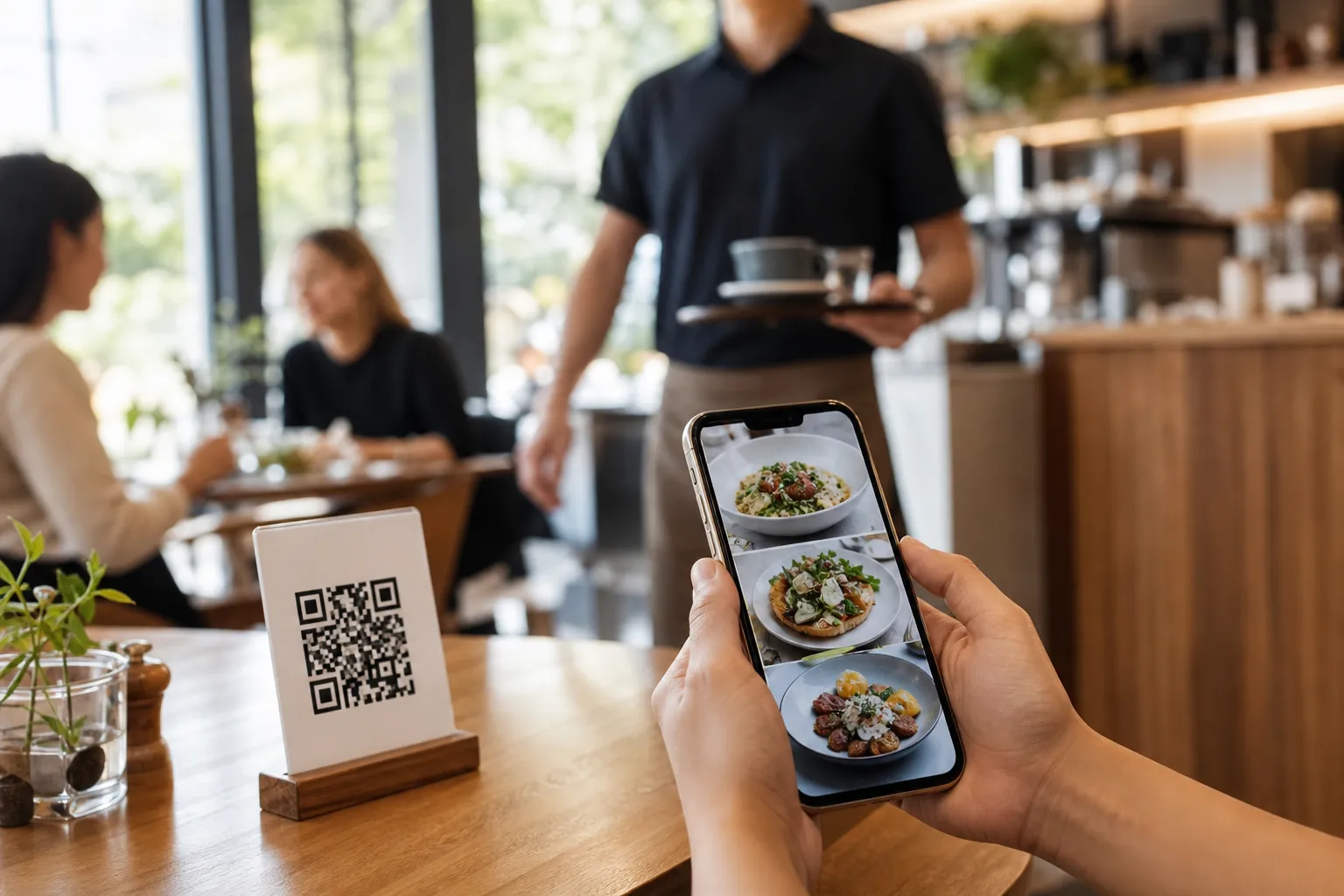
For a customer, scanning a digital menu should take less than three seconds. Here is how the seamless process should look on any modern mobile device:
- Open the default camera application on an iPhone or Android smartphone.
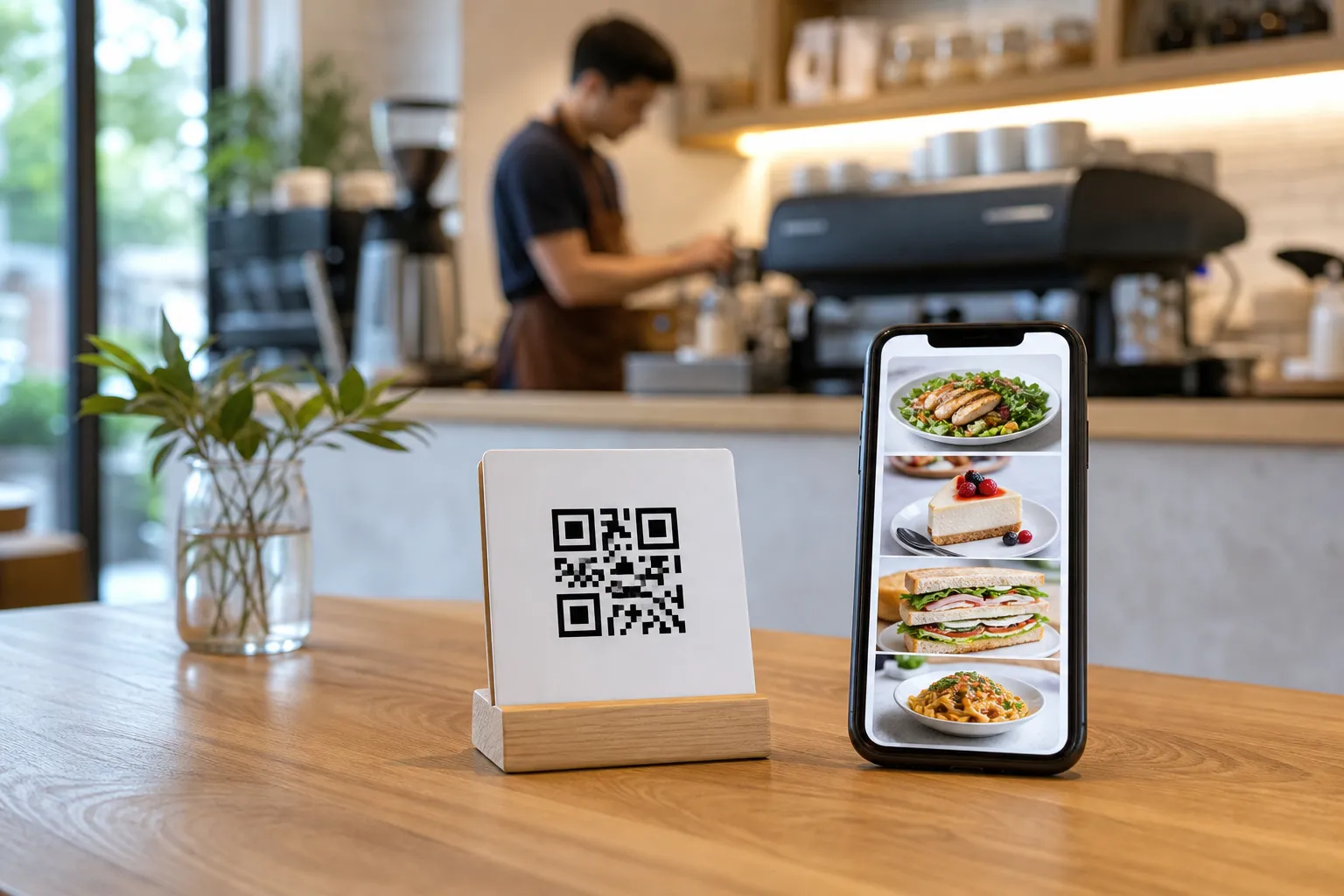
- Point the camera lens directly at the QR code printed on the table tent, sticker, or acrylic stand.
- Tap the web link banner that automatically pops up on the screen.
- Browse the digital menu instantly in the web browser, without downloading any third-party apps.
You can try this exact experience yourself by viewing one of our live demo menus at the Gas Azadi Demo Menu.
Mistake 1: Blurry Printing and Low-Contrast QR Designs
Many restaurants print their QR codes using low-quality office printers on cheap paper, or they place them under highly reflective plastic covers. Over time, the print fades, gets wet, or gets scratched. If you run a busy cafe with two branches, keeping track of worn-out codes on twenty tables becomes a major chore.
Why it costs you: If the smartphone camera cannot focus or resolve the contrast, the scan fails. Customers get frustrated, give up, and demand a paper menu, wasting your staff's valuable time and causing service delays.
The Fix: Always use a high-quality, professional QR code design with strong contrast, such as black on a clean white background. You can choose from many professional, brand-aligned designs at eMenu AI Templates. Print them on matte, non-reflective materials and place them in well-lit areas on your tables. Durable acrylic stands or high-quality wood blocks work best to protect the code from spills.
Mistake 2: Forcing App Downloads and Sign-Ups
Nothing kills a dining experience faster than scanning a code only to be redirected to an app store or forced to fill out a long registration form before seeing the food.
Why it costs you: A huge percentage of users will abandon the process entirely if they are forced to download a large application or create an account just to see the price of a beverage. In busy spots, this friction leads directly to lost sales and annoyed customers who simply walk out.
The Fix: Make sure your digital menu is fully web-based. When you build your platform with eMenu AI, customers access your menu directly through their mobile browser. No app installation is required. To start building your frictionless web menu today, visit the eMenu AI app to launch your setup instantly.
Mistake 3: Using Rigid PDF Menus Instead of Interactive Layouts
Some restaurants simply upload a static PDF of their printed menu to a cloud drive and link their QR code to it.
Why it costs you: A PDF is not designed for mobile screens. Customers have to pinch and zoom constantly to read the text. Imagine a local shawarma place with 40 items: trying to read tiny fonts on a phone screen is an exhausting experience. Furthermore, you cannot easily change prices, hide out-of-stock dishes, or add dynamic translations. If you run out of an ingredient, you cannot remove the item without re-uploading a whole new PDF.
The Fix: Transition to a fully interactive digital menu. With eMenu AI, your menu automatically adapts to any screen size. You can easily manage everything from a computer or phone dashboard, updating dishes and prices in real time. You can even use the built-in AI food image generator to create high-quality visuals for your items, making the digital browsing experience highly engaging.
Mistake 4: Keeping the Scan Informational Only (No Ordering Path)
Some venues allow customers to scan the menu, but they still require them to wave down a waiter to place the order and pay.
Why it costs you: This defeats half the purpose of digital transformation. During rush hours, customers wait too long to order, leading to lower average ticket sizes and slower table turnover because your staff is busy handling manual orders.
The Fix: Enable Table Ordering or WhatsApp Orders directly within the menu. Let your guests send their choices straight to the kitchen or POS system. With the integration of kitchen printers, the staff gets the order instantly, and customers can even complete their checkout using Pay in Menu, supporting local payment gateways and cards. You can also activate the Call Waiter feature, allowing guests to request assistance or the bill with a single tap, sending instant table notifications to your staff.
Mistake 5: Ignoring Language Barriers and Currencies
If an international tourist scans your menu but cannot read the language or understand the pricing, they will order less or feel insecure about their spending.
Why it costs you: Lost revenue from international guests who feel alienated by the lack of local options. In metropolitan areas or tourist destinations, this can represent a significant portion of your daily revenue.
The Fix: Use a platform that supports multiple world languages and currencies. eMenu AI supports auto-translation into 100+ world languages and works with over 95 global currencies. Customers can switch their preferred language with a single tap, making the entire browsing experience completely stress-free. If a customer needs a new currency, it can be added within seconds on request.
How to Set Up a Flawless Menu Scanning Experience
Setting up a professional digital menu is simple and takes only a few steps. Here is how you can do it:
- Create your official restaurant account at eMenu AI Web and App Portal.
- Add your branches, categories, and dishes. You can use the dashboard to organize your sections clearly.
- Select a professional design template that matches your cafe or restaurant branding.
- Generate and print your custom QR codes to place on tables, counters, or windows.
- Enable auxiliary features like the Table Reservation System, In-Menu Rating System, or the Call Waiter notification tool to maximize efficiency.
Frequently Asked Questions
How do customers scan a menu if they do not have a QR reader app?
Modern smartphones (both iPhones and Android devices) have QR code scanners built directly into their native camera apps. Customers simply need to open their camera, point it at the code, and tap the link that appears on the screen. No special third-party scanner apps are required.
What should I do if my restaurant has poor cellular reception?
If your dining area has poor mobile signal, we highly recommend displaying your guest Wi-Fi network name and password right next to the QR code. This ensures customers can quickly connect and scan the menu without any connectivity issues.
Can I change my menu items and prices without printing new QR codes?
Yes, absolutely. When you use eMenu AI, your printed QR code is dynamic. You can edit your dishes, change prices, add daily specials, or hide out-of-stock items via the web dashboard at any time, and the updates will instantly appear on the customer's phone without needing to reprint anything.
Making sure your guests know how to scan menu codes without friction is the key to increasing your average ticket size and speeding up table turnover. Avoid the common pitfalls of blurry prints, heavy PDFs, and forced app downloads. Give your customers the seamless dining experience they deserve. Sign up today and launch your smart digital menu at eMenu AI.