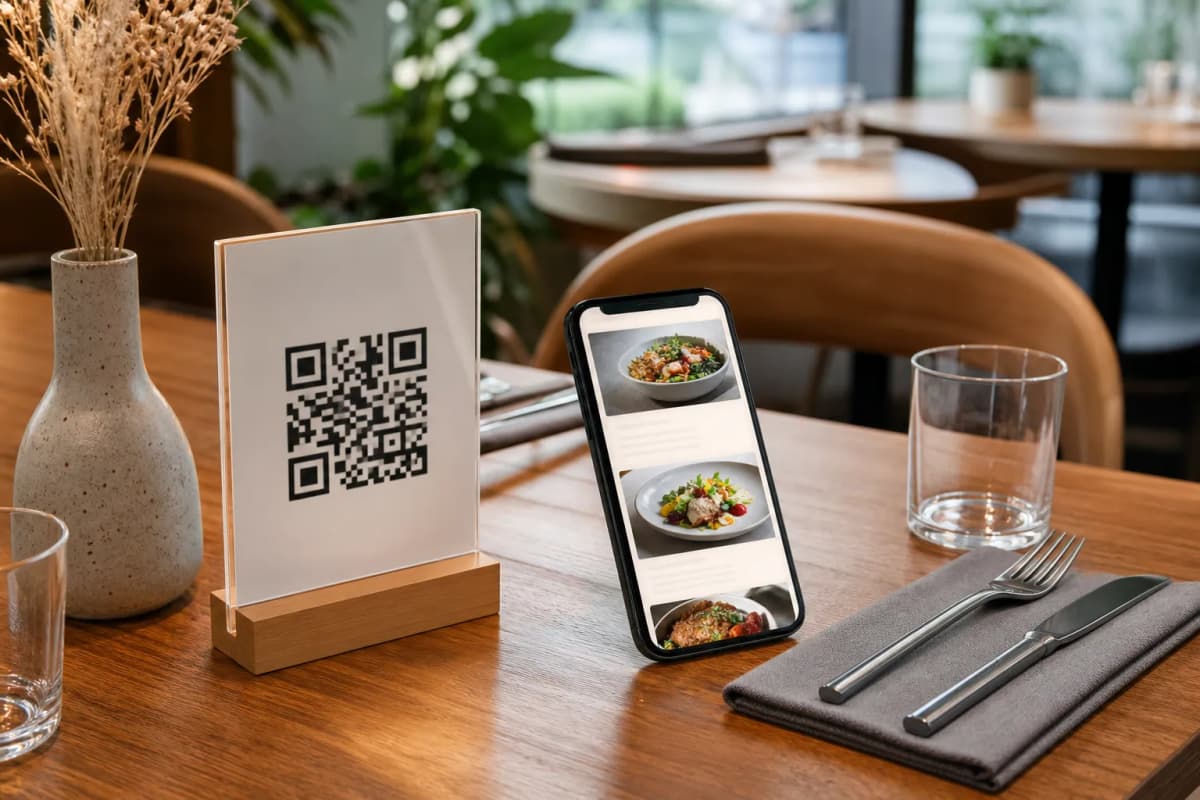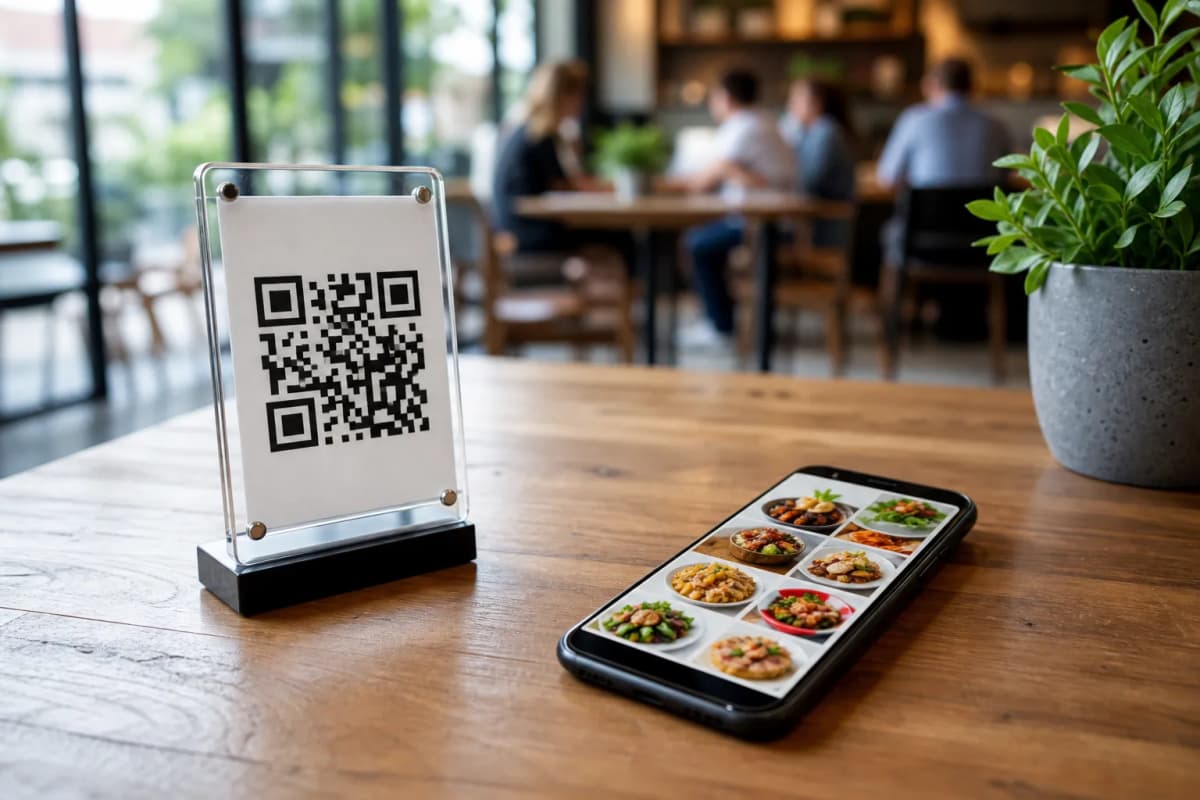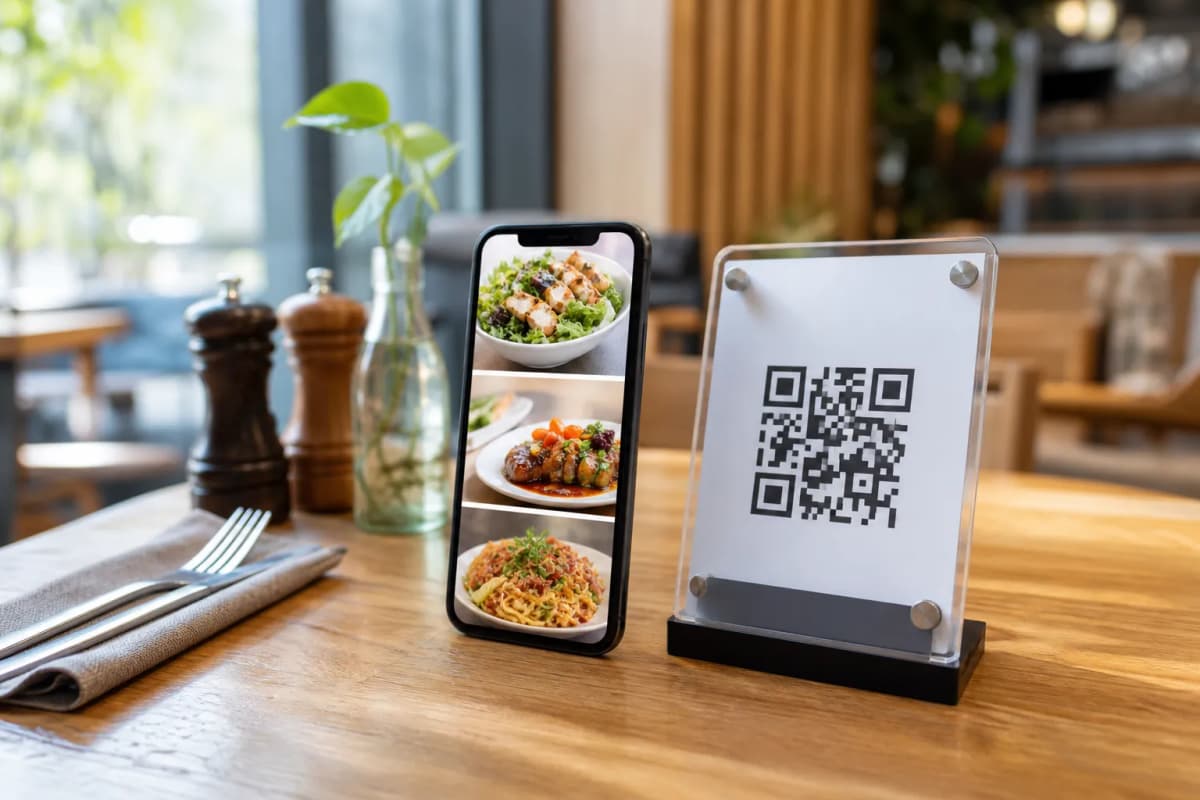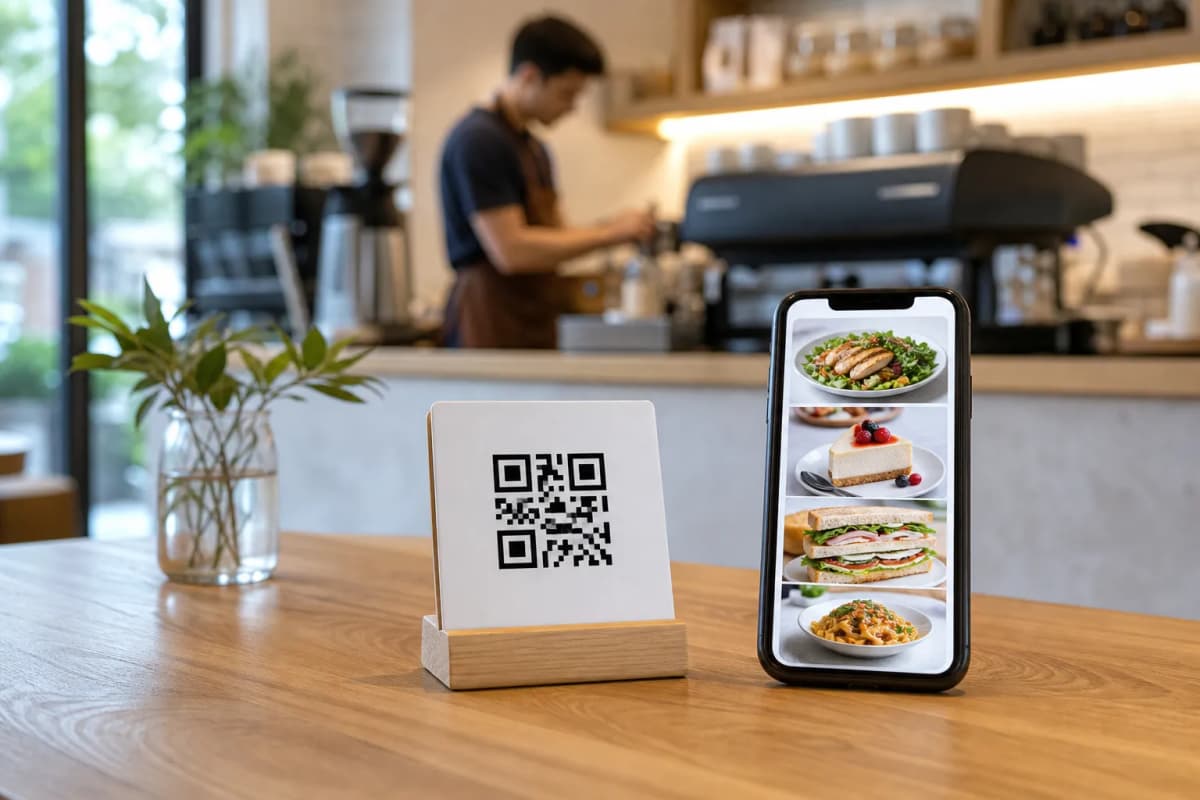
Upgrading your restaurant operations is much easier when you use the right electronic menu software. Today, customers expect to sit down, scan a code, and browse options on their own phones without installing any applications. By adopting eMenu AI, you give your guests a smooth dining experience while giving your staff the tools they need to serve food faster and more accurately.
Why Choose Reliable Electronic Menu Software?
Step-by-Step Setup Guide for Your Restaurant
Launching your smart menu does not require advanced technical skills. You have full control from a computer browser: add new seasonal dishes, change prices instantly during busy hours, and organize sections effortlessly. Follow these practical steps to get your restaurant online.
- Access the Platform: Start by getting eMenu AI on your preferred device. Whether you use an iPhone, an iPad, an Android tablet, or a computer browser, you can open the eMenu AI application here to create your account and access the web dashboard.
- Build Your Digital Menu: Add your categories, items, and prices. You do not need expensive photoshoots because eMenu AI includes AI food image generation to make your dishes look highly appealing. Additionally, your menu will automatically support over 100 world languages, allowing international customers to switch to their native language with a single click.
- Choose a Design: Your menu should match your brand identity perfectly. You can browse and apply multiple professional designs from the eMenu AI templates gallery. Every template is fully customizable, and new ones are added regularly. Custom templates can even be made for free on request.
- Enable Ordering Options: Decide how you want to receive orders. You can enable direct table ordering, pickup orders for takeaway customers, or even WhatsApp orders with live tracking. All these options work smoothly without requiring your customers to download anything.
- Print Your Custom QR Code: Generate a professional QR code customized with your brand colors and logo. Print these codes for your tables, entrance, or drive-thru windows to give customers instant access.
Enhancing the Guest Experience
Once your basic setup is complete, you can activate additional features to impress your guests and streamline your daily operations. For example, the Call Waiter feature lets customers request assistance or ask for the bill with one tap from the menu. Your staff will receive instant notifications showing the exact table number and the type of request.
You can also enable the built-in table reservation system, allowing customers to book a table directly from the digital menu before they even arrive at the venue. After the meal, the in-menu rating system helps you collect comprehensive customer feedback, giving you the valuable insights needed to improve your service continually.