Welcome to the modern era of restaurant management. If you are looking to streamline how orders flow from your customers to your kitchen, establishing a reliable digital menu boards pos integration is the crucial first step. With eMenu AI, you do not need complex hardware or expensive IT teams. You can set everything up directly from your phone, tablet, or web browser, giving your staff more time to focus on delivering great hospitality.
Why Digital Menu Boards POS Integration Matters
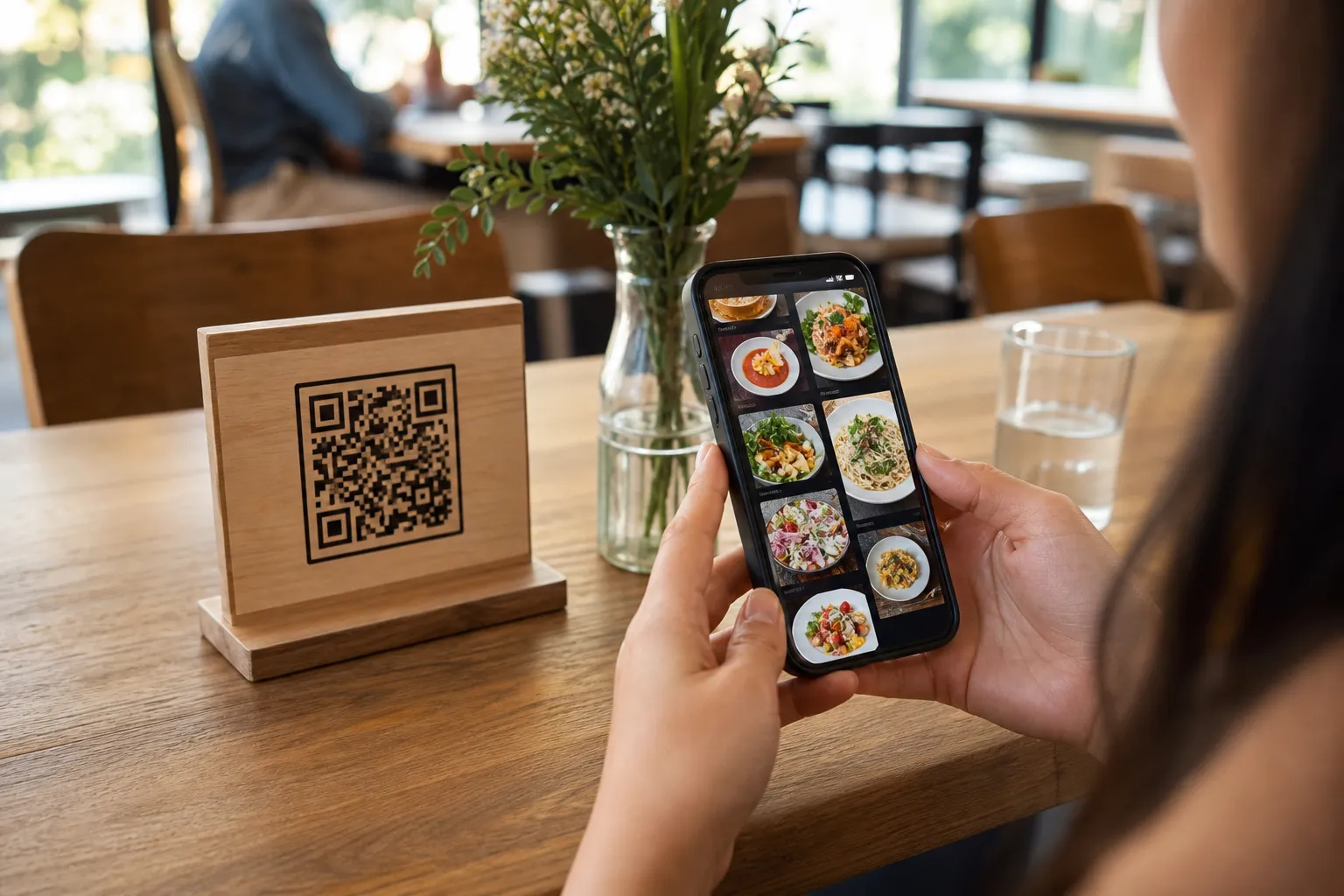
When customers scan your professional QR code, they browse your offerings on their phones without downloading any apps. With POS and printer integration enabled, the orders they place are sent directly to your point of sale system and kitchen printers in real time. This means your staff can see new table orders, pickup requests, and even WhatsApp orders the exact moment they come in. There is no need for manual order entry, which eliminates forgotten tickets and reduces human error during busy shifts.
Step-by-Step Guide to Connecting Your Systems
Step 1: Create Your Account and Digital Menu
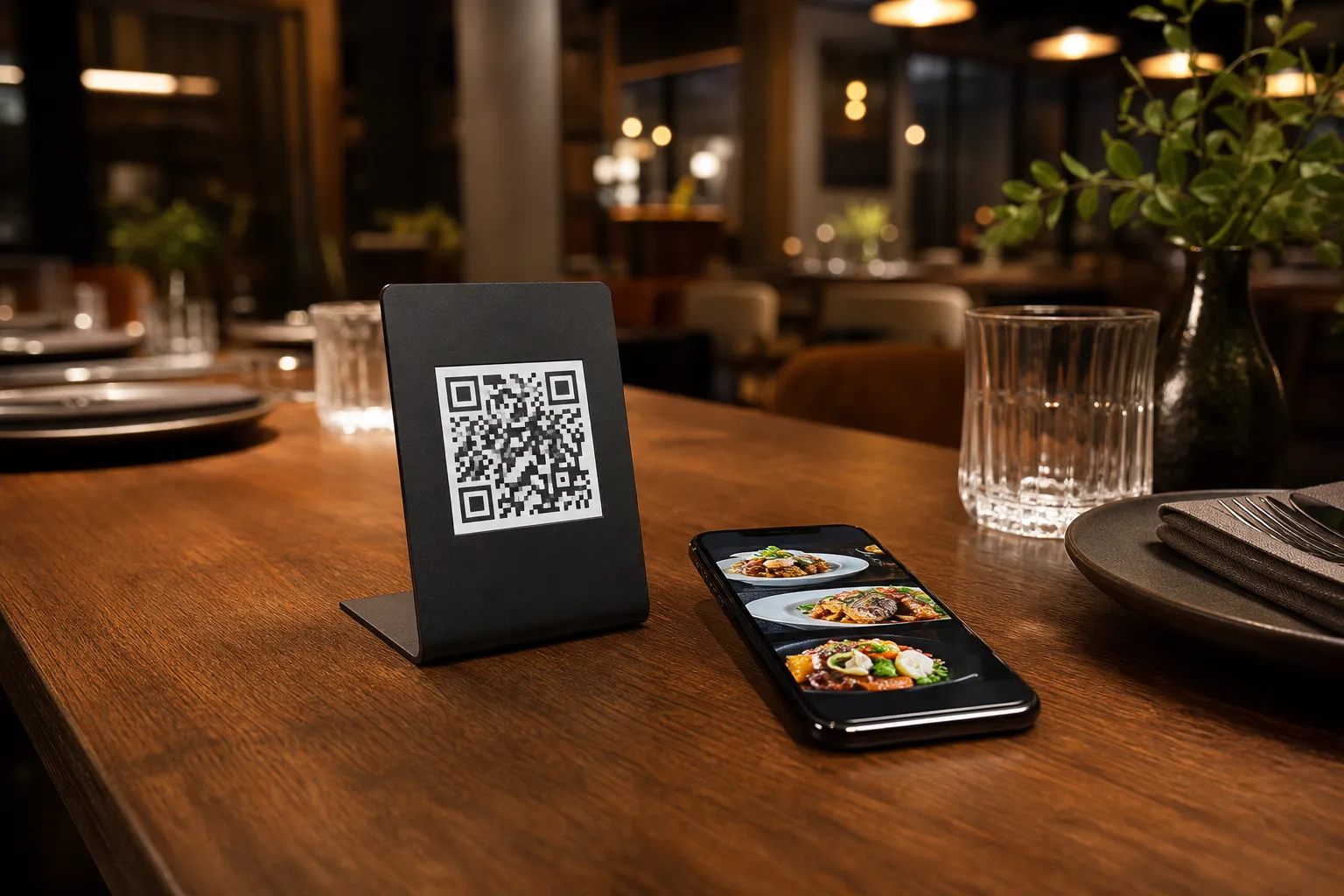
Start by setting up your core restaurant profile. Go to the eMenu AI app to begin building your menu. You can manage everything seamlessly from a web dashboard on your computer or through the mobile app. Add your dishes, organize them into sections, and set your prices. Use the built-in AI food image generator to create realistic photos for your menu items in seconds.
Step 2: Choose Your Design and Setup Global Features
Before linking your kitchen hardware, ensure your digital menu looks perfect. eMenu AI provides numerous professional designs that you can customize. You can browse the available styles in the templates gallery. Custom templates are also made free on request to match your brand. Your menu automatically supports over 100 world languages, allowing customers to switch languages with one click, while supporting over 95 international currencies.
Step 3: Enable the POS and Kitchen Printer Link
Once your menu is populated, it is time to connect your operations. Within your dashboard settings, enable the POS and printer connections. This vital step ensures that every time a guest uses the table ordering system or places a takeaway order, the ticket prints exactly where your chefs need it. You can also activate the Pay in Menu feature. This allows customers to pay their bills directly from their phones using credit cards or local payment gateways, with funds settling straight to your account.
Step 4: Generate Your Custom QR Codes
With the integration fully active, generate your professional QR codes customized with your restaurant colors and logo. Place these codes on your tables or entrance doors. When guests scan the code, they enter a fully automated ordering environment. Beyond just food, they can use the Call Waiter feature with a single tap to request assistance or ask for the bill, sending instant notifications to your staff with the exact table number.
Enhancing the Customer Experience Further
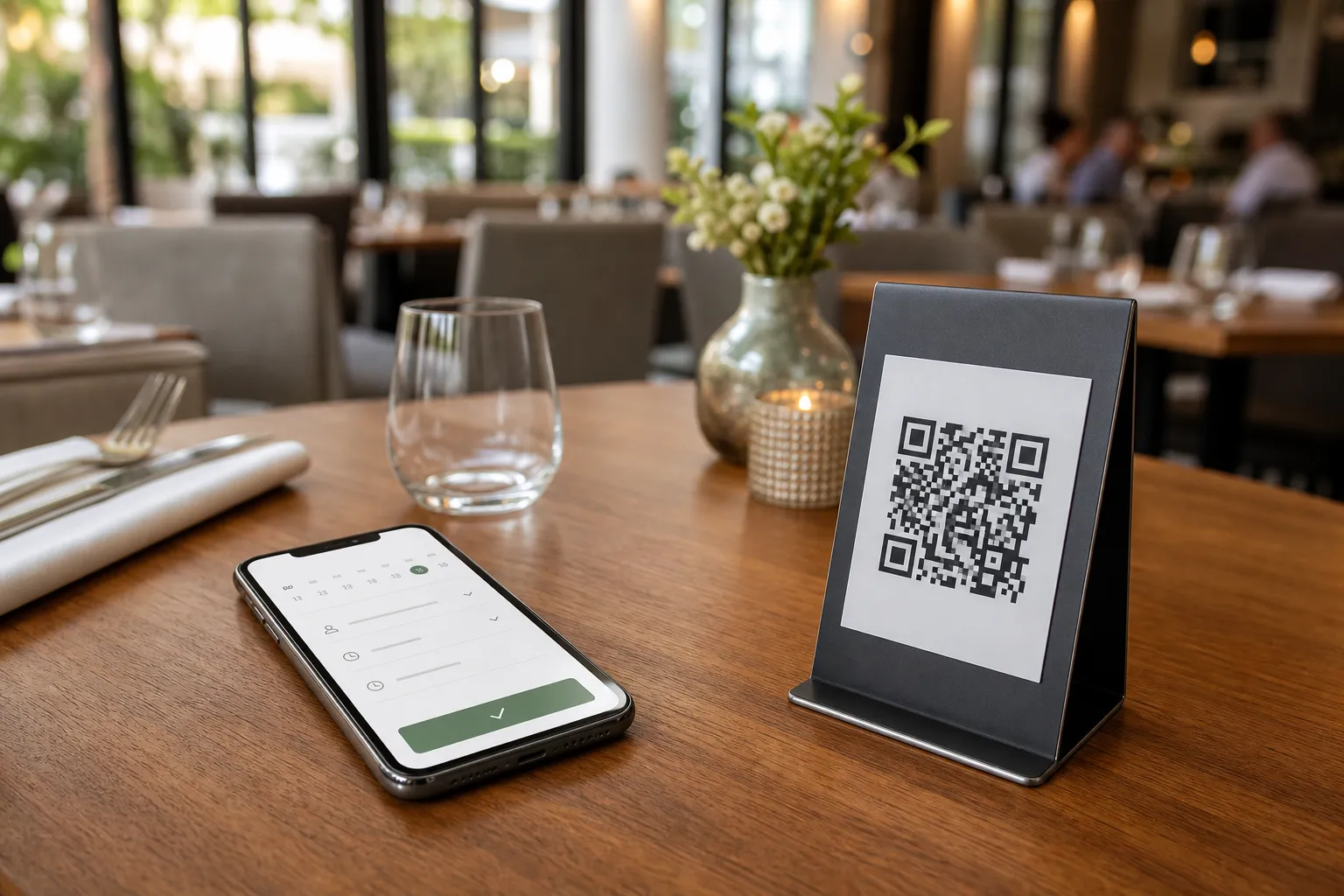
Your new setup does more than just process food orders. Using the built-in table reservation system, customers can book tables directly from within the menu. After their meal, the in-menu rating system helps you collect comprehensive customer feedback, allowing you to constantly improve your service based on real reviews.
Ready to Upgrade Your Restaurant Operations?
Connecting your digital menu directly to your kitchen operations saves valuable time and drastically reduces service errors. Customers will appreciate the fast service, the easy payment options, and the sleek design of your menu. Start building your smart, integrated restaurant today. Head over to create your smart menu and experience total control from your dashboard. If you need help with specific setup details or have questions about supported currencies, feel free to visit our contact page.