If you manage a busy dining room, you might be wondering how to book a table in restaurant environments without relying on endless phone calls or messy paper diaries. Modern technology allows guests to manage their own reservations. With eMenu AI, your customers can secure their spots directly from their smartphones, freeing up your staff to focus on serving food rather than answering the phone.
The Easiest Way: How to Book a Table in Restaurant Menus
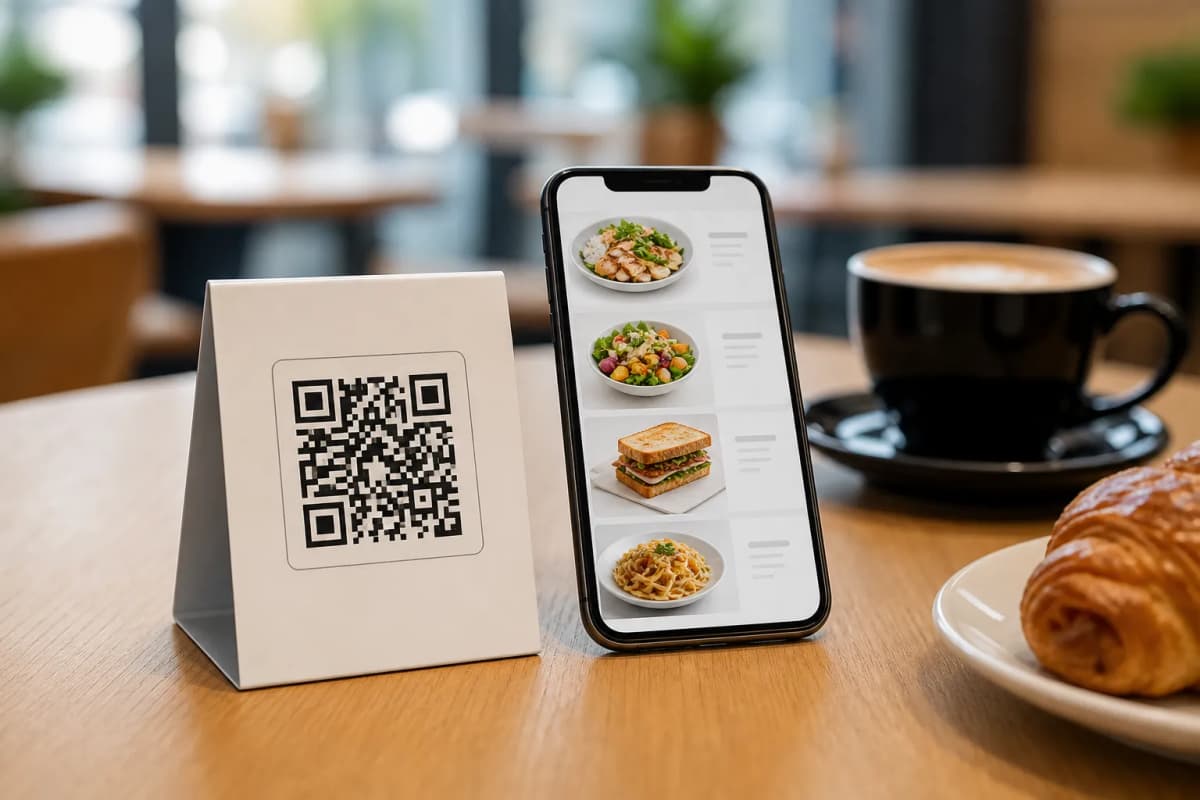
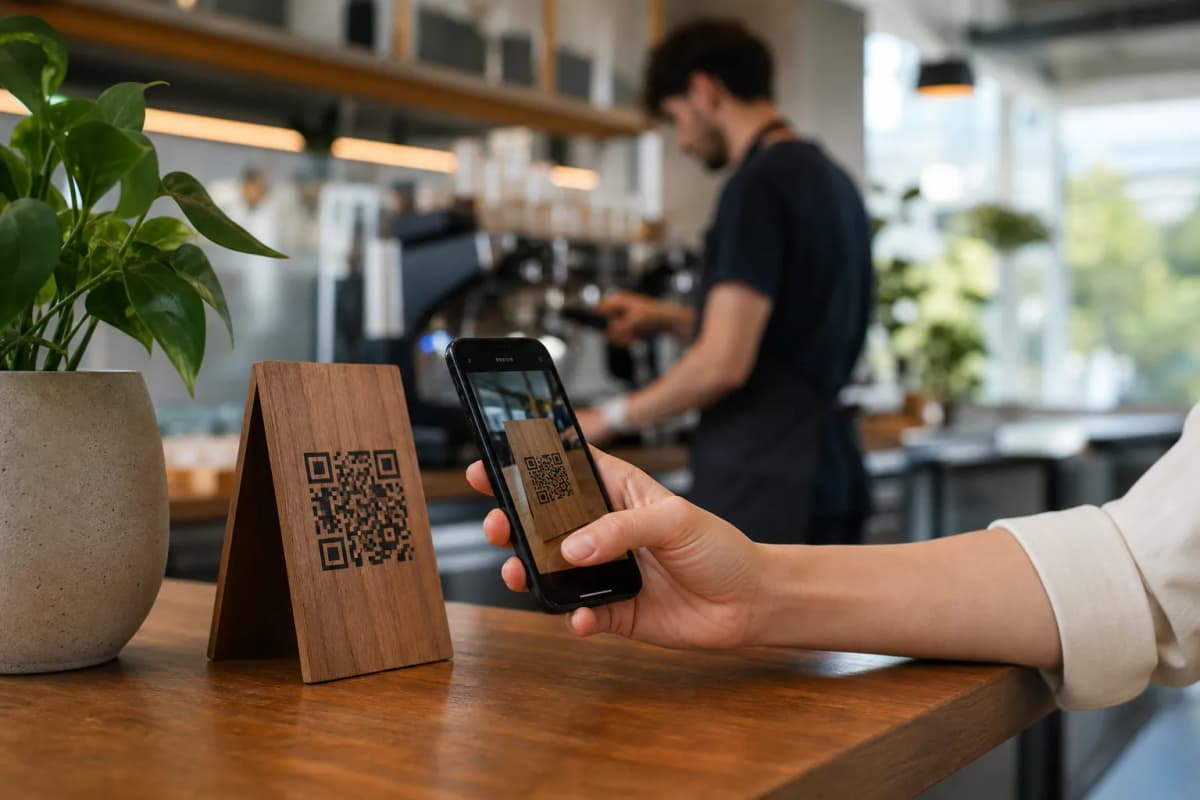
When you want to know how to book a table in restaurant systems seamlessly, the answer lies in your digital menu. Instead of forcing guests to download an application, eMenu AI integrates the table reservation system right into the menu they browse. Guests scan a professional QR code at your entrance or click a link on your social media, and request a table in seconds.
This process is entirely frictionless. The platform works perfectly across iPhones, Android devices, and web browsers. Your customers do not need to install anything. They just open your menu, choose their preferred time, and confirm their details. Meanwhile, you manage everything from a convenient web dashboard or mobile app.
Step-by-Step Guide to Setting Up Reservations
Getting started with this modern reservation flow is straightforward. Here are the practical steps to bring this system to your venue:
- Get the Platform: Open the eMenu AI platform. This single smart link detects your device and takes you to the Web Dashboard, App Store, or Google Play automatically.
- Design Your Digital Menu: Build a menu that matches your brand. You can choose from multiple ready templates that are fully customizable. Custom templates are made free on request.
- Add Your Dishes: Populate your menu with your offerings. You can use the AI food image generation tool to create mouth-watering pictures of your items in seconds.
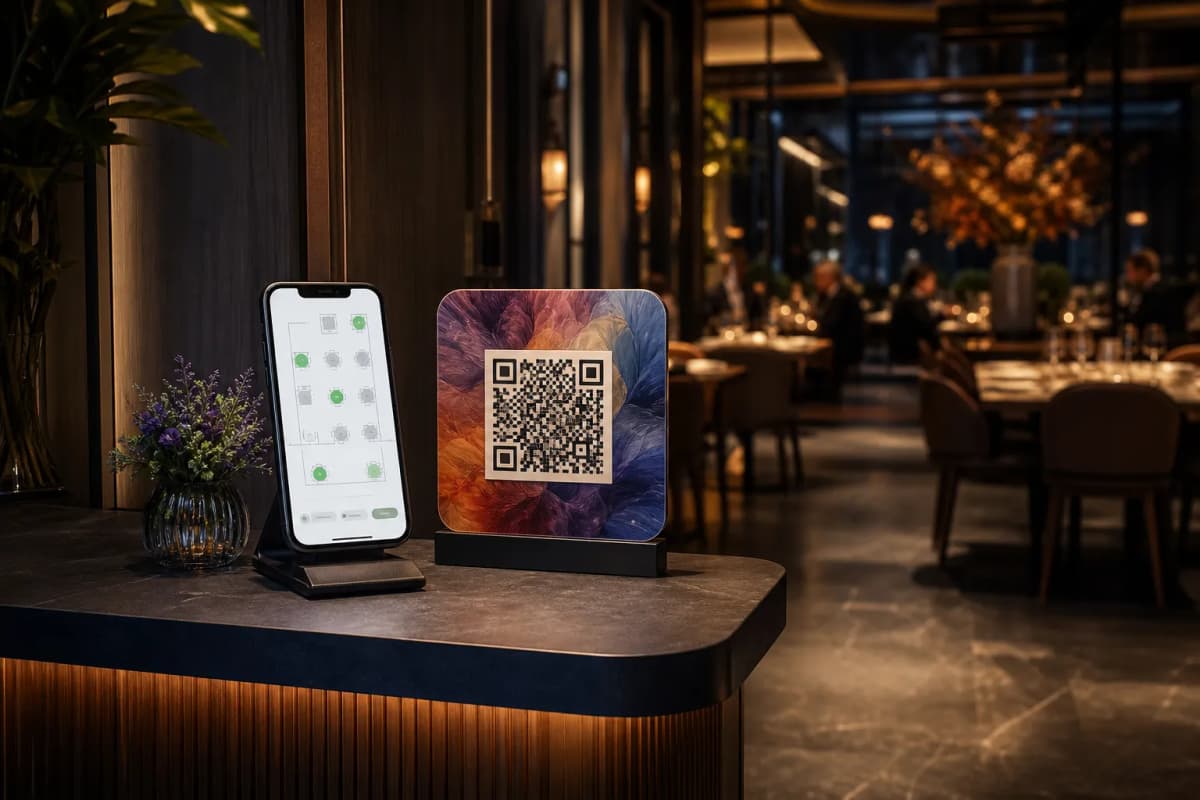
- Activate the Reservation Feature: Turn on the table reservation system inside your dashboard. Once active, the booking option appears instantly on your live digital menu for all guests to see.
- Print Your QR Codes: Generate a professional QR code with your restaurant colors and logo, then place it near your host stand.
Connecting Bookings to a Complete Dining Experience
Once your guests arrive, eMenu AI continues to simplify operations. The platform offers a seamless flow from the moment they sit down to the moment they leave.
- Direct Table Ordering: Guests can browse the digital menu and send orders directly from their table to the kitchen.
- Call Waiter Assistance: With one tap, guests can request assistance or the bill. Your team receives instant notifications showing the table number and request type.
Reaching More Customers with Smart Features
Your digital setup is not just for dine-in guests. eMenu AI helps you capture orders from customers who want to enjoy your food at home. You can enable WhatsApp orders, allowing guests to place requests via chat with live order tracking. You can also accept pickup orders straight through the menu, eliminating phone calls for takeaway customers.
To ensure every guest feels welcome, the menu supports 100+ world languages with automatic translation. Customers switch languages with a single click. Finally, the in-menu rating system allows you to gather comprehensive customer feedback before they even leave the restaurant.
Start Taking Reservations Today
Upgrading your reservation and ordering process is simple. By using eMenu AI, you take full control of your operations from a computer browser. Check out our affordable pricing plans (free plan available) and transform how your guests dine. Open eMenu AI now to create your smart menu and start accepting seamless table bookings today!