How to Scan a Menu: A Step-by-Step Guide for Customers
Scanning a digital QR menu is designed to be fast and intuitive. Guests do not need to download or install any external applications to view the dishes. Here is how it works on any modern smartphone:
- Open the camera app: Unlock your iPhone or Android device and open the built-in camera application.
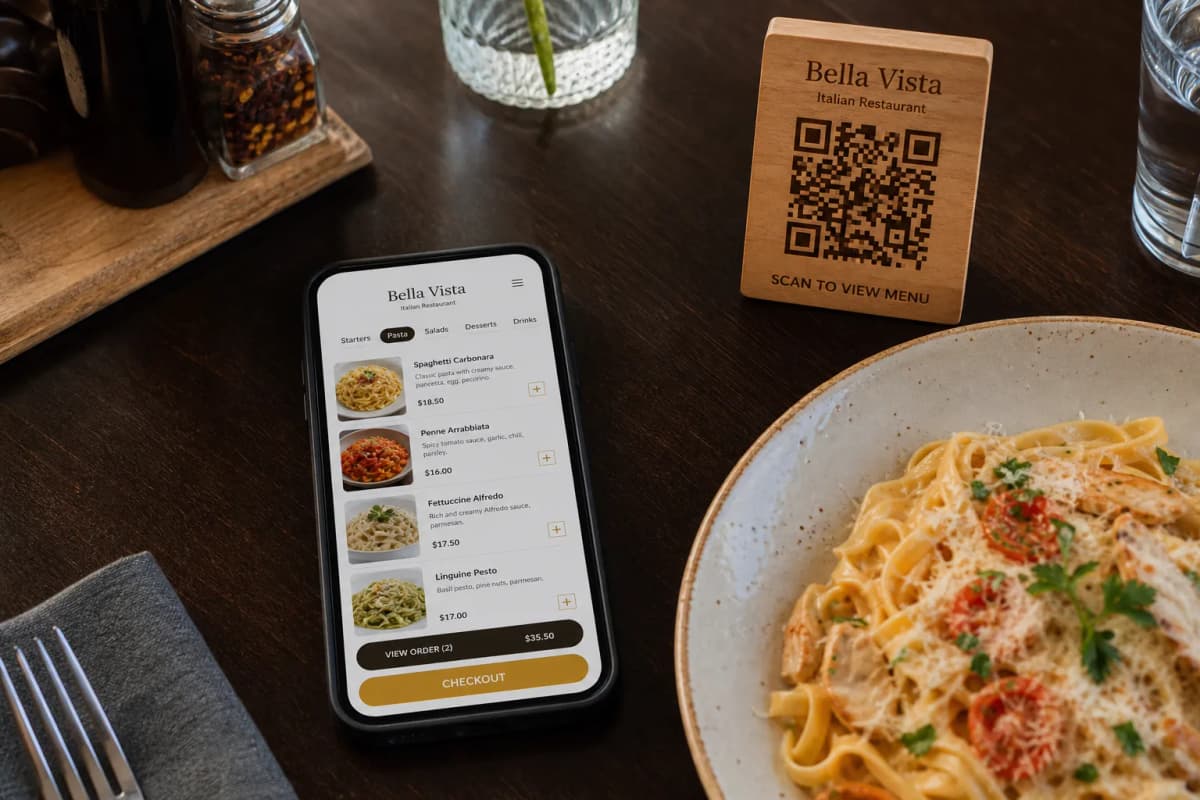
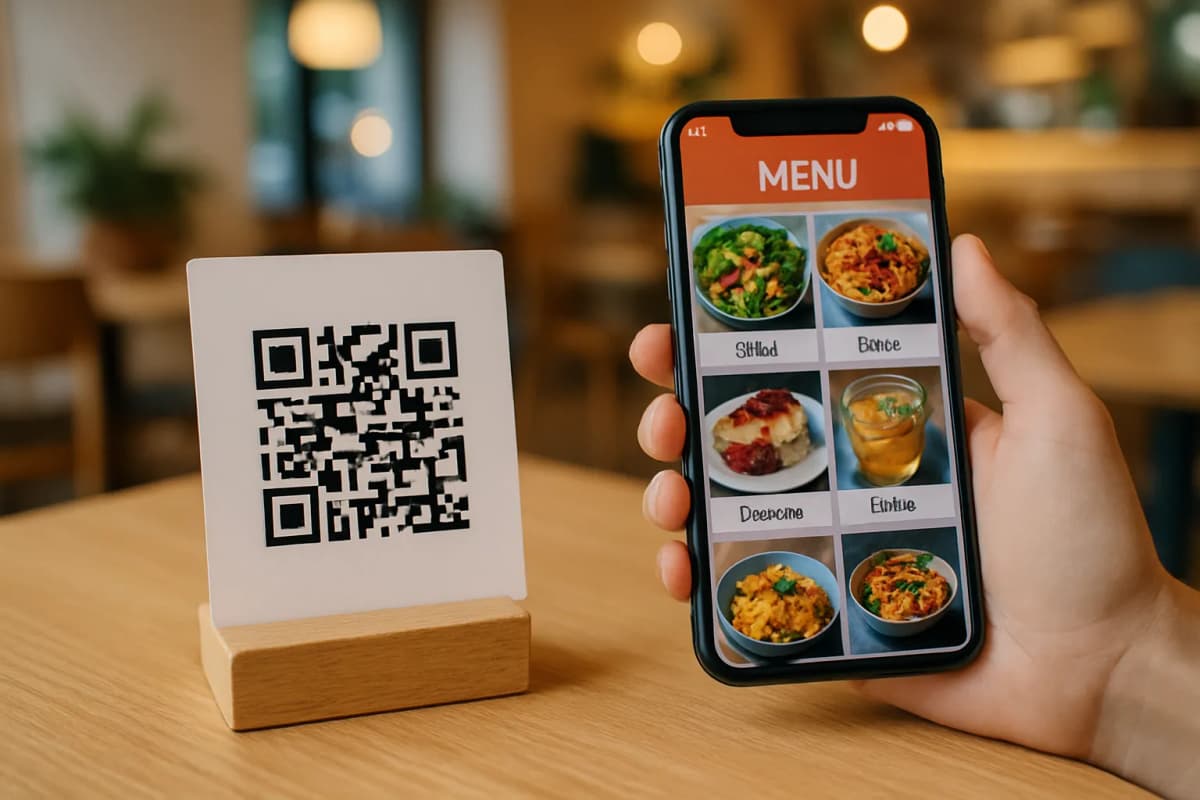
- Point at the QR code: Hold your phone steady over the QR code printed on the table card or entrance display.
- Tap the smart link: A small notification banner or link will instantly appear on your screen. Tap it to open the interactive menu in your phone's web browser.
If you want to see a live example of how this looks in action, you can explore these live demo menus to experience the customer journey firsthand.
Why Restaurants Love Digital Menus
For cafe and restaurant owners, transitioning to a digital system does more than just replace paper. Platforms like eMenu AI turn a simple scan into a complete ordering hub. Once customers scan the code, they can access a variety of built-in features:
- Multi-language support: The digital menu automatically translates into over 100 world languages, allowing guests to switch with a single click.
- Flexible order types: Customers can place table orders directly to the kitchen, opt for pickup orders, or even send orders via WhatsApp.
- Instant assistance: A "Call Waiter" button lets guests request help or ask for the bill, sending immediate notifications to the staff dashboard.
- Table reservations: Guests can book their next visit directly from within the active menu interface.
Setting Up Your Restaurant's QR Menu
If you run a food business, offering this convenience to your guests is highly straightforward. You can configure your entire digital menu in just a few practical steps:
- Register your account: Visit the eMenu AI platform on your web browser or download the app on iOS or Android.
- Design your layout: Choose from many ready-made professional design templates that can be customized with your brand colors and logo.
- Add items and images: Input your dishes, set your prices in any of the 95 plus supported global currencies, and use AI food image generation to make your offerings look highly appealing.
- Print your custom QR code: Generate your unique QR code graphic, print it out, and place it on your tables.
Ready to upgrade your guest experience and streamline your order management? Get started today by checking out our affordable pricing plans, or contact our support team to customize a solution that perfectly fits your brand.