Setting up a digital qr menu for restaurant operations does not have to be a confusing, time-consuming tech project. If you run a busy cafe or a growing shawarma spot with 40 different items, you need a system that works immediately. Customers expect to scan a code and see your offerings without downloading bulky apps, and your staff needs orders to flow seamlessly into the kitchen. This guide provides a practical, step-by-step checklist to get your digital menu live today using eMenu AI.
The Ultimate Actionable Setup Checklist
Let us dive into the exact tasks you need to tick off. Each step includes a brief reason why you should enable that specific feature, ensuring you get the most out of your new system. To follow along and set up your venue, open the platform on your phone, tablet, or computer by visiting the eMenu AI setup portal.
1. Create Your Account and Basic Profile
Why: This establishes your digital storefront across all devices and sets your financial foundation.
Start by entering your restaurant name, location, and preferred currency. eMenu AI supports over 95 international currencies, meaning whether you operate in London, Dubai, or Tokyo, your menu will display accurate local pricing. If you happen to need a currency that is not currently listed, the support team can add it within seconds upon request.
2. Pick a Ready Template
Why: A professional design saves you hours of formatting work and matches your brand instantly.
Do not waste time trying to build a layout from scratch. Browse the multiple ready templates available in the system. Whether you run a minimalist coffee shop or a vibrant family diner, there is a layout that fits perfectly. New designs are added regularly, and every template is fully customizable. If you have a highly specific brand guideline, you can even request a custom template for free.
3. Add Categories and Dishes with AI Images
Why: Clear categories help customers navigate, while beautiful photos directly increase order volume.
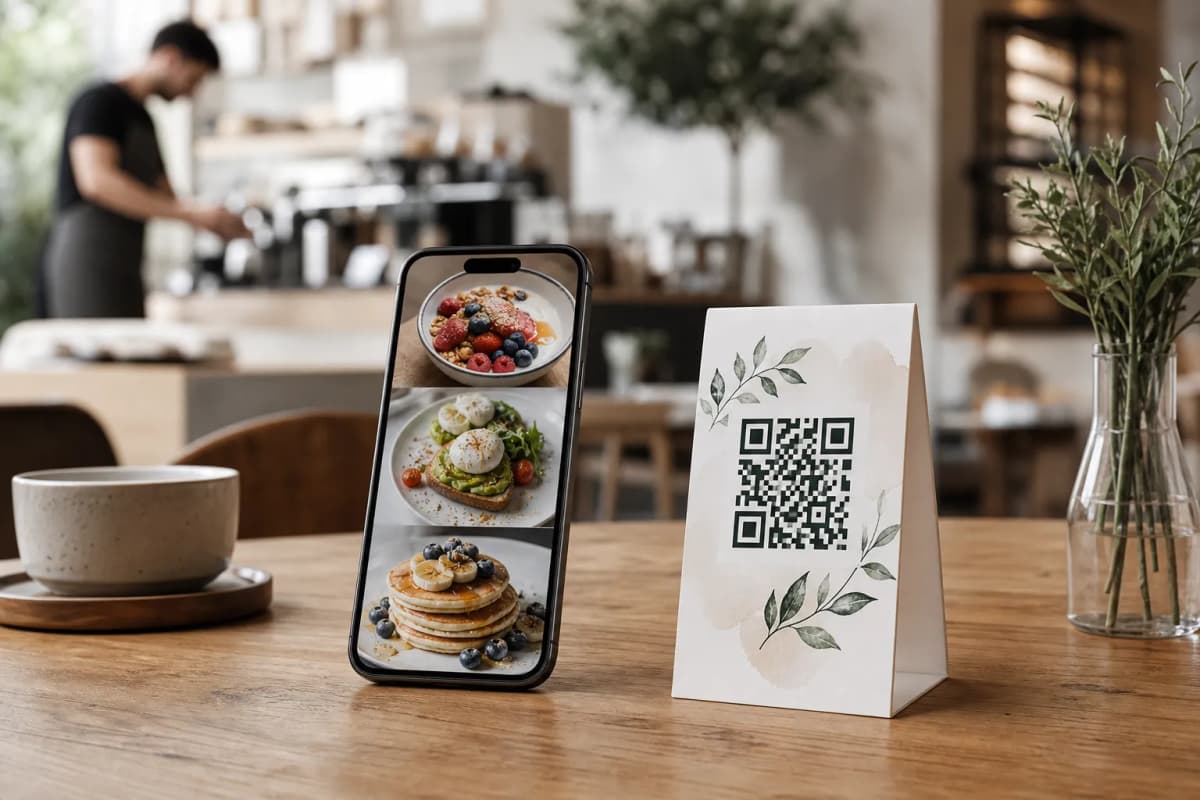
Organize your offerings into logical sections: Starters, Mains, Desserts, and Drinks. When adding individual items, you might realize you lack professional photography for every single dish. This is where eMenu AI shines. The platform features an AI food image generator that creates stunning, realistic images for your menu items instantly. A local pizzeria can generate perfect visuals for all 20 of their pizzas without hiring an expensive photographer.
4. Turn On Multi-Language Support
Why: Breaking the language barrier brings in tourists and diverse local demographics without printing extra menus.
You write your menu in your native language, and the system makes it available in over 100 world languages with automatic translation. A tourist scanning your QR code can switch the entire menu to French, Japanese, or Spanish with a single click. This eliminates confusion, prevents ordering mistakes, and speeds up the entire dining process.
Optimizing Your Digital QR Menu for Restaurant Success
Once your items look great, it is time to connect the menu to your actual daily operations. A pretty menu is nice, but a smart menu that handles payments and kitchen tickets will transform your business.
5. Configure Order Types and Payments
Why: Capturing every type of customer, whether seated or at home, maximizes your revenue.
Activate multiple ordering routes based on your business model. Enable Table Ordering so seated guests can send requests straight to the kitchen. Turn on Pickup Orders so takeaway customers can place orders straight through the menu with no calls required. You can even enable WhatsApp Orders for delivery, complete with live order tracking. For billing, activate the Pay in Menu feature. Customers can pay directly from the digital menu using cards or local payment gateways, with funds settled directly to your restaurant's account. Check the affordable pricing plans to find the best fit for your payment volume, including a generous free plan.
6. Connect Your POS and Kitchen Printers
Why: Direct integration prevents manual data entry errors and ensures chefs see orders the exact second they are placed.
A digital menu is only as powerful as its connection to your kitchen. With POS and printer integration, a customer tapping "Order" on their phone instantly triggers a ticket at the kitchen printer. Your waitstaff no longer need to run back and forth to punch in orders at a central terminal, allowing them to focus entirely on hospitality.
7. Activate Customer Experience Features
Why: Instant communication improves table turnover, and private feedback helps you fix issues before they hit public review sites.
Turn on the Call Waiter feature. With one tap from the menu, a customer can request assistance or ask for the bill. Your staff gets instant notifications showing the table number and the exact request type. Next, enable the In-Menu Rating System to collect comprehensive customer feedback inside the menu. Finally, turn on the Table Reservation System so future guests can book tables directly from within the menu interface.
8. Print Your Custom QR Code
Why: The QR code is the physical bridge between your customer and your new digital system.
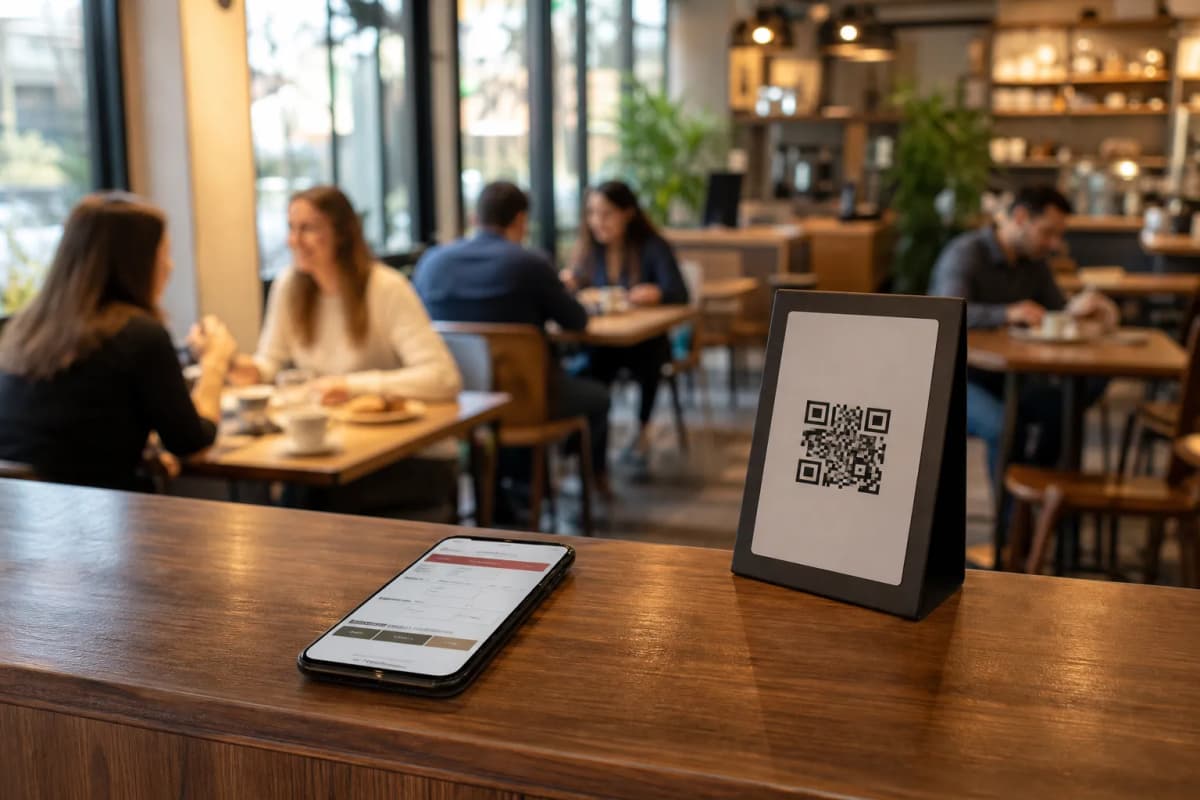
Once everything looks perfect, generate your professional QR code within the platform. You can customize it with your brand colors and logo. Print these codes on table tents, stickers, or entrance posters. When a customer scans it, they browse your menu via their phone browser instantly.
To see exactly what your customers will experience, test out these live demo menus: Gas Azadi Demo or the Cap Restaurant Demo.
Managing your setup is incredibly simple. You have full control from a computer browser via the Web Dashboard, or you can manage everything directly from the app on your iPhone, iPad, or Android device. Ready to take control of your restaurant operations? Open eMenu AI right now to start checking off this list, or visit our contact page if you need setup assistance.
Frequently Asked Questions
Do my customers need to download an app to view the menu?
No, they do not. Customers simply scan the QR code with their smartphone camera, and the digital menu opens instantly in their native web browser. No app installation is needed.
Can I use my own food photos instead of AI images?
Absolutely. The AI food image generation is an optional tool to help you fill gaps in your menu quickly. You can easily upload your own professional photography for any item directly through the web dashboard or mobile app.
How do kitchen staff know when an order is placed?
Through the POS and printer integration, orders placed via the digital menu are streamed directly to your kitchen printers or POS screen the moment the customer hits send. Staff see them immediately.
How does the WhatsApp ordering feature work?
When enabled, customers can browse your menu from anywhere and send their order directly to your restaurant's WhatsApp number. The system formats the order clearly and provides live order tracking for the customer.