Picture a busy Friday night in your dining room. The kitchen is running at full speed, waiters are rushing between tables with hot plates, and suddenly, the phone starts ringing. A customer wants a table for six. Your host struggles to hear the name over the background noise, scribbles the details on a notepad, and accidentally double-books a table that was already promised to a walk-in group. When making a reservation at a restaurant, your customers expect a seamless experience, but relying on phone calls and pen-and-paper logs often creates chaos for your staff.
Why Making a Reservation at a Restaurant Often Fails
The traditional method of booking tables is broken. When a staff member is tied up on the phone, they are not greeting guests at the door or clearing tables. Furthermore, phone calls lead to miscommunications. A name is misspelled, a phone number is written down incorrectly, or a dietary restriction is forgotten. For international tourists, calling a local number introduces roaming charges and severe language barriers.
If you own a bustling cafe with two branches or a busy local steakhouse, you know that lost reservations mean lost revenue. You need a system that works automatically in the background, allowing guests to secure their spot without tying up your staff.
The Digital Solution: Booking Directly from the Menu
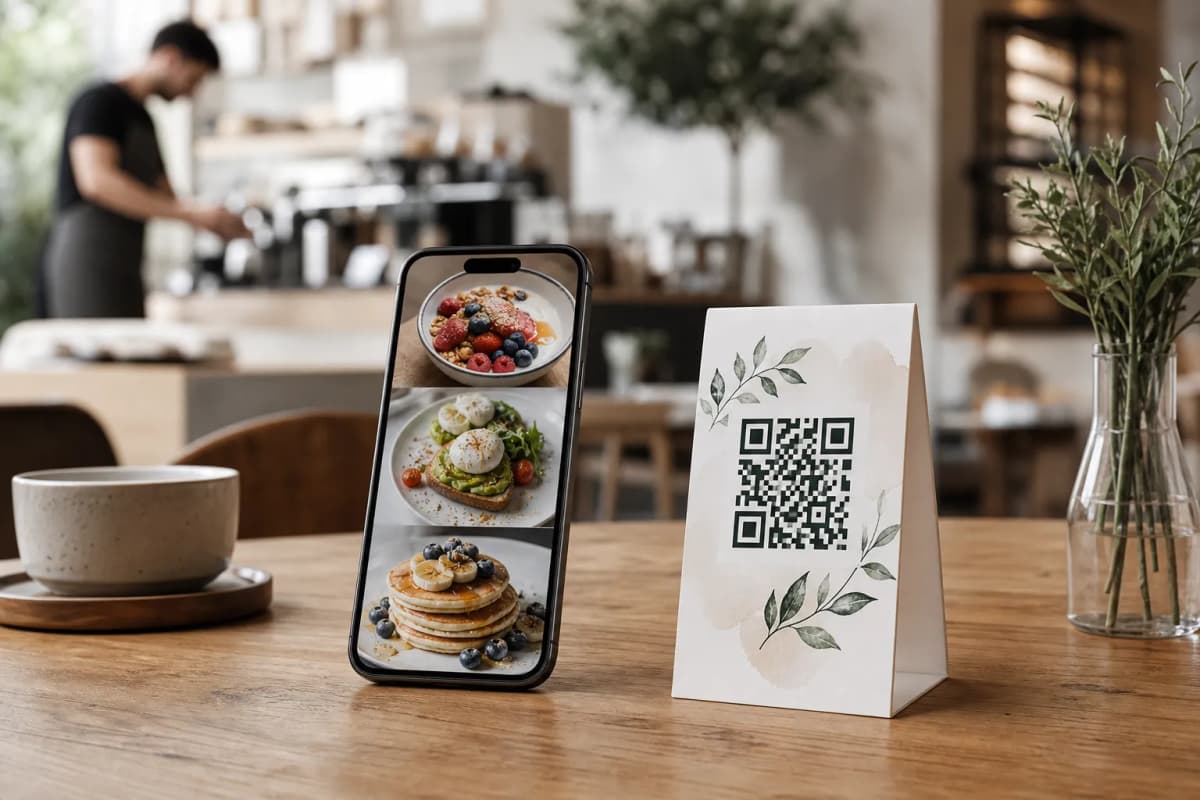
Instead of forcing guests to call during operating hours, you can let them book instantly from their smartphones using eMenu AI. By integrating a table reservation system directly into your digital QR menu, you eliminate the middleman. Customers simply open your menu link from your website, social media profile, or Google Maps listing, and book their table in seconds. No app installations are required for your guests.
Because eMenu AI operates as an all-in-one platform, managing these requests is effortless. You can oversee everything directly from the eMenu AI app or web dashboard. Whether you are using an iPad at the host stand, an Android phone in your pocket, or a computer browser in the back office, your reservation data is always synchronized and up to date.
How to Digitize Your Booking Process
Setting up an automated system is much easier than training new staff to handle chaotic phone lines. Here are the practical steps to modernize your workflow.
Step 1: Launch Your Digital Menu
First, you need a digital space where customers can view your offerings and book their spot. Open the smart app link on any device to get started. From the web dashboard, you have full control to add your dishes, organize sections, and update prices in real time. If you do not have professional photography for every dish, eMenu AI includes an AI food image generation tool to make your items look incredibly appetizing.
Step 2: Choose a Professional Layout
Your booking page should reflect your brand identity. Rather than settling for a generic look, you can choose from multiple ready templates designed for the hospitality industry. Browse the options at the templates gallery to find a style that fits your aesthetic. New designs are added regularly, and custom templates can be requested for free to perfectly match your brand colors and logo.
Step 3: Enable the Table Reservation System
Once your menu is live, activate the table reservation system within your eMenu AI dashboard. This feature allows guests to select their desired date, time, and party size directly from the digital menu interface. Your staff will receive instant notifications when a new request comes in, allowing you to prepare the dining room well in advance.
Step 4: Share Your Professional QR Code and Smart Links
To maximize bookings, place your menu link everywhere your customers spend time online. For physical locations, generate a professional QR code customized with your restaurant's colors and logo. You can print these codes for your entrance or storefront windows, allowing passersby to scan and book a table for later without needing to walk inside and interrupt your host.
A Complete Upgrade for Your Customer Experience
Automating the booking process is just the beginning. Once your guests arrive at their reserved table, the same digital QR menu continues to enhance their dining experience. By placing custom QR codes on every table, you unlock a suite of powerful tools that speed up service and increase your average order value.
Table Ordering and POS Integration
Instead of waiting for a waiter to bring physical menus, seated guests can scan the table QR code to browse the menu and send orders directly to the kitchen. With POS and printer integration, these orders stream instantly to your kitchen printers and point-of-sale system. Your kitchen staff see the tickets the exact moment they are placed, drastically reducing wait times.
Instant Waiter Assistance
If a guest needs extra napkins or wants to ask a question, they do not need to wave their arms to get attention. The Call Waiter feature lets them request assistance with one tap from the menu. Your staff immediately receive a notification specifying the exact table number and the type of request, ensuring highly responsive service.
Seamless Payments in 95+ Currencies
When the meal is over, the checkout process is entirely frictionless. The Pay in Menu feature allows customers to settle their bill directly from their phone using cards or local payment gateways. If you serve international tourists, they will appreciate that the platform supports over 95 world currencies, and any new currency can be added within seconds upon request.
Breaking Language Barriers
Speaking of tourists, a digital menu ensures nothing gets lost in translation. The eMenu AI platform supports over 100 world languages with automatic translation. A guest from Germany can switch your entire menu to German with a single click, read the ingredients clearly, and book their next visit without needing to speak a word of English.
Expanding to Delivery and Takeaway
Your digital menu works outside your dining room, too. Customers can use the same link to place pickup (takeaway) orders straight through the menu, entirely bypassing costly third-party delivery apps. Furthermore, you can enable WhatsApp orders, allowing loyal customers to send orders directly to your business WhatsApp account with live order tracking.
Start Growing Your Venue Today
Transitioning from a chaotic phone-based system to a streamlined digital experience saves you time, reduces costly errors, and gives your staff the freedom to focus on delivering excellent hospitality. By utilizing a comprehensive platform, you can manage reservations, process payments, collect valuable feedback through the in-menu rating system, and keep your kitchen running smoothly.
Do not let another busy weekend overwhelm your front-of-house staff. Check out the highly affordable pricing plans (including a free tier) and transform the way you run your business today.
Frequently Asked Questions
Do customers need to download an app to book a table?
No, there is no app installation required for your customers. They simply scan your professional QR code or click your smart link to view the menu and submit their reservation securely from their standard mobile browser.
Can international tourists use the reservation system easily?
Absolutely. The eMenu AI system supports automatic translation for over 100 world languages. Tourists can read the menu and complete the booking process in their native language, eliminating miscommunications.
How do my staff know when a new reservation is made?
All reservations sync instantly across your connected devices. Whether your team uses the web dashboard on a computer or the mobile app on a smartphone, they can track incoming bookings in real time without being tied to a landline phone.
Can I collect customer feedback after their meal?
Yes. The platform includes a comprehensive in-menu rating system. Customers can leave reviews and share their dining experience before they even leave the building, giving you immediate insights to improve your service.