Transitioning to a digital ordering system can feel overwhelming, but launching an e menu for restaurant dining can be done in minutes. By moving away from traditional paper menus, you give your guests a frictionless dining experience while streamlining your kitchen workflow. With the right platform, you do not need technical expertise or complex software installations to get started.
Why Choose eMenu AI for Your Business?
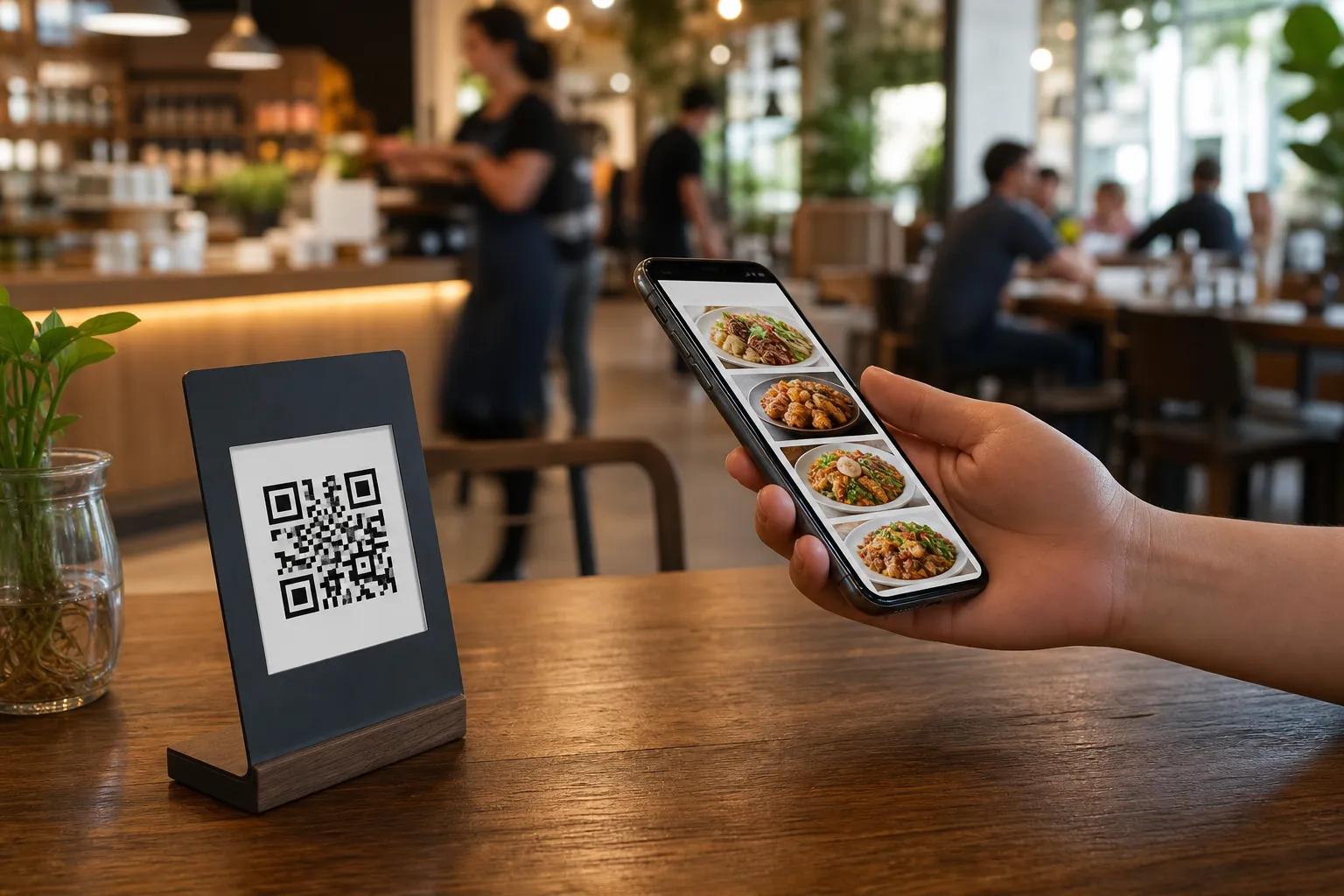
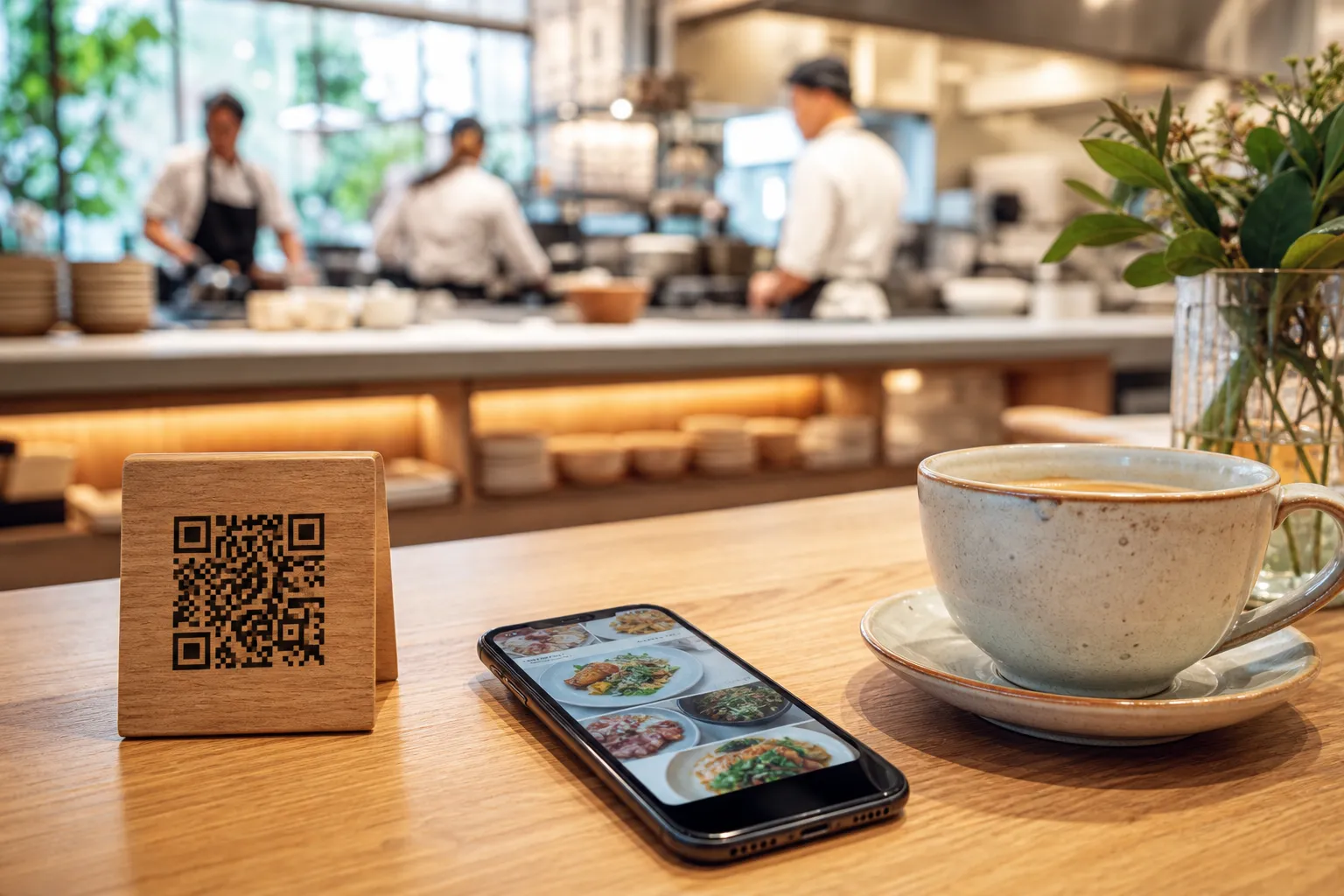
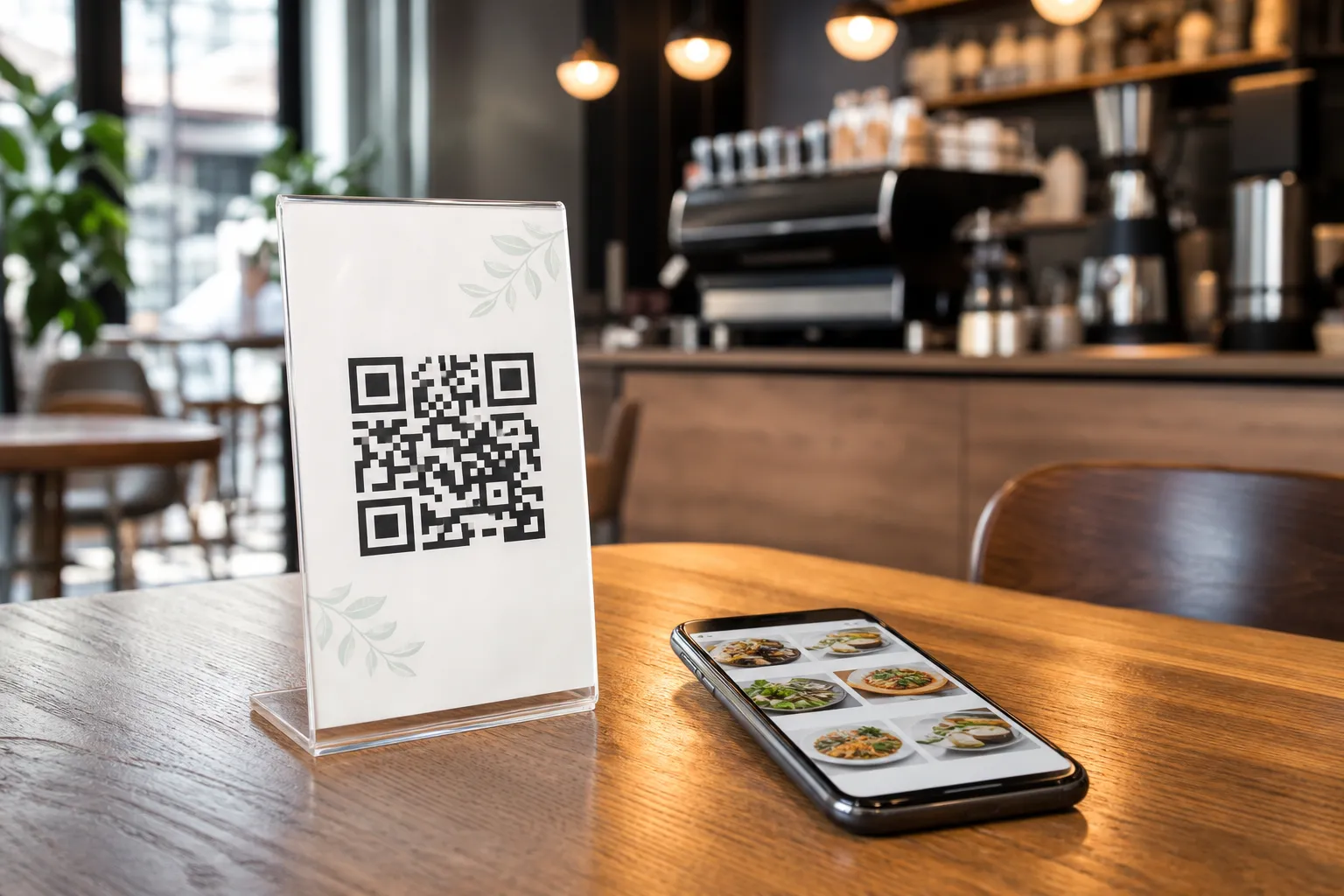
When selecting a platform, versatility is key. eMenu AI is designed to support every aspect of modern hospitality. Whether you run a quiet neighborhood cafe or a busy multi-location restaurant, the system adapts to your workflow. It works seamlessly across iPhone, iPad, Android, and web browsers, allowing you to manage everything from a centralized web dashboard. Guests simply scan a custom QR code at their table to browse, order, and pay without downloading any external apps.
Step-by-Step Guide to Launching an e Menu for Restaurant Use
Creating a digital menu is simple when you follow a structured plan. Here is how to get your digital menu up and running efficiently:
- Create Your Account: Get started by visiting the eMenu AI platform. The smart link automatically detects your device, directing you to the App Store, Google Play, or the web version. Sign up for a free account to begin.
- Choose and Customize Your Design: Select a layout that matches your brand. You can explore a variety of professional looks in the templates gallery. If you need a fully bespoke design, custom templates are made free of charge upon request.
- Input Your Dishes and Prices: Use the web dashboard to add your menu sections, item names, descriptions, and prices. You can use the built-in AI food image generator to automatically create beautiful, high-resolution photos of your dishes, making your menu visually irresistible to guests.
- Configure Your Ordering Options: Decide how you want to receive orders. You can enable table ordering so guests send requests straight to the kitchen, set up pickup orders for takeaway customers, or activate WhatsApp orders with live tracking.
- Print and Display Your QR Codes: Generate and print your professional QR codes. You can customize them with your brand colors and logo, then place them on tables, counter spaces, or entrance signs.
Unlocking Advanced Features
Once your basic menu is live, you can activate powerful features to improve daily operations. Integrating your digital menu with your existing POS systems and kitchen printers ensures that orders placed from the table stream directly to the kitchen staff instantly. If you serve international tourists, you can leverage translation support for over 100 languages, allowing guests to switch languages with a single click. You can also accept payments in more than 95 world currencies, which settle directly into your business account.
To further enhance the guest experience, enable the built-in call waiter feature, table reservation system, and the in-menu rating system to collect valuable feedback directly from diners.
Affordable Pricing for Every Venue
Scaling your business should not break the bank. You can explore the highly competitive subscription tiers on the pricing page, which includes a fully functional free plan to help you get started without any upfront investment.
Ready to transform your dining experience? Download the app and start building your custom digital menu at the eMenu AI portal today.