How to Build a Powerful QR Code Menu Restaurant System
The first practical step is getting your items into the system. Open the smart link to download the eMenu AI app or start on the web. Once inside, add your categories and dishes. If you lack professional photography, the platform includes an AI food image generation tool to instantly create mouth-watering visuals for every dish. High-quality photos increase order sizes, so take advantage of this tool.
Step 2: Apply a Professional Design
A digital menu should reflect your brand identity. Instead of a generic list, browse multiple ready designs in the templates gallery. Every template is fully customizable, meaning you can adjust layouts to match your colors and upload your logo. Custom templates are also made free on request to perfectly match your brand.
By connecting your menu to your daily workflow, you offer convenient options for your guests:
- Table Ordering: Customers send orders directly from their table to the kitchen.
- WhatsApp Orders: Enable ordering via WhatsApp with live order tracking.
- Pickup Orders: Let customers place takeaway orders straight through the menu with no apps to install.
Step 5: Break Language Barriers Instantly
The eMenu AI platform supports over 100 world languages with automatic translation. Your guests can switch the menu to their native language with one click. This eliminates confusion, speeds up ordering, and ensures every guest feels welcome.
Step 6: Print Your Custom QR Code and Go Live
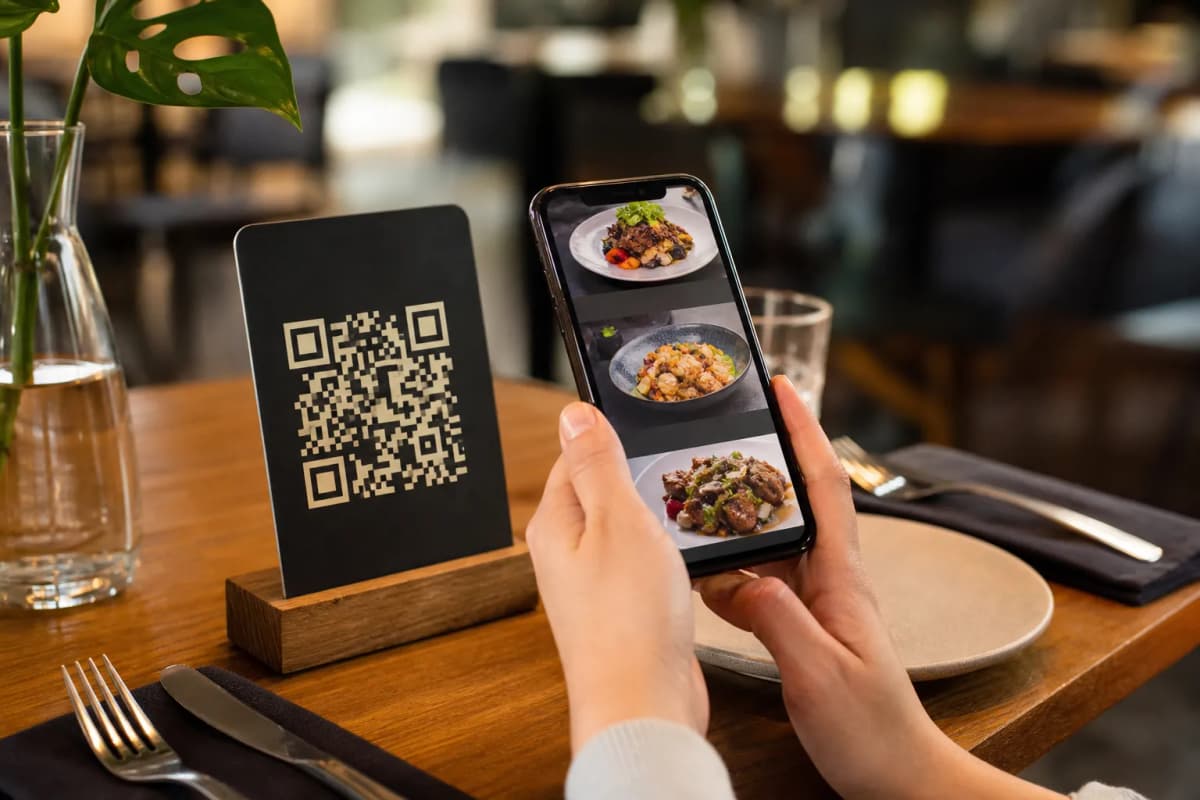
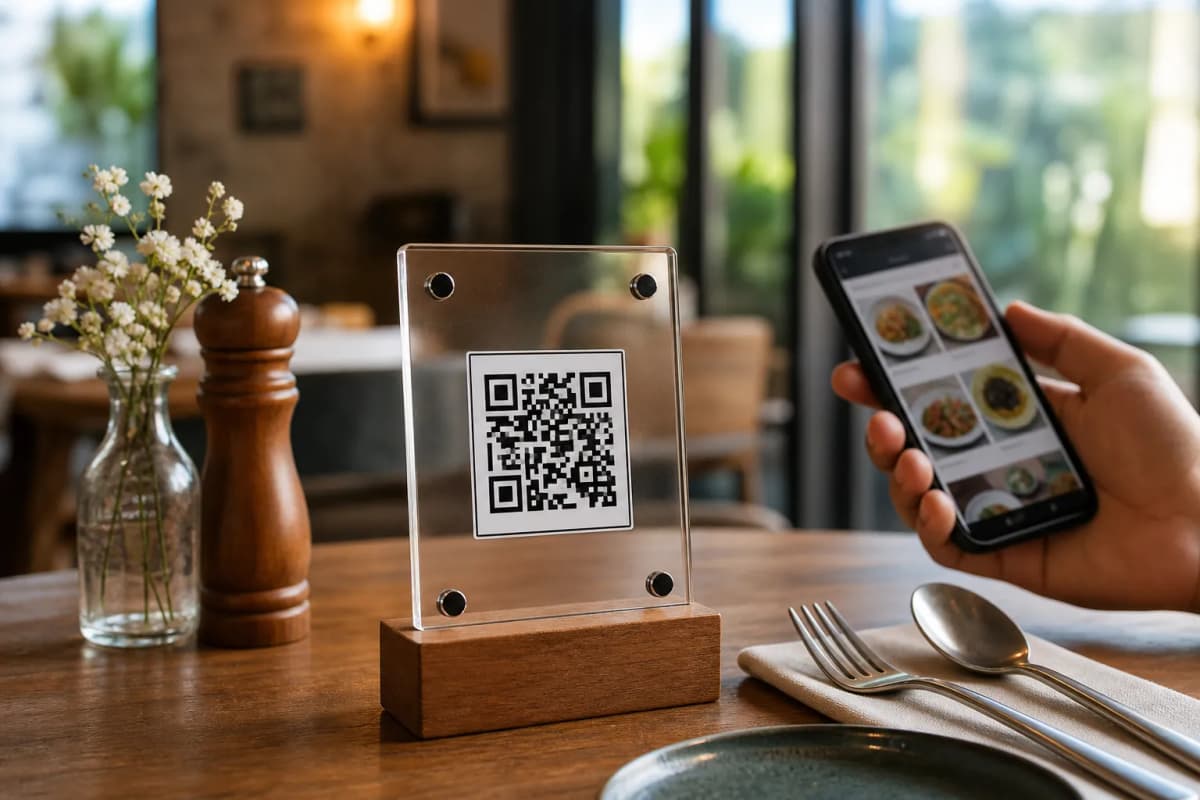
Once your settings are configured, generate your professional QR code. Customize it with your brand colors before printing it for tables or the entrance. The platform also includes a Call Waiter button, allowing guests to request assistance or the bill with one tap, sending staff instant notifications with the table number. Additionally, activate the in-menu rating system to collect feedback, and enable the table reservation system so guests can book future visits.
Launch Your Digital Menu Today
Building a modern digital ordering experience does not require expensive hardware. You have full control from a computer browser or mobile device to add dishes, change prices, and organize sections instantly. Stop relying on paper menus and give customers the convenience they expect. To begin, open eMenu AI and set up your system today.