Why You Need a Smart Digital System
Whether you manage a fast-paced cafe or a fine dining establishment, launching your digital system is straightforward. Here are the practical steps to get your platform live and ready for hungry customers.
Step 1: Set Up Your Menu Foundation
Begin by getting the platform running. You do not need expensive hardware. Simply open eMenu AI on your phone, tablet, or computer browser. From the web dashboard, you maintain full control over your operation. Add your dishes, organize them into logical categories, and update prices in real time. If you are missing professional photography, leverage the built-in AI food image generation tool to create mouth-watering visuals.
Step 2: Design Your Guest Experience
Your digital presence must reflect your physical brand. Browse through multiple ready templates designed specifically for the hospitality industry. Every template is completely customizable to match your brand colors, and custom designs are made free on request. Furthermore, the platform supports over 100 world languages with automatic translation. When tourists scan your code, they can read your offerings in their native language with a single click.
Step 3: Make Your Restaurant QR Code Menu Interactive
A truly effective digital setup does much more than display food. Enable Table Ordering so seated customers can send requests directly to the kitchen. If you handle takeaway, activate Pickup Orders to let locals buy directly through your link, eliminating missed calls. You can also utilize WhatsApp Orders, allowing guests to place requests via WhatsApp with live tracking.
Step 4: Connect Your Kitchen Operations
Step 5: Generate Custom Codes and Features
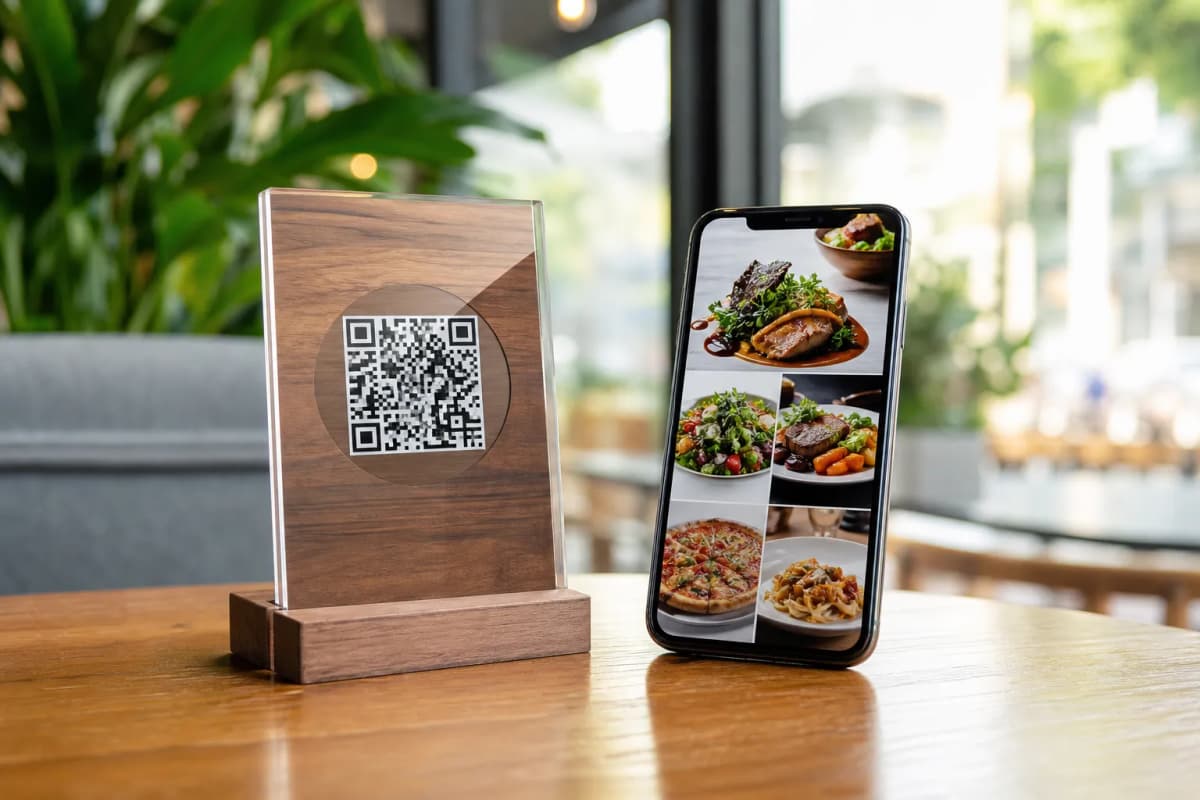
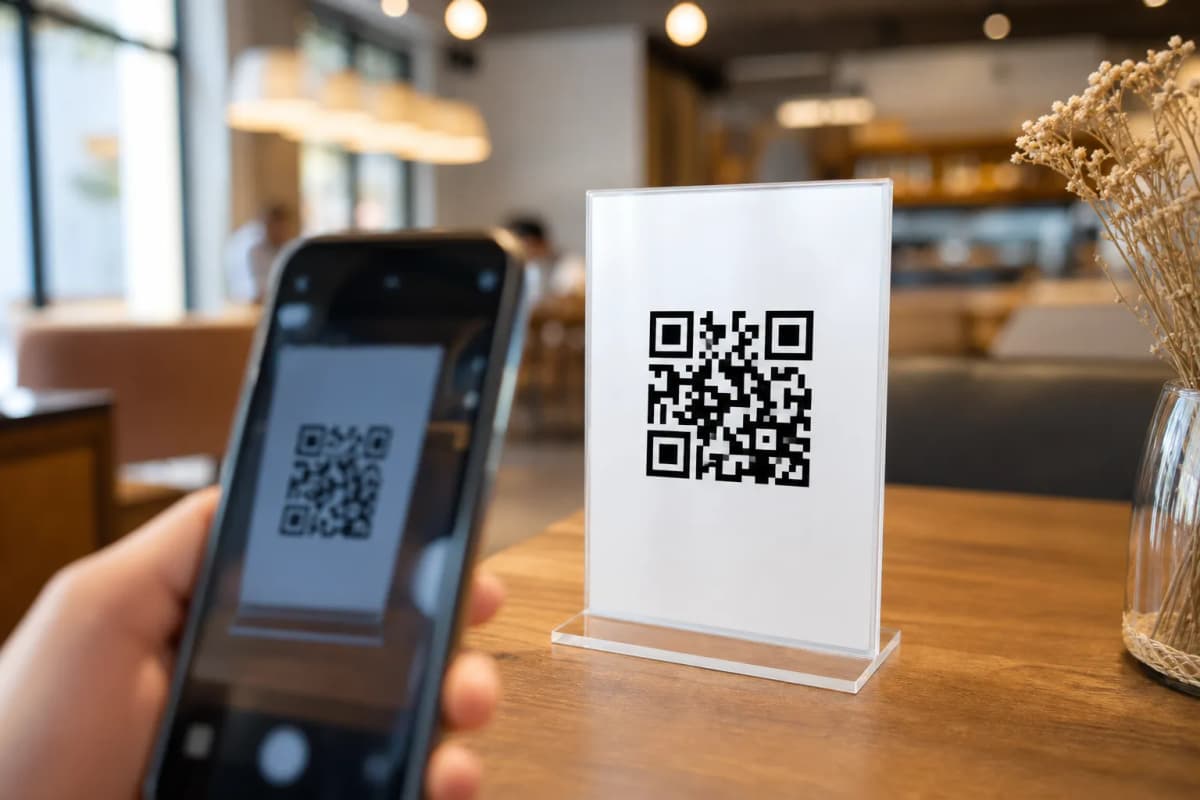
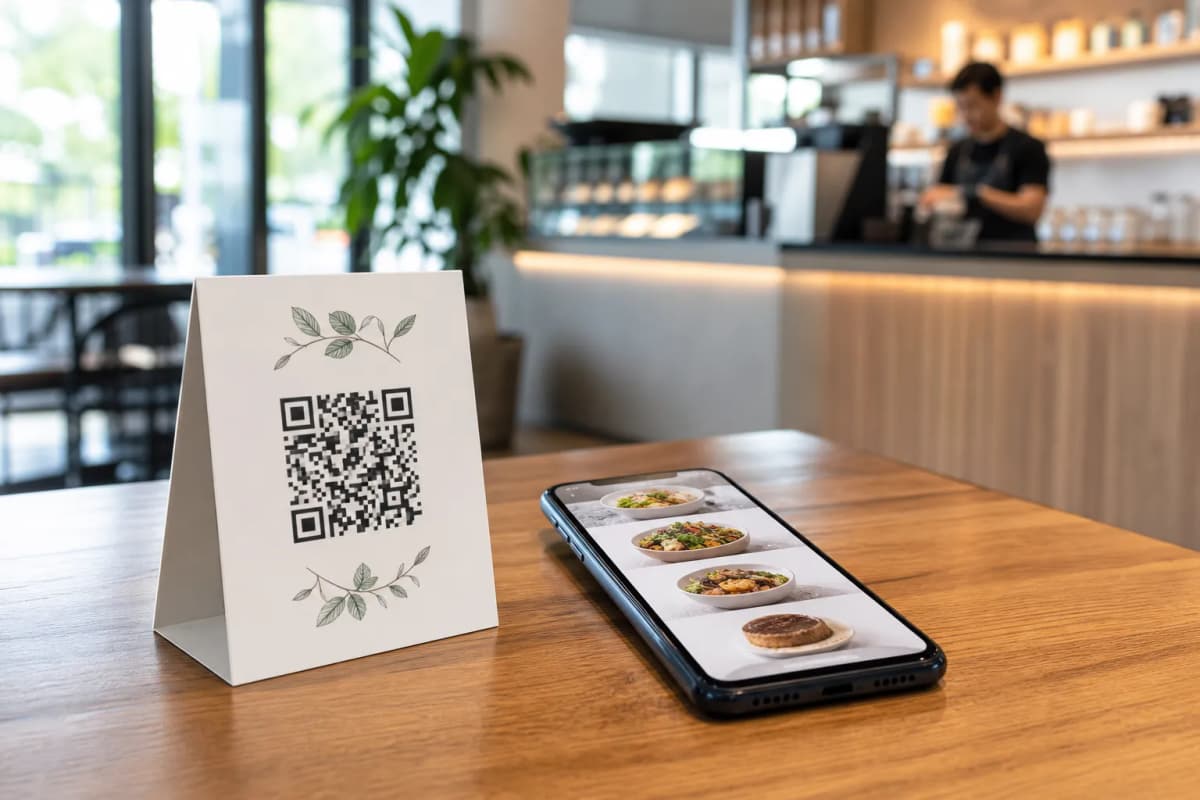
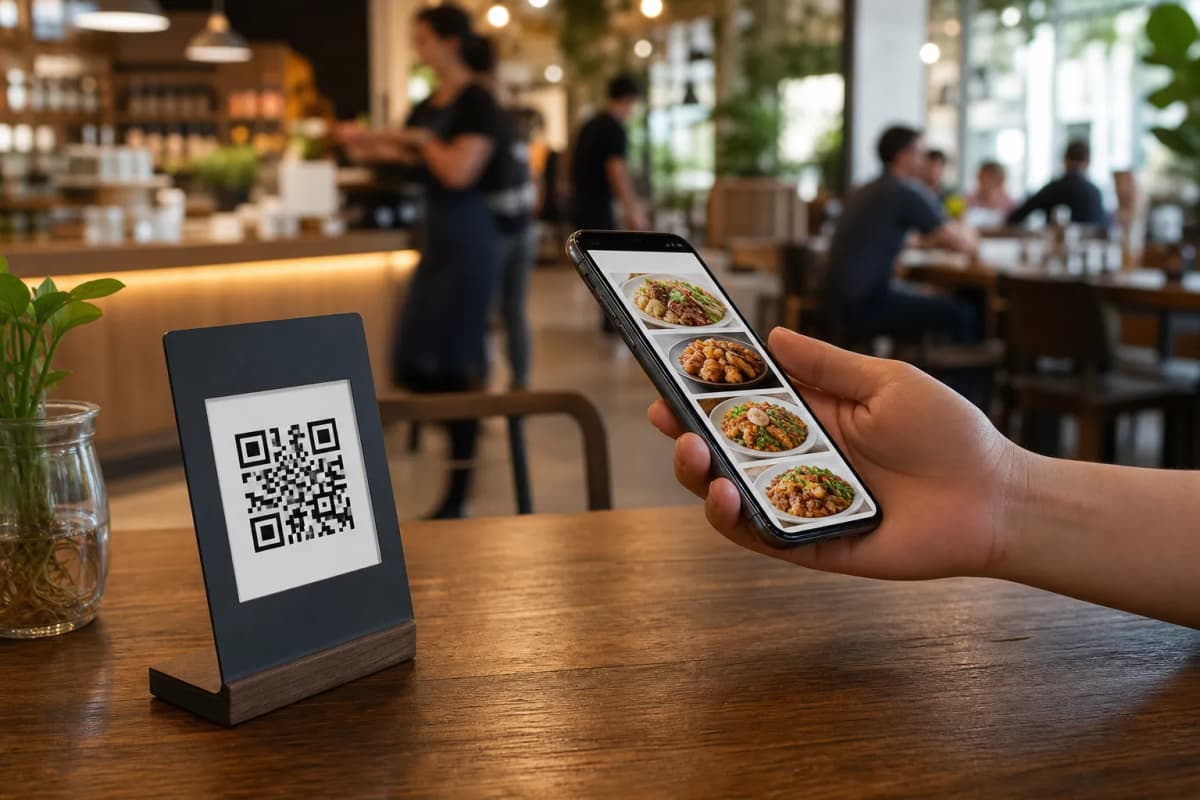
Once your items are loaded, generate your professional QR code. Customize the code with your colors and logo, then print it on table tents or entrance signs. When guests scan the code, they unlock a premium experience:
- Call Waiter: Guests can request the bill or ask for assistance with one tap, sending staff instant notifications with the table number.
- In-Menu Rating System: Gather valuable feedback privately before the customer leaves your venue.
- Table Reservation System: Let customers book tables directly from within the menu for their future visits.
Start Building Your Platform Today
Transitioning to a smart digital system is the fastest way to improve operations and boost sales. Start building your menu today and transform the way you serve your customers.