Upgrading to a menu digital is one of the smartest moves a restaurant or cafe owner can make today. Guests no longer want to squint at static PDF files or wait for a busy server to hand them a physical menu. Instead, they expect a seamless, interactive experience right on their smartphones. With eMenu AI, launching this modern system requires absolutely no coding skills, no expensive hardware, and no app installations for your customers.
What Makes a Great Menu Digital System
A modern digital menu is much more than a simple list of dishes. It acts as a complete ordering and payment hub that actively streamlines your daily operations. When you set up your platform using eMenu AI, you immediately unlock powerful tools designed to boost efficiency.
- Smart Ordering Options: Give your customers flexibility. They can place orders directly from their table, send WhatsApp orders with live tracking, or arrange quick pickup (takeaway) orders right from the digital interface.
- Global Reach for Every Guest: The system natively supports over 100 world languages with automatic translation. You can accept payments in over 95 international currencies, and new currencies can be added within seconds upon request.
- Direct Payments and POS Integration: Guests pay bills securely from their phones using cards or local gateways. Orders stream instantly to your POS system and kitchen printers, ensuring your chefs see tickets the exact moment they are placed.
- Visual Appeal with AI: High-quality photography sells more food. The built-in AI food image generation creates stunning, appetizing visuals for your menu items in seconds.
Steps to Launch Your Menu Digital
Getting your system live takes only a few practical steps. You maintain full control over the process, whether you prefer working from a computer browser in your back office or using a mobile tablet on the restaurant floor.
- Access the Smart Platform: Start by launching the system on your preferred device. Open eMenu AI to access the smart dashboard. This intelligent link works seamlessly across iPhone, iPad, Android phones, and web browsers.
- Select a Professional Design: Browse the multiple ready templates to find a look that matches your brand identity. Every template is fully customizable, and custom templates are made free on request.
- Build Your Categories and Items: Use the dashboard to organize your offerings into logical sections. Add your dishes, set your prices, and apply the AI image generator to make every item stand out.
- Enable Interactive Service Features: Turn on the table reservation system and the call waiter function. This allows guests to book tables in advance, or request assistance and ask for the bill with a single tap while dining.
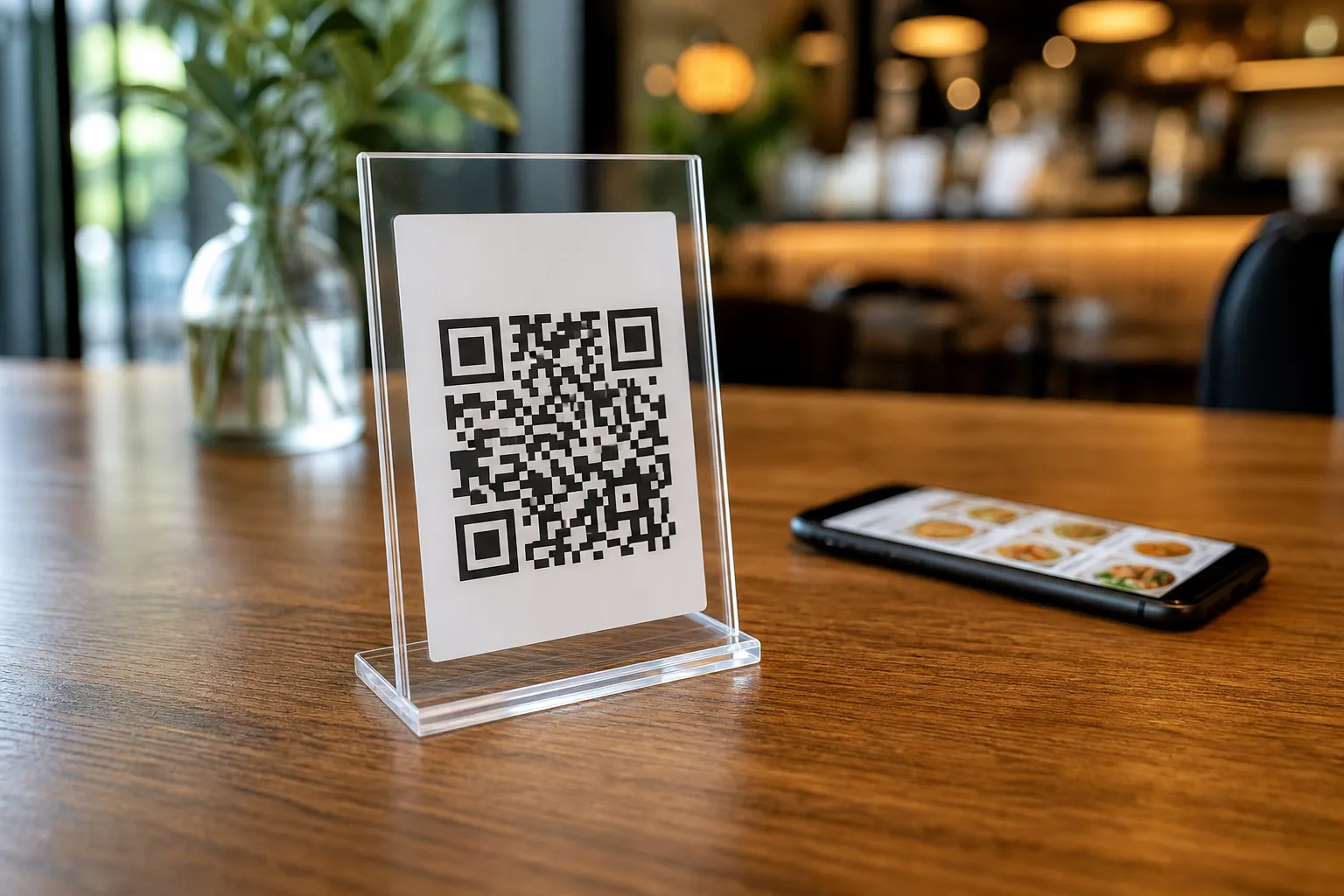
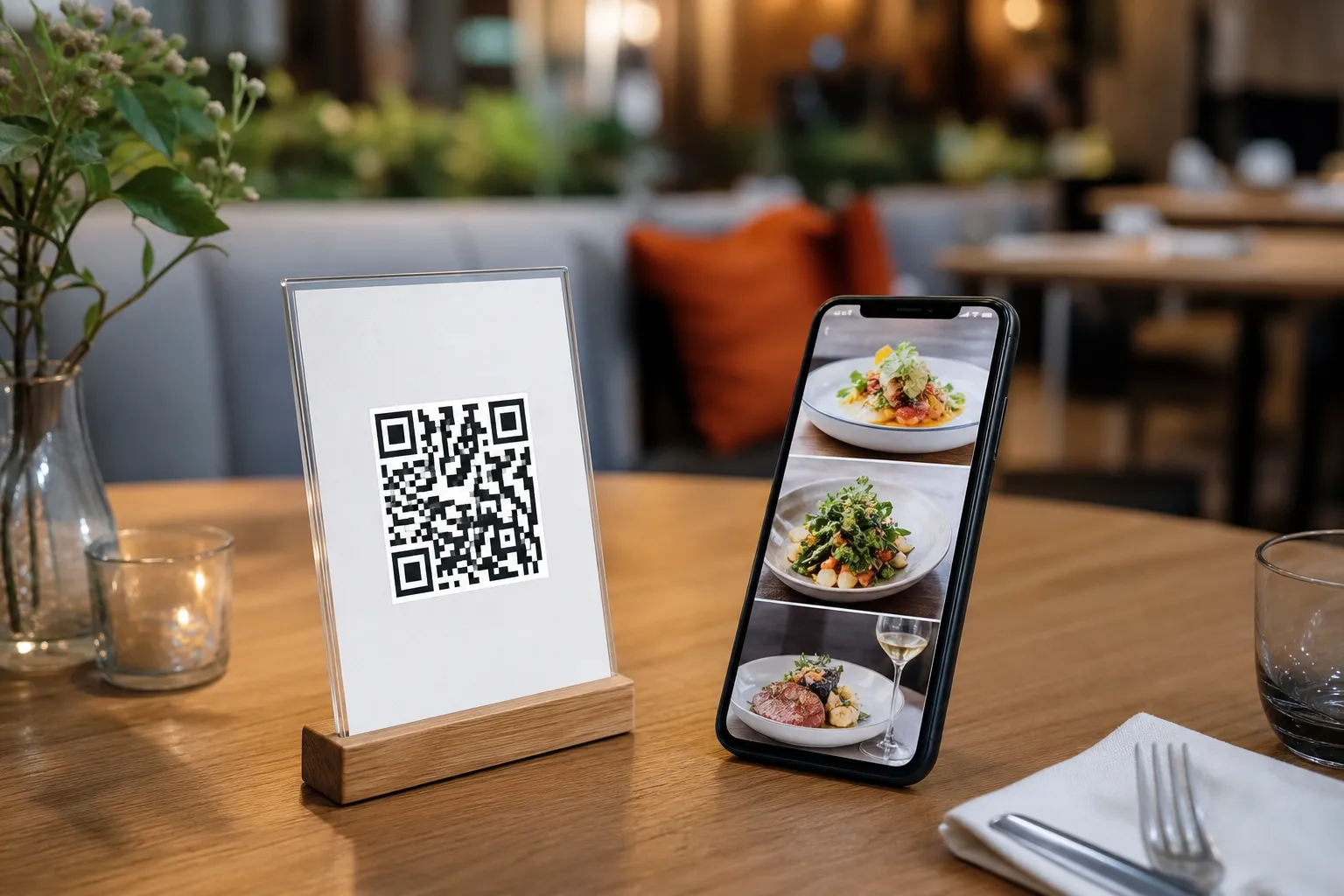
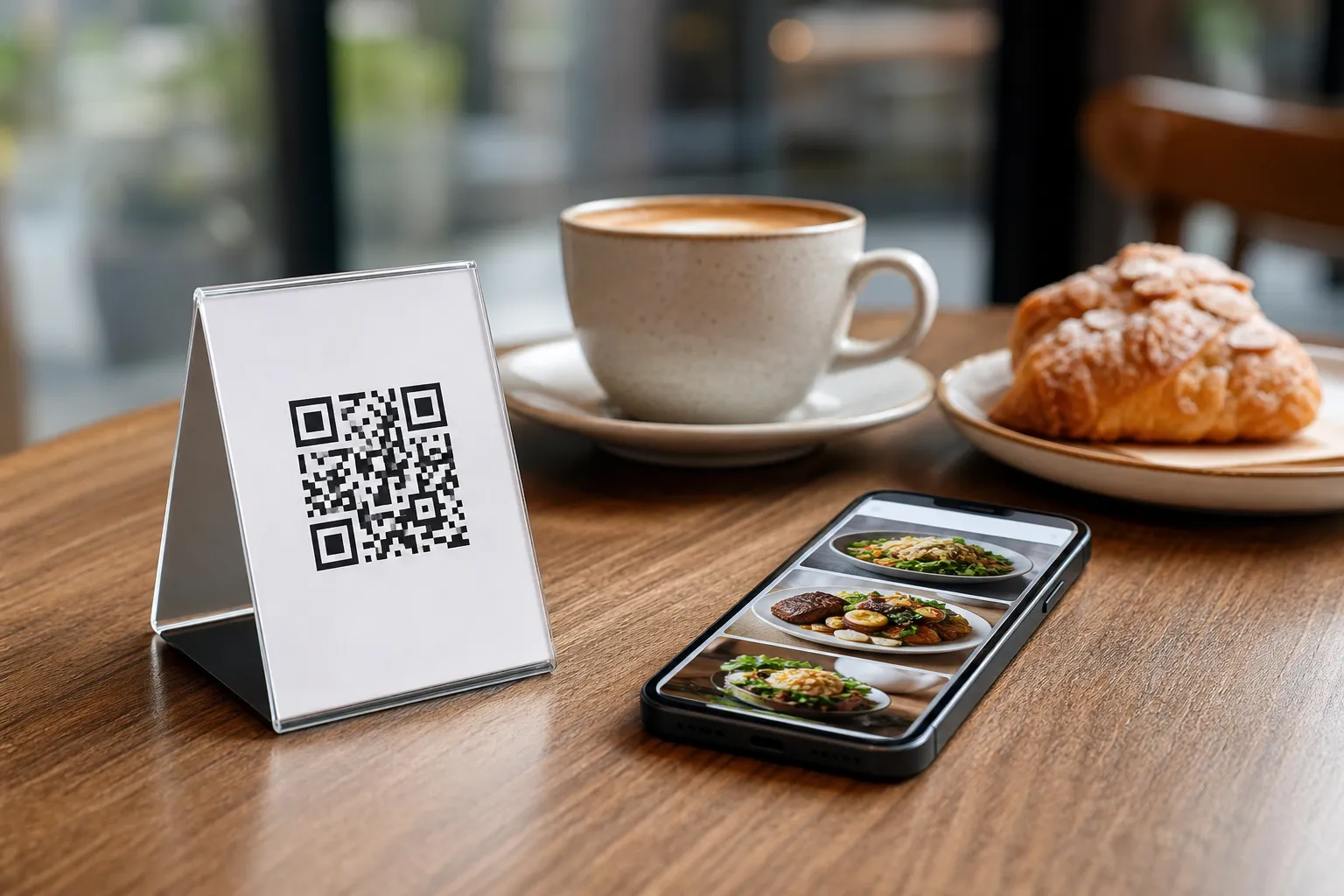
- Print and Display Your QR Codes: Generate a highly professional, custom QR code featuring your restaurant logo and brand colors. Place these codes on your tables or at the entrance so customers can scan and browse instantly.
Maximizing Customer Satisfaction
Once your menu digital is active, it continuously works in the background to improve your service. The in-menu rating system allows you to collect valuable customer feedback directly inside the interface, giving you real-time insights into your operations.
Additionally, the seamless language switching feature ensures that every guest feels welcome. A tourist can scan the exact same QR code as a local resident, but view all your dishes and ordering options in their native language with just one effortless click.
Start Building Your Smart Menu Today
There is no need to wait weeks for a web developer to build an ordering system from scratch. By choosing eMenu AI, you get a reliable, feature-packed platform that scales alongside your business. Explore our highly affordable pricing plans, which include a free tier, and transform the way you serve your restaurant guests today.