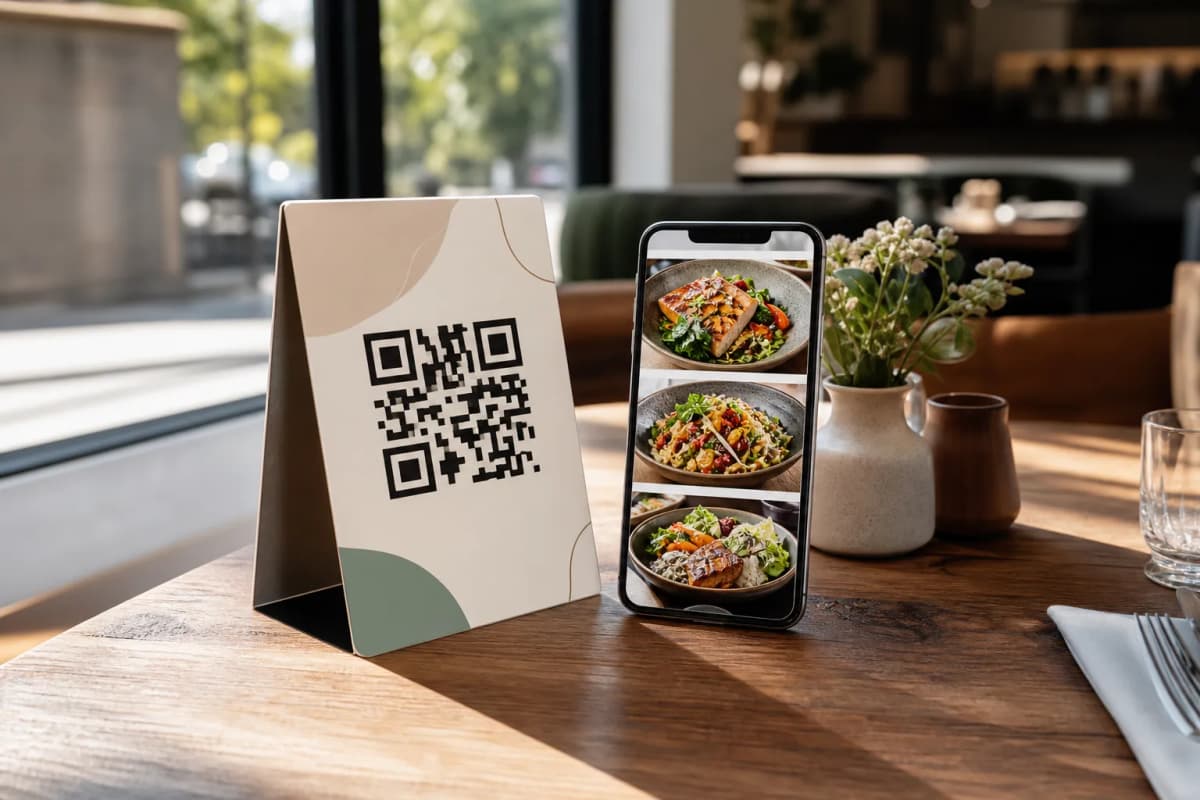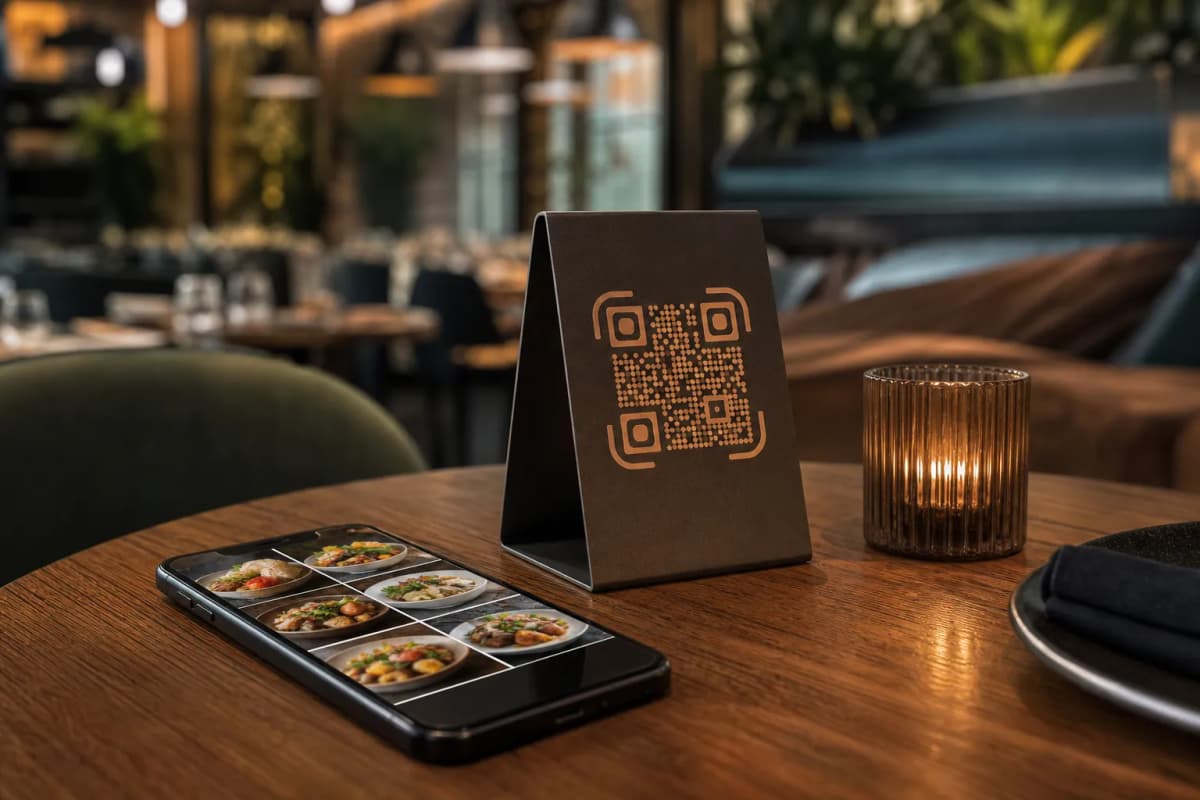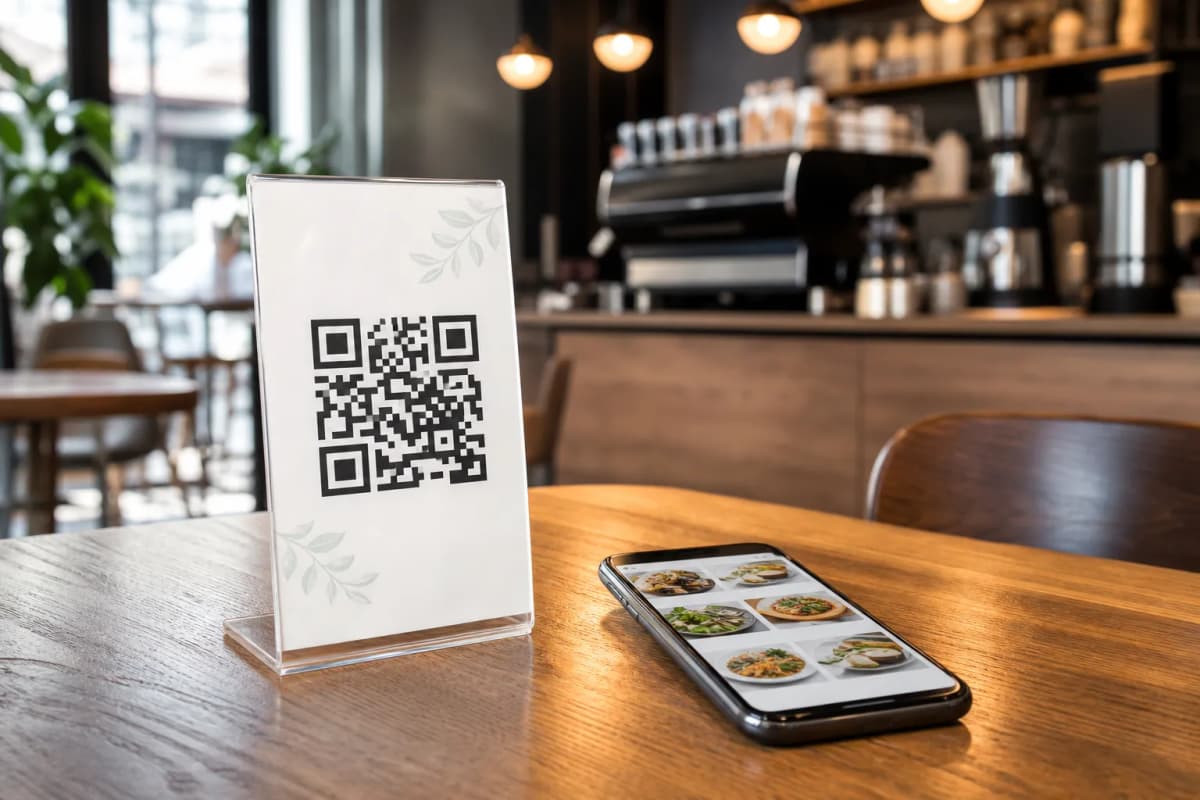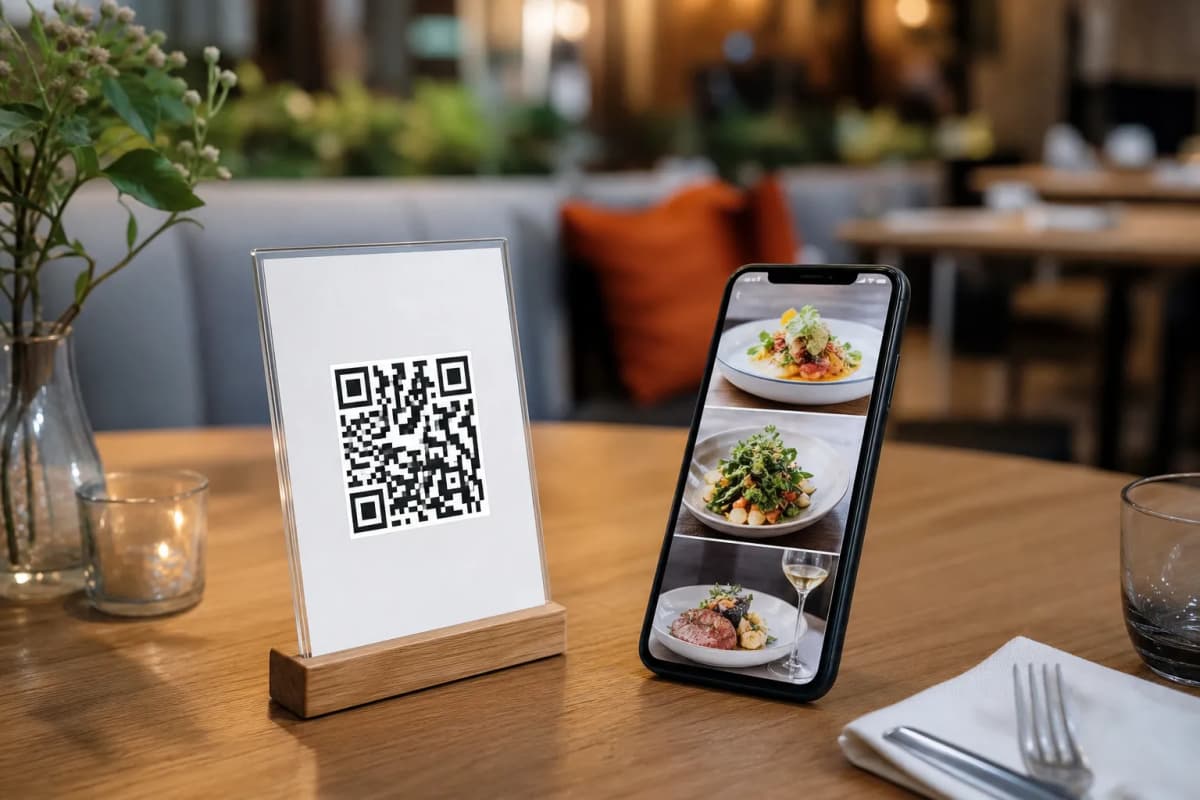
Transitioning your restaurant or cafe to a digital menu platform is one of the most practical steps you can take to speed up service and simplify operations. With eMenu AI, you do not need complex hardware. Customers simply scan a QR code to browse your offerings on their phones without installing apps.
Whether you run a small cafe or a large restaurant, upgrading your ordering system saves time. Here is a practical guide on how to launch your new menu system, accept orders, and streamline your workflow.
How to Set Up Your Digital Menu Platform
You can manage everything directly from your phone, tablet, or computer. The setup process focuses on getting your dishes in front of customers quickly.
- Create Your Account: Start by opening the eMenu AI app or web dashboard. This smart link automatically detects your device and takes you to the App Store, Google Play, or the web version. Create your profile and add your menu items. If you lack professional photography, use the built-in AI food image generation to create high-quality visuals instantly.
- Choose a Template: A professional layout makes a great impression. Browse multiple ready templates and apply them to your menu. Every template is fully customizable to match your brand colors. Custom templates can even be made free on request.
- Enable Ordering Systems: Decide how to receive orders. Enable Table Ordering so guests can send requests directly to the kitchen. You can also turn on WhatsApp Orders with live tracking, or offer Pickup Orders so takeaway customers can order straight through the menu without calling.
- Print Your QR Codes: Generate a professional QR code customized with your restaurant logo and colors. Print these codes for your tables and entrance.
Enhancing the Guest Experience
A smart menu does more than just list food. Activate additional features to serve your guests better and keep your dining room running smoothly.
- Call Waiter: Let customers request assistance or the bill with one tap. Staff get instant notifications specifying the table number and request type.
- Table Reservation System: Allow customers to book tables directly from within the menu before they arrive.
- In-Menu Rating System: Collect comprehensive customer feedback inside the menu to understand where your service can improve.
Take Control of Your Operations
The platform gives you full control. Whether adding dishes or changing prices, you can manage it all from the web dashboard on a computer browser. We offer very affordable plans, including a free tier to help you get started risk-free.
Ready to modernize your operations? Start building your menu today and give your customers a faster dining experience.