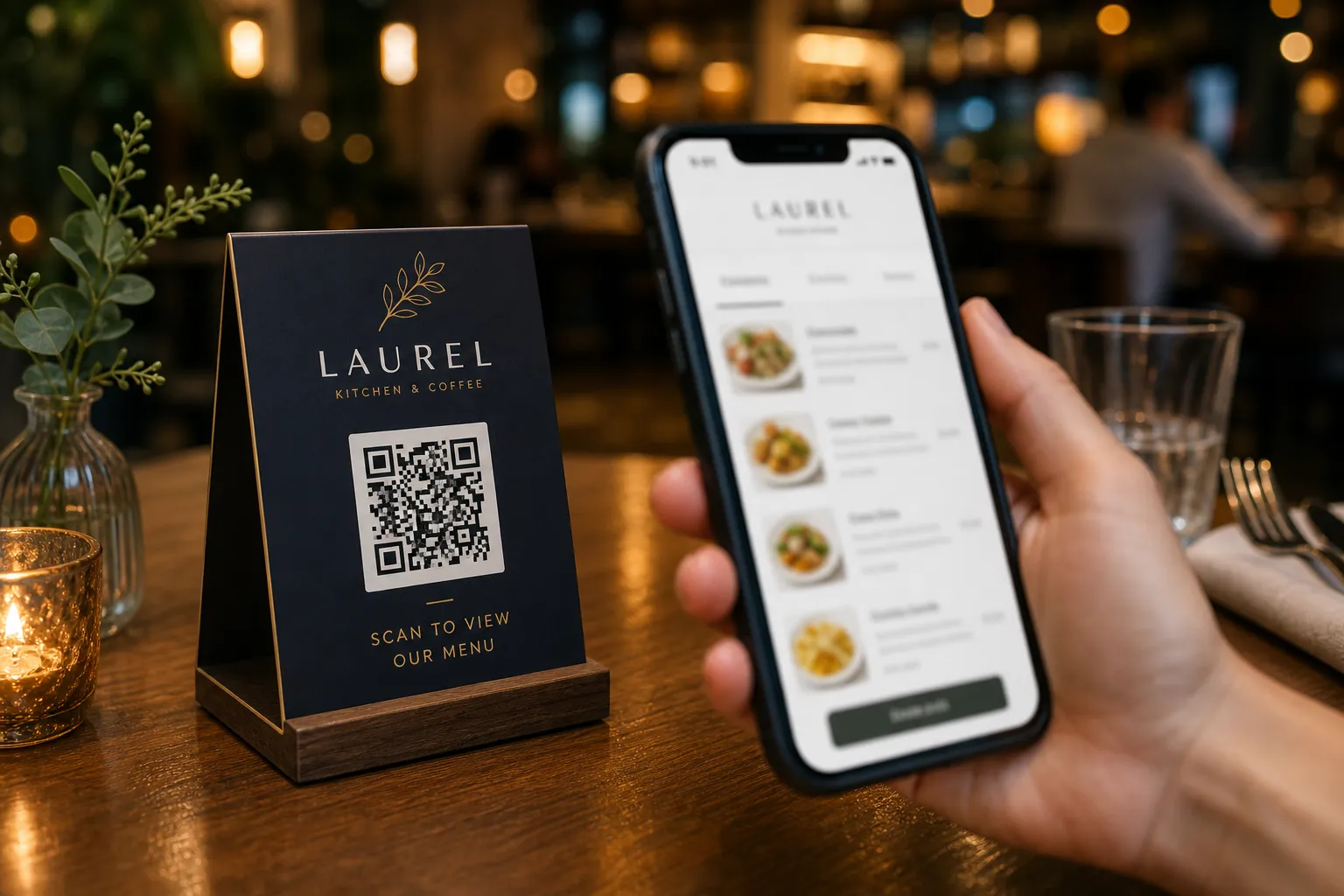
If you are looking for practical ways to digitize your restaurant, exploring menus ia is the perfect starting point. A smart digital menu is no longer just a static PDF on a phone screen. With platforms like eMenu AI, your menu becomes a complete ordering, payment, and customer service hub that guests can access instantly by scanning a QR code without installing any apps. Whether you run a busy cafe or a fine dining establishment, taking control of your digital presence is easier than ever.
What Are Menus IA and Why Do You Need One?
The term menus ia refers to artificial intelligence-powered, interactive digital menus that adapt to your restaurant needs in real-time. Using eMenu AI, you get full control over your offerings directly from a web dashboard or mobile app. This technology allows you to automatically translate your dishes into over 100 world languages, ensuring every tourist and local feels at home. You can generate stunning AI food images for items missing photos, and accept payments in over 95 international currencies. If a specific currency is missing, it can be added within seconds upon request.
Practical Steps to Set Up Your Smart Menu
Setting up your interactive menu is straightforward. Follow these concrete steps to get your restaurant online quickly and efficiently:
- Access the platform: Start by creating your menu on eMenu AI. The smart link works seamlessly across iPhone, iPad, Android phones, tablets, and your computer browser. You manage everything from one central place.
- Add your categories and dishes: Enter your menu items, set your prices, and organize your sections intuitively. If you do not have professional photos yet, use the built-in AI image generator to create appetizing visuals instantly for your entire catalog.
- Select a stunning design: Choose a look that fits your brand identity. You can browse multiple ready templates that are fully customizable. Custom templates can even be made free on request to perfectly match your venue.
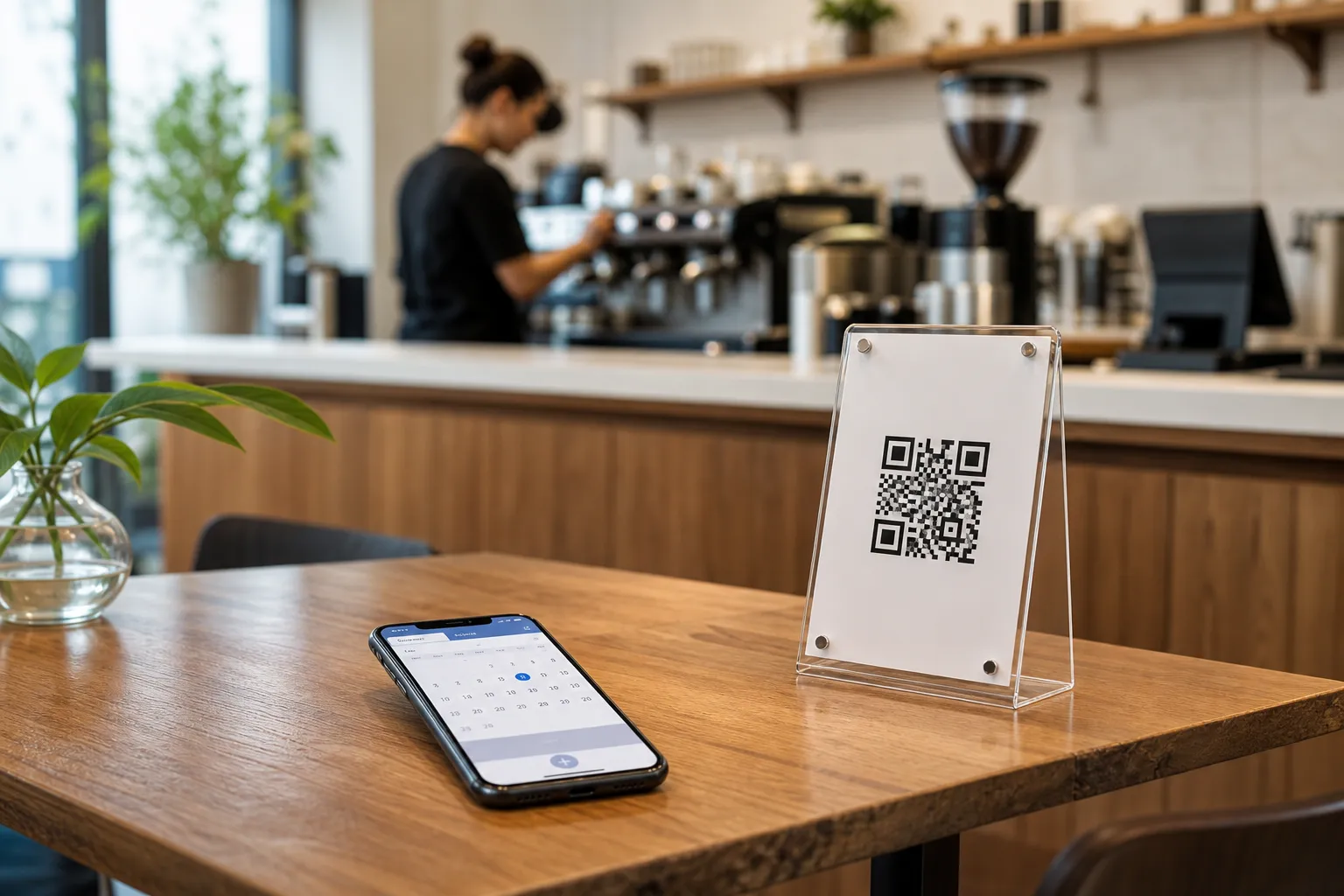
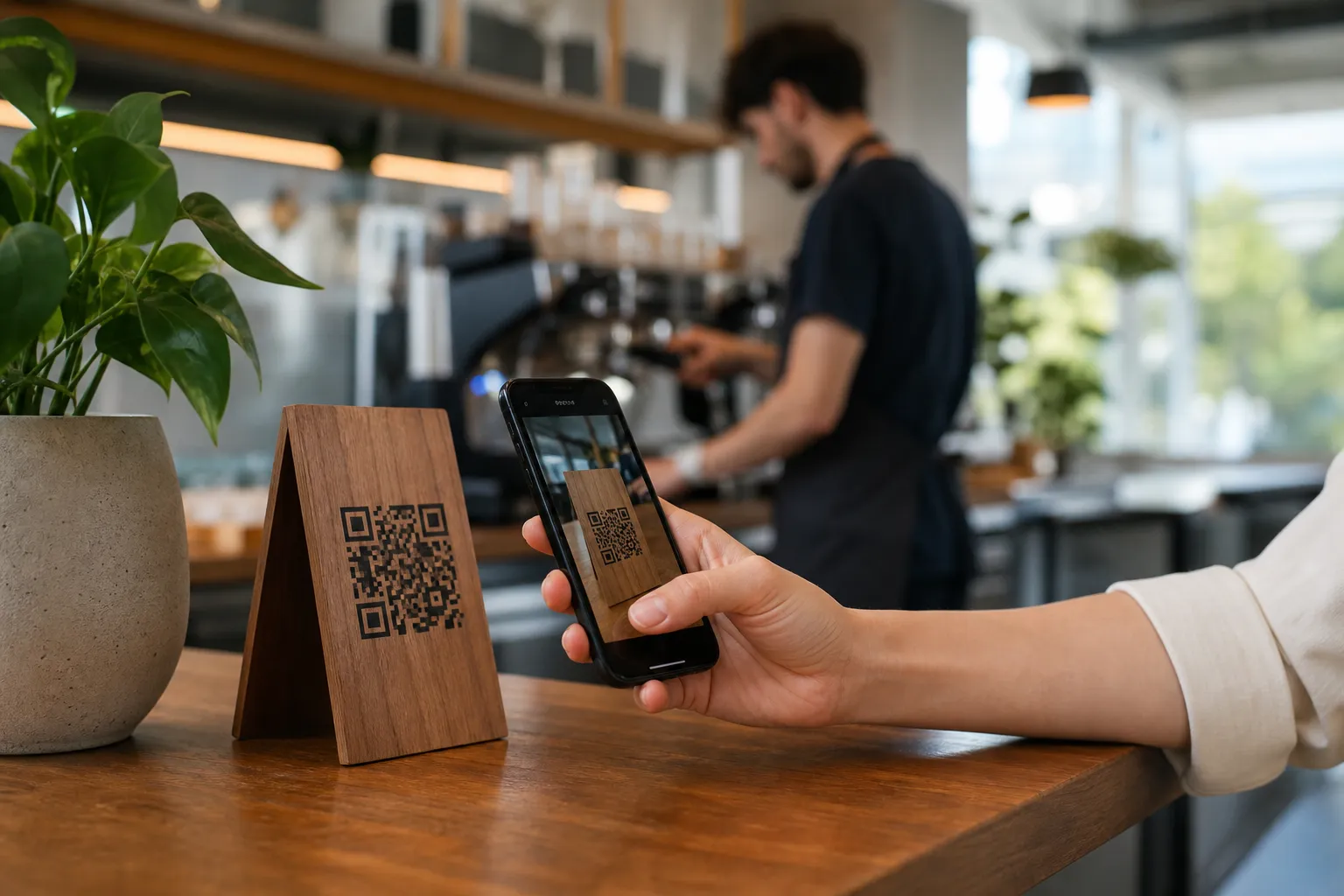
- Generate your professional QR code: Customize your QR code with your restaurant colors and logo. Print it for your tables, entrance, or takeout flyers to give customers immediate access.
Enable Advanced Ordering Features
Once your basic setup is complete, you can turn on powerful features that streamline your daily operations, reduce staff workload, and boost your sales:
- Table Ordering: Let seated guests browse and send orders straight to the kitchen. With POS and printer integration, your staff sees every order the moment it is placed, eliminating manual entry errors.
- WhatsApp and Pickup Orders: Enable WhatsApp orders with live tracking for local deliveries. You can also allow customers to place pickup or takeaway orders directly through the menu, completely eliminating busy phone lines and miscommunications.
- Pay in Menu: Let customers settle their bills directly from their smartphones using cards or local payment gateways. The funds go straight to your restaurant account, speeding up table turnover during busy hours.
Upgrade Your Overall Customer Experience
A smart menu does much more than just take orders. eMenu AI includes built-in tools designed to make your guests feel valued and well-served at all times. The Call Waiter feature lets customers request assistance or ask for the bill with a single tap, sending an instant notification to your staff with the exact table number and request type.
You can also activate the Table Reservation System so diners can easily book their next visit while browsing your current offerings. Finally, do not forget to turn on the in-menu rating system. This tool collects comprehensive customer feedback privately inside the menu before they leave, helping you improve your service based on real insights.
Ready to upgrade your restaurant operations? Open eMenu AI today, explore the practical features, and build a modern ordering experience that your customers and staff will absolutely love.