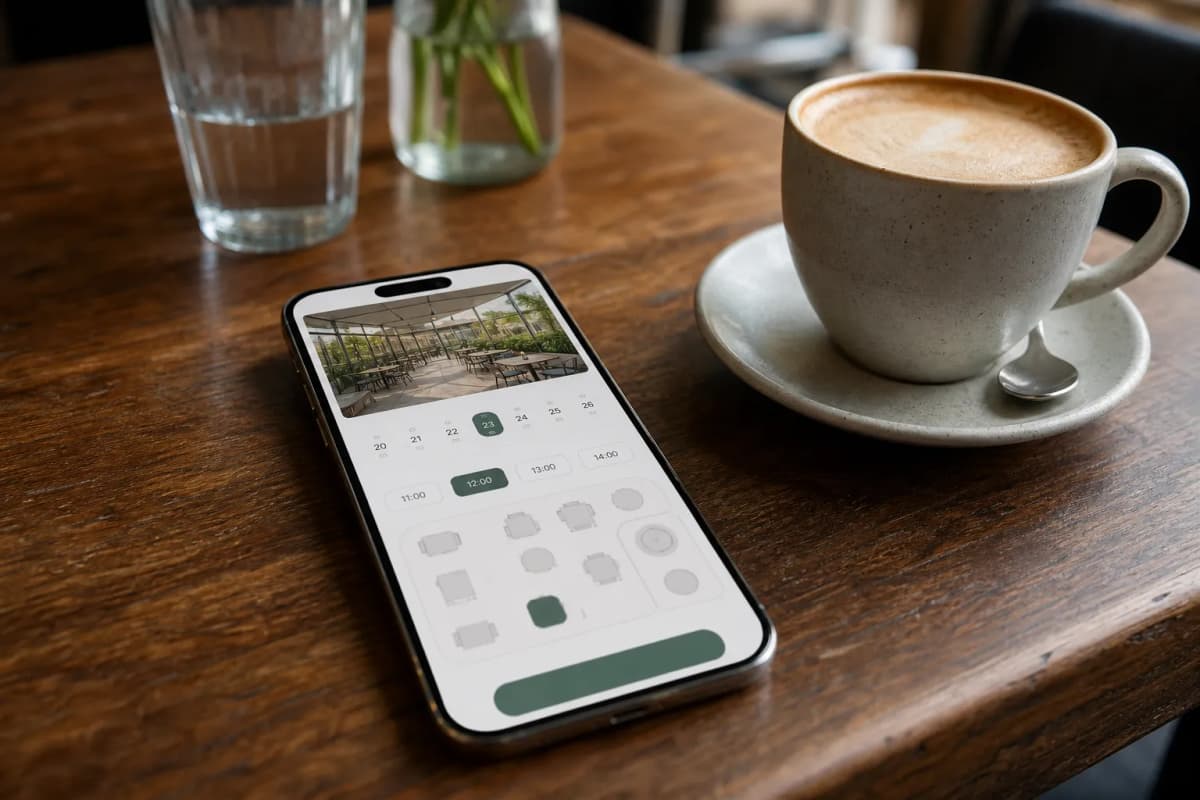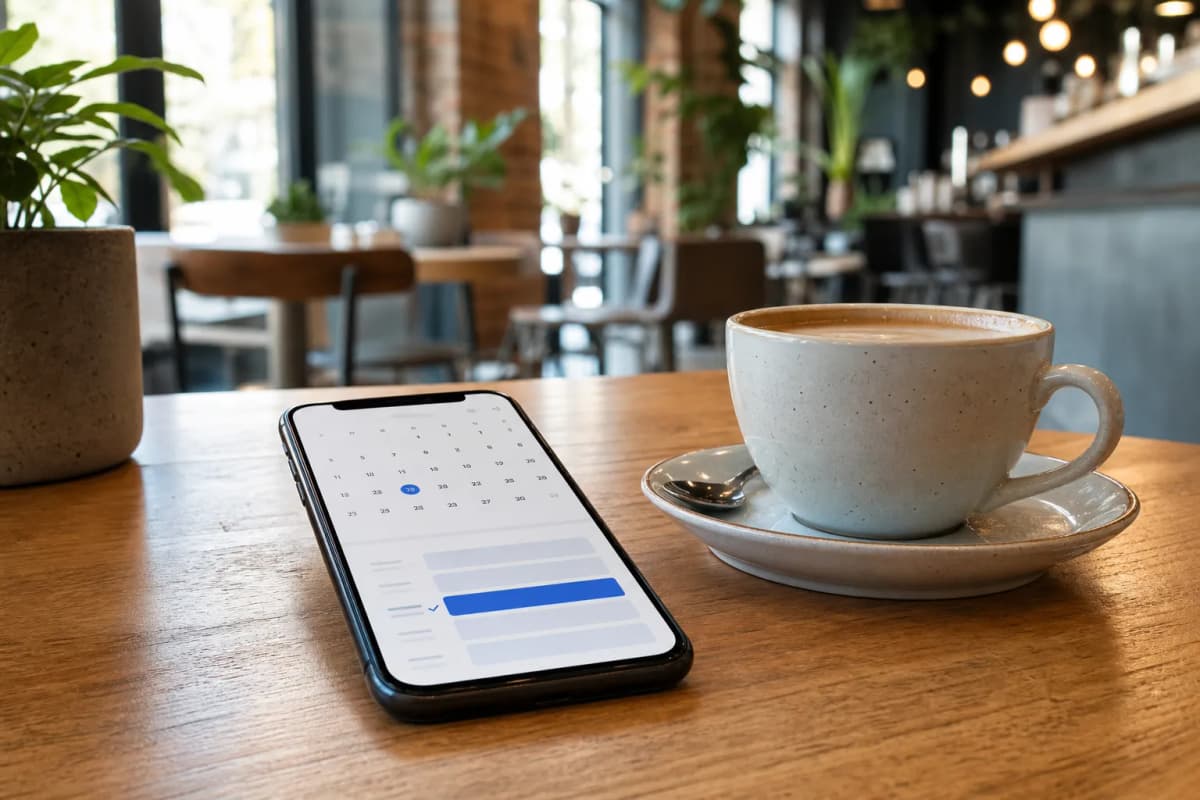
Many cafe and restaurant owners struggle with managing reservations during busy hours. If you are looking for a reliable booking system restaurant solution, you need something that is easy for customers to use and simple for your staff to track. Managing reservations by phone often leads to mistakes, missed calls, and frustrated guests. eMenu AI solves this problem by offering a complete digital QR menu platform that includes built-in table reservations directly on your customers' smartphones. No app installation is required for your guests.
Why Use a Built-In Booking System Restaurant Feature?
By using a smart digital menu with built-in reservations, you gain several advantages:
- No Extra Apps Needed: Customers book a table directly from your menu link using any web browser.
- Global Reach: Your menu is available in over 100 world languages with automatic translation. Tourists can easily switch the language with one click and book a table without language barriers.
Practical Steps to Set Up Your Digital Reservations
Launching your digital reservation and ordering platform takes only a few minutes. You can manage everything from a computer browser via the web dashboard or directly from your phone. Here is how to get started.
Step 1: Create Your eMenu AI Account
Your first step is to access the platform. Head over to the smart platform link to create your digital menu. This single smart link works for iPhone, iPad, Android, and web platforms. Once you register, you will have access to the central dashboard where you control your entire restaurant operation.
Step 2: Design Your Menu
Before customers book a table, they usually want to see what you offer. eMenu AI makes this fast and professional. You can choose from multiple ready templates to match your brand. If you want to see the options, check out the templates gallery. Every template is fully customizable, and custom templates can be made free on request.
Add your dishes, organize them into sections, and set your prices. If you do not have professional photos of your food, you can use the built-in AI food image generation to create stunning visuals for your menu items instantly.
Step 3: Enable the Table Reservation System
Once your menu is live, activate the table reservation system from your dashboard. This allows customers to book tables directly from within the menu interface. Staff will get instant notifications so they can prepare for the incoming guests.
While configuring your dashboard, you can also enable other powerful features to enhance the customer experience:
- Table Ordering: Let seated guests browse the menu and send orders directly from their table to the kitchen.
- Pickup and WhatsApp Orders: Allow customers to place takeaway orders straight through the menu, or route orders via WhatsApp with live tracking.
Beyond reservations and orders, you can activate the Call Waiter feature. With one tap from the menu, guests can request assistance or the bill. Your staff will receive instant notifications specifying the table number and the exact request type. You can also turn on the In-Menu Rating System to collect comprehensive customer feedback directly inside the menu before the customer leaves the venue.
Step 4: Generate and Print Your QR Codes
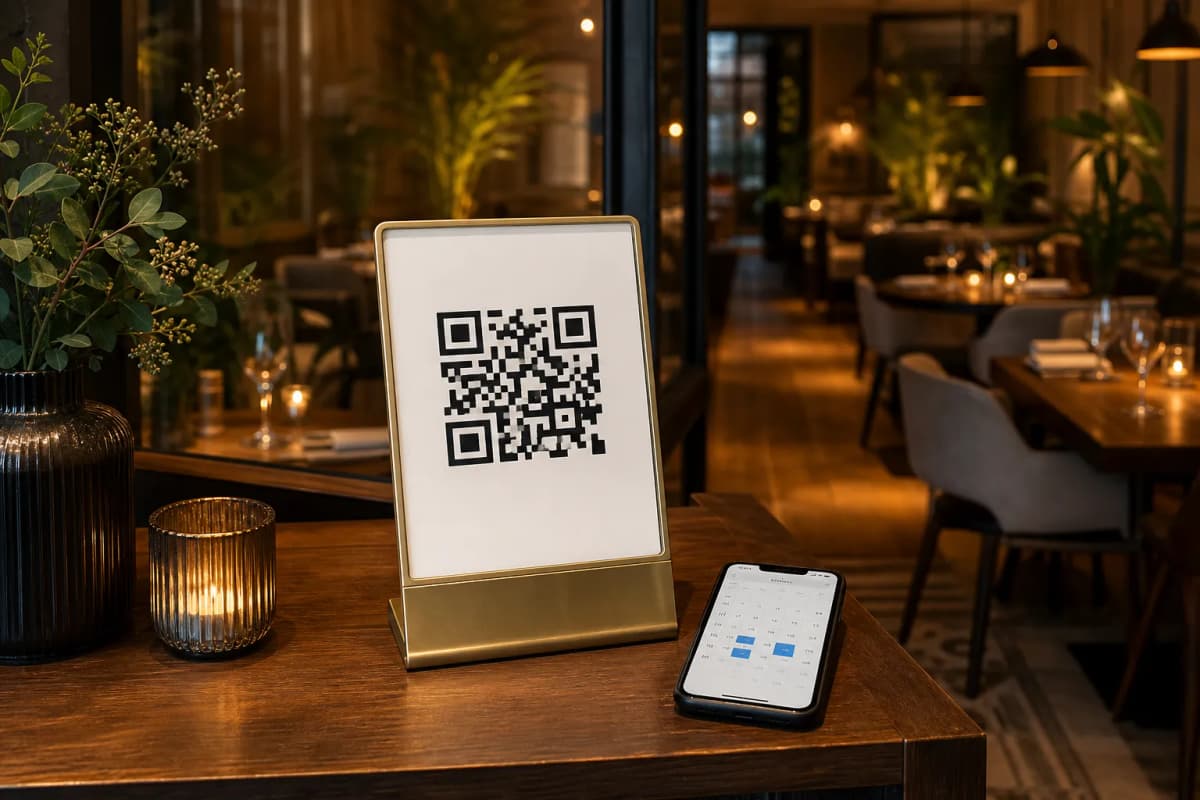
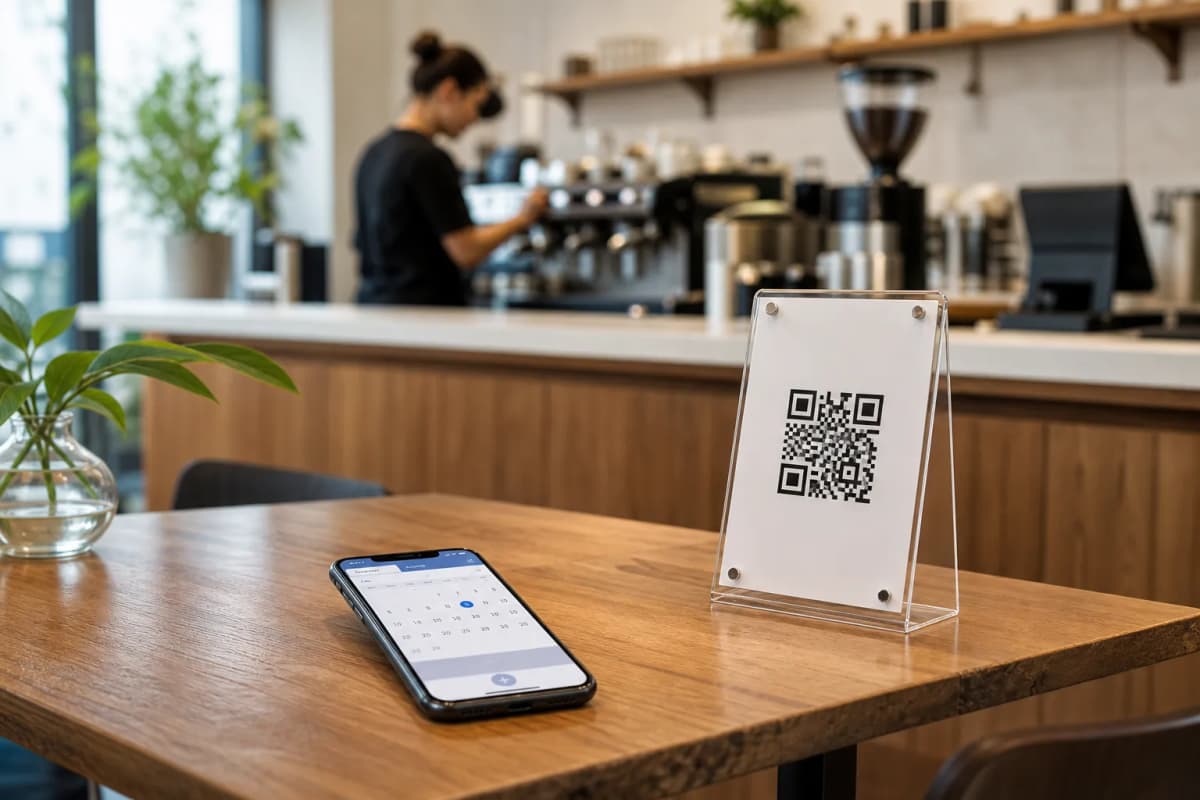
With your booking system and menu ready, generate your custom QR code. You can customize it with your restaurant colors and logo. Print these QR codes and place them on your tables, at your entrance, or on your social media pages. When guests scan the code, they can browse the menu in their preferred currency, call the waiter with one tap, leave a rating, or easily book their next visit.
Start Optimizing Your Restaurant Today
Ready to transform your customer experience? Open eMenu AI today and start building a smarter, faster, and more profitable restaurant.