The Customer Experience: How to Scan a Menu at a Restaurant
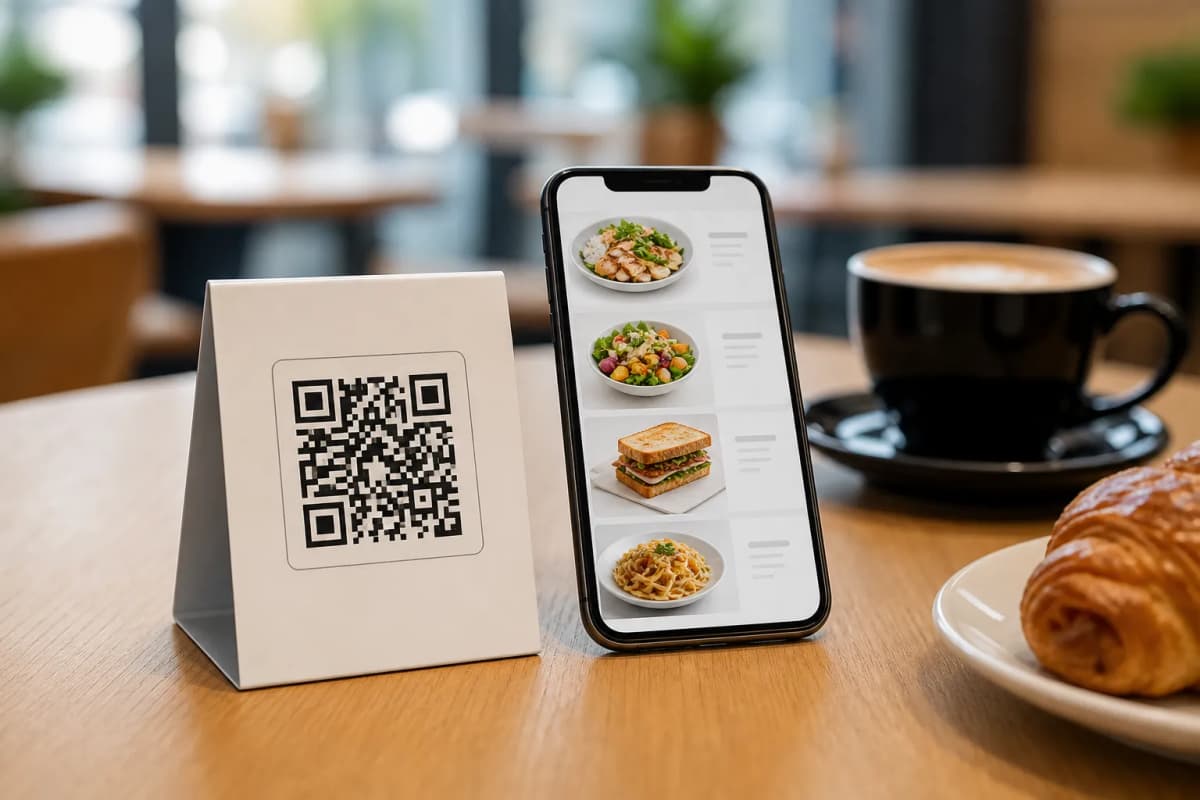
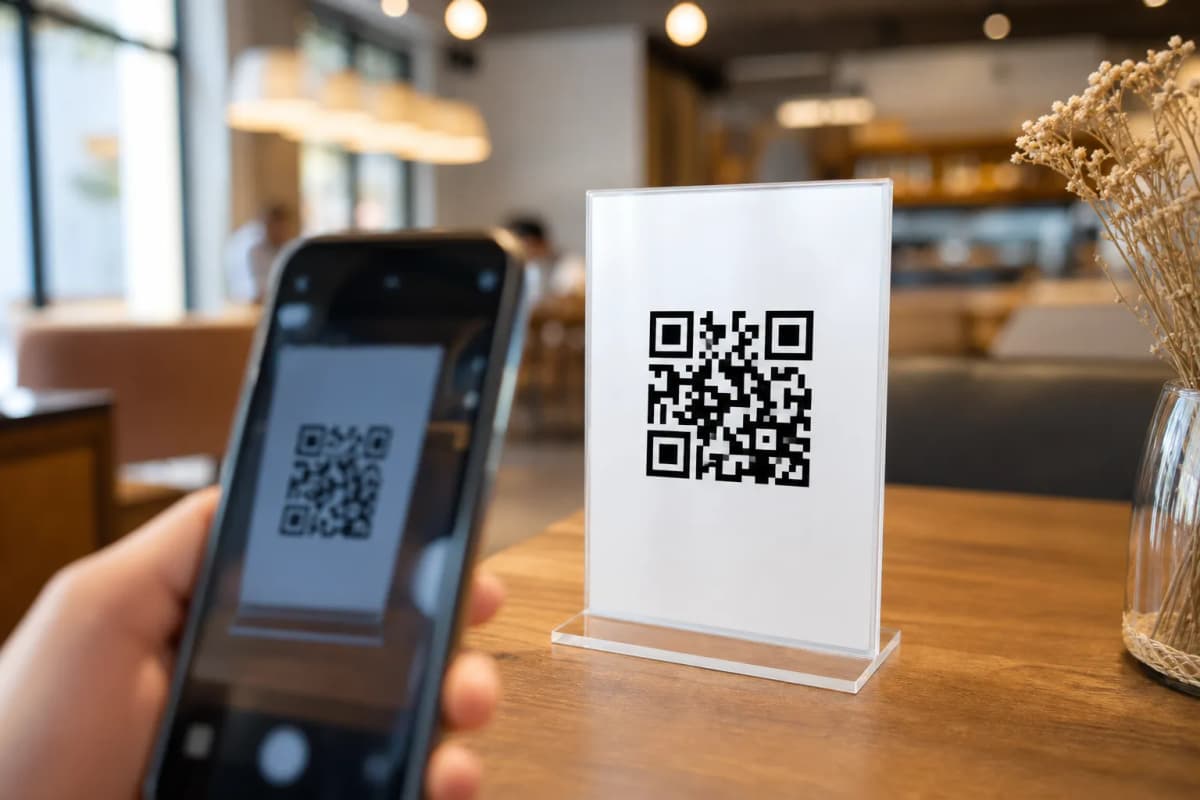
As a modern restaurant owner, you might occasionally hear new customers asking how to scan a menu at a restaurant. It is a simple question, but it highlights the necessity for a seamless, frustration-free digital experience. When guests sit down at their tables, the process should be completely effortless. The steps for your diners are incredibly simple and fast.
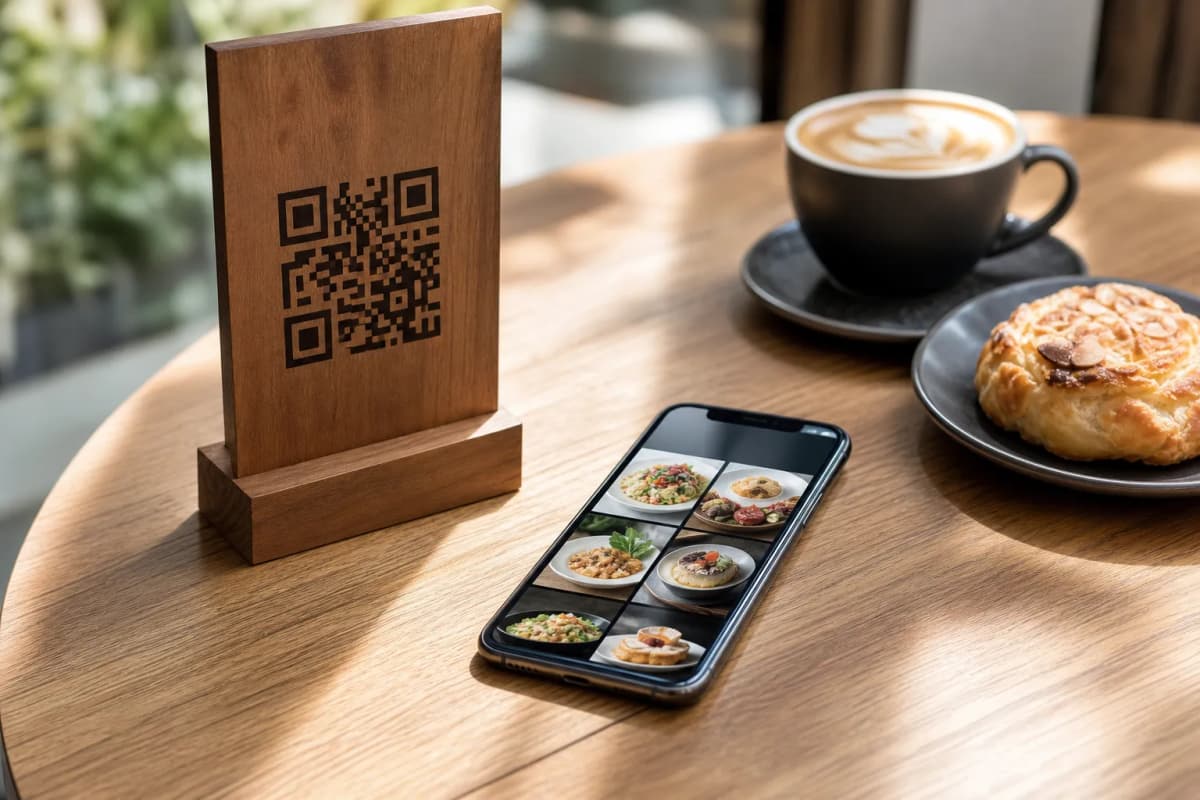
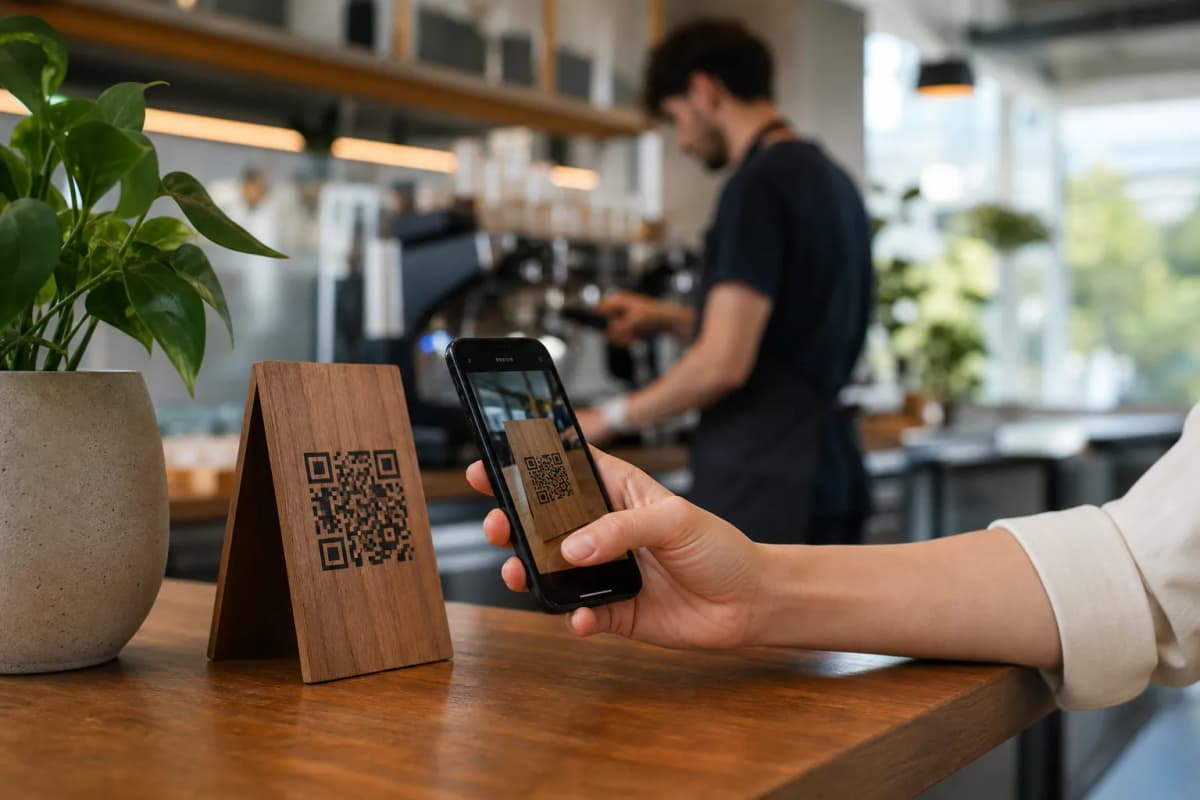
First, they open the default camera app on their iPhone or Android smartphone. Next, they point the camera lens directly at your custom QR code printed on the table tent, sticker, or entrance sign. Finally, a small notification link appears on their screen. They simply tap it, and the full interactive menu instantly loads in their mobile browser. With eMenu AI, there are zero apps to install, zero account creations required for guests, and absolutely zero delays.
Setting Up Your Digital Menu System Properly
Now that you fully understand the guest side of the interaction, it is time to build your own digital platform. eMenu AI makes this process incredibly fast and practical. You can manage everything from a comprehensive web dashboard on your computer or directly from your mobile device. Follow these concrete steps to launch your smart system today.
- Create Your Account: You can start your eMenu AI setup right here. Our smart platform works flawlessly across iPhone, iPad, Android phones, Android tablets, and any modern web browser.
- Build Your Digital Catalog: Add your food categories, item names, descriptions, and prices. If you are missing professional food photos, eMenu AI features a built-in AI food image generation tool. It creates stunning, realistic pictures for your menu items in a matter of seconds.
- Select a Professional Design: Your brand visual identity matters. Browse our multiple ready templates to find a professional layout that fits your restaurant vibe. Every single template is fully customizable. If you need something unique, custom templates are made free on request to match your exact brand style.
- Generate and Print Your QR Code: Download your customized professional QR code from the system. You can easily add your restaurant logo and brand colors directly into the QR code design before printing it for your physical tables.
Going Beyond the Basic PDF Menu
A static, pinch-to-zoom PDF file is no longer enough for modern diners. eMenu AI turns a simple scan into a powerful management and sales tool for your business. Once diners scan the code, they get immediate access to a fully interactive dining platform packed with smart features.
- Instant Language Translation: Your menu is automatically available in over 100 world languages. International tourists can switch the menu to their native language with one single click, breaking down all communication barriers.
- WhatsApp and Pickup Orders: Expand your revenue streams easily. Diners can place pickup (takeaway) orders straight through the menu. You can also enable ordering via WhatsApp, complete with live order tracking for your delivery or takeout customers.
- Call Waiter and Reservations: Give your guests ultimate control. With one tap from the menu, they can call a waiter for assistance or request the bill. Your staff gets instant notifications showing the exact table number and request type. Customers can also book tables directly from within the menu using the Table Reservation System.
- In-Menu Rating System: Collect comprehensive customer feedback privately inside the menu. Turn customer insights into better service before they post a negative review online.
See the Guest Experience in Action
Do you want to see exactly what your customers will experience when they scan your code? Try interacting with these live demo menus: Gas Azadi Live Demo and Cap Restaurant Live Demo. You will immediately notice how smooth the navigation is and how vibrant the food images look on a mobile screen.