Streamline Your Kitchen Operations
Getting a proper restaurant pos integration up and running is one of the best ways to eliminate chaos in a busy dining room. When customers scan a QR code and send their requests, you want those tickets to go directly to your kitchen printers and central system without a waiter having to punch them in manually. With eMenu AI, this process is smooth, allowing your staff to focus on hospitality rather than data entry.
Why Connect Your Digital Menu to Your System?
A solid restaurant pos integration means that orders placed from the customer's phone stream directly to your existing setup. Whether guests are placing a table ordering request, arranging a pickup, or simply calling a waiter from the digital menu, your staff sees it the moment it comes in. This prevents missing orders, reduces human error, and speeds up table turnover rates. Plus, when guests pay directly from the menu, the transaction is settled securely to your account using local payment gateways and over 95 world currencies.
Steps to Setup Your eMenu AI System
Before the orders can flow to your kitchen printers, you need to establish your digital menu foundation. The setup process is straightforward and requires no complex technical skills.
- Get the Platform: Start by installing the management tool. You can download the eMenu AI app or use the web dashboard to manage everything from your phone, tablet, or computer.
- Add Your Dishes: Upload your menu items, set your prices, and organize your categories. If you do not have professional photos, you can use the built-in AI food image generation to instantly create appetizing visuals for your dishes.
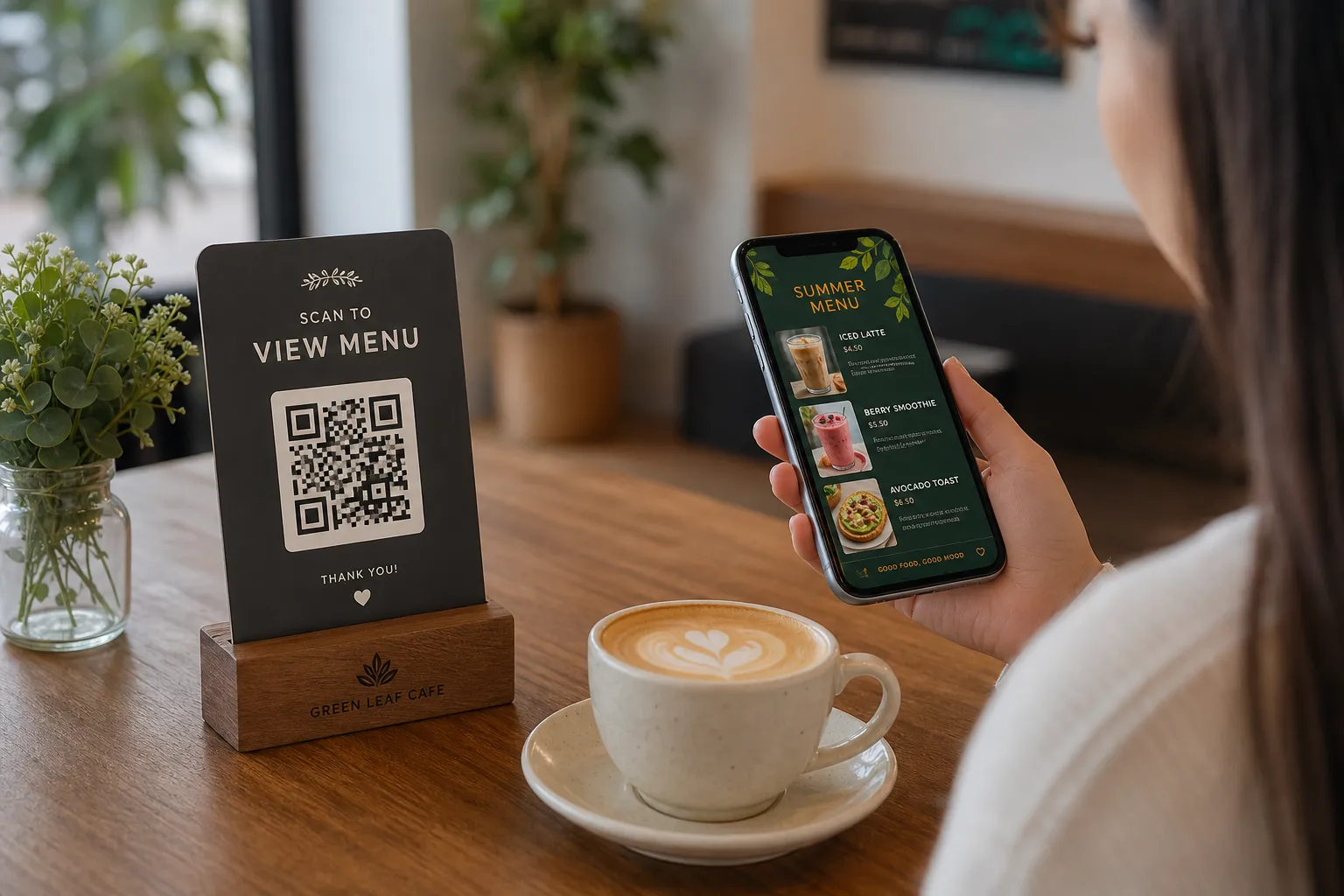
- Customize the Look: Your menu should reflect your brand. Browse the multiple ready templates to find a design that fits your cafe or restaurant. Every template is fully customizable, and custom designs can be requested for free.
- Enable Orders and POS: Once your menu is active, you can enable table ordering, pickup orders, or WhatsApp orders. From the settings, you can connect the system to your kitchen printers and POS so that incoming requests print automatically.
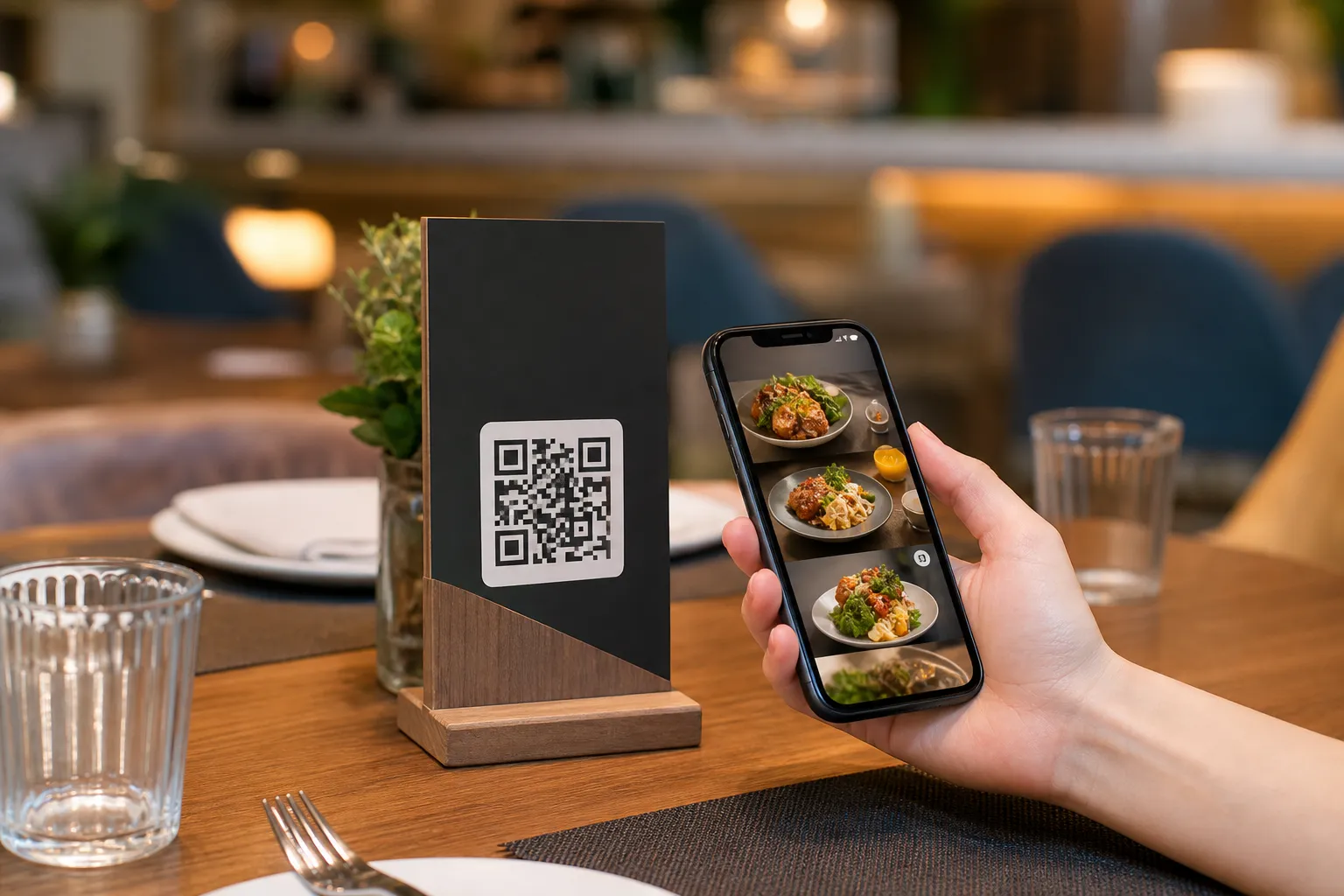
- Print Your QR Code: Generate a professional, custom QR code with your restaurant's colors and logo. Place these on your tables or at the entrance. Customers simply scan them without downloading any apps.
Enhancing the Customer Experience
A good restaurant pos integration handles the operational side, but eMenu AI also elevates what the customer sees and experiences. By digitizing your menu, you automatically offer support for over 100 world languages with automatic translation. Guests simply switch to their native language with one click, making your establishment instantly welcoming to tourists and international visitors.
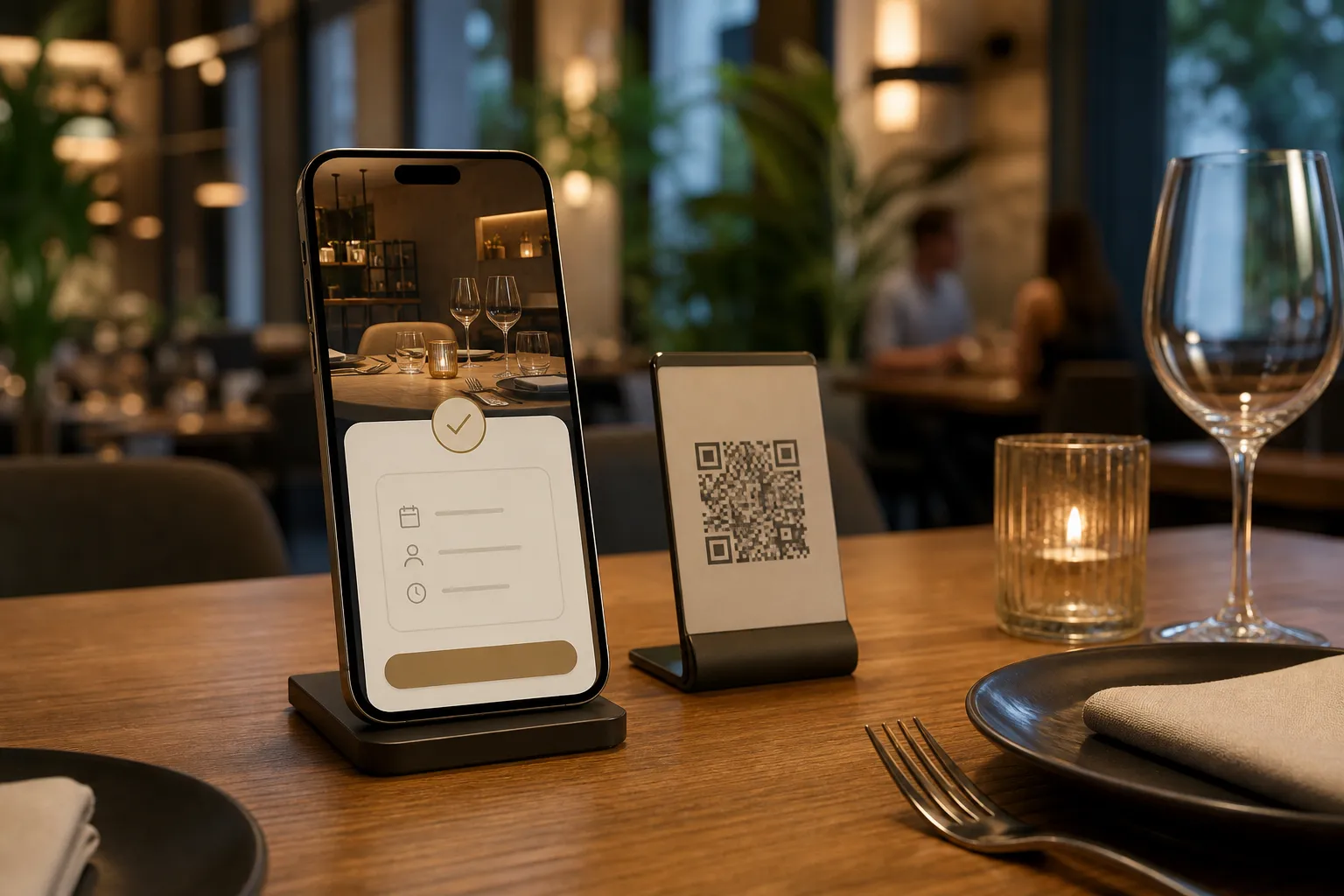
Furthermore, the digital platform includes an in-menu rating system to collect comprehensive feedback before the customer leaves. It also features a table reservation system directly within the menu link, keeping your dining room full and organized. If a guest needs assistance or wants to request the bill, they can use the Call Waiter feature to send an instant notification containing their table number right to your staff.
Get Started Today
If you are ready to streamline your operations and set up a reliable restaurant pos integration, there is no need to wait. You can begin building your digital menu right now. Explore the affordable options on our pricing page, which includes a free plan to help you get started. Open eMenu AI today and transform how your restaurant receives and processes orders.