Your Practical Guide to a Menu in QR Code
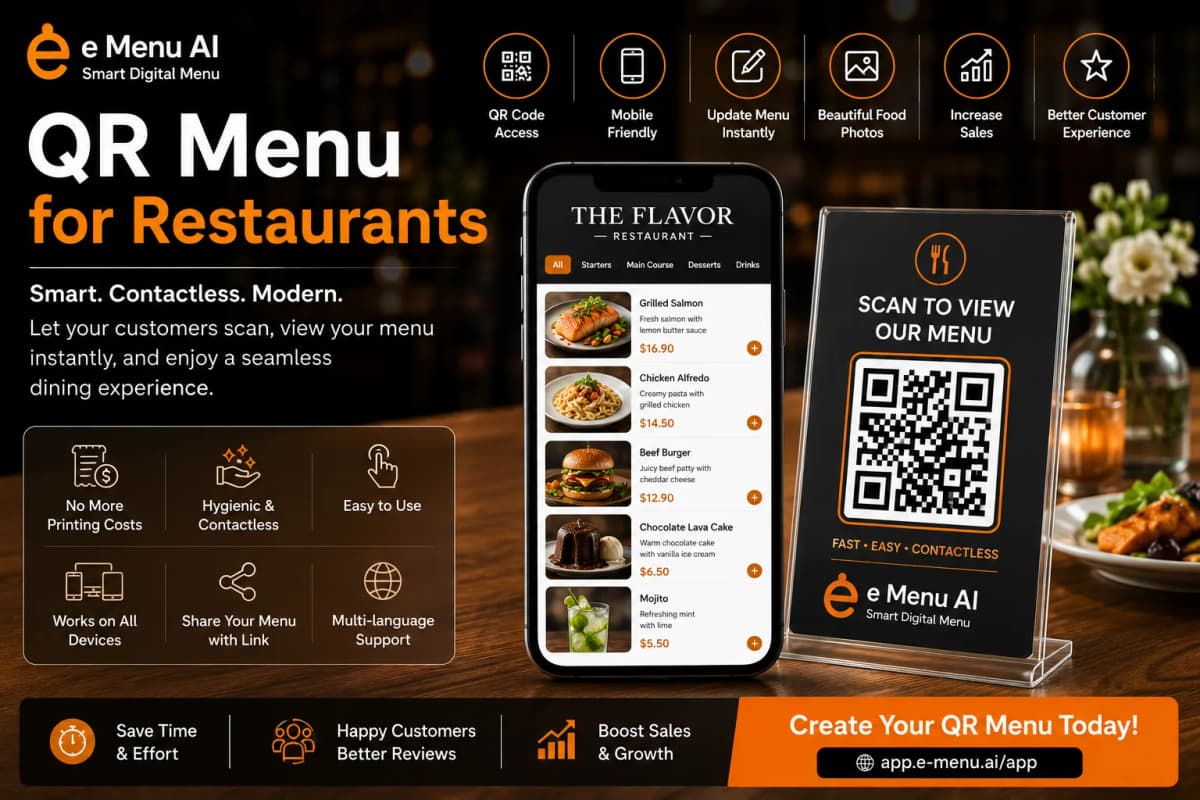
Creating a digital menu in QR code for your restaurant or café is no longer a complex technical task. It’s a straightforward process that can enhance customer experience and streamline your operations. Customers simply scan a code with their phone and instantly see your menu, without needing to install any apps. This guide will walk you through the practical steps to set up your own interactive QR code menu using a powerful tool like eMenu AI.
The 5 Steps to Launch Your QR Menu
Follow these concrete steps to get your digital menu live and ready for customers. The entire process is designed to be quick, so you can focus on running your business.
- Get the eMenu AI Platform
The first step is to sign up. You can do this from any device. Simply visit the eMenu AI app, which works on iPhone, iPad, Android, and directly on the web. Create your account to get access to the dashboard where you'll manage everything. There’s even a free plan available to get you started. - Build Your Digital Menu
Once inside, it's time to add your food and drinks. The web dashboard makes this easy: you can create categories like 'Appetizers', 'Main Courses', and 'Desserts', then add individual items to each. For every item, you can add a description, price, and photos. If you don't have good photos, eMenu AI includes an AI food image generation tool to create beautiful, professional-looking images for your dishes. - Customize the Look and Feel
Your menu should reflect your brand. eMenu AI offers a gallery of multiple ready templates to choose from. Each one is fully customizable, allowing you to change colors, fonts, and layouts to match your restaurant's style. If you have a specific design in mind, the team can even create a custom template for you for free. - Generate Your Professional QR Code
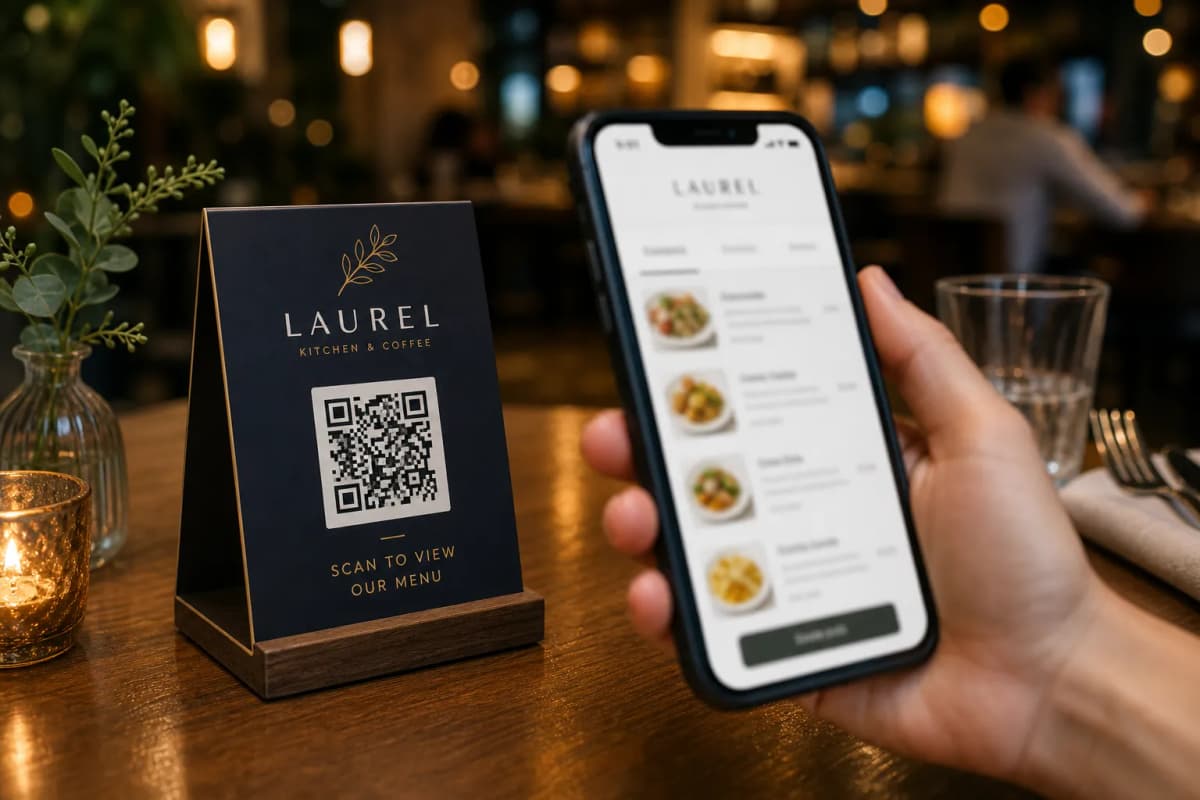
After your menu is set up, the platform will generate a unique QR code for your restaurant. This isn't just a standard black and white square. You can customize it with your restaurant's logo and brand colors, making it a professional and inviting part of your table setup. - Print and Place Your QR Code
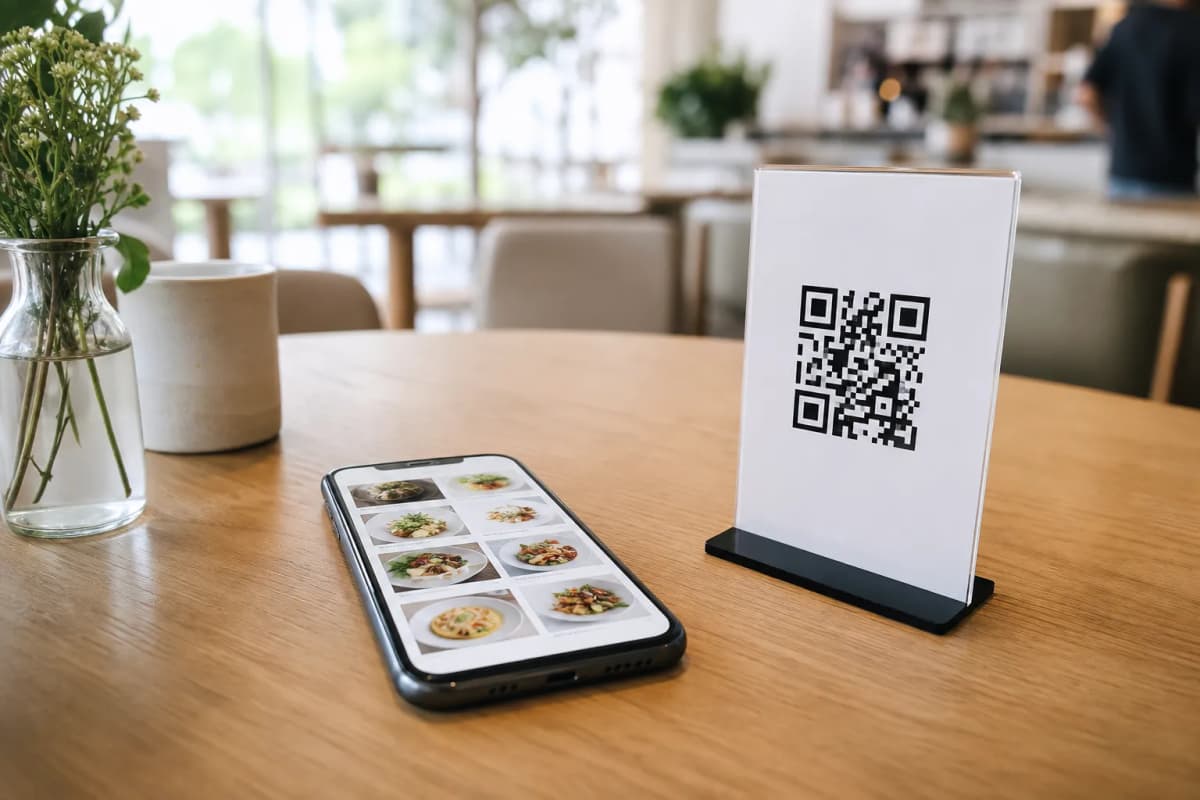
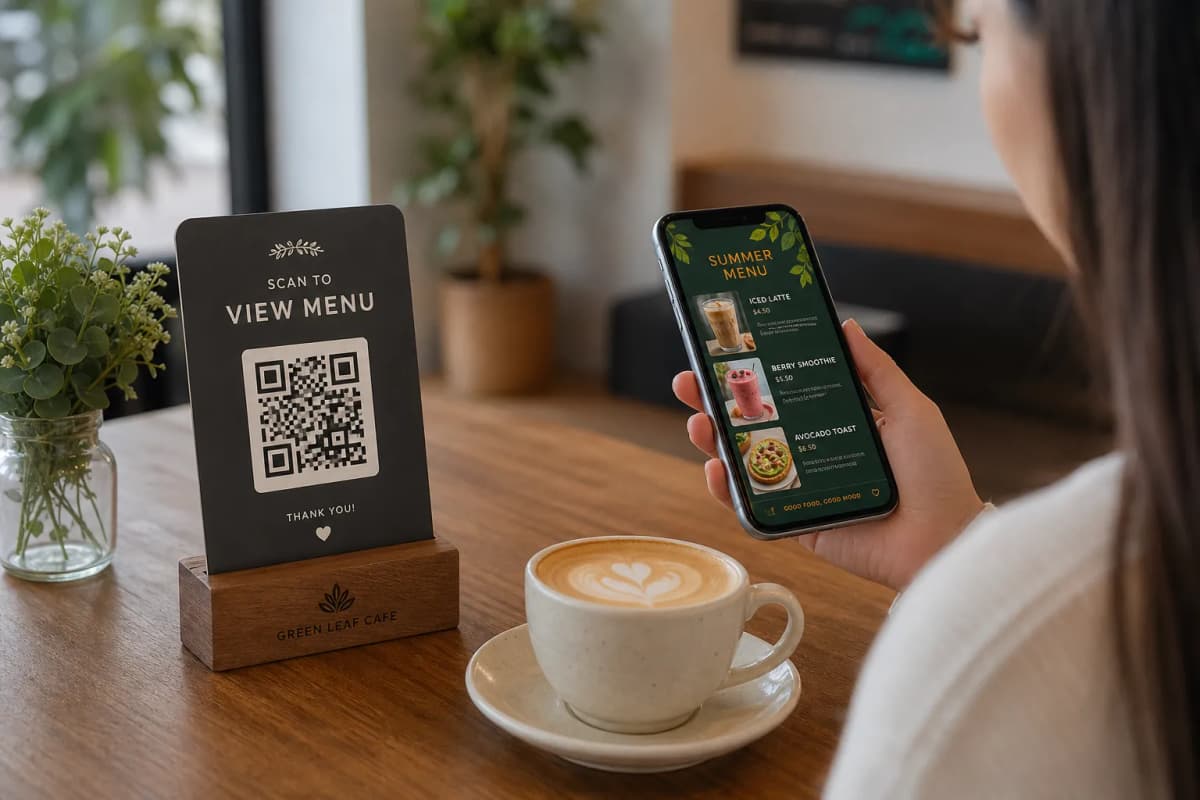
Download your custom QR code and print it. You can place it on table tents, stickers, or integrate it into your physical menu design. Put it at your entrance for waiting customers or at every table for easy access. That's it: your customers can now scan and browse.
Activate More Features in Your Menu in QR Code
A QR menu can be much more than just a digital list of items. With eMenu AI, you can turn it into a powerful tool for operations and customer service. Here are some features you can enable:
- Pickup & WhatsApp Orders: Expand your service beyond the table. Let customers place pickup orders for takeaway or even order through WhatsApp, complete with live tracking.
- Enhanced Customer Experience: Add a 'Call Waiter' button for requests, implement an in-menu rating system to gather valuable feedback, and even set up a table reservation system so customers can book their next visit right from the menu.
Serve a Global Audience
If your restaurant is in a tourist area or a multicultural city, language can be a barrier. eMenu AI breaks it down by supporting over 100 languages. With automatic translation, customers can switch the menu to their native language with a single click, ensuring a welcoming and clear experience for everyone.
Ready to create your own interactive digital menu? It's easier and more affordable than you think. Start today by creating your free account on eMenu AI and see how a simple QR code can transform your restaurant's service. You can explore all features and options on our pricing page.