If you are running a cafe or dining establishment, setting up a menu digital restaurant system is no longer a luxury: it is a basic operational need. Guests expect to scan a code, view appetizing photos, and place their orders without waiting. However, many owners get stuck thinking the technical setup takes weeks or requires custom app development.
The reality is completely different. Using eMenu AI, you can transition your entire physical menu into a smart, interactive digital interface in just an afternoon. There are no apps for your customers to download, and you manage everything directly from your own phone, tablet, or computer browser.
Here is a practical, step-by-step guide to launching your own interactive ordering system today.
Step 1: Start Your Menu Digital Restaurant Setup
To begin building your menu digital restaurant layout, you first need to create an account and access the platform. The beauty of eMenu AI is that it operates seamlessly across all devices. You do not need to sit at a desktop computer if you prefer working from your mobile phone while managing the dining room.
Simply open your device and launch the eMenu AI app. This single smart link automatically detects if you are using an iPhone, an Android tablet, or a web browser, and routes you to the correct version. Once inside, register your restaurant profile to access the main management dashboard.
Step 2: Build Categories and Add Dishes
A digital setup gives you the freedom to organize your offerings logically. Start by creating core categories like Starters, Main Courses, and Beverages. Once your sections are set, add your items, prices, and detailed descriptions.
One major advantage of eMenu AI is the built-in AI food image generation. If you lack professional photography for a new dish, the platform generates realistic, mouth-watering images instantly. You can easily adjust prices or mark items out of stock with a single tap, ensuring customers never order an unavailable item.
Step 3: Customize Design and Languages
Your digital interface should match your physical restaurant branding perfectly. Instead of settling for a generic list, explore multiple professional designs. Check out the available ready templates to find a layout that fits your style. Every template is completely customizable, and custom templates can be made free on request to match your brand.
This is the perfect time to enable multi-language support. eMenu AI provides menus in over 100 world languages with automatic translation. Guests can switch languages with one click, eliminating communication barriers for tourists and locals alike.
- Table Ordering: Let dine-in customers send orders directly from their table to the kitchen.
- WhatsApp Orders: Allow customers to place orders via WhatsApp with live tracking.
- Pickup Orders: Enable takeaway ordering directly through the menu, meaning no phone calls and no apps to install.
Step 5: Generate Your Professional QR Code
Once your offerings look perfect, generate your professional QR code directly from the eMenu AI dashboard. You can fully customize this code with your specific brand colors and place your restaurant logo right in the center.
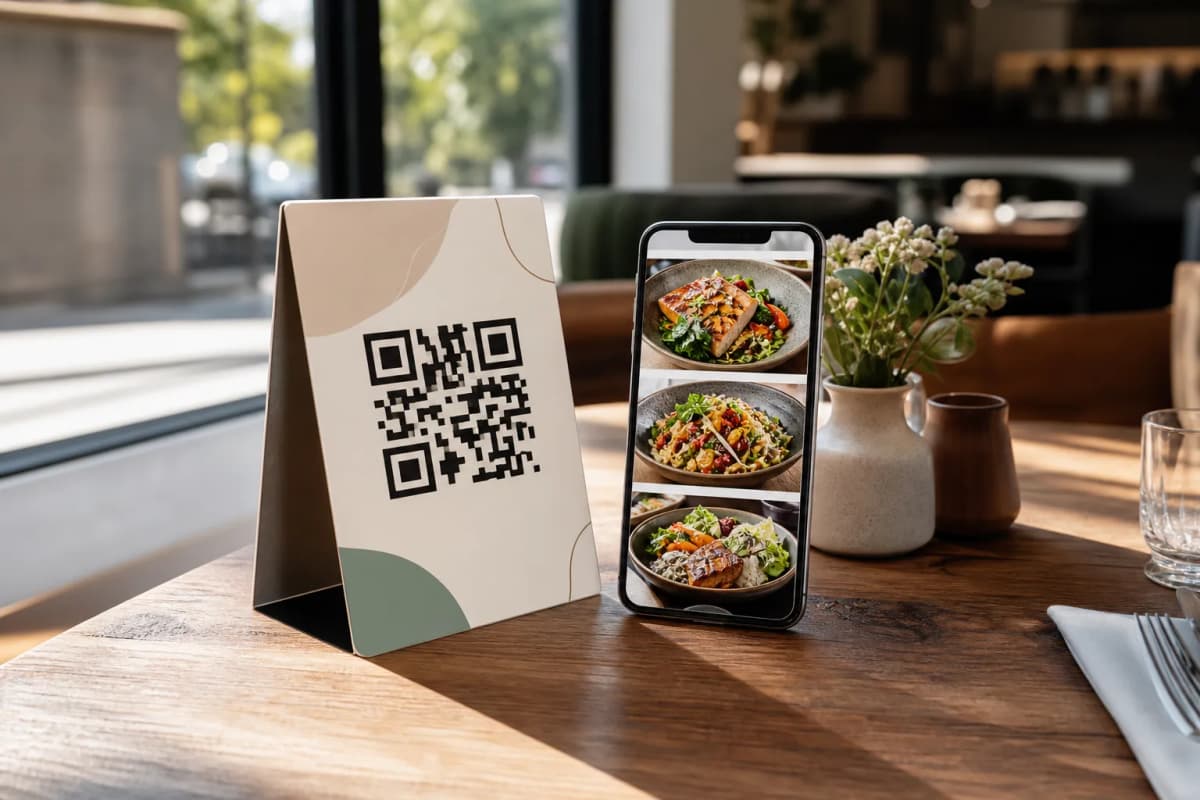
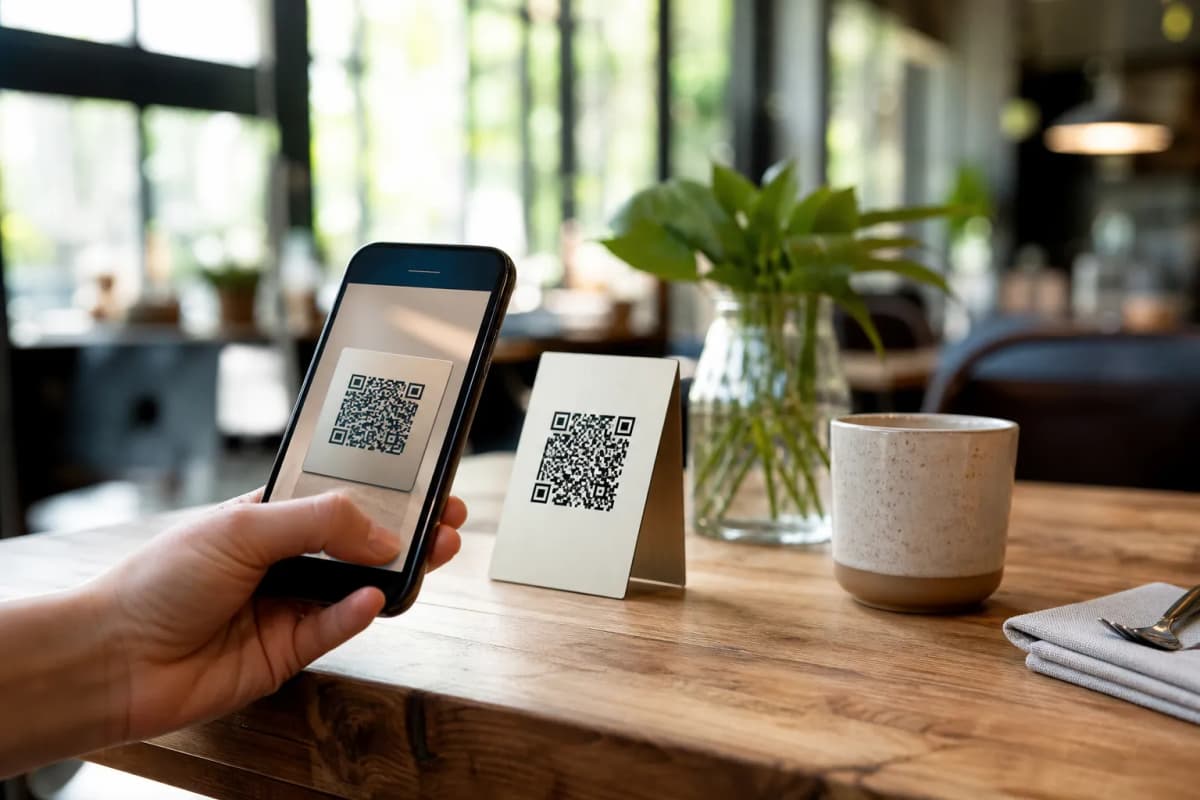
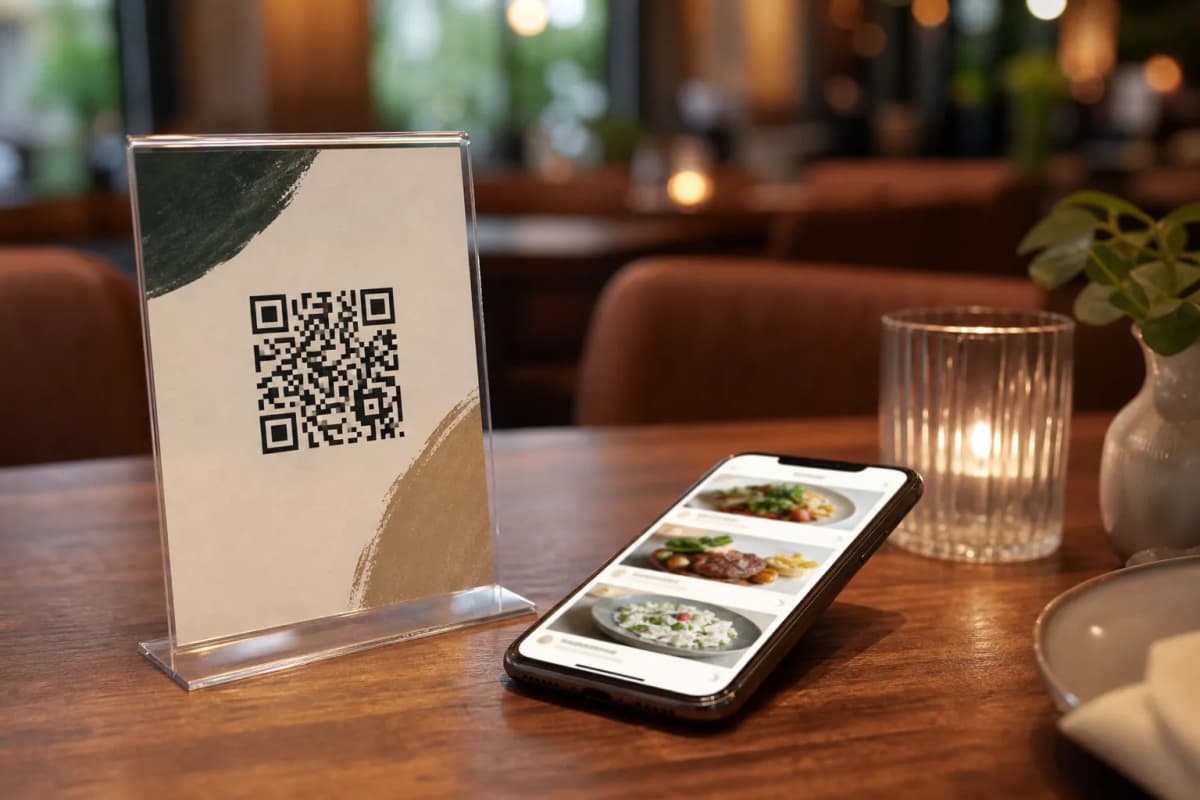
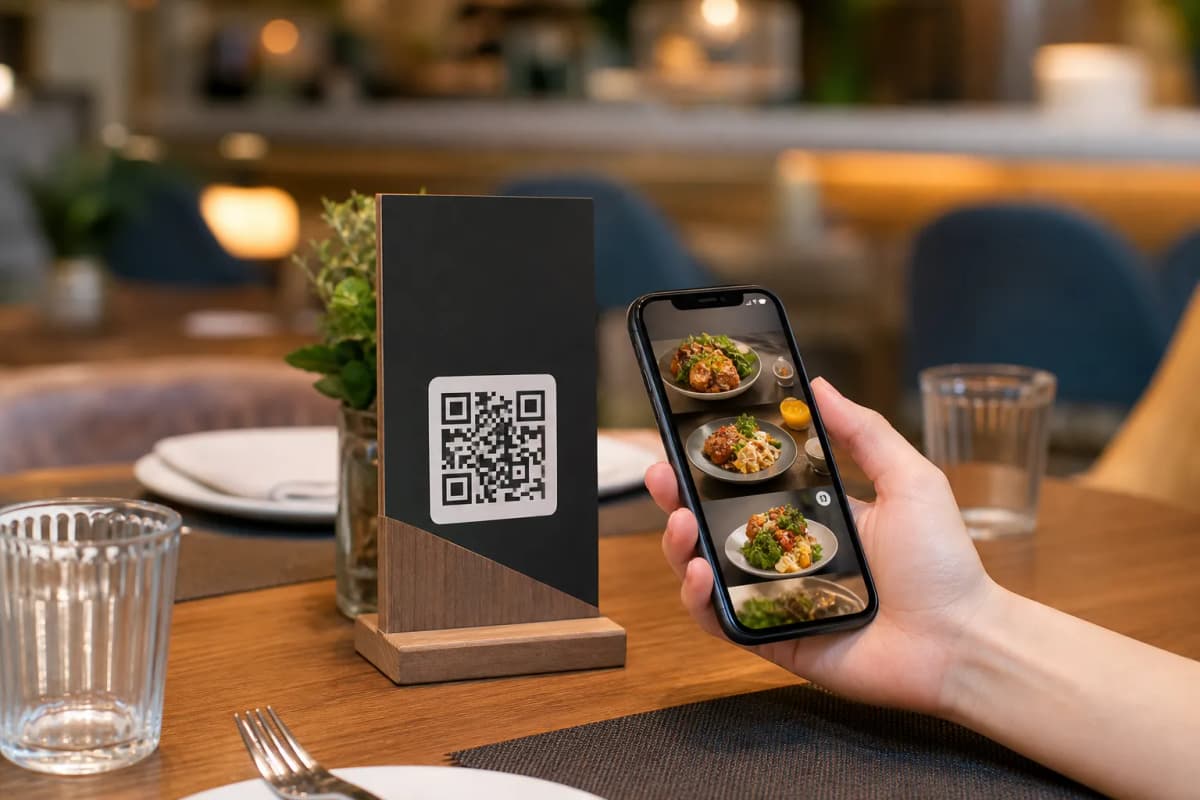
Print these custom codes on table tents or entrance stickers. When guests sit down, they simply point their phone camera at the code. Beyond ordering, this code unlocks the full dining experience. With the Call Waiter feature, guests can request assistance or the bill with one tap, sending staff instant notifications with the table number. Customers can also book tables via the table reservation system, or leave comprehensive feedback through the in-menu rating system.
Ready to Launch Your Digital Interface?
Transitioning to a smart ordering system reduces wait times, increases order sizes, and gives you total control over operations. eMenu AI provides an incredibly powerful, affordable solution for modern cafes and restaurants. To see the flexible options available, visit our pricing page, which includes a free plan to get you started. Take the first step today and modernize the way you serve your guests!