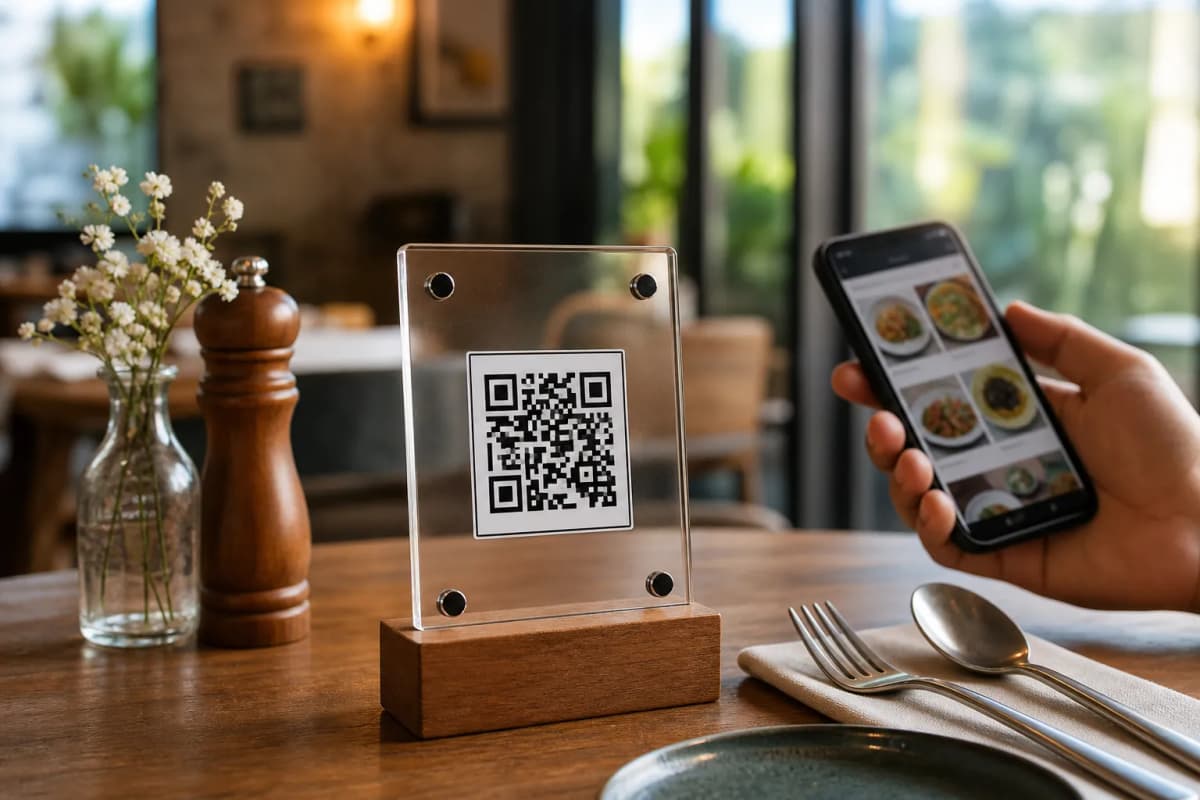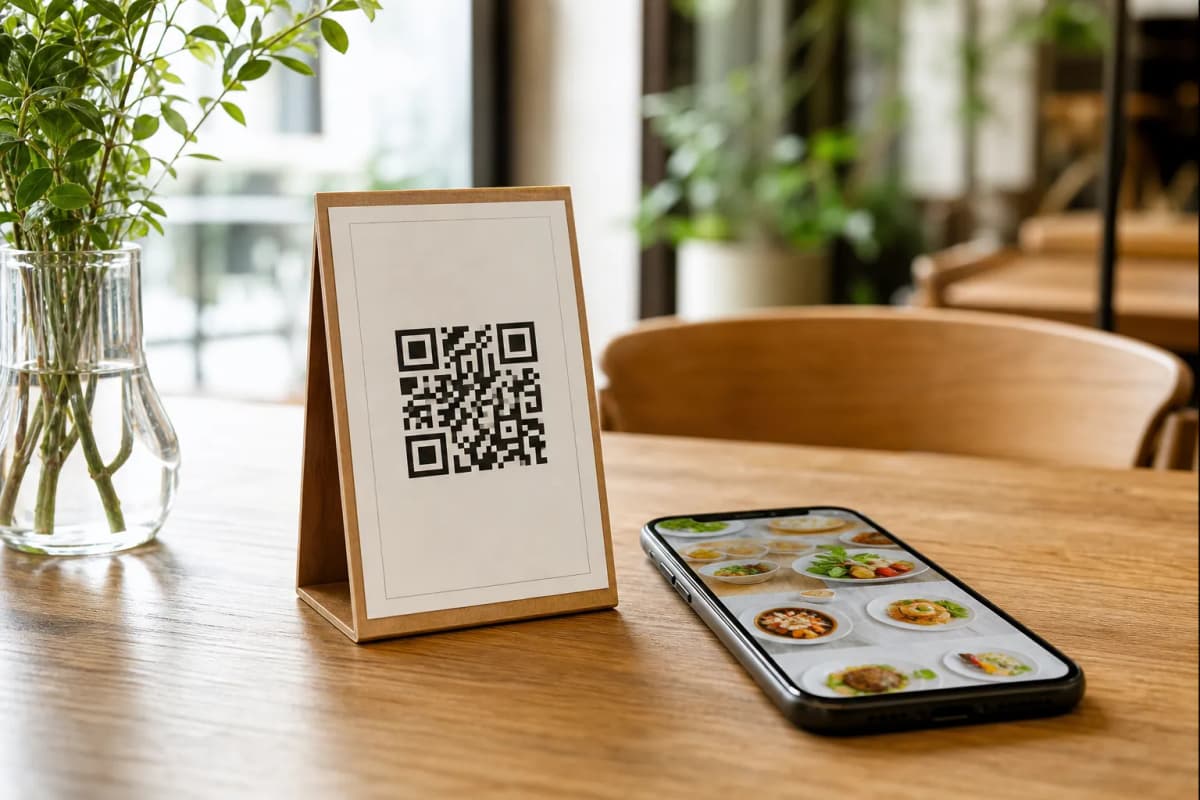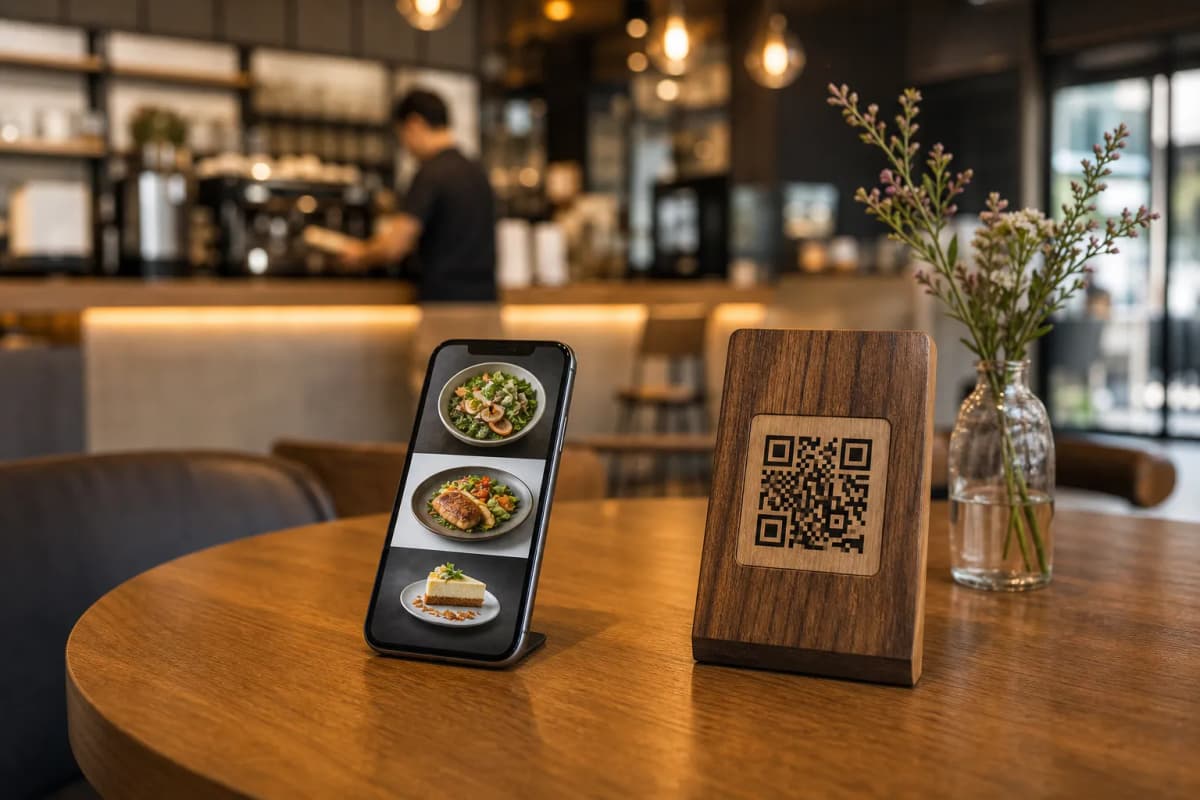
If you want to speed up service and give your guests a modern dining experience, you need to create digital menu systems for your restaurant. Gone are the days of printing expensive paper menus that get easily damaged or outdated. Today, customers prefer scanning a simple code to see your offerings right on their smartphones without any hassle.
With eMenu AI, launching your online platform is incredibly straightforward. Customers do not need to install any apps: they just scan and browse. As the owner, you manage everything easily from your dashboard. Here are the practical steps to launch your new menu.
Step 1: Access the eMenu AI Platform
The first step is to register your business. You can start setting up your menu here. Because eMenu AI uses a smart link, it automatically opens the App Store, Google Play, or the web dashboard depending on your device. You have full control from a computer browser to add dishes, change prices, and organize your sections.
Step 2: Add Your Dishes and Details
Once you are inside the dashboard, start adding your categories and items. This is where eMenu AI provides powerful tools for restaurant owners:
- AI Food Images: Do not worry if you lack professional photos. You can use the built-in AI food image generation to create stunning, realistic pictures of your menu items.
- Global Languages: The menu is available in over 100 world languages with automatic translation. Customers can switch to their preferred language with one click.
- Multiple Currencies: Price your items in over 95 international currencies. Any new currency can be added within seconds on request.
Step 3: Choose Your Custom Design
Your menu should reflect your unique restaurant brand. Browse the multiple ready templates designed for professional hospitality businesses. Every template is fully customizable. If you need a specific look, custom templates can also be made free on request to perfectly match your brand colors.
Step 4: Enable Smart Ordering Features
After adding your dishes, decide how you want customers to order. eMenu AI gives you versatile options to serve guests faster and increase your daily revenue:
- Table Ordering: Customers can browse the menu and send orders directly from their table to your kitchen.
- WhatsApp Orders: Allow guests to send their orders via WhatsApp with live tracking capabilities.
- Pickup Orders: Let customers place takeaway orders directly through the menu, meaning no phone calls and no extra apps to install.
Step 5: Generate and Print Your QR Code
The final step is generating your professional QR code. You can customize this code with your colors and logo. Print it on table tents or entrance signs so guests can scan it immediately. If you want to see how the final product looks to a customer, you can view the Cap Restaurant demo menu to see the smooth experience in action.
Why You Should Create Digital Menu Today
Ready to modernize your operations? Explore our very affordable pricing plans (including a free tier) and create your menu today to completely transform how you serve your customers.