Why You Need a QR Code for Menu Today
Step 1: Get the eMenu AI Platform
Your first move is to set up your restaurant profile. eMenu AI works seamlessly across all devices, including iPhones, iPads, Android phones, tablets, and web browsers. To begin, simply open the eMenu AI platform. This single smart link automatically directs you to the App Store, Google Play, or the web dashboard depending on the device you are using right now. From there, you have full control to build and manage your entire digital presence.
Step 2: Build Your Menu and Choose a Design
Once you are inside the dashboard, it is time to add your categories, dishes, and prices. If you do not have professional photos of your food, you can use the built-in AI food image generation to create stunning, realistic visuals for your items. Next, you will want your menu to look amazing. Browse the multiple ready templates available on the platform. Every template is fully customizable, and new designs are added regularly. If you need something totally unique to match your brand, custom templates are made free on request.
Your digital menu is not just a viewing tool; it is a complete ordering engine. eMenu AI allows you to enable several powerful features to speed up service:
- Table Ordering: Let seated guests send orders straight from their table to the kitchen.
- WhatsApp Orders: Accept orders via WhatsApp, complete with live order tracking for your customers.
- Pickup Orders: Allow customers to place takeaway orders directly through the digital menu without phone calls.
Step 4: Generate Your Professional QR Code
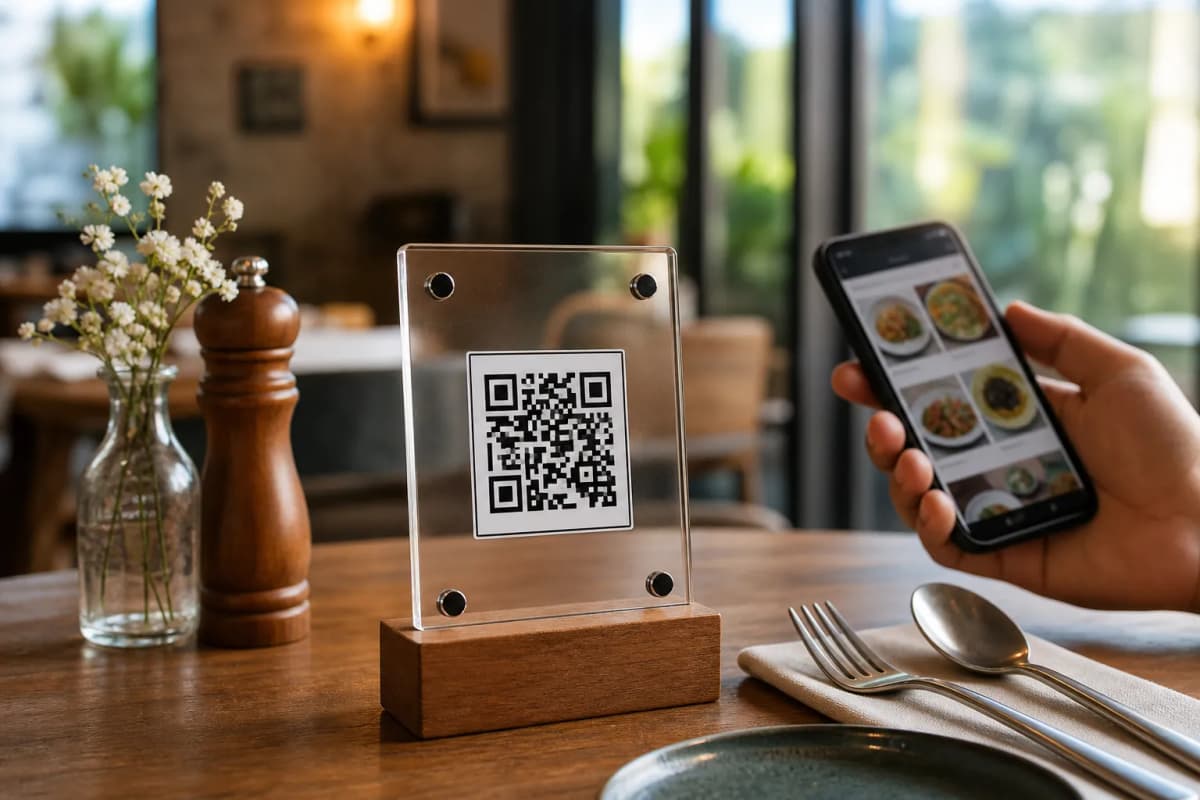
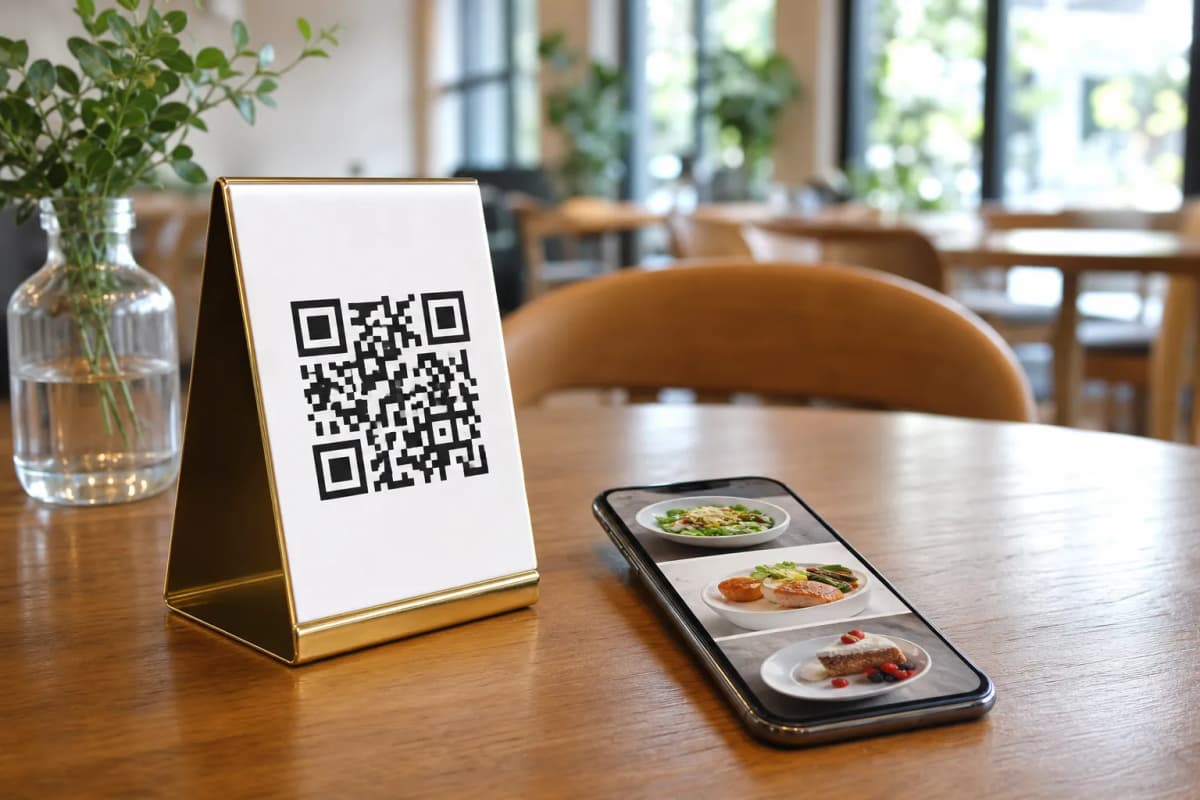
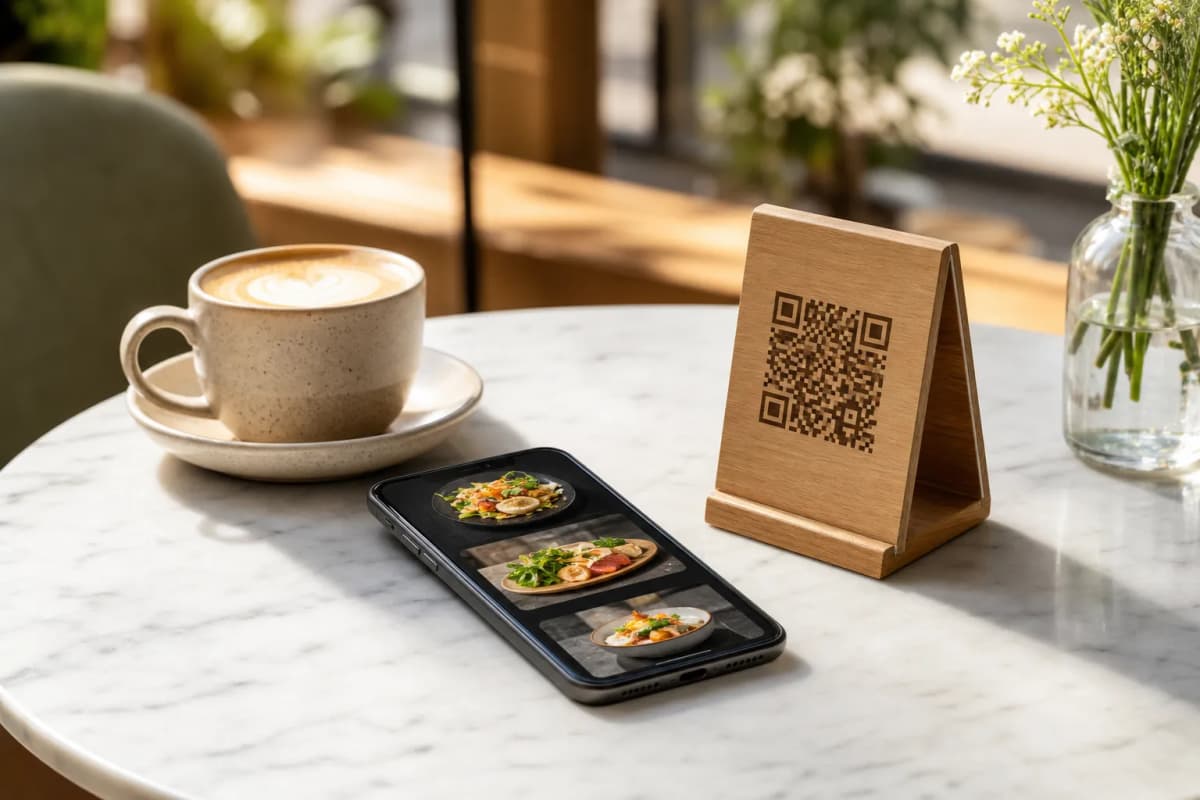
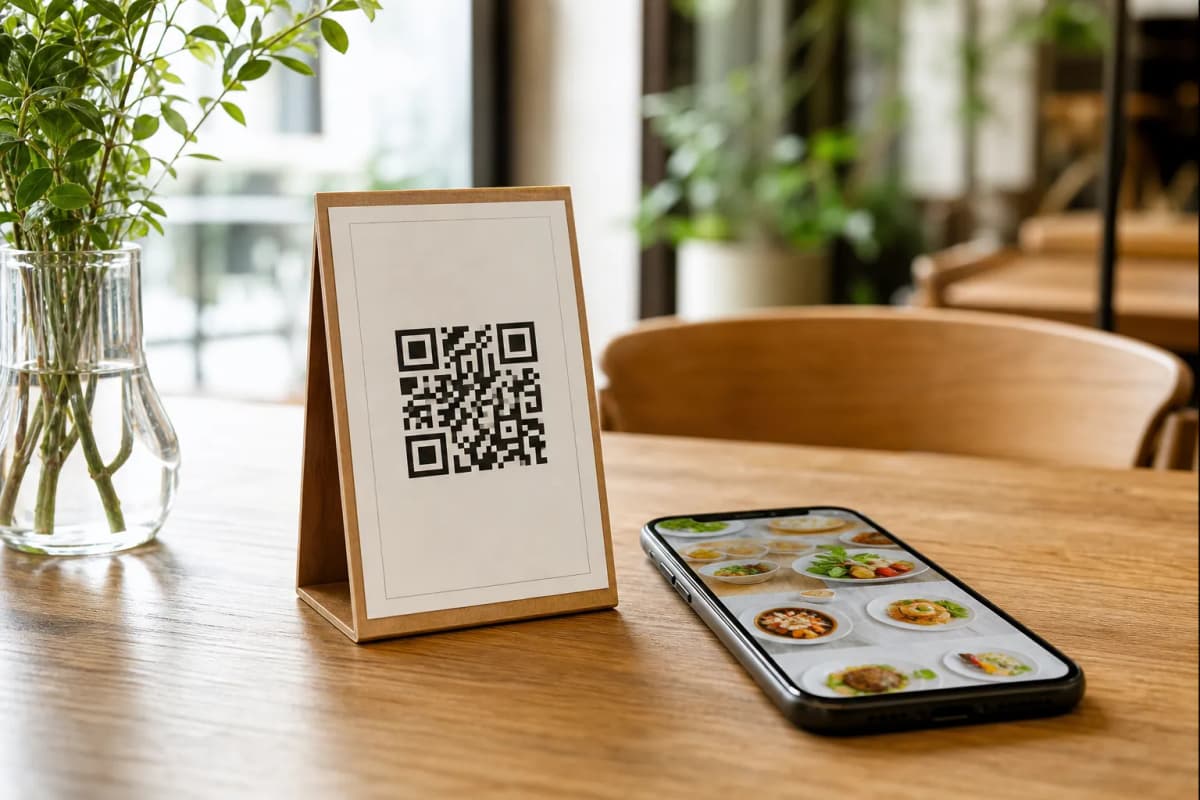
After your dishes and ordering preferences are set, generate your custom QR code directly from the eMenu AI platform. You can customize this professional QR code with your restaurant colors and logo so it blends perfectly with your interior design. Once it looks perfect, print it out and place it on your tables, counters, or at the entrance. Your guests just scan and browse instantly.
Step 5: Turn On Advanced Customer Features
To really impress your guests, activate the built-in hospitality tools. The Call Waiter feature lets guests request assistance or the bill with one tap, sending instant notifications to your staff with the exact table number. You can also turn on the Table Reservation System so guests can book future tables directly from within the menu. Finally, enable the In-Menu Rating System to collect comprehensive customer feedback before they even leave the restaurant.
Launch Your Smart Menu Today
Setting up a smart, contactless ordering system has never been more accessible. Whether you manage a small local cafe or a large multi-branch restaurant, eMenu AI gives you the precise tools to succeed. Check out our very affordable plans on our pricing page, which includes a free plan to help you get started risk-free. Do not wait to upgrade your customer experience. Create your digital menu now and start serving your guests faster and smarter.