How to Set Up Your Restaurant’s e-Menu
A Step-by-Step Guide to Launching Your Digital Menu
Creating your digital menu is straightforward. You don't need technical skills, just your list of dishes and a few minutes to get started. The entire process can be managed from a phone, tablet, or your computer's web browser.
-
Step 1: Create Your eMenu AI Account
The first step is to get the platform. You can begin on any device you prefer. Simply visit eMenu AI's universal platform to sign up. This one link works everywhere, automatically directing you to the iPhone or Android app or the web version for your computer. Once you create your account, you'll have access to the dashboard where your menu comes to life.
-
Step 2: Build Your Menu Structure
Inside the eMenu AI dashboard, start by organizing your menu into logical sections, such as Appetizers, Main Courses, Desserts, and Drinks. Then, begin adding your individual items to each section. For every dish, you can add a name, a detailed description, the price, and a high-quality photo. If you don't have professional photos for every item, you can even use the built-in AI food image generation to create appealing visuals for your dishes.
-
Step 3: Customize the Design
Your menu should reflect your brand's unique style. eMenu AI offers a variety of professional designs to get you started. You can browse the multiple ready templates and choose one that fits your restaurant's vibe. From there, you can customize the colors, fonts, and layout to perfectly match your branding. This ensures a seamless and professional experience for your customers from the moment they scan the code.
-
Step 4: Generate Your Custom QR Code
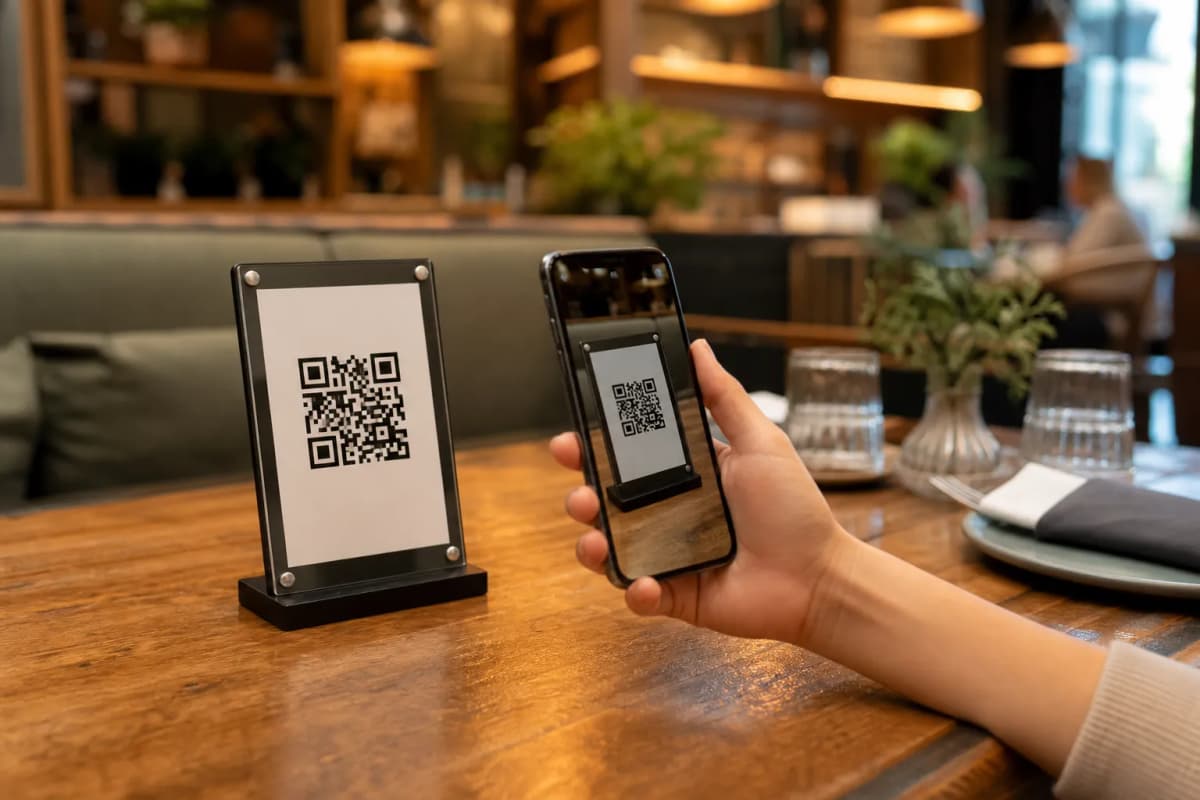
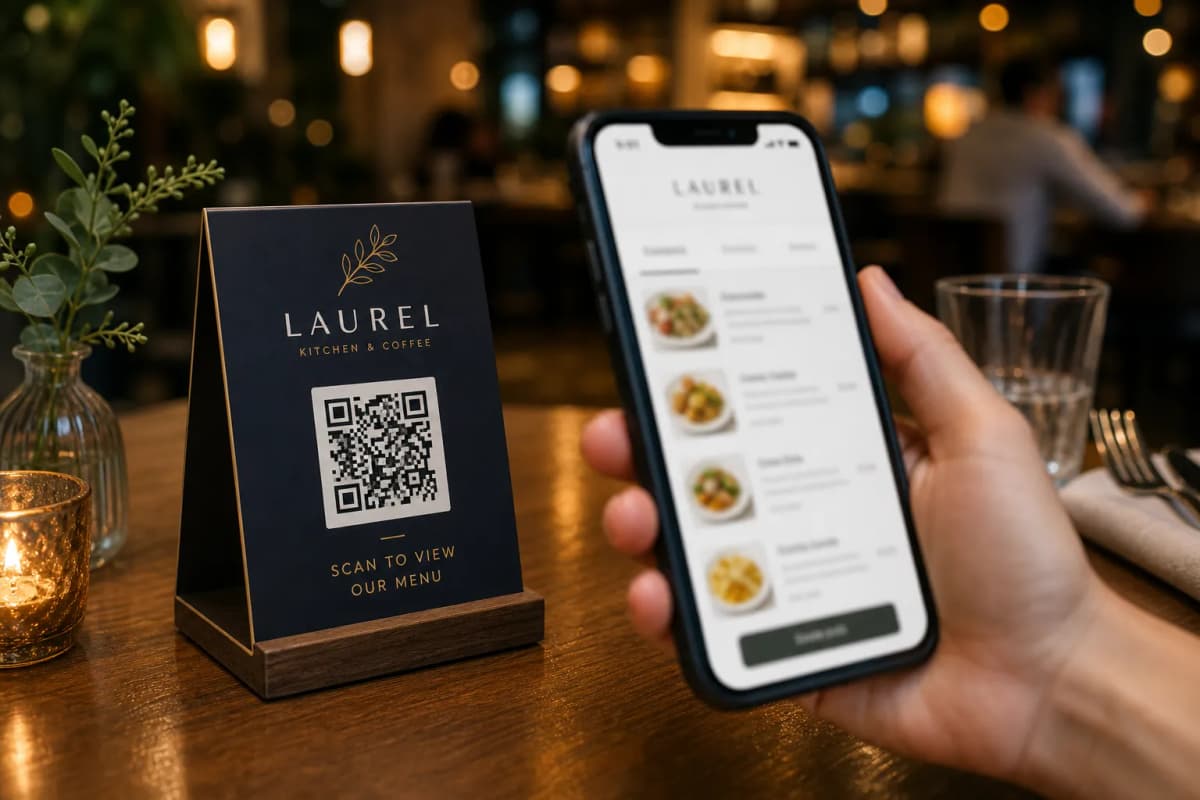
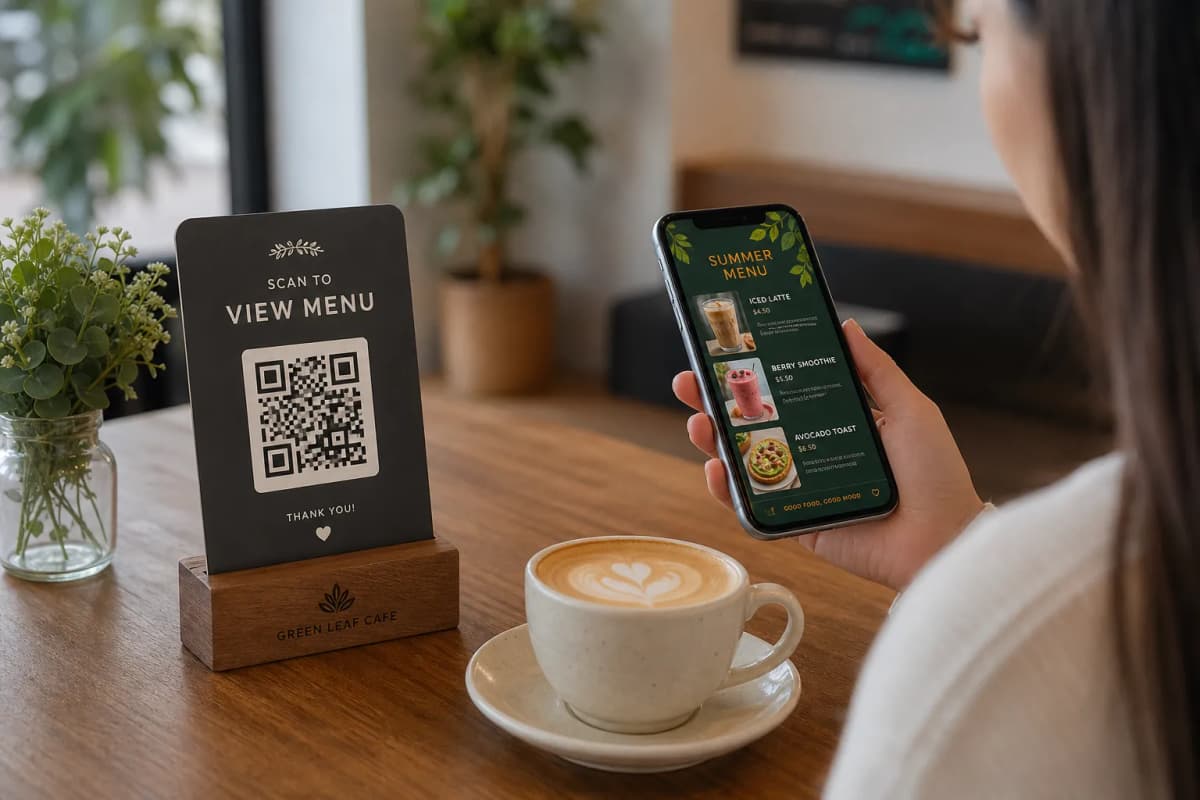
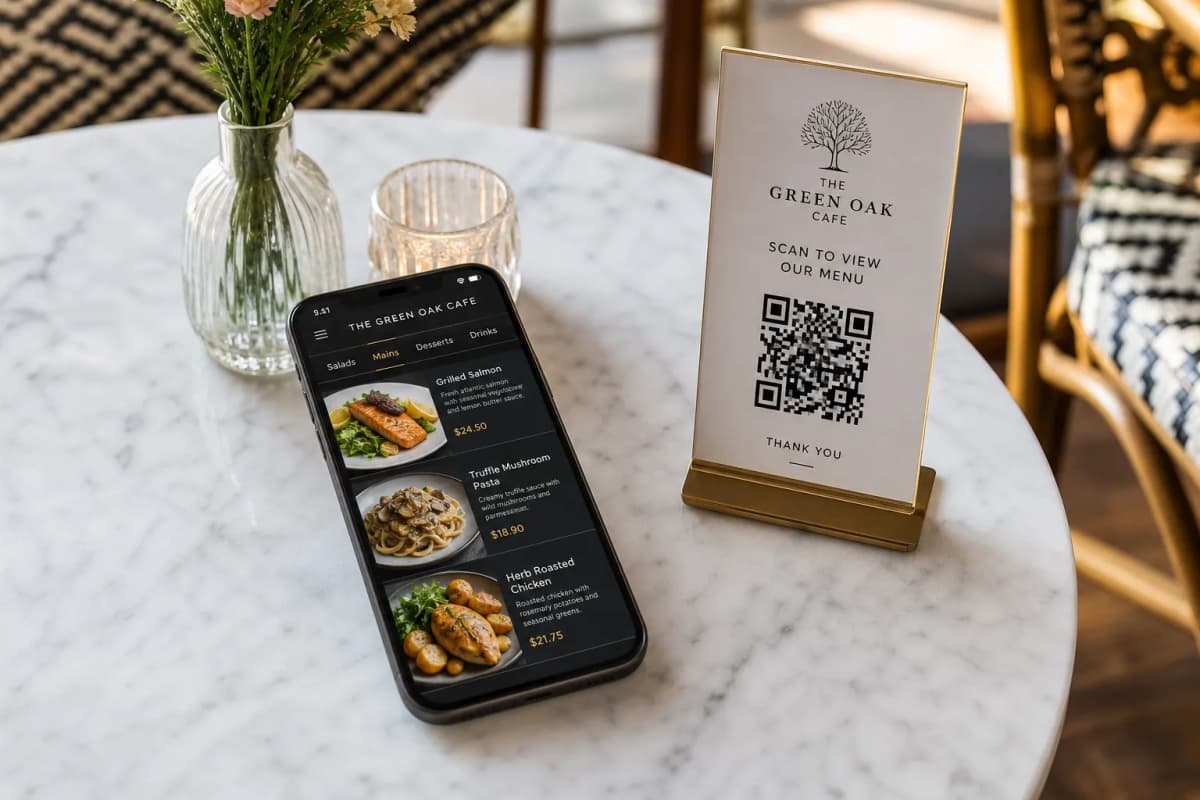
With your menu built and designed, it's time to generate your QR code. eMenu AI creates a unique, professional QR code for your restaurant that you can customize with your logo and brand colors. You can then download this code and print it for your tables, your entrance, or on flyers. When a customer scans it, they are taken directly to your beautiful new menu without needing to install any apps.
- Pickup and WhatsApp Orders: Expand your service beyond the table by enabling options for takeaway orders placed through the menu or even via WhatsApp.
- Call Waiter: A simple button lets customers request assistance or the bill, sending an instant notification to your staff with the table number.
- Table Reservations: Integrate a booking system directly into your menu, allowing customers to reserve their next visit easily.
Serve a Global Audience Effortlessly
One of the standout benefits of a digital menu is the ability to break language barriers. With eMenu AI, your menu can be automatically translated into over 100 languages. A customer from anywhere in the world can switch to their native language with a single click, making their ordering experience smooth and welcoming. This, combined with support for international currencies, makes your restaurant instantly accessible to a global clientele.
Ready to create a modern, efficient, and user-friendly e-menu for your restaurant? The process is quick, the features are powerful, and you can get started right away. Explore the different options on our pricing page, including a free plan, and begin building your new digital menu today at https://app.e-menu.ai/appp.