Why Your Restaurant Needs a Food Menu Photo Generator Today
Beautiful food photography is one of the highest-converting assets a restaurant or cafe can own. When guests see a delicious, vibrant image of a dish, they are far more likely to order it. However, hiring a professional food photographer for every new seasonal dish or menu update is expensive and incredibly slow. This is where a food menu photo generator changes the game for hospitality owners. By using eMenu AI, you can instantly create stunning, mouth-watering images for your digital menu, helping you sell more without the massive photography budget.
Let us look at a realistic growth scenario. Imagine a busy shawarma and grill restaurant with over 40 items on the menu. If the digital menu is just a list of text, customers will stick to what they already know. But when you add high-quality generated photos to your loaded fries, specialty wraps, or fresh salads, your average order value instantly jumps. Visuals trigger impulse buys. Customers who planned to just get a quick sandwich end up adding a side dish or a premium dessert simply because the picture looked irresistible. Better photos also lead to better customer reviews, as guests know exactly what to expect before the plate even arrives at their table.
How to Use the Food Menu Photo Generator to Drive Sales
Ready to upgrade your visual appeal and increase your daily revenue? Here are the practical steps you can take to use the built-in AI food image generation tool to completely transform your digital presence.
Step 1: Set Up Your Menu Platform
First, you need to get your restaurant profile ready. Go to https://app.e-menu.ai/appp to download the app or open the web dashboard. This single smart link detects your device and works seamlessly for iPhone, iPad, Android phones and tablets, and web browsers. This gives you full control from any device you prefer.
Step 2: Organize Your Dishes
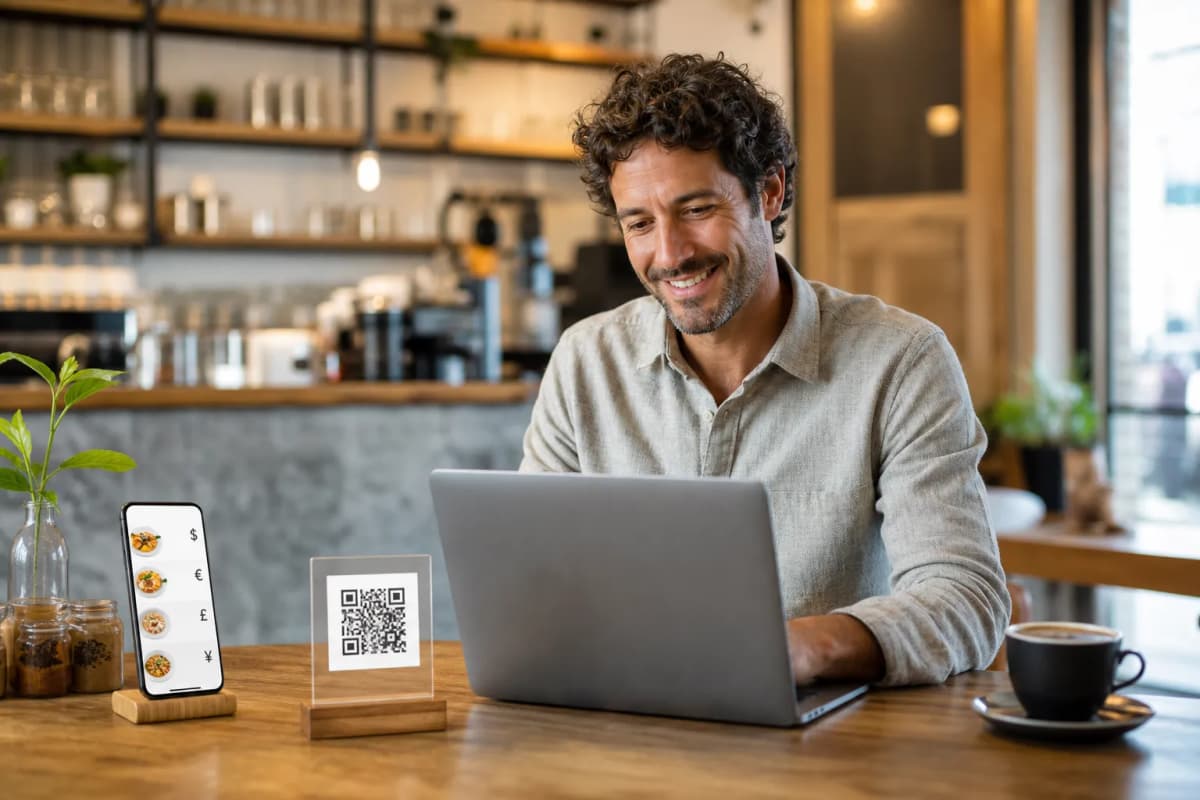
Using the web dashboard from your computer browser, start adding your dishes, changing prices, and organizing sections. Create your categories (such as Starters, Mains, and Drinks) and start adding your items. Type in the exact name of your dish and a clear, tasty description that highlights the ingredients. If you run a cafe and want to test a new "Winter Spiced Latte", you can simply add it to the dashboard in seconds.
Step 3: Generate Professional Photos
Instead of leaving the image blank or uploading a blurry, unappetizing smartphone picture, use the AI food image generation feature right inside eMenu AI. The system reads your dish details and produces a professional, highly appetizing photo instantly. You can populate your entire 40-item menu with stunning photography in just one short sitting, allowing you to test new menu items without waiting weeks for a photoshoot.
Turning Visuals into Faster Orders and Higher Revenue
Once your beautiful photos are in place, the real growth begins. A highly visual menu is only as good as the ordering system behind it. With eMenu AI, your stunning new digital menu is instantly connected to powerful sales and operational tools that make running your restaurant smoother.
Table Ordering and Instant Sync:
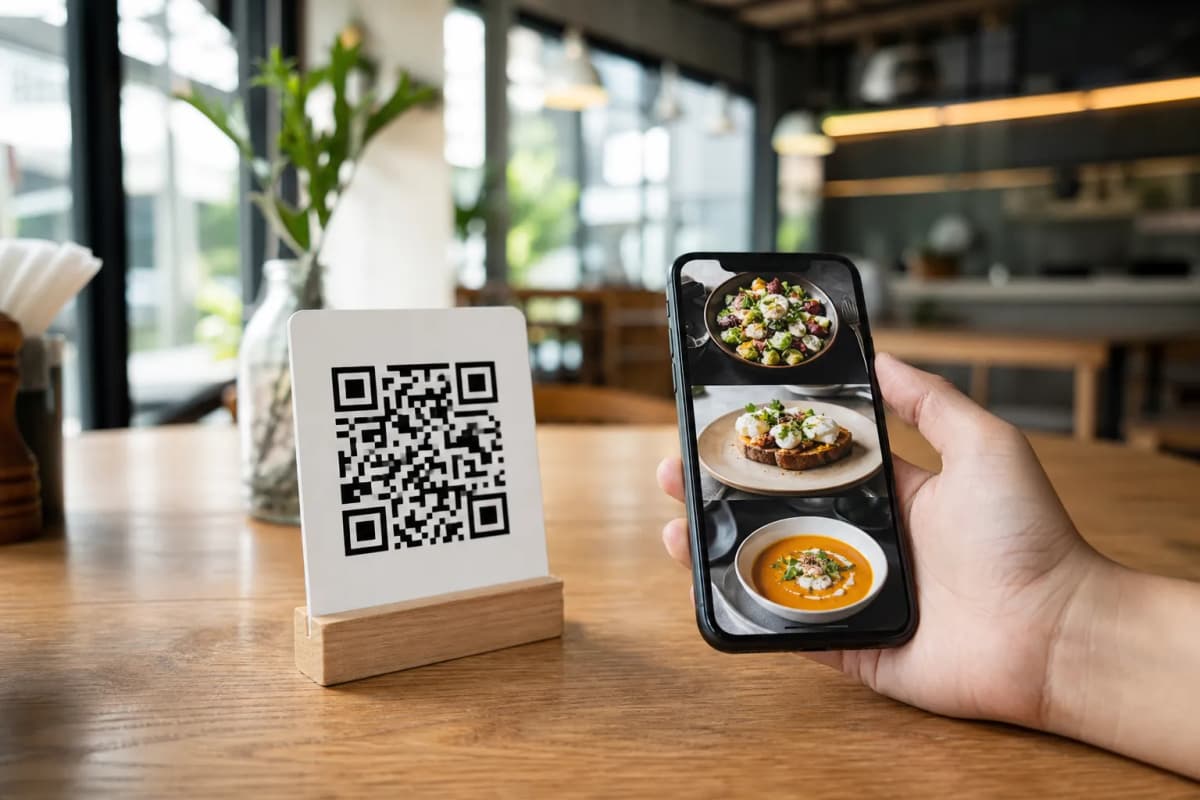
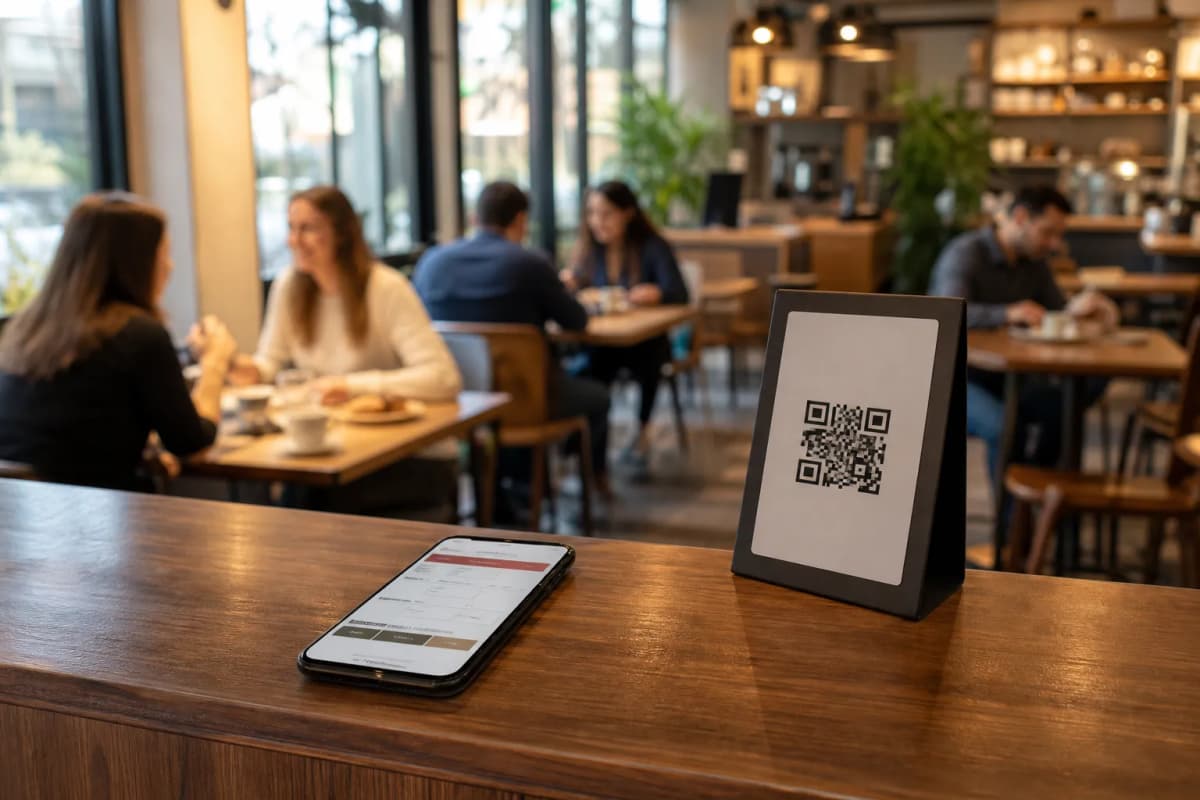
Customers scan a custom QR code (which you can customize with your restaurant's colors and logo to print on tables or the entrance). They browse your newly generated photos and send orders directly from their table to the kitchen. Thanks to the POS & Printer Integration, the orders stream directly to your point of sale and kitchen printers. Your staff sees the orders the exact moment they come in, eliminating delays and forgotten tickets.
WhatsApp Orders and Takeaway:
Your visual menu works perfectly outside the four walls of your restaurant, too. Customers can browse your photos from home and place pickup (takeaway) orders straight through the menu. There are no apps to install and no busy phone lines to manage. You can also enable WhatsApp Orders, allowing guests to order via WhatsApp with live order tracking.
Frictionless Payments in Any Currency:
When the food looks this good, customers want to pay and order fast. The Pay in Menu feature lets customers pay directly from the digital menu. It supports cards and local payment gateways, with funds settled right to the restaurant's account. Plus, eMenu AI supports over 95 international currencies, and any new currency can be added within seconds on request, making it perfect for tourist hotspots.
Design a Complete Experience Around Your Photos
You want your new photos to sit inside a digital environment that perfectly matches your brand identity. You do not have to settle for a generic, boring look. You can browse multiple professional designs in the templates gallery. Every single template is fully customizable, new ones are added regularly, and custom templates are even made free on request to perfectly match your brand.
Furthermore, a great photo speaks every language, but your dish descriptions still matter to international guests. EMenu AI supports all languages, offering your menu in over 100 world languages with automatic translation. Customers can switch the language with one single click. If they need help deciding on a dish they saw, they can use the Call Waiter feature. One tap from the menu requests assistance or the bill, and your staff gets instant notifications with the table number and request type.
You can even collect comprehensive customer feedback inside the menu using the In-Menu Rating System, or let customers book their next visit directly from within the menu using the Table Reservation System. Every feature is designed to maximize the value of your visual menu.
Frequently Asked Questions
Does the food menu photo generator cost extra to use?
The AI food image generation feature is integrated into the eMenu AI platform to help you build your menu faster. We offer very affordable plans to suit any restaurant size, including a free plan to help you get started. You can view all details on our pricing page.
Can I replace the AI-generated photos later with my own pictures?
Absolutely. The generated photos are perfect for launching your menu incredibly fast or testing out new seasonal dishes without hiring a photographer. If you decide to do a professional photoshoot later, you can easily log into your web dashboard and replace any image in seconds.
Do my customers need to download an app to see these generated photos?
No app install is ever needed for your customers. They simply scan your professional QR code with their standard smartphone camera, and they can instantly browse your beautiful, photo-rich digital menu directly in their mobile web browser.
Will the generated photos slow down the loading time of my digital menu?
Not at all. The eMenu AI platform is highly optimized for speed. Whether your customers are using table ordering inside the cafe or browsing for pickup orders at home, the images load instantly so your guests can make quick, hungry decisions.
Do not let a lack of professional photography hold your restaurant back or limit your sales potential. Beautiful menus sell more food, drive higher average order values, and create a better guest experience. Start building your highly visual menu today by visiting https://app.e-menu.ai/appp and watch your restaurant revenue grow.