Welcome to the next level of customer engagement! Connecting your social media accounts to your eMenu AI profile is quick, simple, and helps you grow your online presence. Follow these 6 easy steps to get started:
Make sure you are logged into your admin dashboard before starting.
Step 1: Go to Settings
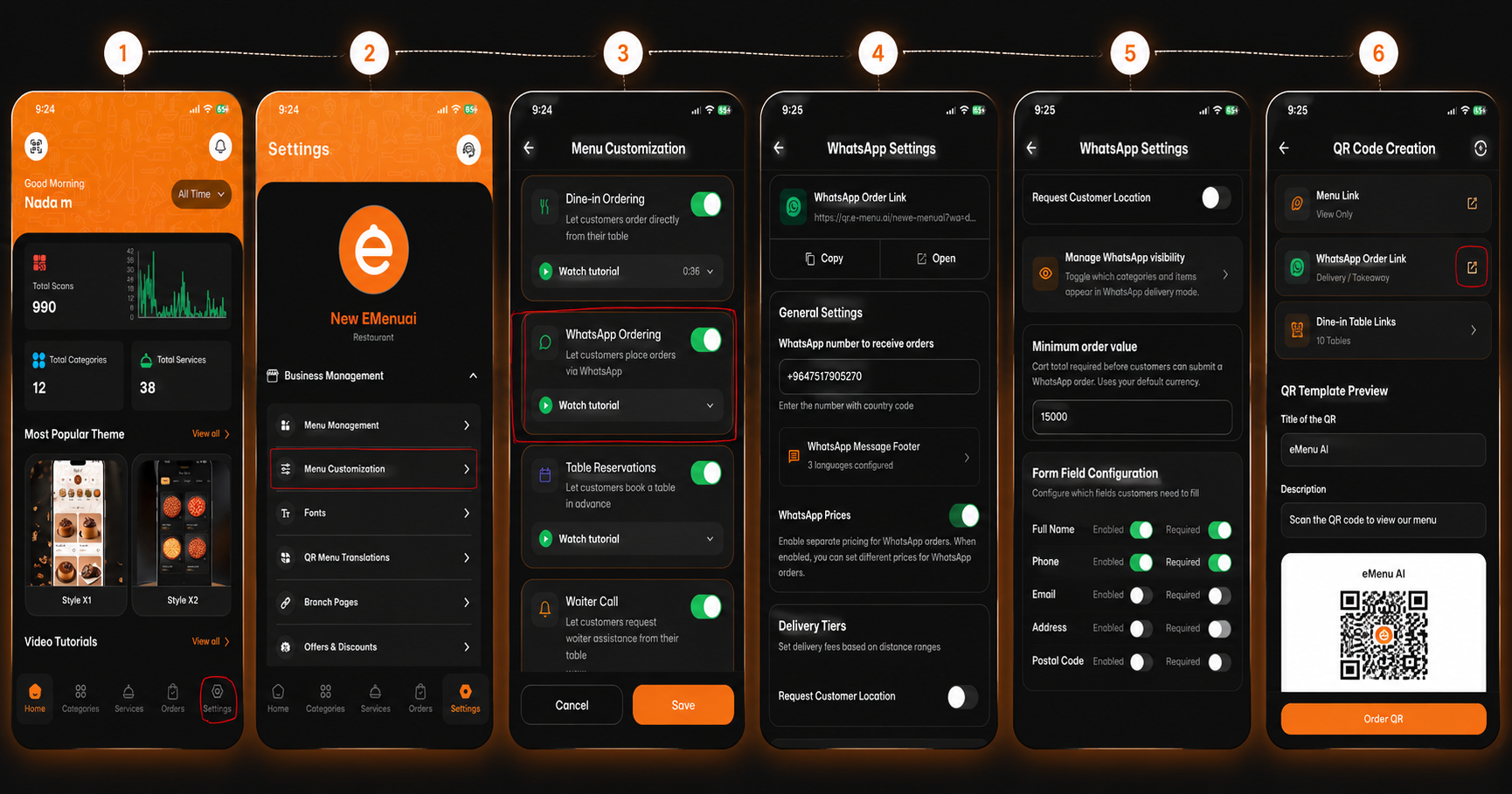
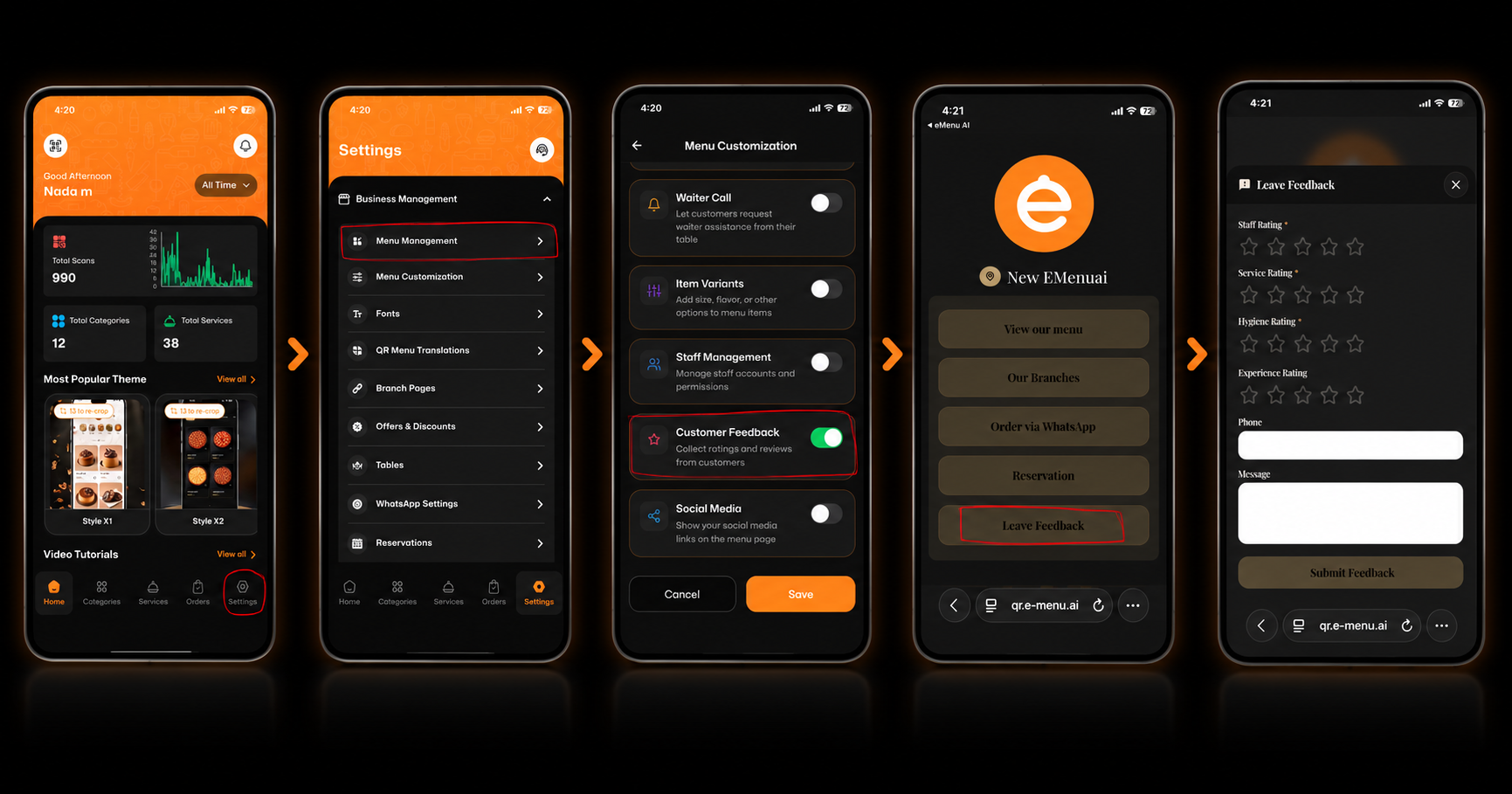
First, open your app dashboard. Look at the bottom navigation bar and tap on the Settings icon (the gear symbol located on the far bottom right).
Step 2: Access Menu Customization
Inside the Settings menu, navigate to the Business Management section. From the list of available options, tap on Menu Customization.
Step 3: Enable Social Media
Scroll down the Menu Customization list until you find the Social Media option. Toggle the switch so it turns green (enabled) to show your social media links on the menu page, then tap to proceed.
Step 4: Choose Your Platforms
You will now see a dedicated list of popular social media platforms. You can choose to connect your business profiles for:
X (Twitter)
YouTube
TikTok
Snapchat
Step 5: Enter Your Links
Tap on the specific platform you want to connect. A window will pop up asking you to type or paste your unique profile link or username. Once entered, tap the Add button to save it.
Step 6: View Your Updated Digital Menu
That’s it! When your customers scan your QR menu, they will now see your customized Social Media section. They can easily click the icons to follow you or chat with your business directly.
🎥 Watch the Registration Tutorial
Need a visual guide? Watch this quick video to see How to Add Social Media Links on the eMenu AI App: A Step-by-Step Guide
🎉 Congratulations!
Your social media accounts are successfully linked. You are now ready to boost your followers, increase engagement, and connect with your customers effortlessly through eMenu AI!