Welcome to eMenu AI! Managing your subscription and choosing the right plan for your business is quick and easy. Follow these 3 simple steps to view or upgrade your account:
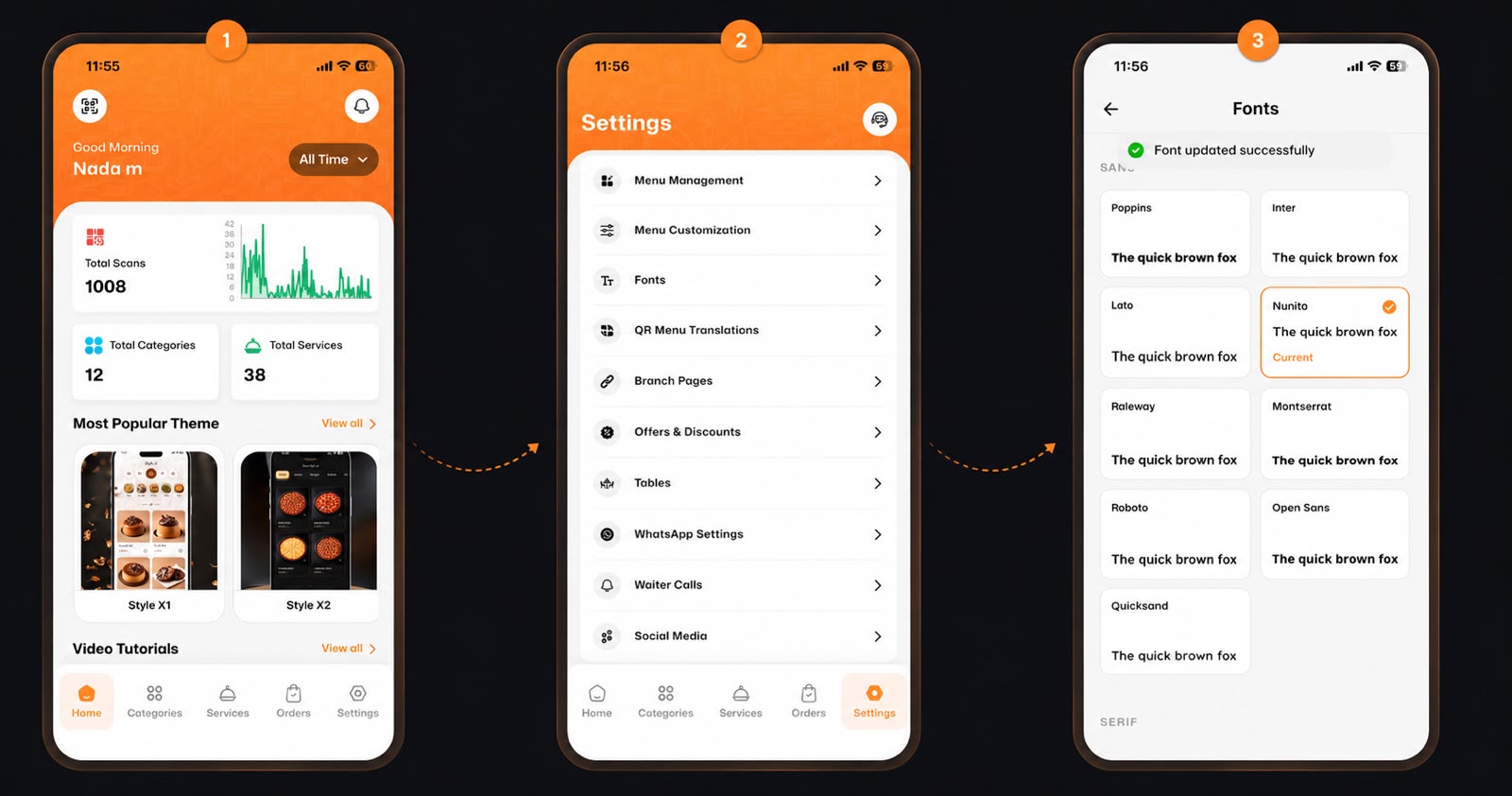
Make sure you are logged into your account and starting from your main Home dashboard.
⚙️ Step 1: Go to Settings
First, open the eMenu AI app. On the main dashboard, look at the bottom navigation bar and tap on the Settings icon (located in the bottom right corner).
👑 Step 2: Access Subscriptions
Next, in the Settings menu, you will see a list of options for your account. Find and tap on Subscription (marked with a small crown icon).
📅 Step 3: Choose Your Plan
Now you can view and manage your current plan! On this page, you can:
Toggle between Monthly and Yearly billing options.
Review the features of your current plan (like the Essential Plan), including Max Items, QR Codes, and Custom Branding.
Choose to Upgrade or Downgrade your plan based on your business needs.
🎉 Congratulations!
You now know how to manage your subscription effortlessly. Keep growing your business with eMenu AI!