A Step-by-Step Guide to Adding Services to Your Menu
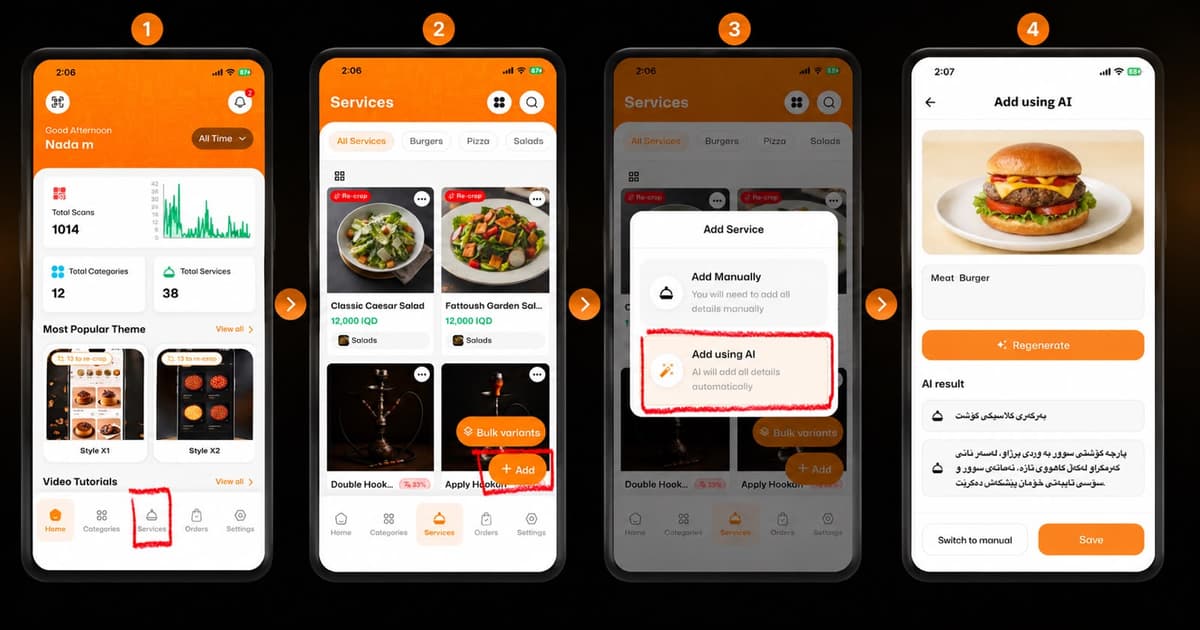
Welcome to the future of menu management! Adding new dishes or services to your digital menu is now faster and smarter with eMenu AI. Follow these 4 easy steps to add items using AI:
*This smart link automatically redirects you to the Apple App Store, Google Play, or Web App based on your device.
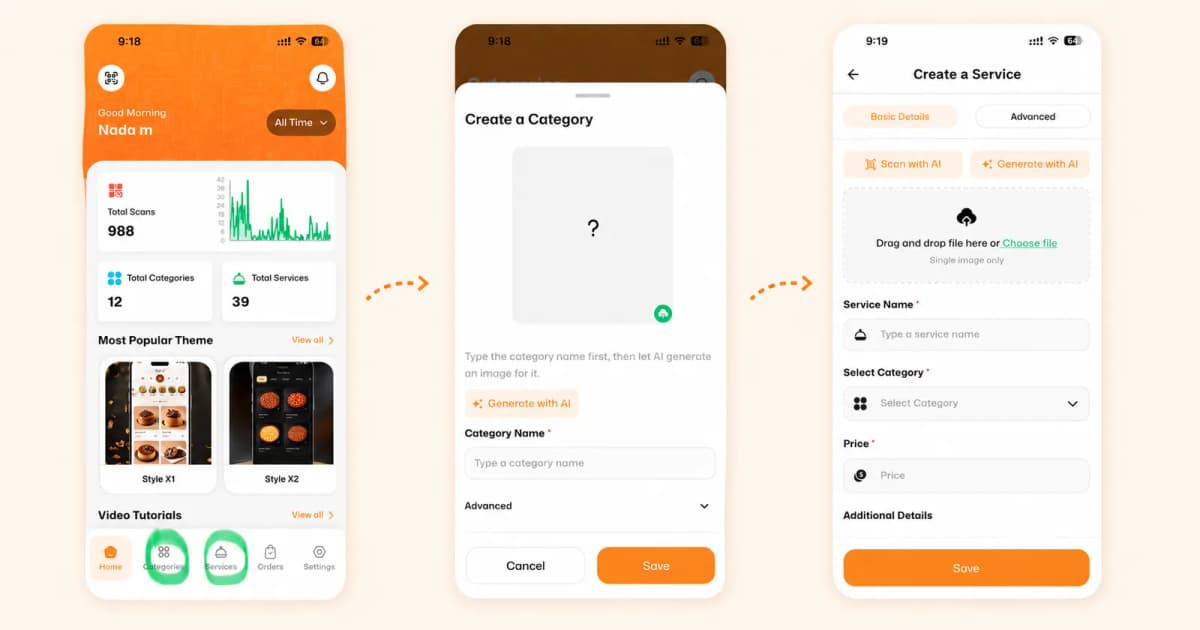
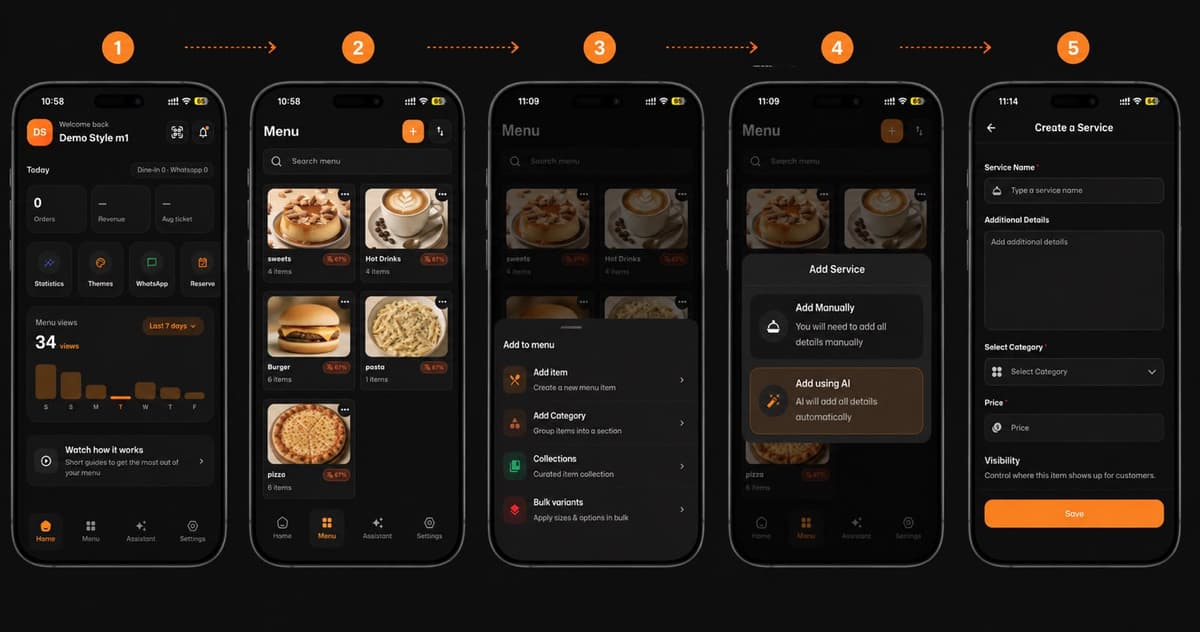
Step 1: Go to Services
Open the app and tap on the Services icon located in the bottom navigation menu of your home screen.
Step 2: Tap the Add Button
On the Services page, tap the orange + Add button at the bottom right corner.
Step 3: Select "Add using AI"
A menu will pop up with creation options. Select Add using AI to let the app automatically generate item details, titles, and descriptions for you.
Step 4: Review and Save
Review the generated image, item title, and auto-written description. Click Regenerate if you want to try another result, or simply tap Save to publish your new dish!