Welcome to seamless restaurant management! Empowering your customers to order directly from their tables using eMenu AI is quick, easy, and guarantees a modern dining experience. Follow these simple steps to streamline your service:
*This smart link automatically redirects you to the Apple App Store, Google Play, or Web App based on your device.
Step 1: Enable the Dine-In Ordering Feature
First, you need to allow your customers to place orders directly from their smartphones.
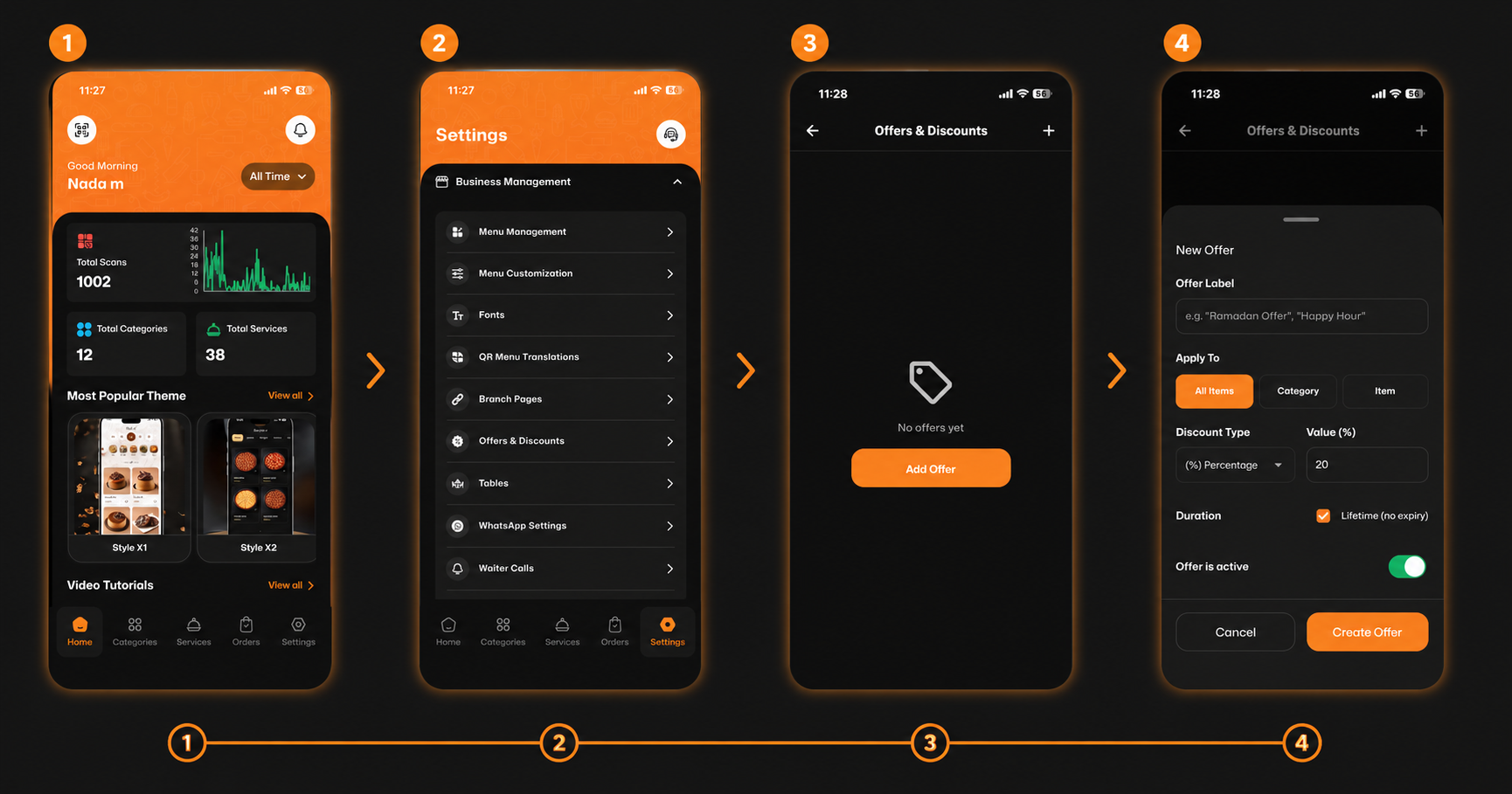
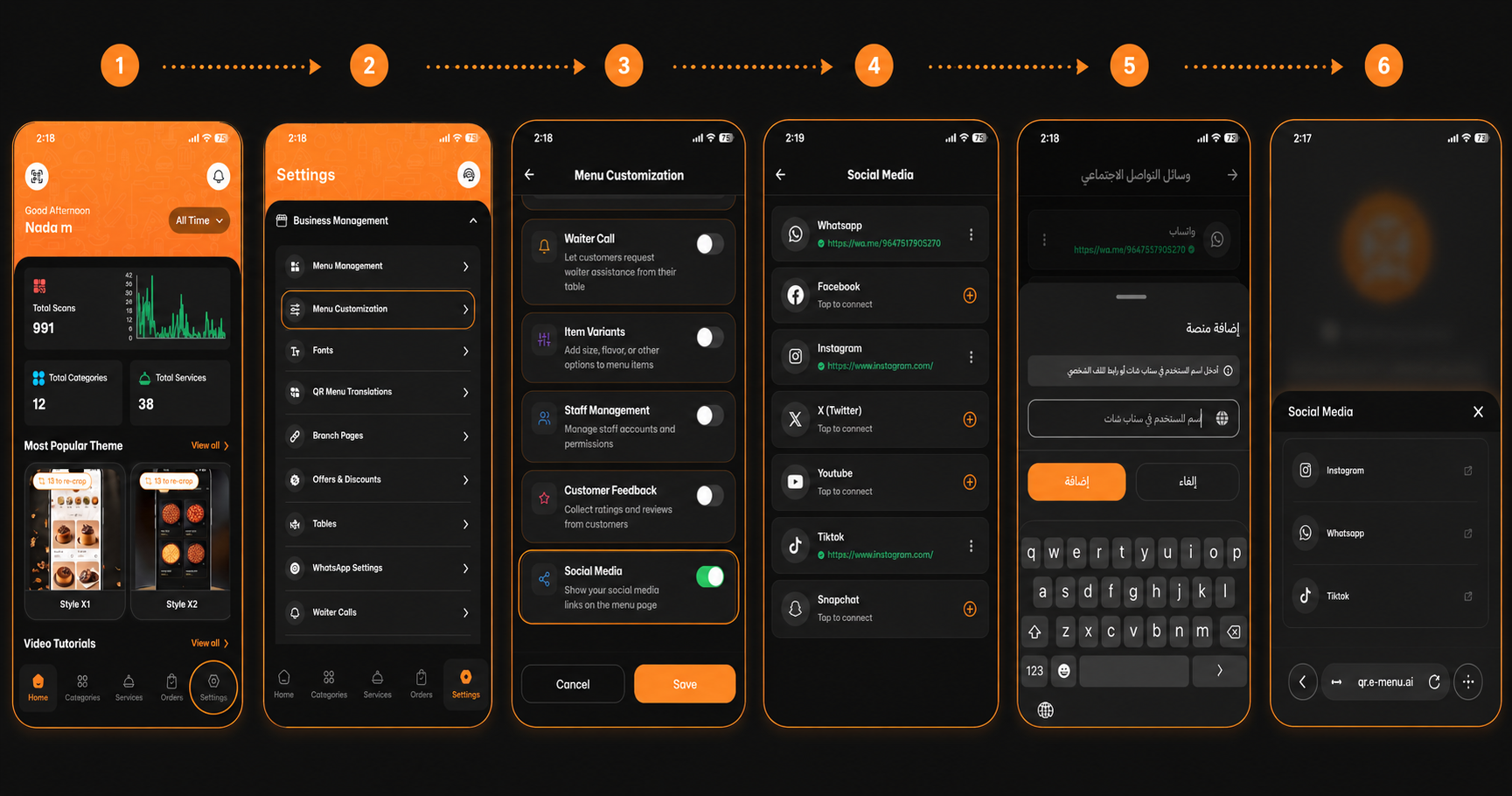
1. Open the app and navigate to the Settings tab at the bottom right corner.
2. Tap on Menu Customization.
3. Find the Dine-in Ordering option and toggle the switch to the ON position (it will turn green).
Step 2: Add and Manage Your Tables
Next, set up your restaurant's floor plan digitally so you know exactly where every order is coming from.
1. Go back to the main Settings menu and select Tables.
2. Tap the + (plus) icon to add a new table.
3. Fill in the details:
Table Number & Name (e.g., T33 or Table 1).
Table Capacity (number of seats).
Location (choose between Indoor, Outdoor, or Terrace).
4. Tap Add Table to save.
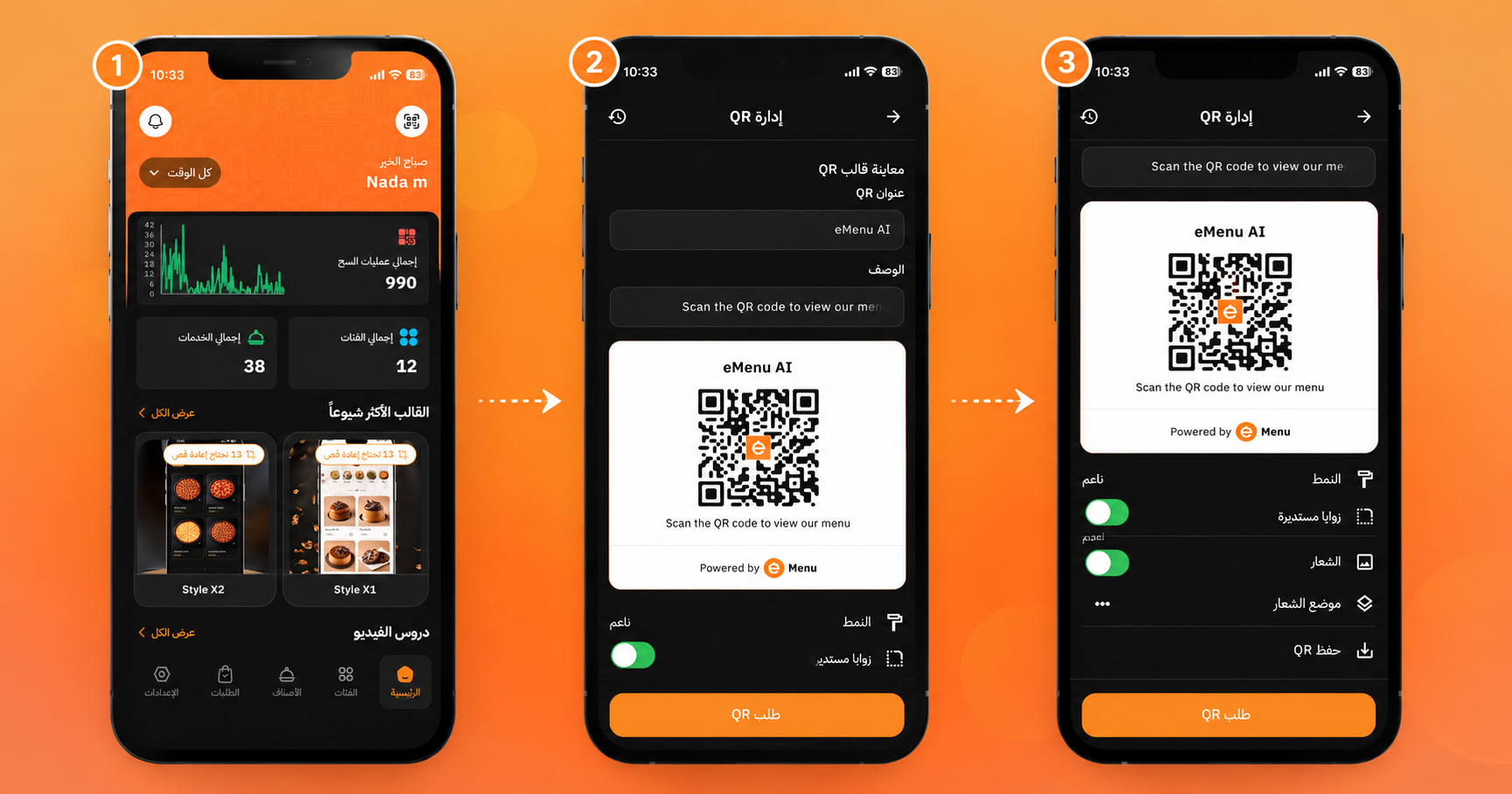
Pro Tip: From the Tables list, you can easily tap on any table to Download QR codes, copy links, or edit details instantly.
Step 3: Receive and Track Orders Seamlessly
Now that your tables are set up and ordering is enabled, you are ready to serve!
When a customer scans the QR code at their table, they can browse your digital menu and add items to their cart (like a delicious "Italic pizza").
As soon as they hit "Send Order," you will get an instant push notification on your device (e.g., "New Order Received! Guest Customer ordered 1 item").
Open the notification to track the order, view the specific table number, and see the customer's chosen payment method (Card or Cash).
🎥 Watch the Registration Tutorial
Need a visual guide? Watch this quick video to see How to Set Up Tables and Enable Dine-In Ordering on eMenu AI: A Step-by-Step Guide
🎉 Congratulations!
Your dine-in setup is completely optimized. You can always check your Home dashboard to monitor your total scans, active categories, and overall business performance. You are now ready to revolutionize your customer experience with eMenu AI!