When you run a busy restaurant or cafe, speed is everything. Setting up online ordering POS integration is the most effective way to eliminate bottlenecks. Instead of having staff manually punch in orders from a tablet or phone, customers order directly from their own devices, and those orders stream instantly to your point of sale and kitchen printers.
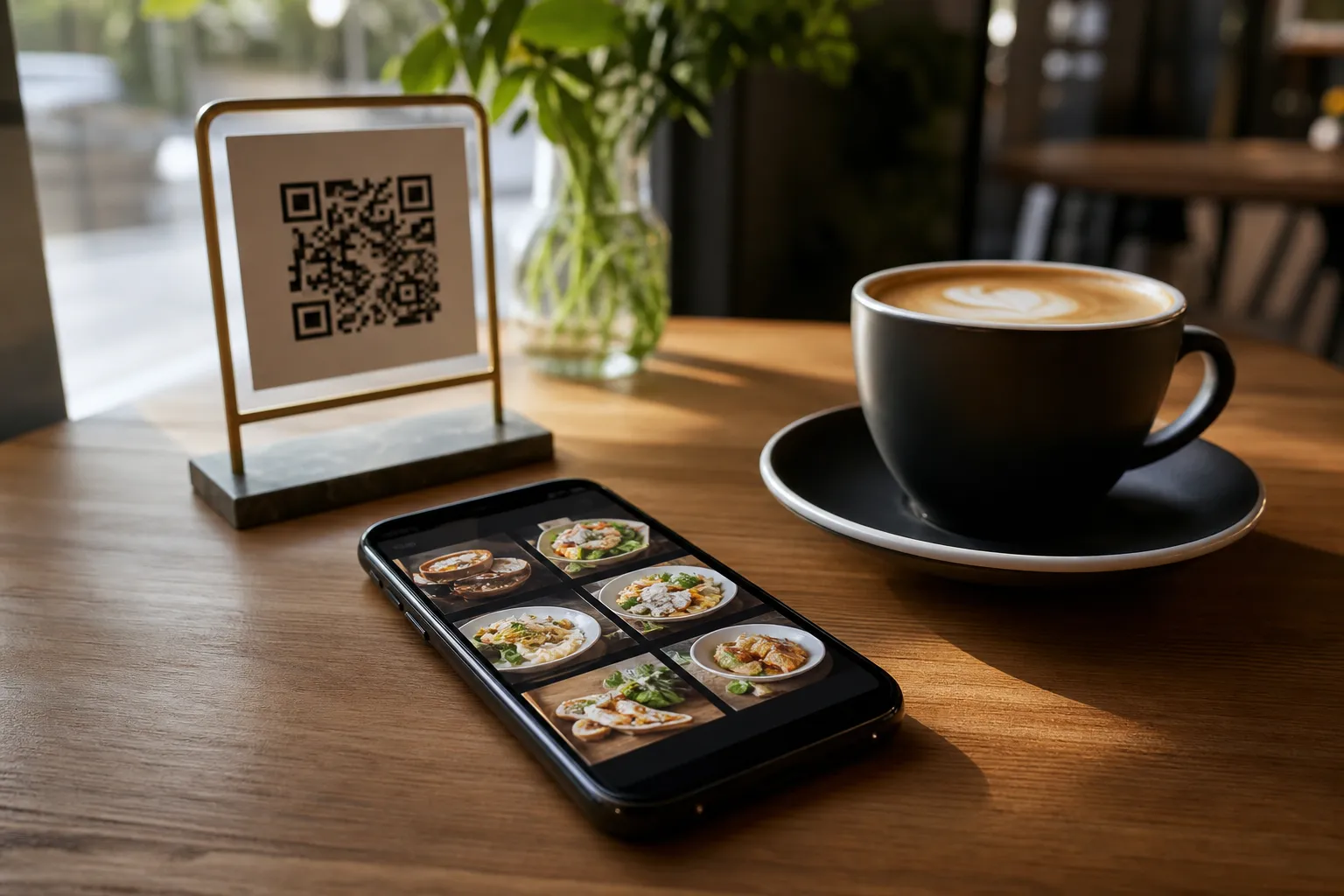
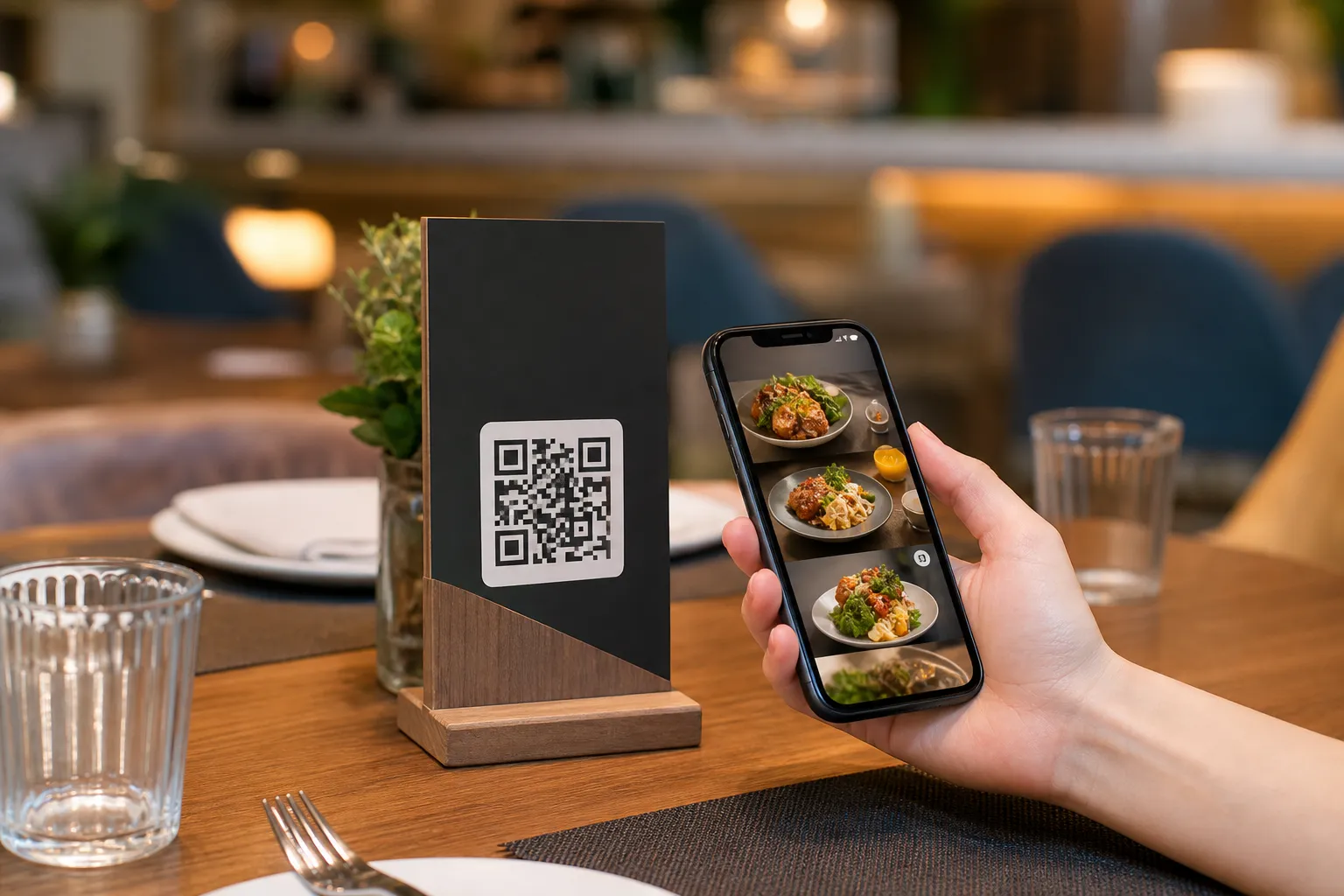
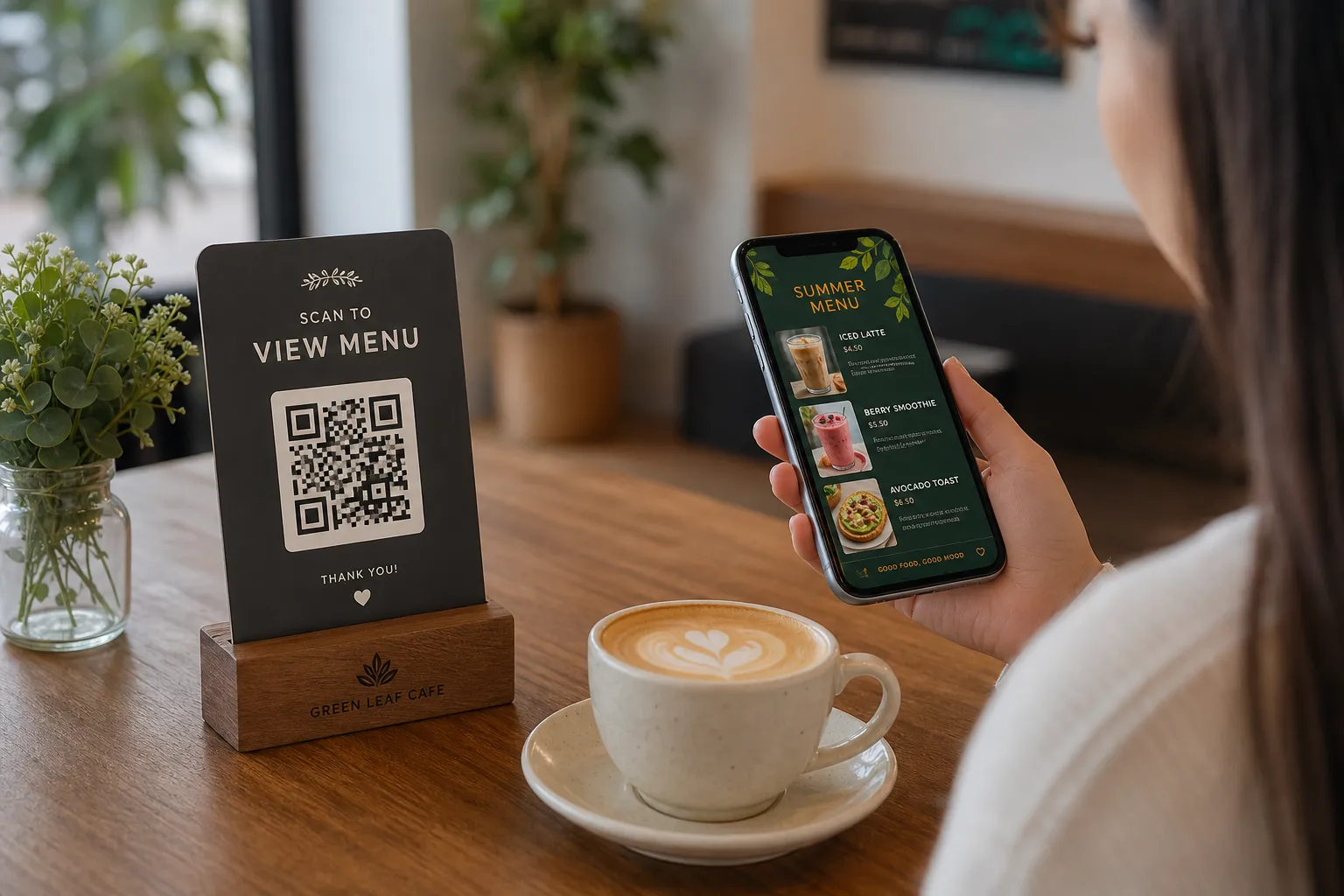
With eMenu AI, this process is built directly into your digital menu platform. Customers scan a QR code, browse your offerings without downloading any apps, and send their choices straight to the kitchen.
How Online Ordering POS Integration Works
Integrating your digital menu with your POS system means your front-of-house and back-of-house operations communicate instantly. When a guest scans your professional QR code (which you can customize with your brand colors) and places a table order, the request bypasses the waiter's notepad. It goes immediately to the kitchen printer and your POS screen. This means staff see new orders the moment they come in, reducing wait times and human error.
This seamless flow is not just for dine-in customers. You can use the exact same system to process pickup orders or even WhatsApp orders, keeping all your incoming tickets organized in one central place.
Steps to Enable Online Ordering POS Integration
Getting started with eMenu AI is straightforward. You do not need expensive hardware or complex software installations. You can manage everything right from your phone, tablet, or web browser.
- Create Your Account: Start by accessing the eMenu AI platform. Click the smart app link to open the web dashboard or download the app for your iOS or Android device.
- Build Your Digital Menu: Add your categories, items, and prices. You can use the built-in AI food image generation to make your menu items look appetizing in seconds. Choose from multiple ready designs in the templates gallery to match your brand perfectly.
- Connect Your Printers and POS: From your dashboard settings, link your local kitchen printers and POS. This activates your online ordering POS integration, ensuring every tap on a customer's phone translates to a printed ticket in the kitchen.
- Set Your Payment Preferences: Enable "Pay in Menu" so guests can settle their bills immediately. The platform supports over 95 world currencies, and payments go directly to your restaurant's account.
- Print Your QR Codes: Generate your customized QR codes and place them on your tables, counters, or front door.
Enhancing the Customer Experience
Once your POS integration is live, eMenu AI offers several other tools to improve your service. Because the menu supports over 100 world languages with automatic translation, international guests can easily read your offerings and order without translation struggles.
You also empower your guests with the "Call Waiter" feature. With one tap on the digital menu, they can request assistance or ask for the bill. Your staff will receive an instant notification detailing the table number and the specific request, allowing them to provide faster and more attentive service.
Furthermore, you can enable the table reservation system, allowing guests to book tables directly from the menu link before they even arrive. After their meal, the in-menu rating system lets you collect valuable feedback to keep improving your operations.
Ready to Streamline Your Orders?
Connecting your menu directly to your kitchen printers changes the way your restaurant operates. It saves time, cuts down on mistakes, and lets your staff focus on hospitality rather than data entry. With affordable pricing and comprehensive features, there is no reason to wait.
Start building your smart menu today. Access the platform from any device by opening eMenu AI and get your restaurant running at peak efficiency.