Step-By-Step QR Menu Creation
1. Access the Platform
The very first step is to get the software on your preferred device. You can manage your business from an iPad, an Android phone, or a computer browser. Simply open the eMenu AI application link to access the system. This single smart link detects your device automatically and routes you to the App Store, Google Play, or the web dashboard. Once you create your account, you are ready to build.
2. Build Your Digital Offerings
Now it is time to add your categories and items. A great digital dining experience relies on beautiful visuals and clear descriptions. If you do not have professional photos of your dishes, eMenu AI includes an AI food image generation tool to create stunning pictures for your items automatically. You can easily organize sections, update prices, and add new specials directly from the web dashboard.
3. Choose a Professional Design
Your digital presence should match your physical brand. eMenu AI offers multiple ready designs that you can apply instantly. You can browse the options in the templates gallery to find the perfect look. Every template is fully customizable, and custom designs can be requested for free to perfectly align with your brand colors. Furthermore, the system automatically translates your offerings into over 100 world languages, letting tourists switch to their native language with a single tap.
- Table Ordering: Guests browse and send requests straight to the kitchen.
- WhatsApp Orders: Accept off-premise orders with live tracking.
- Pickup Orders: Allow takeout customers to order without making phone calls.
5. Generate and Display Your Code
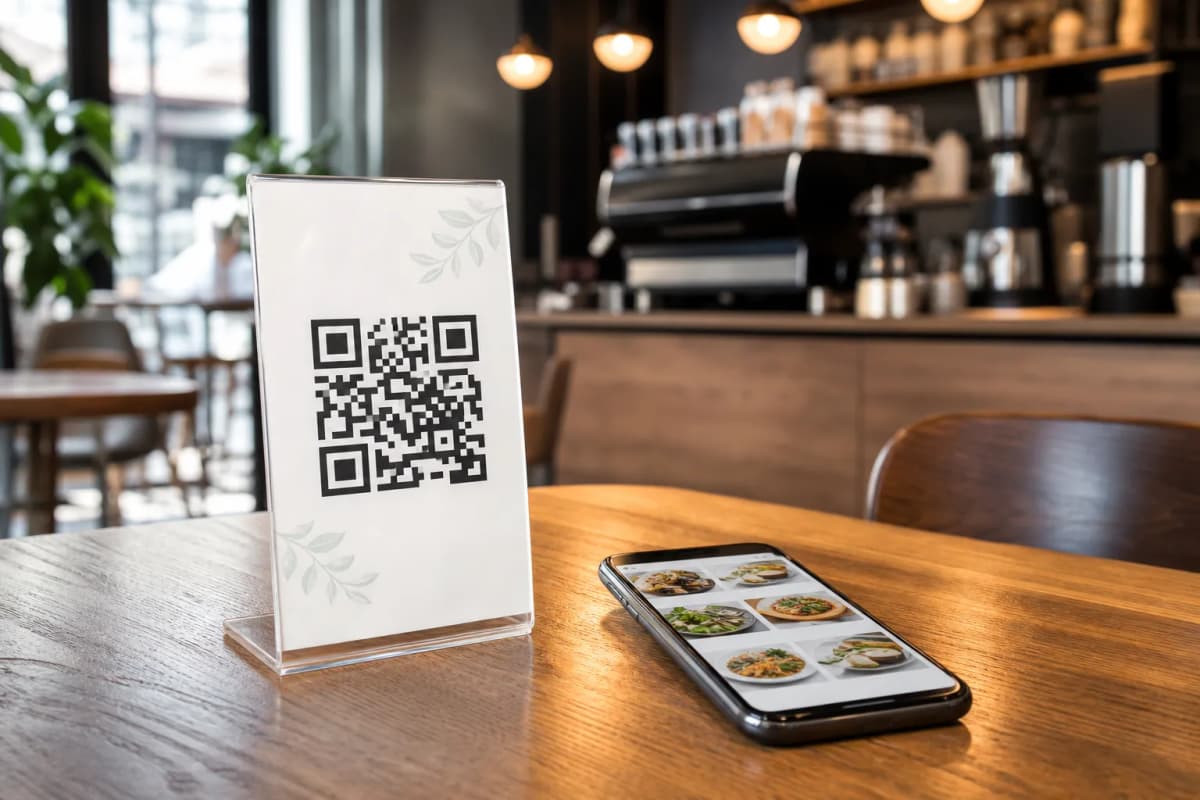
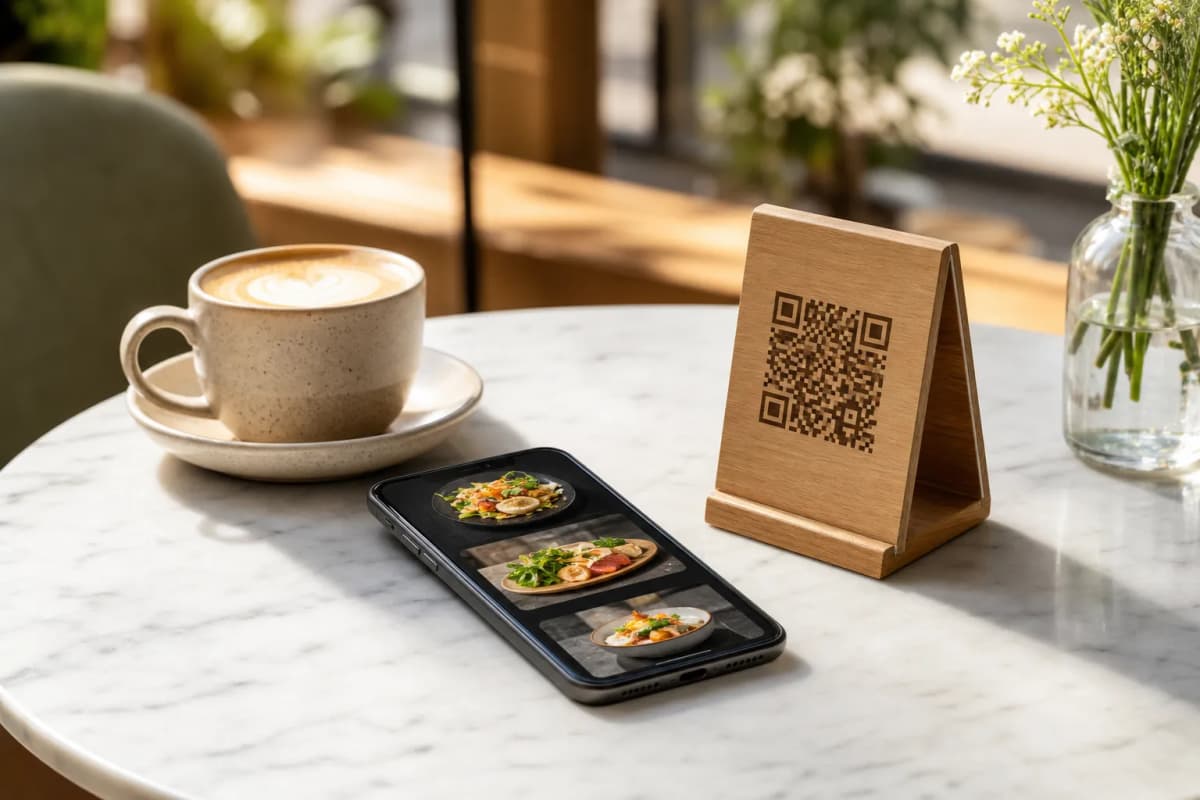
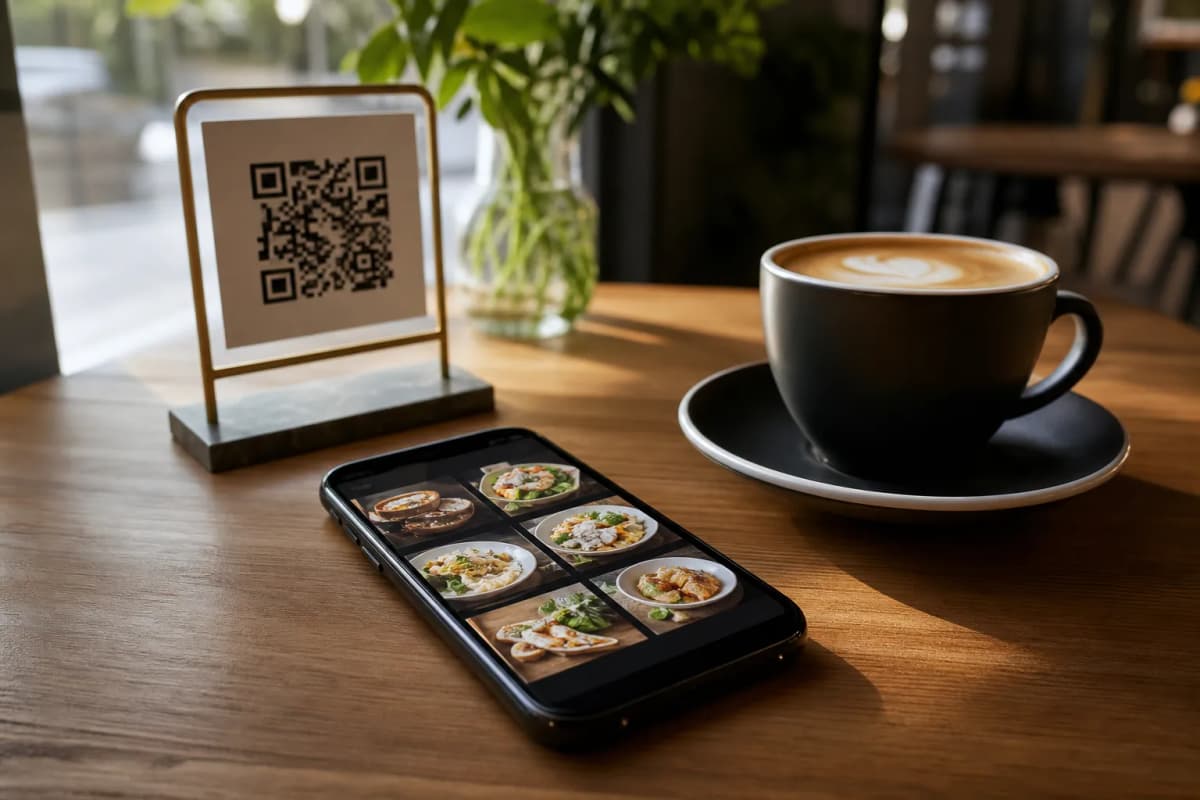
Once your items and settings are ready, you can generate a professional QR code. Customize the code with your specific brand colors and logo. Print these codes and place them on your tables or at the entrance. When customers scan it, they can browse, order, and even use the Call Waiter feature to request the bill, sending instant notifications to your staff with the exact table number.
Start Building Today
Transforming your restaurant operations is incredibly straightforward when you have the right tools. From collecting feedback via the in-menu rating system to allowing guests to book tables in advance with the table reservation system, eMenu AI covers every aspect of the modern dining experience. With affordable plans available, there is no reason to wait. Check out our pricing options and launch your new digital ordering setup today.