Why Your Digital Menu Might Be Costing You Sales
Setting up a restaurant menu qr system is one of the fastest ways to modernize your dining room and serve customers better. However, simply printing a barcode and taping it to a table is not enough to guarantee success. Many restaurant and cafe owners launch their digital menus with high hopes, only to find that customers complain, orders get delayed, and the staff becomes frustrated.
The problem usually lies in execution. A poorly implemented digital menu creates friction, while a smart, well-configured system acts as your best employee. By identifying the most common setup mistakes, you can optimize your operations and provide a flawless dining experience. Today, we will explore the biggest errors owners make with their QR menus, why these mistakes cost you money, and the exact steps you can take to fix them using eMenu AI.
The Biggest Restaurant Menu QR Mistakes and How to Fix Them
Mistake 1: Linking to a Pinch-and-Zoom PDF File
The Mistake: You upload a massive PDF file of your printed menu to a cloud drive and generate a QR code for that link. When a customer scans it, they have to pinch, zoom, and scroll endlessly just to read the tiny text on their smartphone screen.
Why it costs you: Customers hate zooming in and out to find prices. A static PDF does not allow them to search for items, filter out allergens, or see high-quality photos of the food. Furthermore, if you want to change a price or remove an out-of-stock item, you have to redesign and re-upload the entire file. A busy shawarma place with 40 items cannot afford to wait for a graphic designer just to update the price of a side dish.
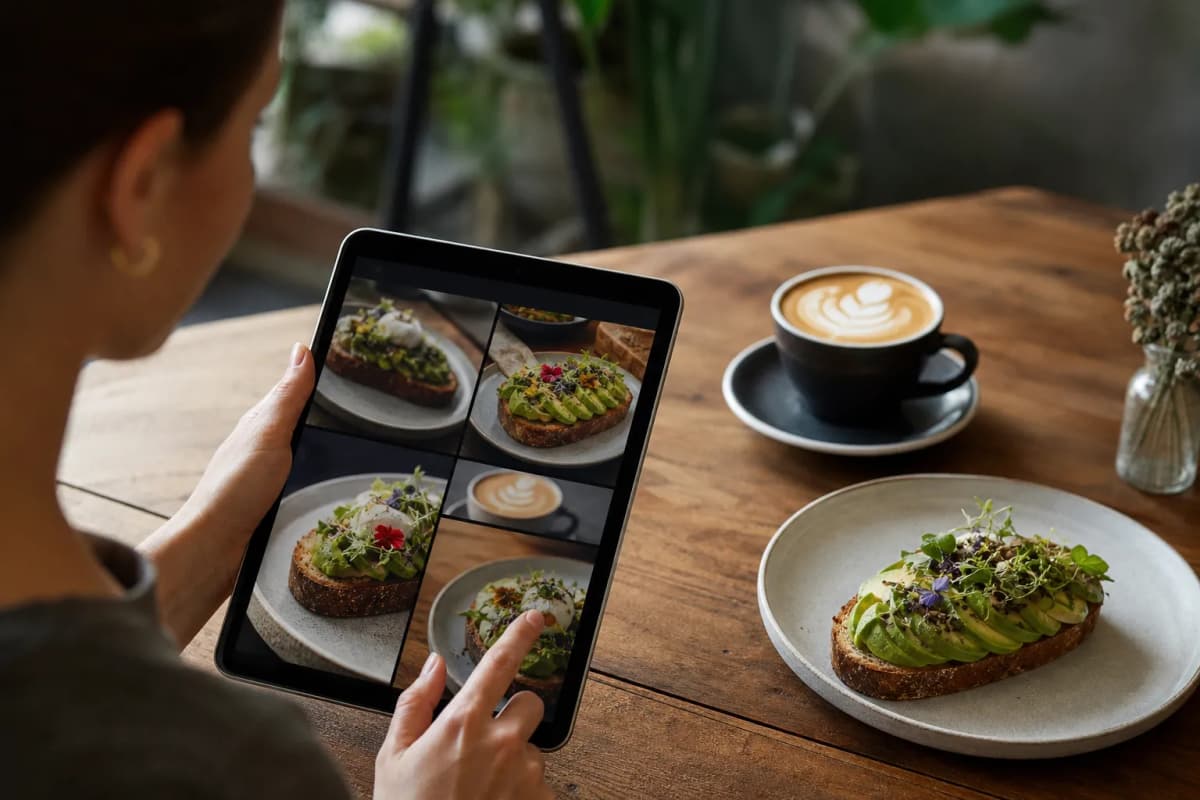
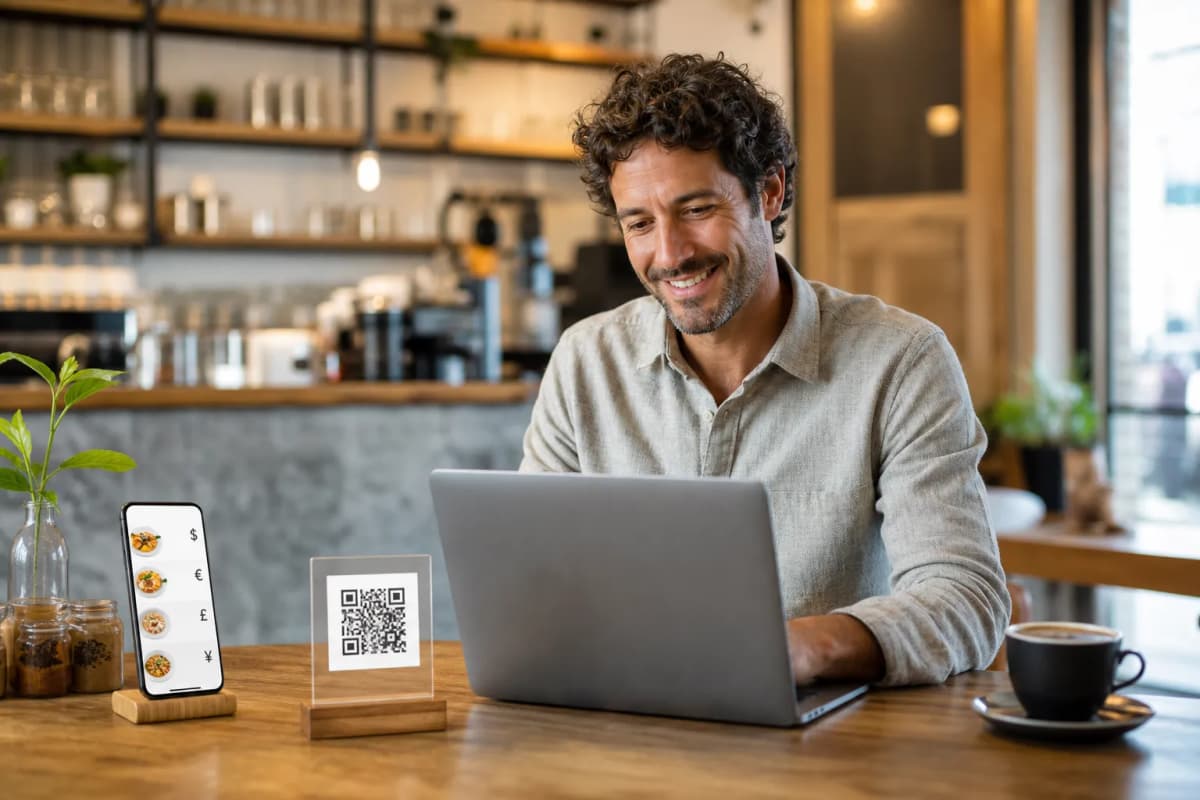
The Fix: Build a truly interactive digital menu. With eMenu AI, you can manage everything directly from the web dashboard. You simply log in from any computer browser to add dishes, change prices instantly, and organize sections. You can even use the built-in AI food image generation to create stunning, appetizing photos for your menu items. Customers get a native, mobile-friendly browsing experience without ever having to zoom in.
Mistake 2: Forcing Customers to Download Apps or Create Accounts
The Mistake: Your QR code directs the customer to an app store, forcing them to download a third-party application, or asks them to fill out a long registration form just to view the drink list.
Why it costs you: When people sit down at a restaurant, they are hungry and want to order immediately. Any barrier between the customer and the menu causes frustration. Most guests will simply close the page and flag down a busy waiter instead, defeating the entire purpose of the QR code.
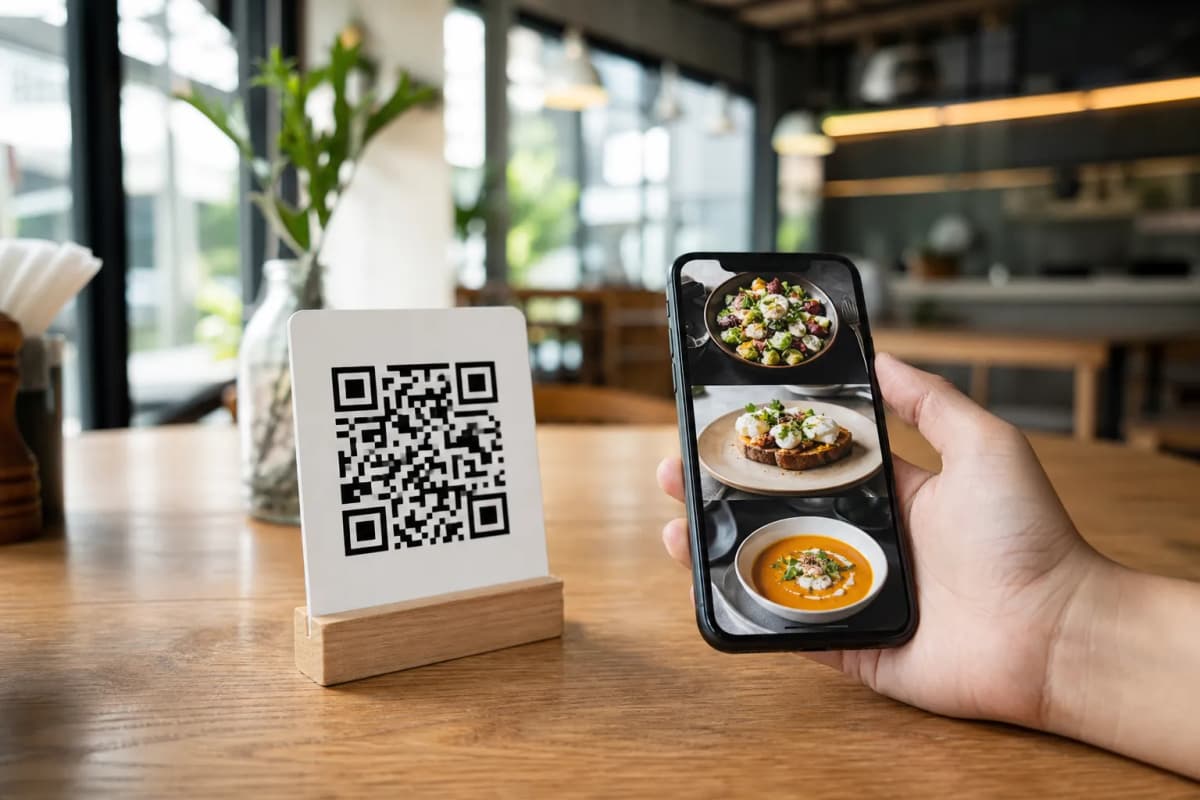
The Fix: Ensure instant access. The eMenu AI platform requires absolutely no app install for the customer. They simply scan the code and browse the menu instantly on their phone browser. If you want to start building your menu right now, you can download the app or open the web dashboard to create an instant-access digital experience for your guests.
Mistake 3: Missing Out on Direct Table Ordering and Payments
The Mistake: You use your QR code strictly as a read-only catalog. Customers look at the digital menu, but then they still have to wait 15 minutes for a server to take their order and another 10 minutes to process the bill at the end of the meal.
Why it costs you: You are missing out on the biggest efficiency boost a digital menu offers. Slow ordering means slower table turnover, which directly reduces your daily revenue during peak hours.
The Fix: Enable Table Ordering and Pay in Menu features. With eMenu AI, customers can browse the menu and send orders directly from their table to the kitchen. Thanks to POS and Printer Integration, orders stream directly to your existing systems and kitchen printers, so your staff sees them the moment they come in. Customers can also pay directly from their phones using cards or local payment gateways. If you serve an international crowd, the platform supports over 95 world currencies, and any new currency can be added within seconds upon request.
Mistake 4: Ignoring Tourists and Foreign Languages
The Mistake: Your menu is only available in one language. When tourists or non-native speakers visit your cafe, they struggle to understand the ingredients and end up ordering the cheapest, safest item because they are afraid of making a mistake.
Why it costs you: Confusion leads to smaller order sizes and limits your potential customer base. Wait staff also waste valuable time trying to translate complex dishes manually.
The Fix: Break the language barrier instantly. eMenu AI supports all languages, making your menu available in 100+ world languages with automatic translation. Customers can switch to their native language with a single click, giving them the confidence to order more expensive dishes and extra sides.
Mistake 5: Ugly QR Codes and Poor Menu Branding
The Mistake: You use a generic, blurry, black-and-white QR code placed inside a cheap plastic holder. Once scanned, the digital menu looks like a bland spreadsheet that does not match your restaurant's unique vibe.
Why it costs you: Dining is a visual and emotional experience. If your digital touchpoints look cheap, customers will subconsciously devalue your food. A generic QR code is also easily ignored by guests.
The Fix: Customize your presentation. eMenu AI allows you to generate a Professional QR Code that is customized with your restaurant's colors and logo, perfect for printing on tables or placing at the entrance. Furthermore, you can choose from multiple ready templates to match your brand. You can browse the options at our templates gallery. New designs are added regularly, and every template is fully customizable. We even make custom templates free on request to perfectly match your brand identity.
Expanding Your Service Beyond the Dining Room
A smart menu system should not stop at the physical table. Many owners fail to realize that their digital menu link can drive off-premise sales as well. By using your eMenu AI link on your social media profiles, you can easily accept WhatsApp Orders. Customers can order via WhatsApp with live order tracking, making delivery management a breeze. You can also enable Pickup Orders, allowing customers to place takeaway orders straight through the menu without making phone calls or installing extra apps.
To improve your in-house service even further, you can activate the Call Waiter feature. With one tap from the menu, guests can request assistance or ask for the bill, sending instant notifications to your staff with the exact table number and request type. You can also gather valuable insights by turning on the In-Menu Rating System, which collects comprehensive customer feedback directly inside the menu. If your restaurant requires reservations, the built-in Table Reservation System lets customers book tables easily.
Frequently Asked Questions
Do my customers need to download anything to scan the menu?
No, customers do not need to download or install any applications. They simply point their smartphone camera at your printed QR code, and the menu opens instantly in their native web browser.
Can I accept international payments through the menu?
Yes, the Pay in Menu feature supports cards and local payment gateways, settling directly to your bank account. The system supports over 95 international currencies to accommodate tourists and global guests.
How do I update my menu if I run out of a specific ingredient?
You have full control from the Web Dashboard. You can log in from any computer or use the mobile app to hide out-of-stock items, change prices, or add new dishes instantly. The changes reflect on your customers' phones immediately.
Is there a high cost to set this up?
Not at all. There are very affordable plans available, including a free plan to help you get started right away. You can view the details on our pricing page.
Ready to Fix Your Menu Setup?
Stop losing sales to outdated PDF files and slow ordering processes. It is time to upgrade your restaurant tech and give your guests the seamless experience they expect. Whether you run a small coffee shop or a large multi-branch restaurant, you can manage everything from one single place. Open eMenu AI today to create your menu, generate your professional QR codes, and start taking orders smarter and faster.