How Restaurant POS Integrations Streamline Your Service
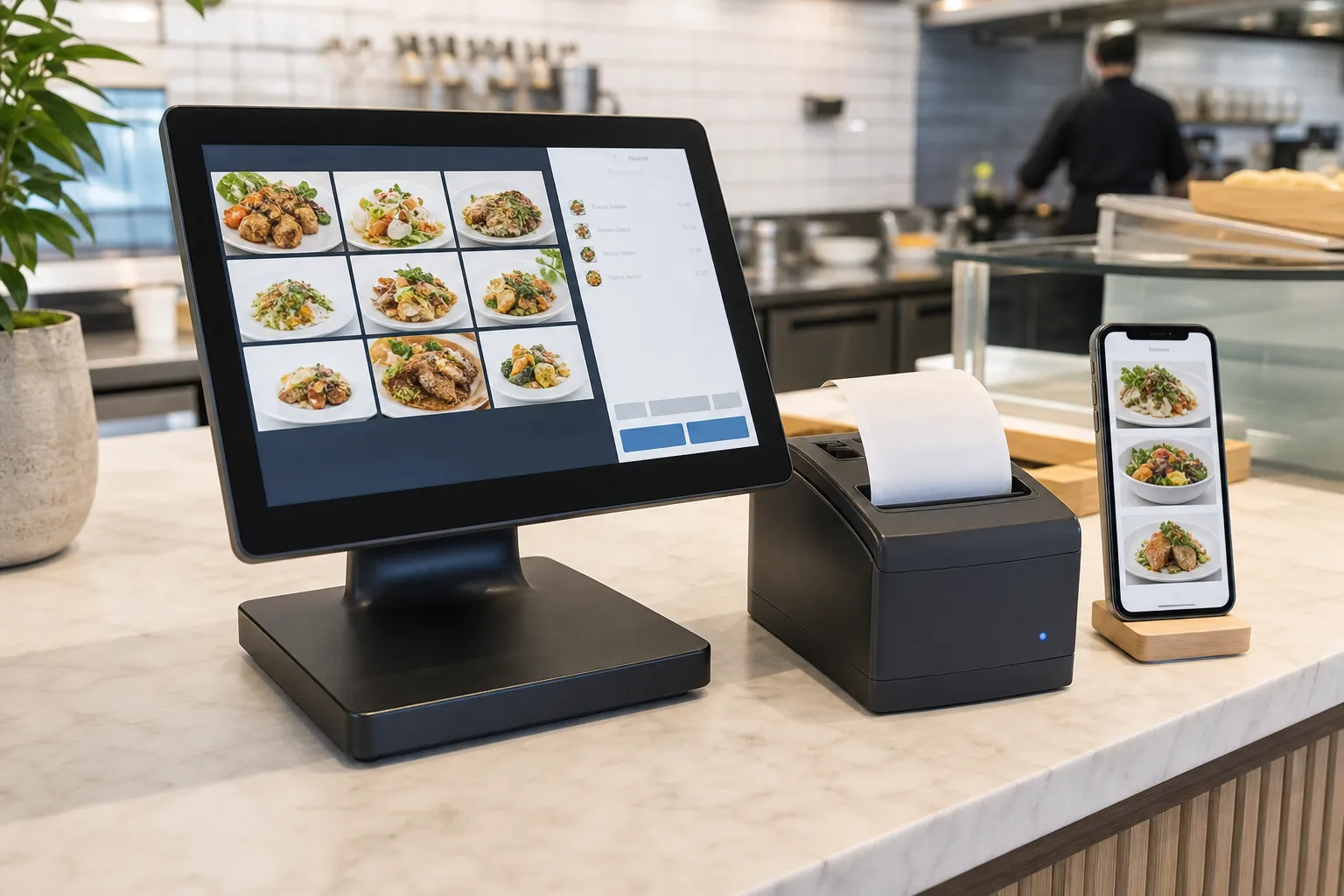
Entering orders manually during a busy shift leads to mistakes and delayed food. Implementing proper restaurant pos integrations solves this problem by sending orders directly from the customer's smartphone straight to your kitchen staff. With eMenu AI, setting up this automated flow is straightforward and requires no technical expertise.
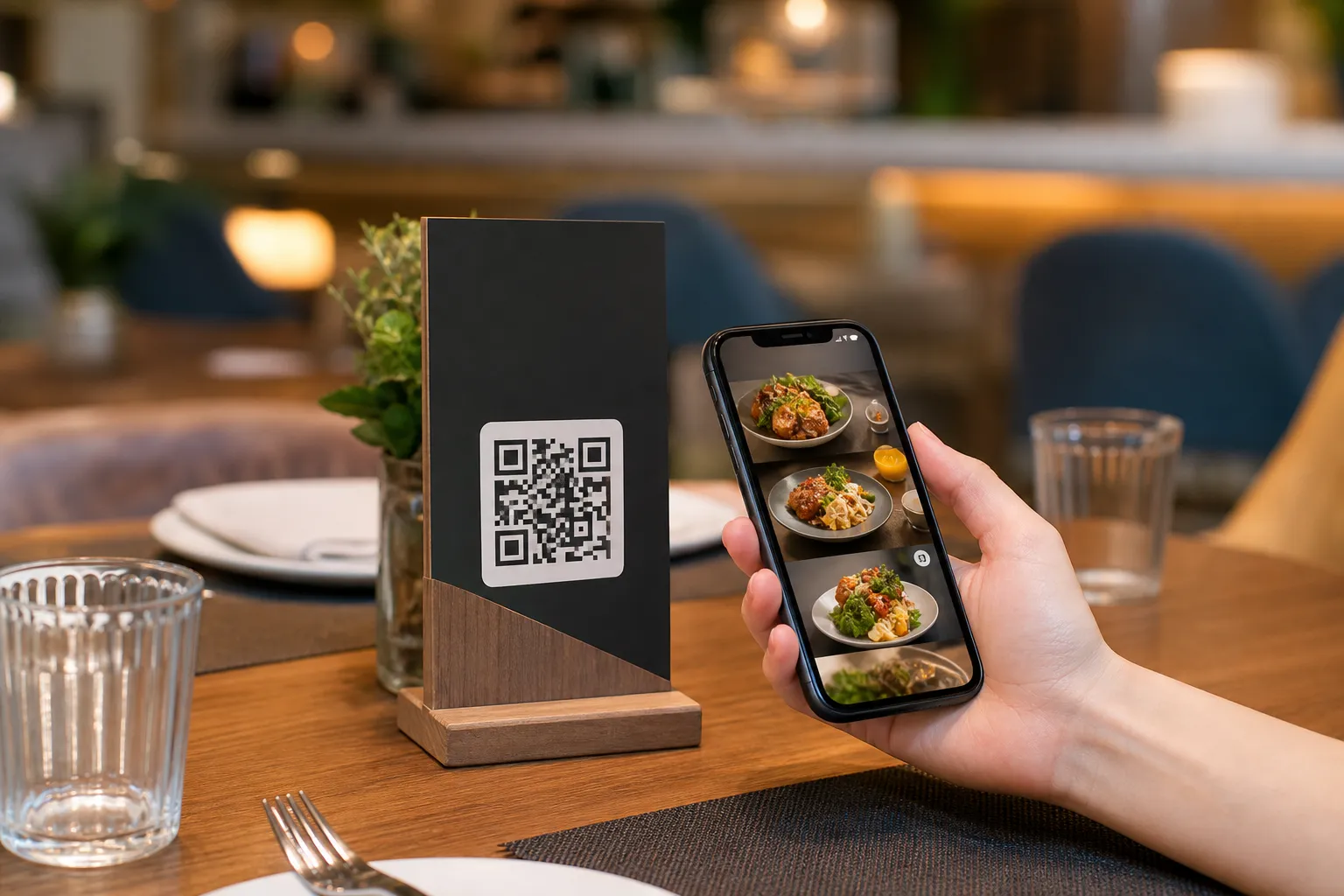
When customers scan your QR code and place an order, the system instantly communicates with your point of sale and kitchen printers. Staff see the order the exact moment it comes in. Here is how you can set up a fully integrated digital menu for your cafe or restaurant.
Step 1: Create Your Digital Menu
Before connecting your printers, you need a digital menu. You can start by getting the platform on any device using this smart link: open eMenu AI. It works perfectly on your computer browser, iPad, iPhone, or Android tablet.
Once inside, you can add your dishes and organize your categories. If you do not have professional photos of your food, the built-in AI food image generation can create stunning visuals for your items instantly. You can also browse multiple ready templates to find a design that matches your brand perfectly.
Step 2: Activate POS and Kitchen Printers
The core of restaurant pos integrations is making sure the front of house talks to the back of house without human delay. From your eMenu AI dashboard, you can easily enable the POS and printer integration. This ensures that every time a customer orders from their table, the ticket prints immediately in the kitchen. Staff do not have to walk back and forth to punch in orders, allowing them to focus entirely on delivering food and providing great hospitality.
Step 3: Set Up Payments and Currencies
A true integration goes beyond just printing tickets. Customers want to pay seamlessly. By enabling the Pay in Menu feature, your guests can settle their bills directly from their phones using cards or local payment gateways. The funds are settled straight to your restaurant account. Furthermore, if you serve tourists, the system supports over 95 world currencies. Any new currency can be added within seconds upon request, ensuring every international guest feels welcome.
Step 4: Expand Your Ordering Channels
Your integration can handle much more than just dine-in table ordering. With eMenu AI, you can activate WhatsApp orders to receive requests directly to your business number with live order tracking. You can also turn on pickup orders so customers can place takeaway requests straight through the digital menu without downloading any extra apps or making phone calls.
Step 5: Enhance the Customer Experience
A fully integrated system also improves how guests interact with your staff. You can enable the Call Waiter feature so guests can request assistance or ask for the bill with one simple tap. Your staff will get instant notifications specifying the table number and the exact request type. Additionally, you can activate the Table Reservation System, allowing future guests to book tables directly from within the menu link. Finally, turn on the In-Menu Rating System to collect comprehensive customer feedback privately before they leave the venue.
Step 6: Print Your Custom QR Codes
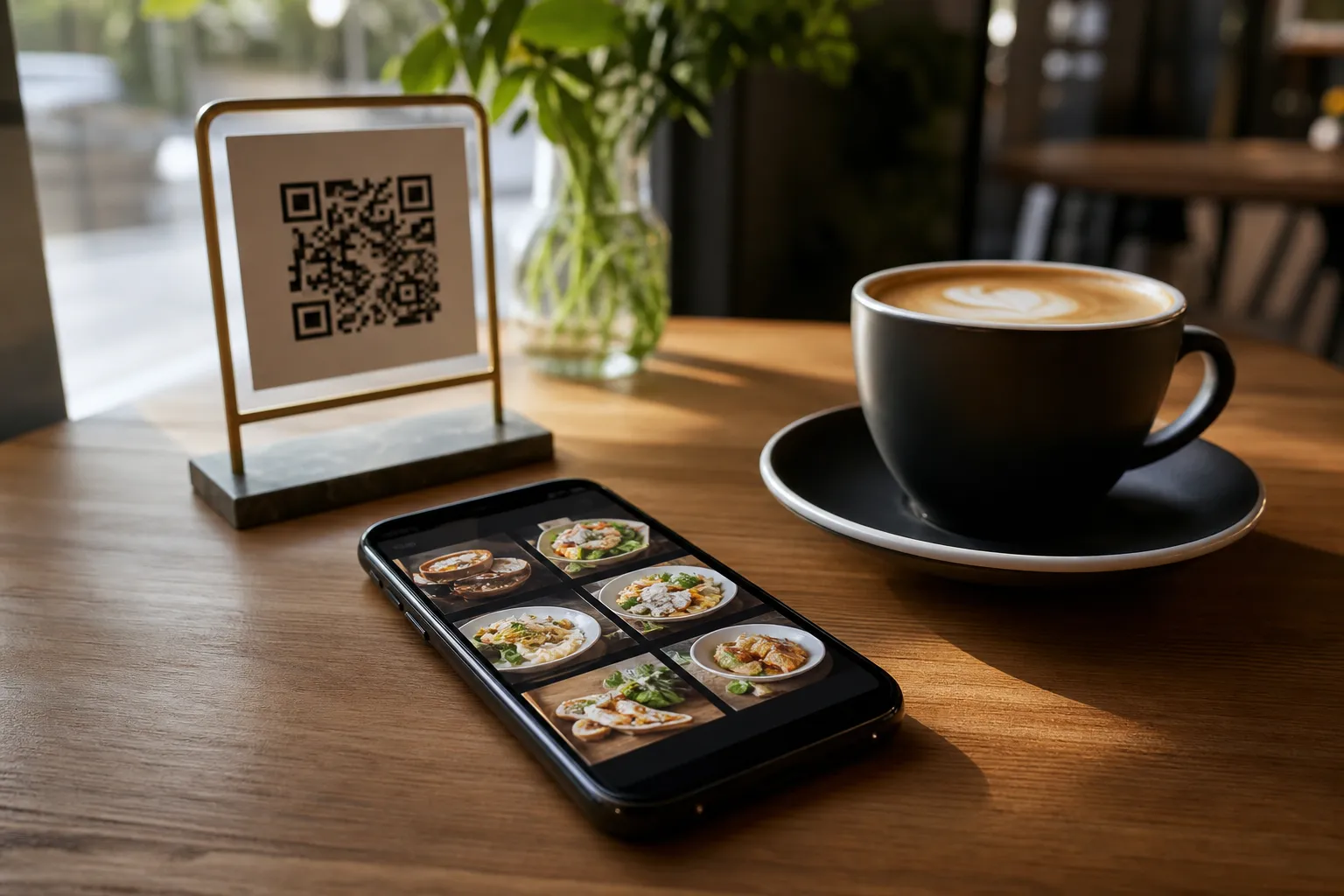
Once your menu is built and your system integration is active, it is time to welcome customers. Generate a professional QR code customized with your restaurant colors and logo. Place these codes on your tables or at the entrance. When scanned, the menu is available in 100+ world languages with automatic translation, breaking down all language barriers instantly.
Start Automating Your Orders Today
Connecting your digital menu to your kitchen printers does not have to be complicated or expensive. eMenu AI offers everything you need to run a modern, efficient restaurant from a single web dashboard or mobile app. Explore our highly affordable pricing plans to find the best fit for your business, and transform how you take orders today.