Understanding Restaurant POS Programming and Installation
Handling your restaurant POS programming and installation used to mean days of downtime, expensive technicians, and complex local server configurations. Today, modern cloud solutions have completely transformed this process. By utilizing a smart digital menu platform like eMenu AI, you can streamline your entire ordering system. Instead of programming local hardware from scratch, you manage your setup from a simple web dashboard and sync orders directly to your existing sales terminals and kitchen printers.
Whether you run a small local cafe or a multi-branch dining establishment, setting up your digital infrastructure is now a quick, actionable process. Let us walk through the exact steps to digitize your menu and connect it to your point of sale.
Step 1: Create Your Digital Menu Foundation
Before any POS integration can happen, you need a structured digital menu. You do not need to install complicated software on a back-office computer. Simply open eMenu AI on your phone, tablet, or web browser. This smart link will automatically direct you to the right version for your specific device.
Once you create your account, start adding your categories and dishes. You can use the built-in AI food image generation to instantly create appetizing, high-quality photos for your menu items. To ensure your digital storefront matches your brand identity, you can choose from multiple ready templates. Each design is fully customizable, and if you need a highly specific look, the team can create custom templates free on request.
Step 2: Enable Multi-Language and Currency Settings
A major part of modern POS programming is ensuring your system can handle diverse customer needs without manual intervention. In the eMenu AI dashboard, you can enable automatic translation for over 100 world languages. Your customers can switch the menu language with one single click.
Next, configure your financial settings. If you serve international tourists or operate in varied regions, you can easily activate over 95 world currencies. Any new currency can be added within seconds upon request, ensuring your pricing is always transparent and clear to your guests.
Step 3: Connect Payments and POS Integration
This is where traditional restaurant POS programming and installation meets modern convenience. Instead of running cables and configuring complex local networks, you manage your hardware connections via the cloud.
First, activate the Pay in Menu feature. This allows customers to pay directly from their digital menu using their cards or local payment gateways, with funds settling directly into your restaurant's account.
Second, enable the POS and Printer Integration. When customers send orders directly from their table, or place pickup orders through the digital menu, these requests stream directly to your POS system and kitchen printers. Your staff will see the orders the exact moment they come in, eliminating manual entry errors and drastically speeding up service times.
Step 4: Launch Ordering Channels and QR Codes
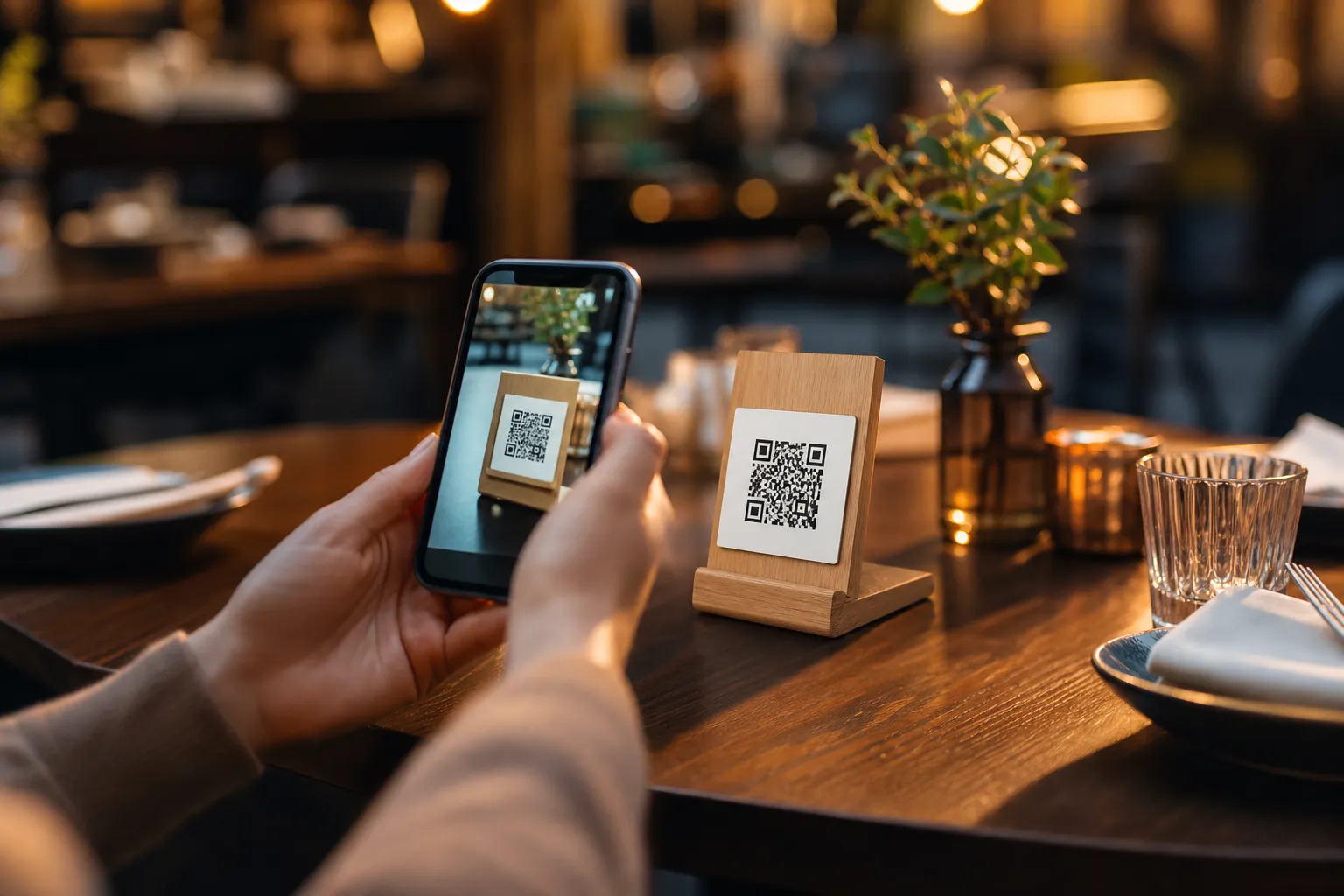
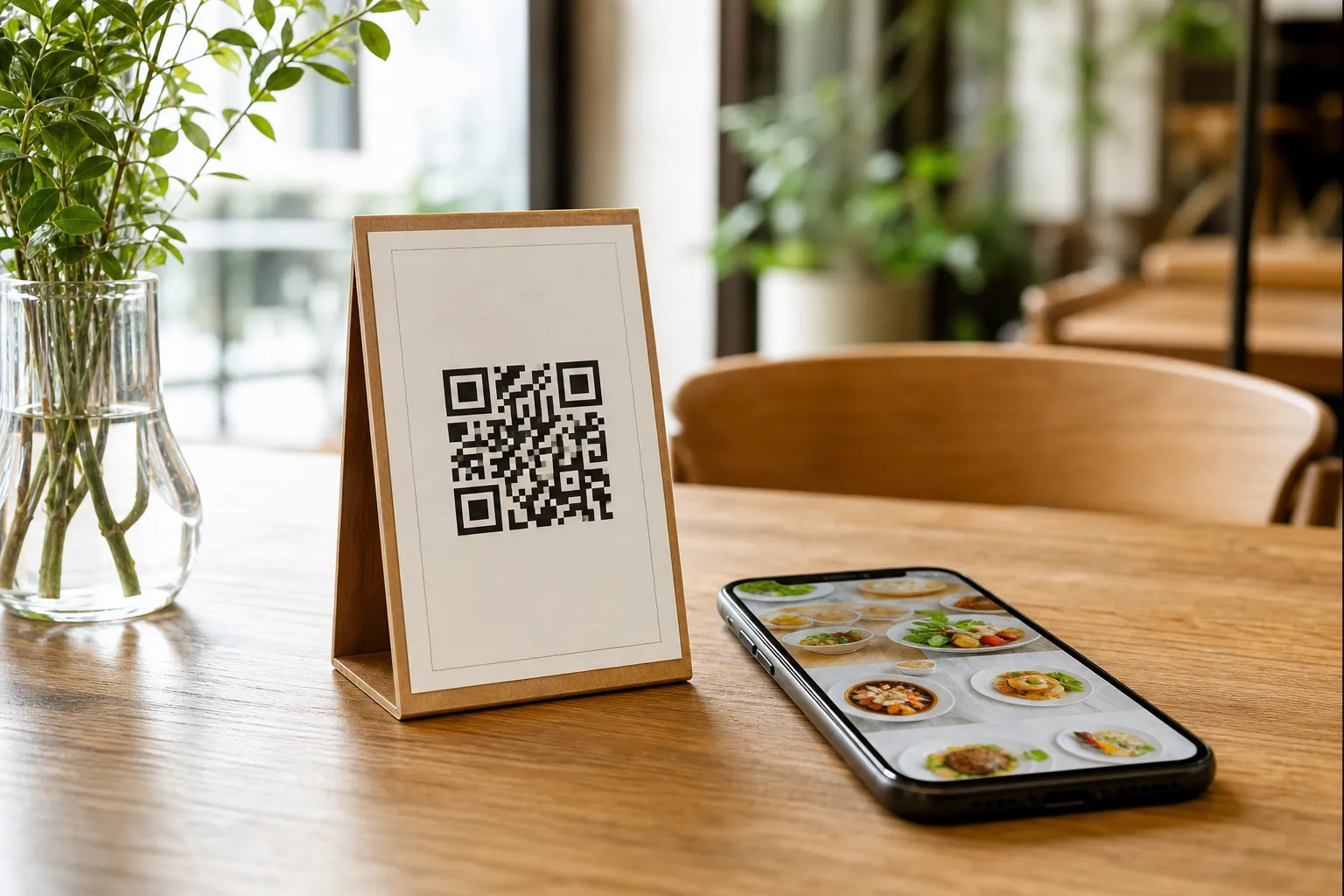
With your menu built and your POS connected, it is time to give your customers access. Generate a professional QR code from your dashboard. You can customize this code with your brand colors and logo, then print it for your tables, counters, or entrance.
Customers scan the code to access the menu with no app installation needed. From there, they can use the Table Ordering feature to send their selections straight to the kitchen. They can also request immediate assistance or ask for the bill using the Call Waiter button, which sends instant notifications to your staff with the exact table number and request type. Additionally, guests can easily book a table through the built-in Table Reservation System. If you offer delivery or takeaway, you can also activate WhatsApp Orders, allowing guests to order via WhatsApp with live order tracking.
Step 5: Gather Feedback and Adjust Your Setup
Once your setup is live, use the web dashboard from any computer browser to maintain full control. Whether you are at the venue or at home, you can add new dishes, change prices, and organize sections instantly. To ensure your service remains top-tier, rely on the In-Menu Rating System to collect comprehensive customer feedback directly inside the digital menu. This gives you actionable insights to improve your hospitality.
Start Your Setup Today
Upgrading your restaurant infrastructure does not require a degree in computer science. With very affordable plans, including a free tier to get you started, you can modernize your operations today. Check out our pricing options to find the best fit for your business.
Ready to completely transform how you take orders? Download the eMenu AI app or start on the web to build your menu, connect your kitchen printers, and serve your guests faster than ever.