The Direct Benefits of Launching AI Menus Today
Traditional paper menus limit your operations. They are expensive to reprint when prices change, and they cannot translate themselves for international tourists. Deploying ai menus solves these issues instantly. With a digital system, you can update a price in real-time, generate realistic food photos using artificial intelligence, and allow customers to order in their preferred language. Let us look at the practical steps to get your digital menu up and running.
Step 1: Create Your Account and Select a Template
The first step is to set up your restaurant profile. Go to the eMenu AI platform to download the app or access the web dashboard. From there, you can choose from a wide range of professional designs. You can browse our online templates gallery to find a style that matches your brand. Custom templates can also be created for free on request, and every layout is fully customizable to match your restaurant colors and logo.
Step 2: Add Dishes and Generate AI Images
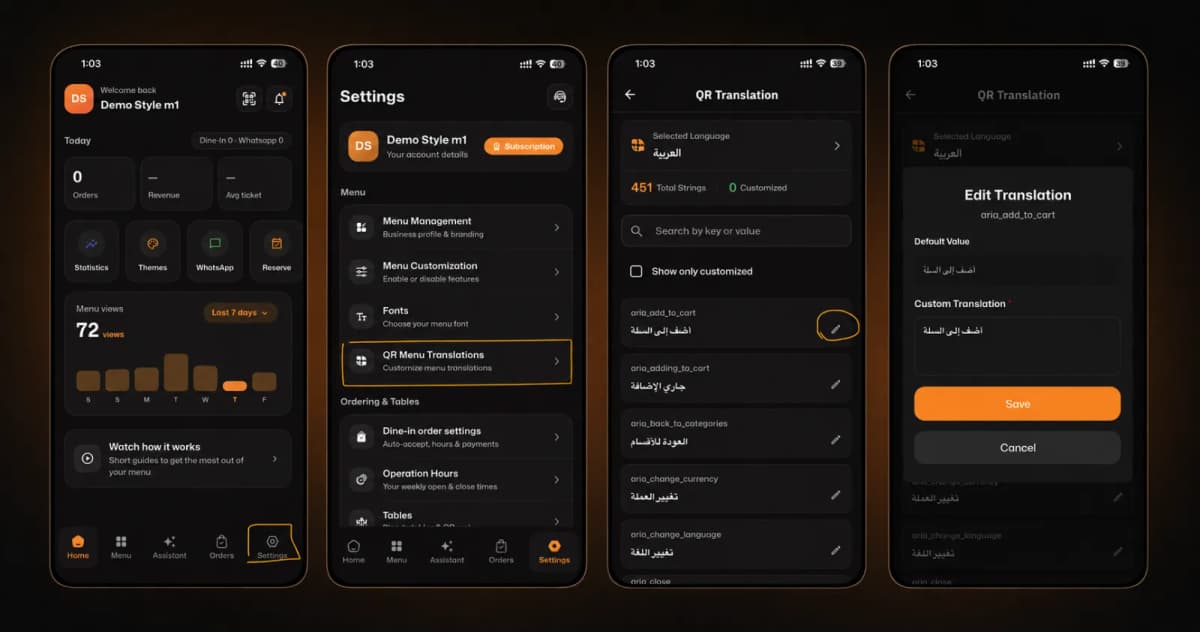
Once your template is selected, start adding your categories and dishes. If you do not have professional photos of your meals, you can use the built-in AI food image generation tool to create high-quality, realistic images of your menu items. To cater to a global audience, the platform supports over 100 world languages with automatic translation. You can also set up pricing in more than 95 world currencies, ensuring a localized experience for every guest.
Step 4: Customize and Print Your QR Codes
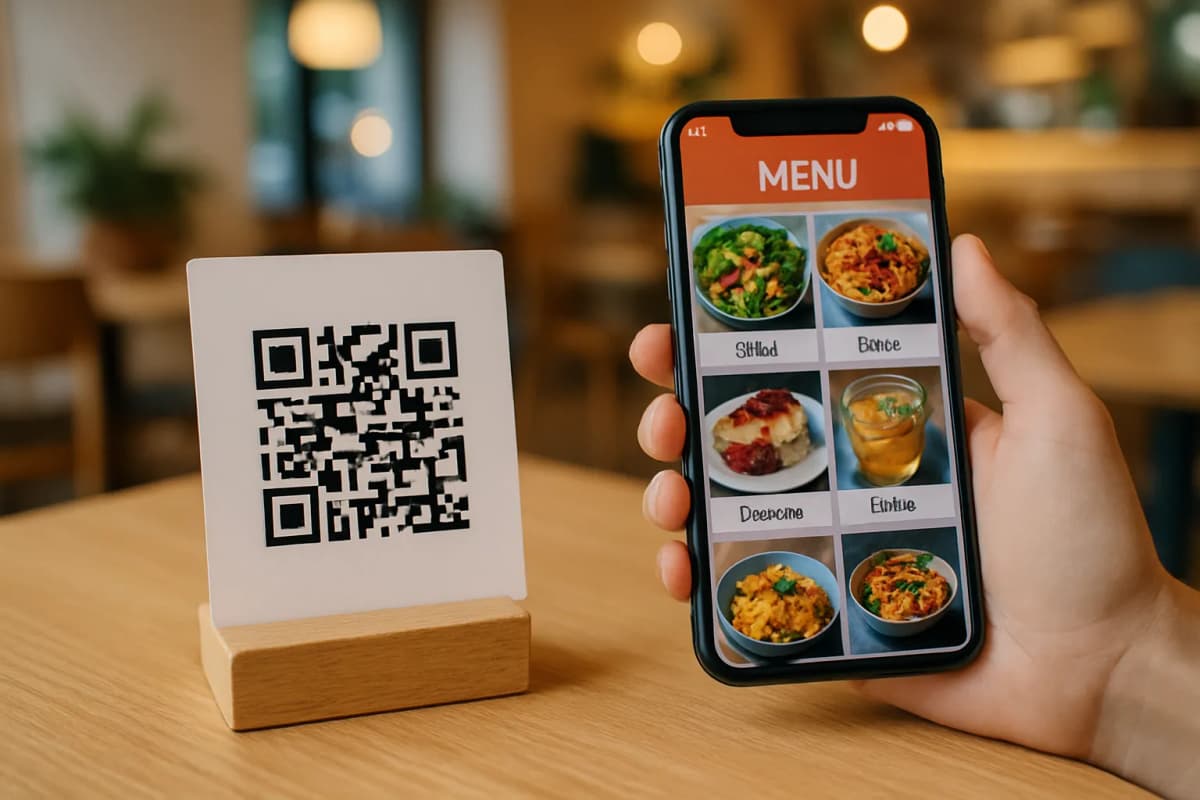
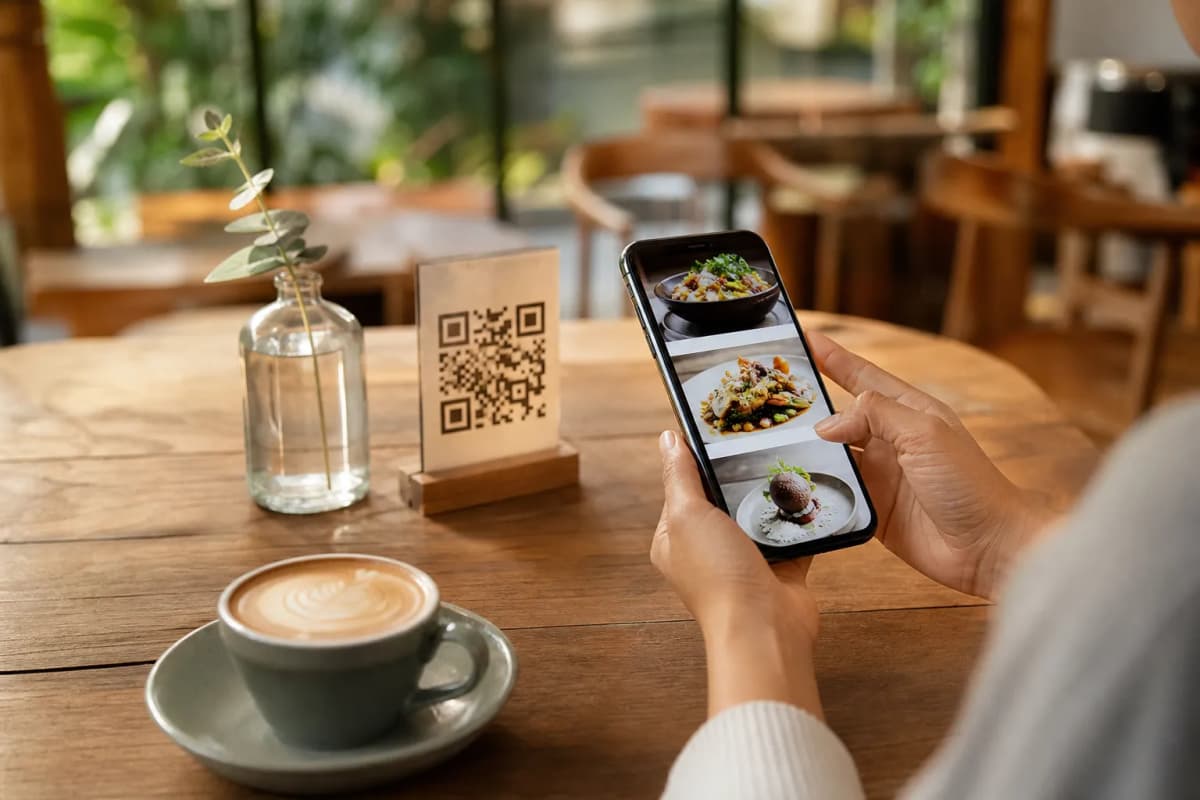
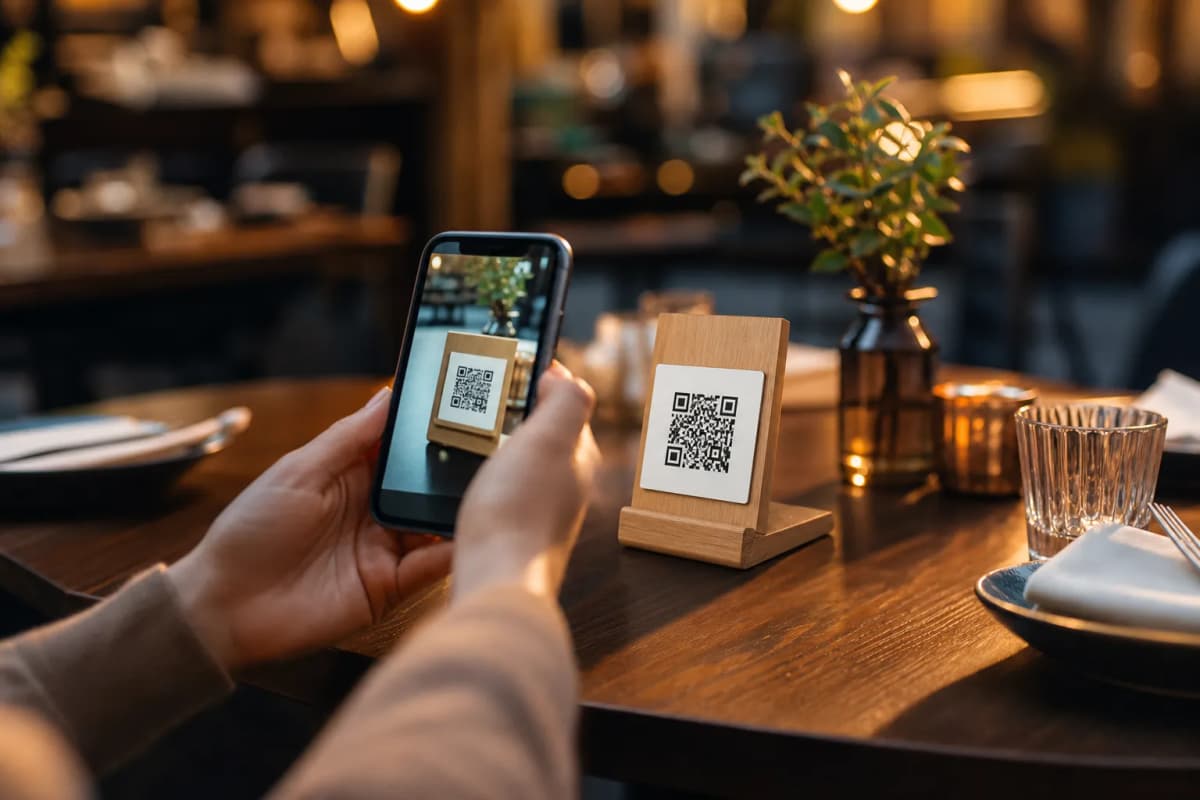
Now that your menu is ready, you need to make it accessible. Generate a professional QR code from your dashboard. You can customize the QR code with your restaurant colors and logo. Print these codes and place them on tables or the entrance. Guests can scan the code to instantly view your dynamic menu on their phones without installing any application. You can see a live example of this setup by visiting this live demo menu.
Step 5: Activate Guest Experience Tools
Maximize the utility of your menu by enabling smart interactive features. Turn on the table reservation system so guests can book tables directly from the interface. You can also enable the in-menu rating system to collect direct customer feedback before they leave. Finally, activate the Call Waiter feature, allowing guests to request assistance or ask for the bill with one tap, sending instant notifications with table numbers directly to your staff.
Start Upgrading Your Restaurant Today
Transitioning to digital menus does not have to be complicated or expensive. With eMenu AI, you get a powerful, flexible, and affordable solution that grows with your business. Ready to upgrade your customer experience and streamline your operations? Visit the eMenu AI smart link to download the app or launch your menu on the web, and start serving your customers smarter today.