This guide will show you how to set up your digital menu and use it to manage reservations and orders efficiently in just a few practical steps.
Step 1: Create Your eMenu AI Account
The first step is to get your restaurant onto the platform. Because eMenu AI uses one smart link for all devices, you can manage your venue from an iPhone, an Android tablet, or a computer browser. Simply open the eMenu AI app to start. You will use the web dashboard to add your dishes, organize your menu sections, and adjust prices with complete control.
Step 2: Design Your Digital Menu
Before guests book a table, they usually want to see what you offer. You can make a great impression by selecting from multiple ready templates. These templates are fully customizable to match your brand colors and logo. If you need a specific look, custom templates are made free on request to perfectly match your brand aesthetic.
Adding dishes is simple, and you can even use AI food image generation for menu items if you lack professional photography. To ensure every guest feels welcome, the menu supports over 100 world languages with automatic translation. Customers can switch their preferred language with just one click, removing any language barriers before they even book their table.
Enabling Your Table Booking System for Restaurant
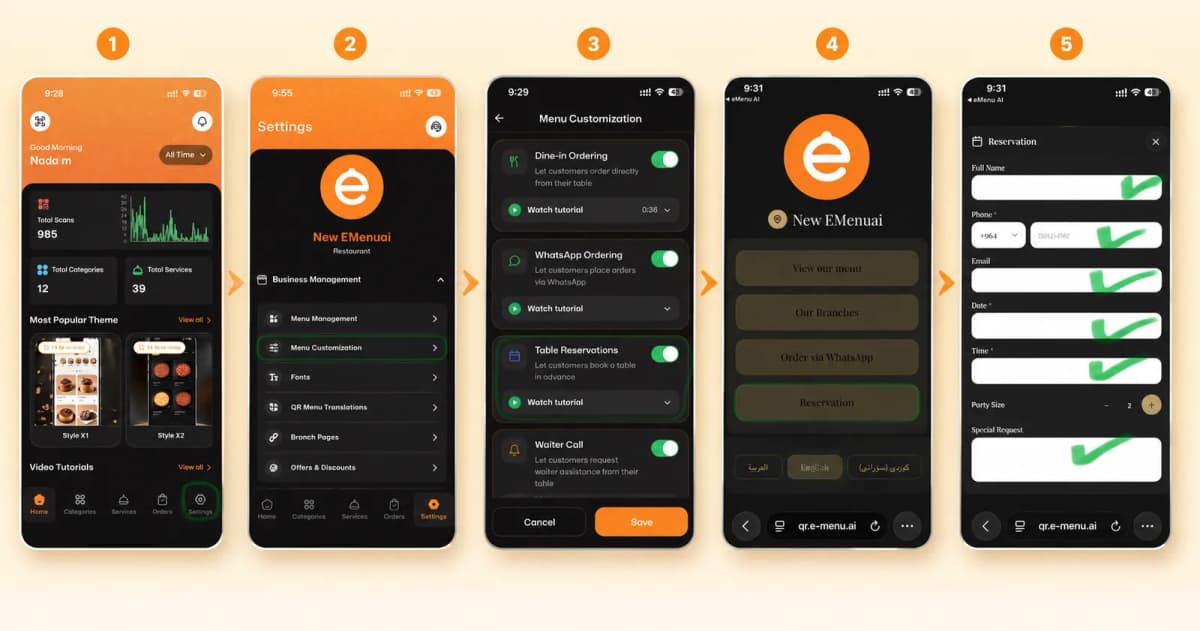
Once your menu is live, the integrated table reservation system becomes your best tool for managing foot traffic. Instead of calling during busy hours, customers can browse your digital menu from home or on the go and book a table directly from within the menu interface.
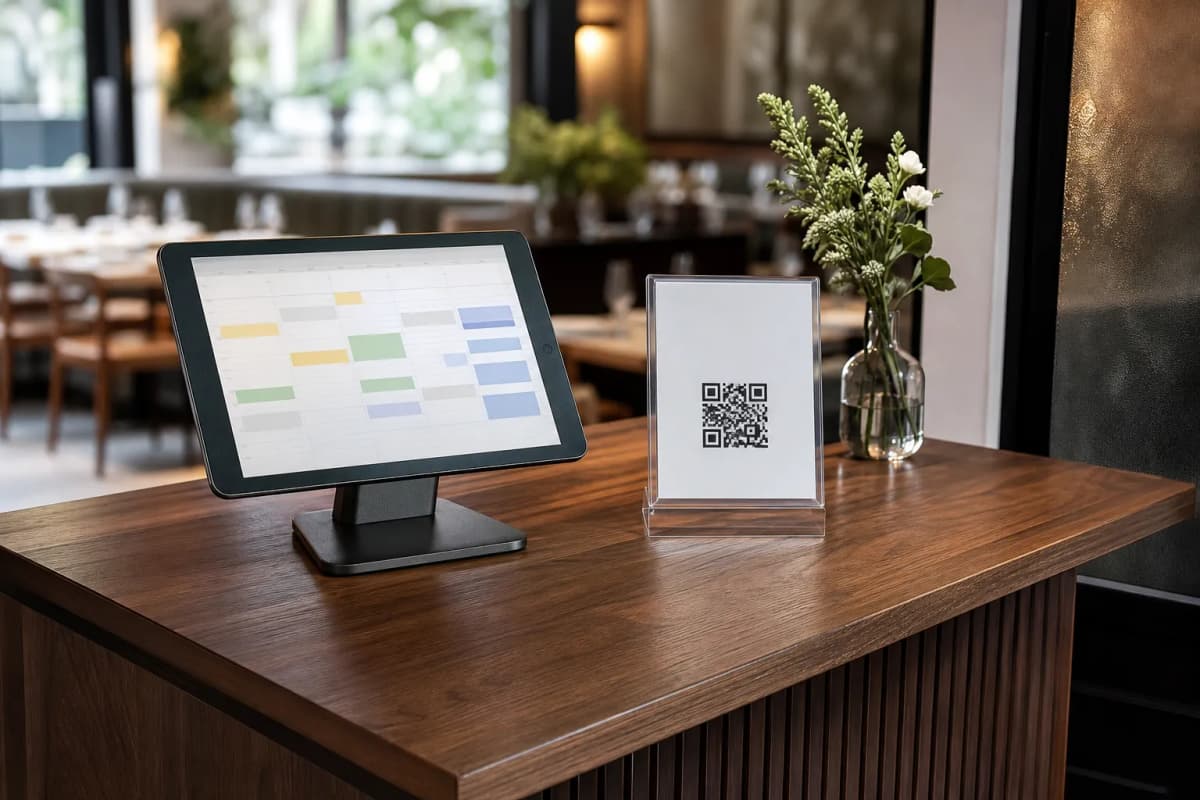
This setup eliminates double bookings and manual errors. Staff members receive instant updates when a new reservation is made. You can view and manage these reservations right from your phone or the web dashboard, keeping your hosting stand organized and your guests happy.
Step 3: Print Your Professional QR Code
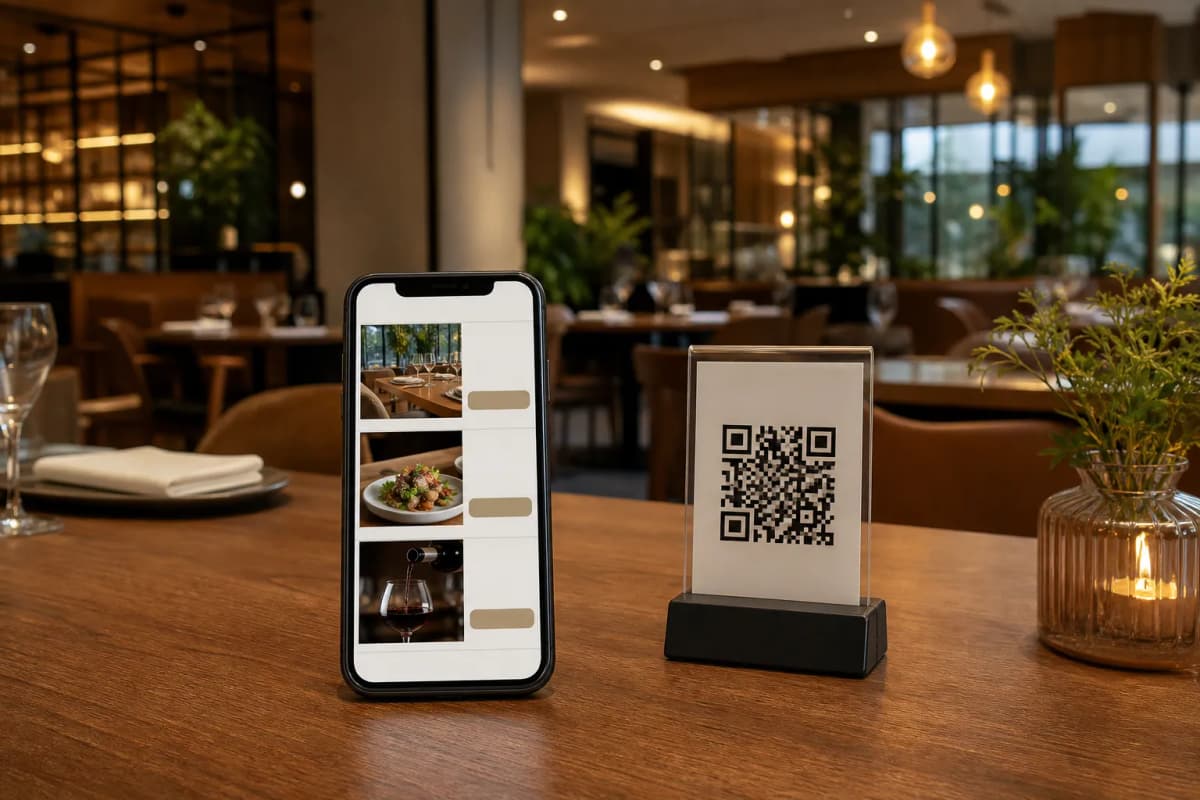
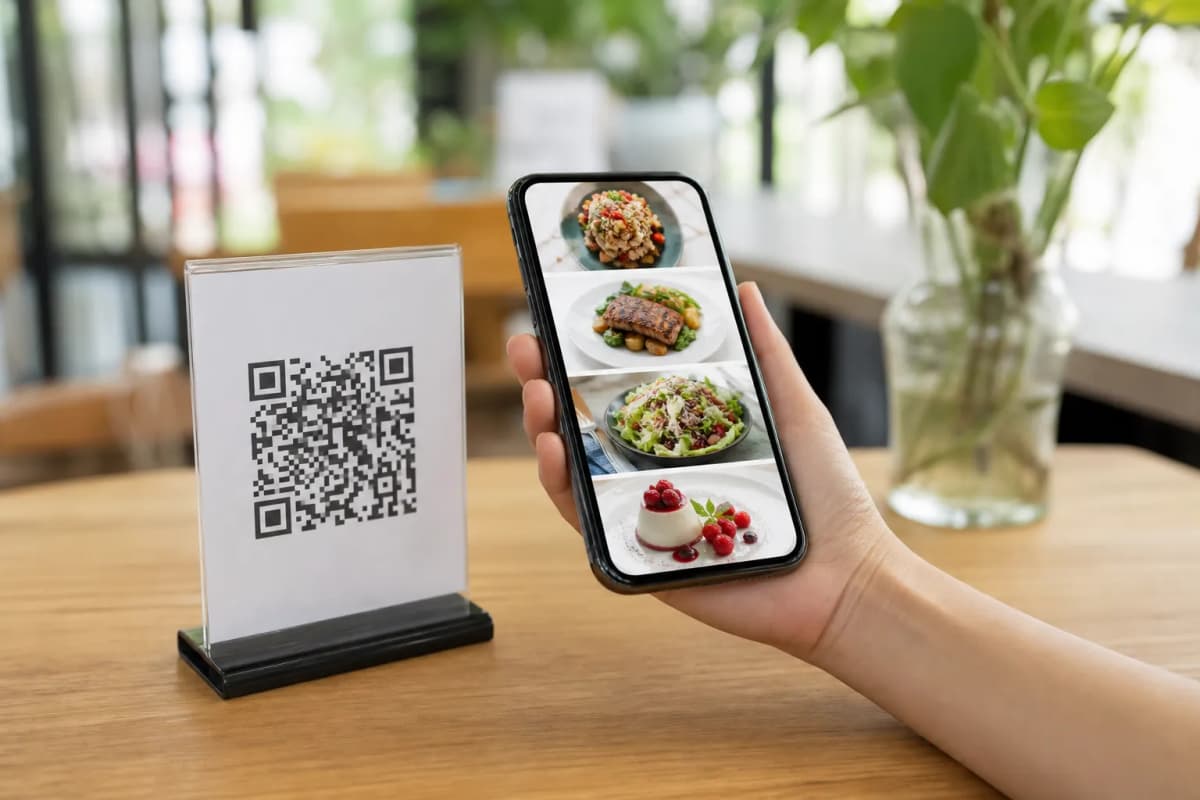
Your QR code is the gateway to your menu and your reservation system. eMenu AI provides a professional QR code that you can customize with your restaurant colors and logo. Print these codes and place them on your tables, at your entrance, or on your storefront window so passing customers can scan the code and book a table for later.
Step 4: Streamline the Guest Experience
When the reserved guests arrive, the same QR menu handles their entire dining experience effortlessly.
- Table Ordering: Guests can browse the menu and send orders directly from their table to the kitchen.
- Call Waiter: With one tap from the menu, guests can request assistance or ask for the bill. Your staff gets an instant notification showing the exact table number and request type.
Alternative Ordering Options
Not every customer wants to dine in. eMenu AI also supports WhatsApp orders, allowing guests to order via WhatsApp with live order tracking. Furthermore, customers can place pickup (takeaway) orders straight through the menu without making phone calls or installing extra software.
Step 5: Collect Customer Feedback
After the meal, you want to know how you did. Use the in-menu rating system to collect comprehensive customer feedback directly inside the menu. This helps you improve your service, adjust your menu offerings, and maintain high standards for future reservations.
Start Managing Your Tables Today
Setting up a comprehensive booking and ordering system does not have to be complicated. With very affordable plans and a free tier available, you can upgrade your venue operations immediately. Check out the pricing options to find the best fit for your business, then launch your smart digital menu to take full control of your reservations, orders, and customer satisfaction today.