Managing table bookings efficiently is crucial for any growing cafe or dining establishment. If you are looking for a practical restaurant reservation system that does not rely on expensive third-party apps or monthly commission fees, you are in the right place. With eMenu AI, you can integrate table bookings directly into your digital QR menu, giving your guests a seamless way to reserve a spot, browse your dishes, and order from their phones.
Why Use a Built-In Restaurant Reservation System?
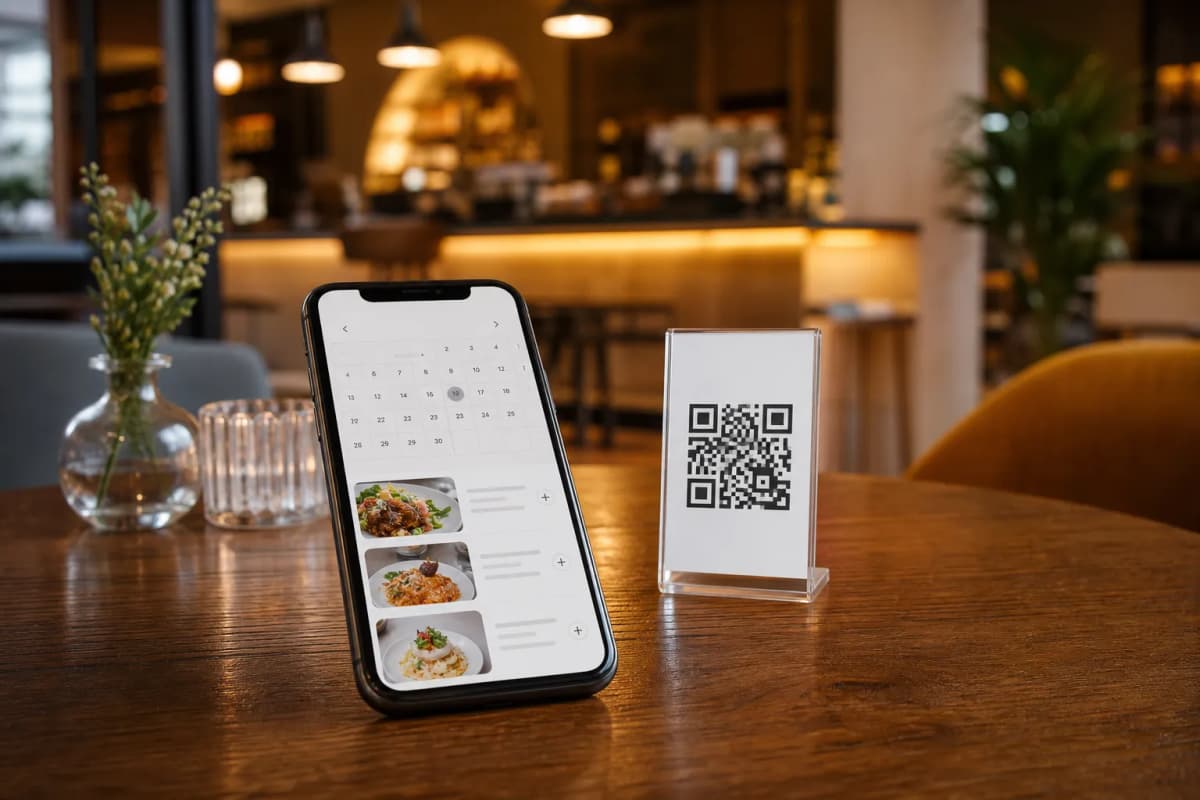
A standalone booking platform often disconnects the guest from your actual offerings. By using a built-in restaurant reservation system through eMenu AI, your customers can view your dishes, check prices, and reserve a table all in one place. Best of all, they do not need to download any apps. They simply scan your QR code or click a link on your social media to access your complete digital storefront.
Steps to Launch Your Booking System
Getting started takes only a few minutes. Follow these practical steps to build your menu and enable reservations today:
- Create Your Account: Start by setting up your restaurant profile. Download the app or access the web dashboard to create your eMenu AI account instantly.
- Design Your Digital Menu: Add your categories and menu items. If you lack professional food photography, use the built-in AI food image generation to create mouth-watering pictures for your dishes. You can then choose from our multiple ready templates to match your brand perfectly.
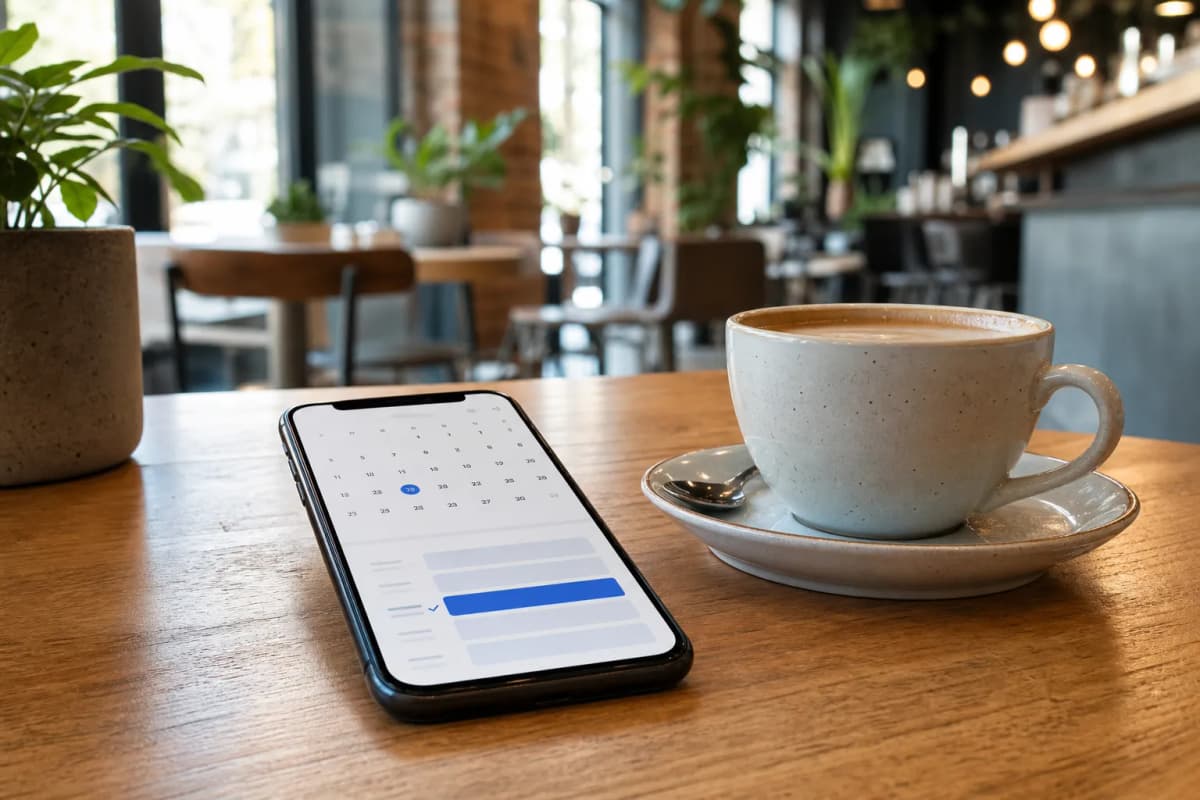
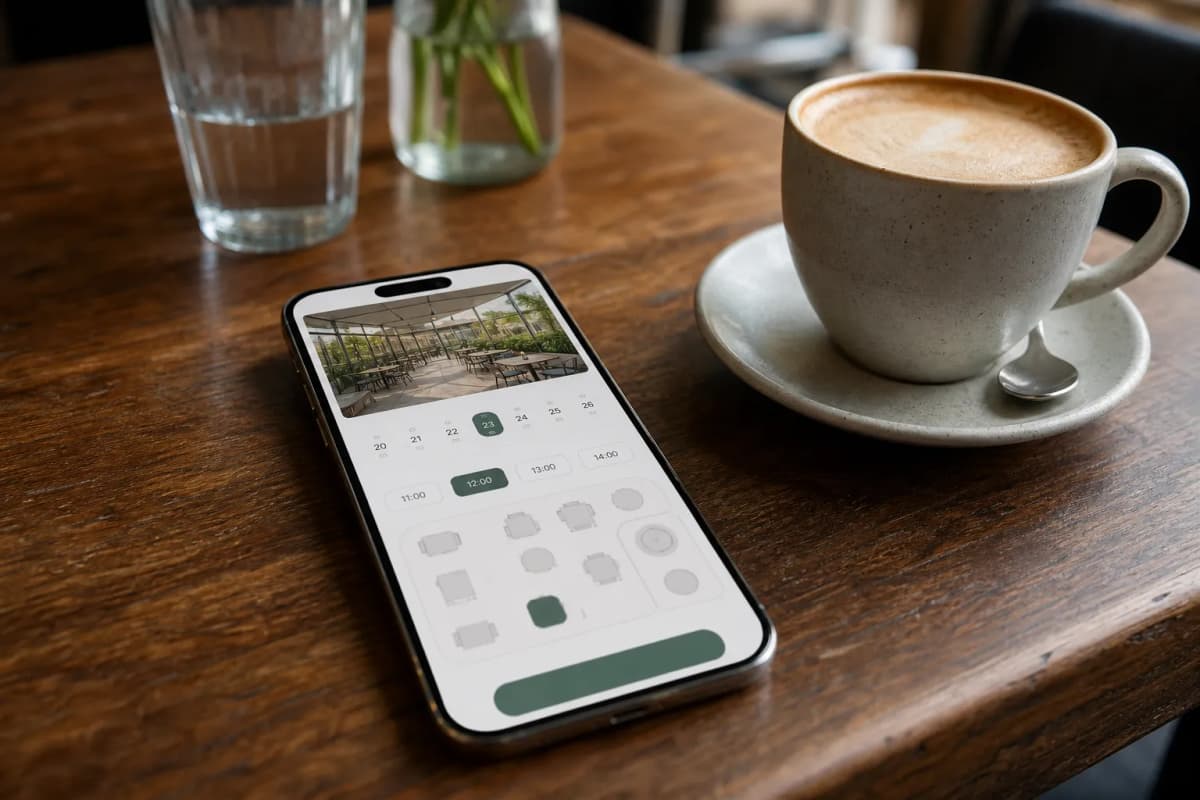
- Enable Reservations: Once your menu is live, activate the table reservation system from your dashboard. Customers browsing your menu will now see a clear option to book a table for their preferred date and time.
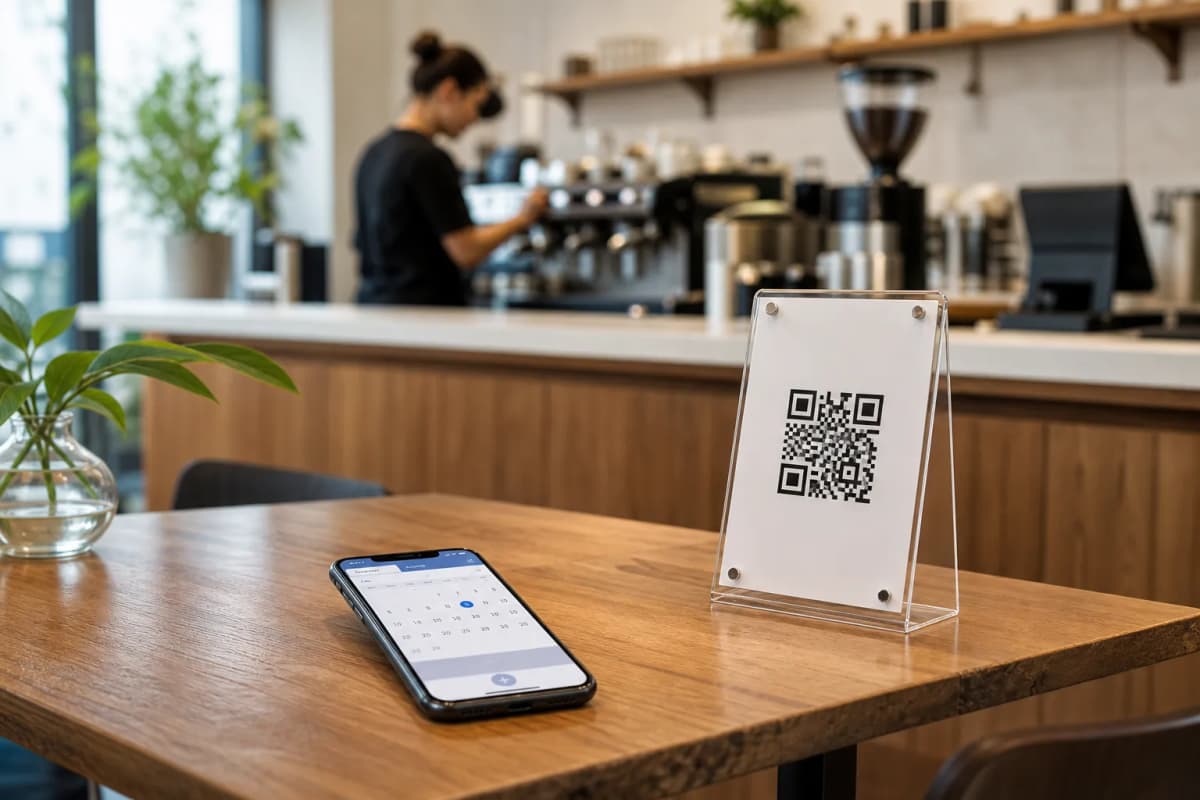
- Generate Your Professional QR Code: Create a customized QR code with your restaurant colors and logo. Print this code for your window display, social media pages, and promotional flyers so guests can scan and book before they even arrive at your venue.
Connecting Reservations with Smart Ordering
Even if customers cannot make their reservation, you can still capture their business by enabling WhatsApp orders or pickup takeaway orders straight through the same menu link. Finally, after they have enjoyed their meal, the in-menu rating system prompts them to leave comprehensive feedback, helping you continuously improve your service quality.
Start Managing Your Tables Today
You do not need complicated software to run a highly efficient dining room. By combining your digital menu with a smart reservation tool, you streamline your daily operations and provide a top-tier guest experience. Ready to modernize your booking process? Open eMenu AI now and take full control of your restaurant reservations today.