Launch Your Online Restaurant Booking System
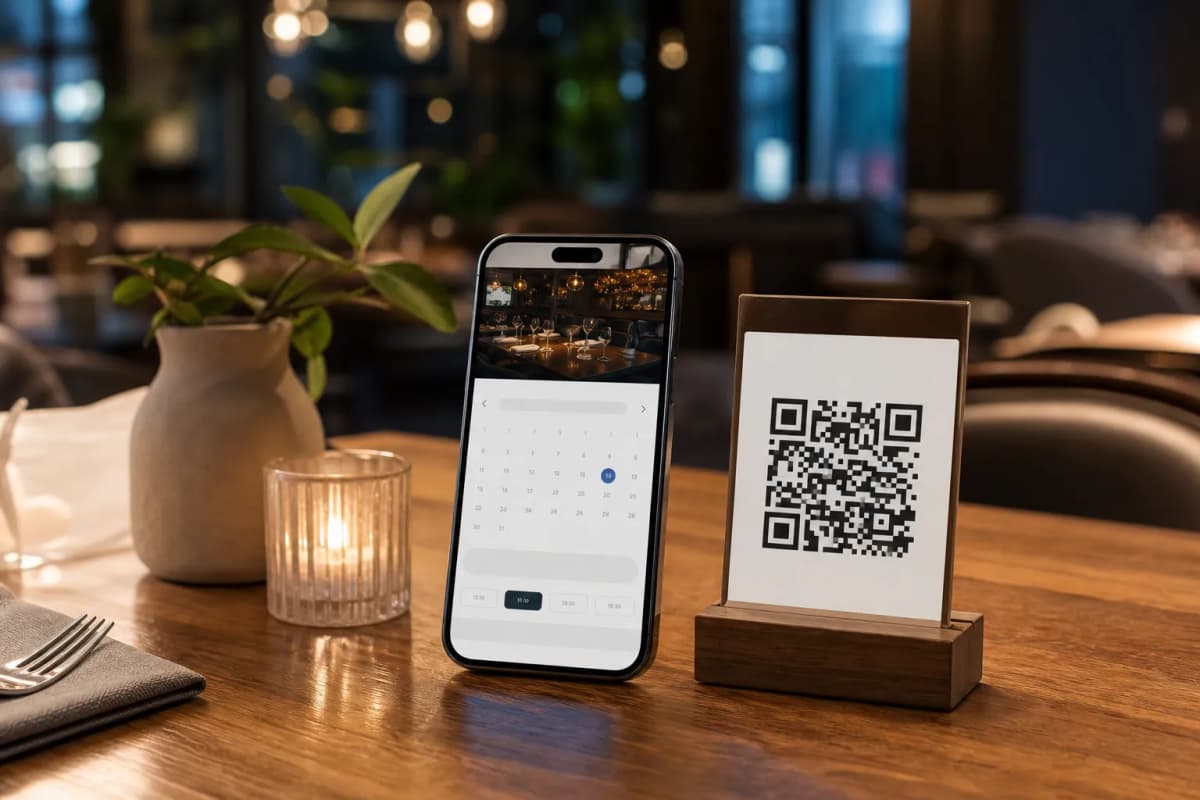
If you want to stop losing reservations to busy phone lines, you need a reliable online restaurant booking system. Today, customers expect to reserve their tables quickly from their smartphones. With eMenu AI, you can transform your digital menu into a complete reservation and ordering hub. There is no need for your guests to download any apps, and you can manage everything directly from a web dashboard or your own phone.
Step 1: Set Up Your Account
The first step to modernizing your reservation process is to create your account. You can start on the web or download the app for your iPhone, iPad, or Android device. Because everything syncs perfectly in the cloud, you can update your availability, manage incoming reservations, and monitor your restaurant from anywhere. Whether you have one cafe or a chain of restaurants, this single dashboard gives you complete control over your daily operations.
Step 2: Design Your Menu and Professional QR Code
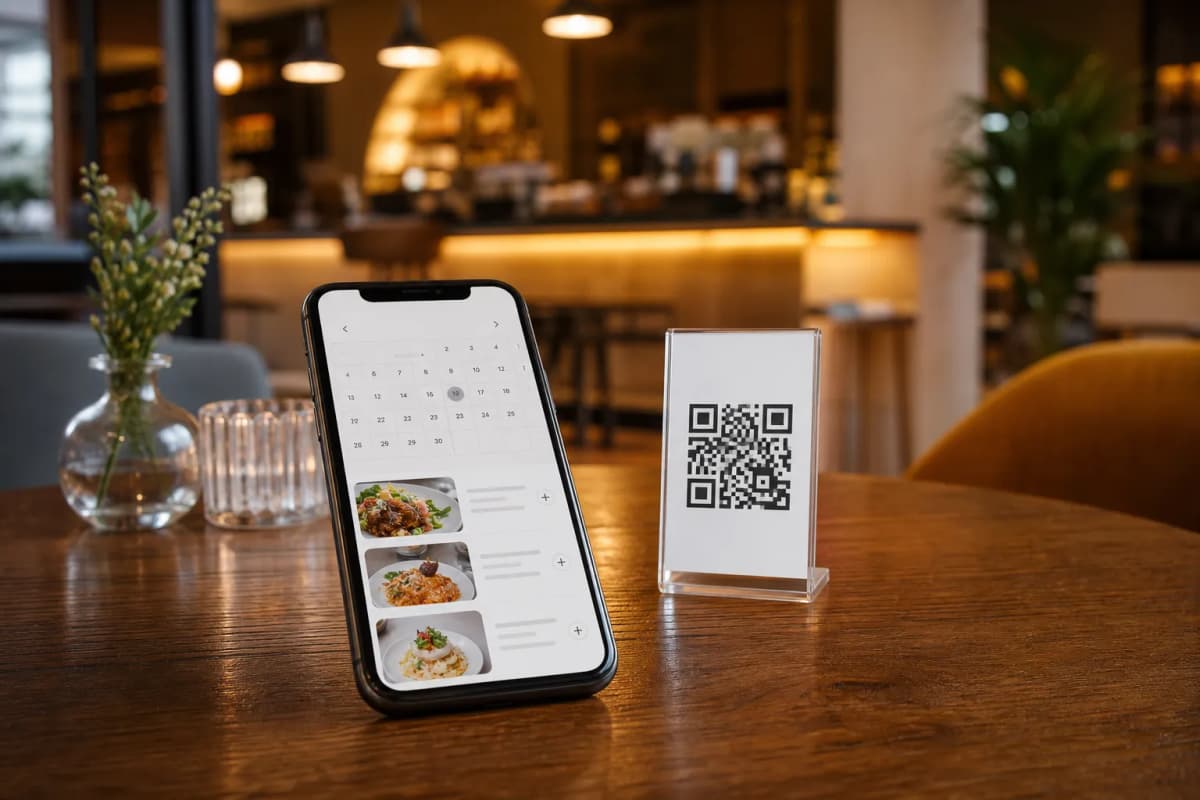
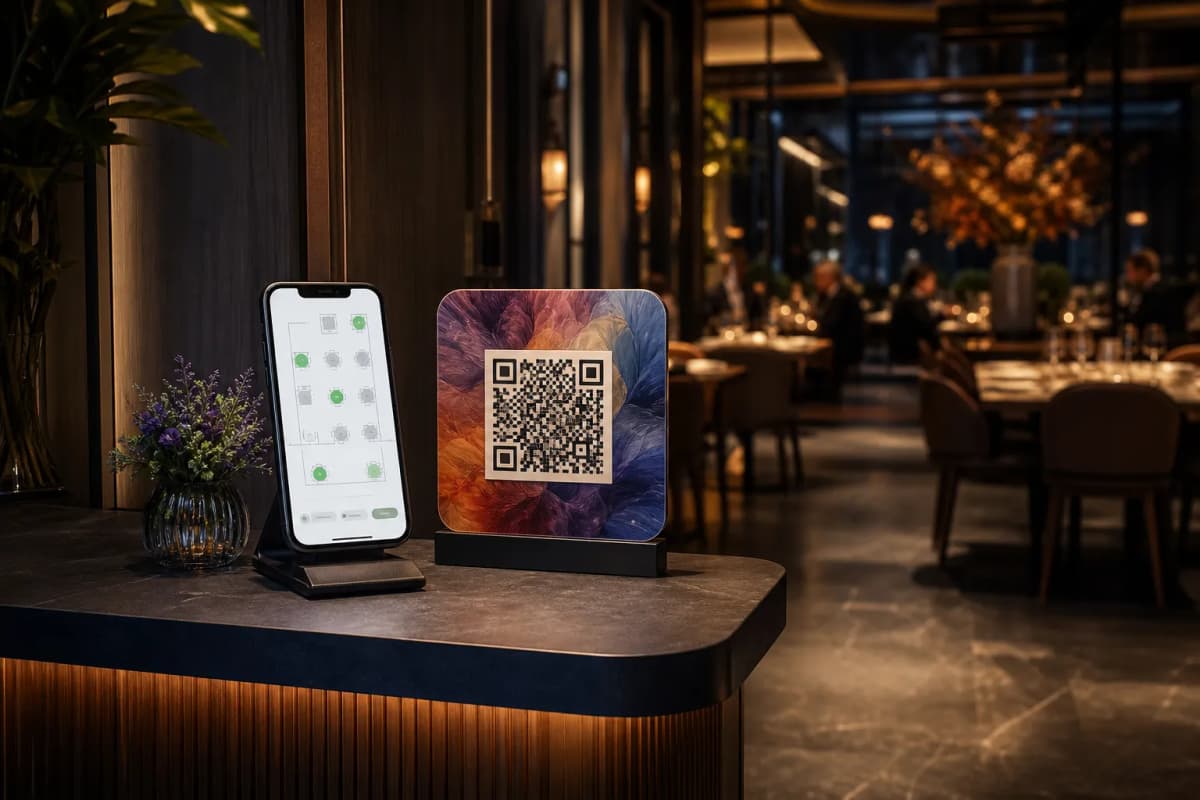
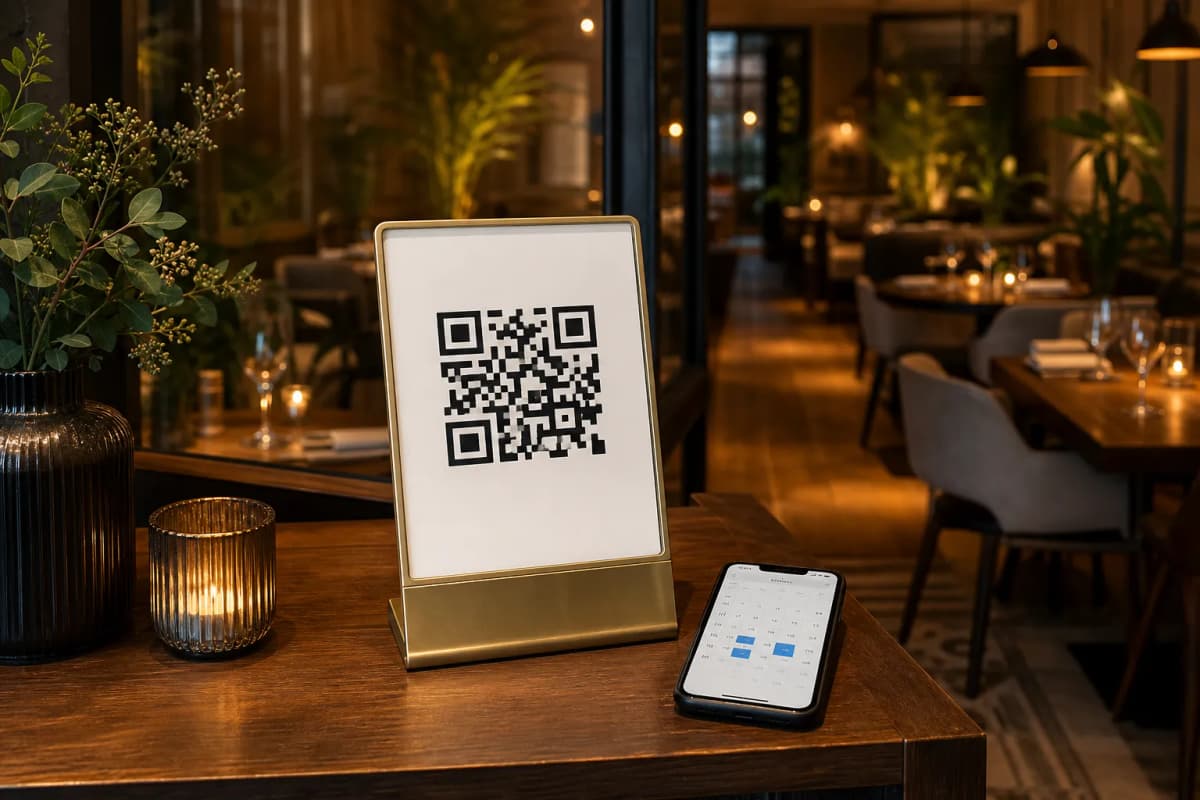
Before guests book a table, they usually want to see what you serve. eMenu AI makes it easy to build a beautiful digital menu. You can browse multiple ready designs at our templates gallery to find the perfect match for your brand. If you need something unique, custom templates are made free on request to match your brand exactly. You can even use the built-in AI food image generation to make your dishes look irresistible. Once your menu is ready, generate a professional QR code featuring your colors and logo to display at your entrance or on your tables.
Step 3: Enable Reservations and Ordering
Start Taking Reservations Today
Upgrading your restaurant technology does not have to be expensive. eMenu AI offers very competitive rates, and you can explore the options on our pricing page to see how affordable it is to get started. A free plan is available, so you can test the reservation system and digital menu features without any risk.
Stop relying on manual phone logs and missed calls. Give your guests the seamless booking experience they deserve. Open eMenu AI right now, create your digital menu, and turn on your reservation system in just a few minutes.