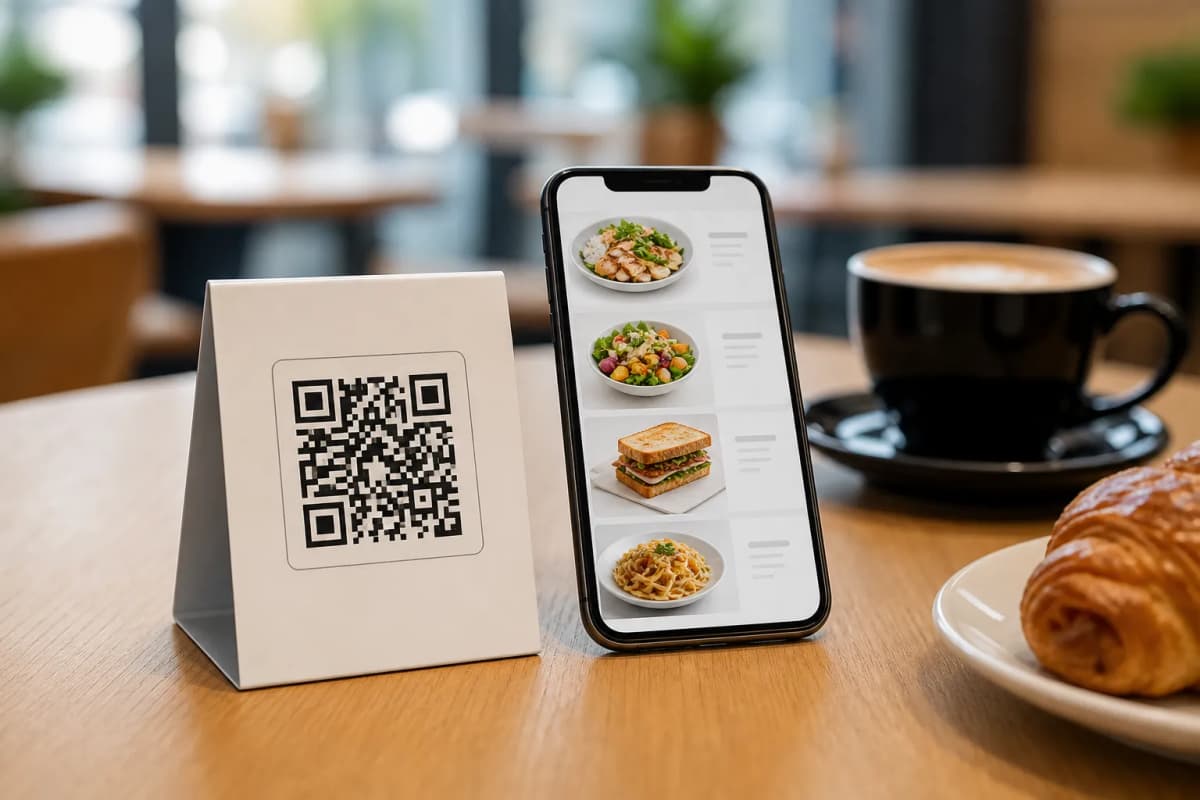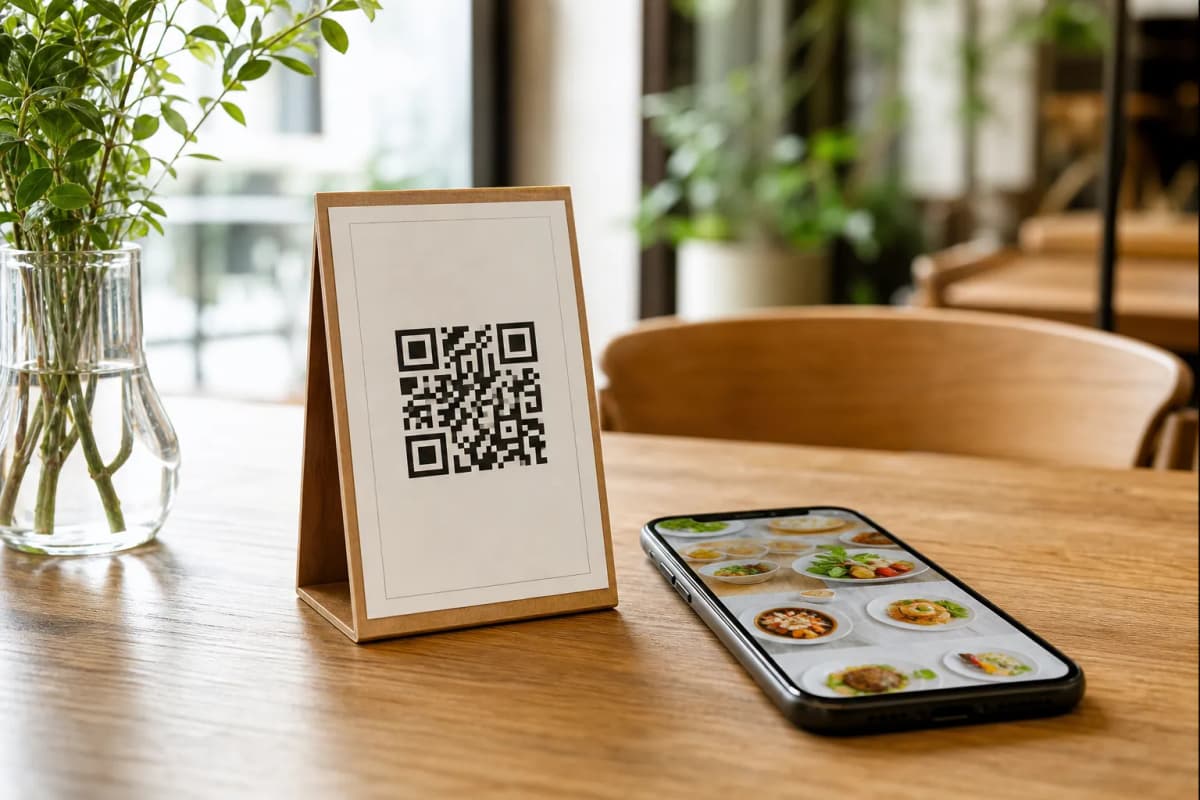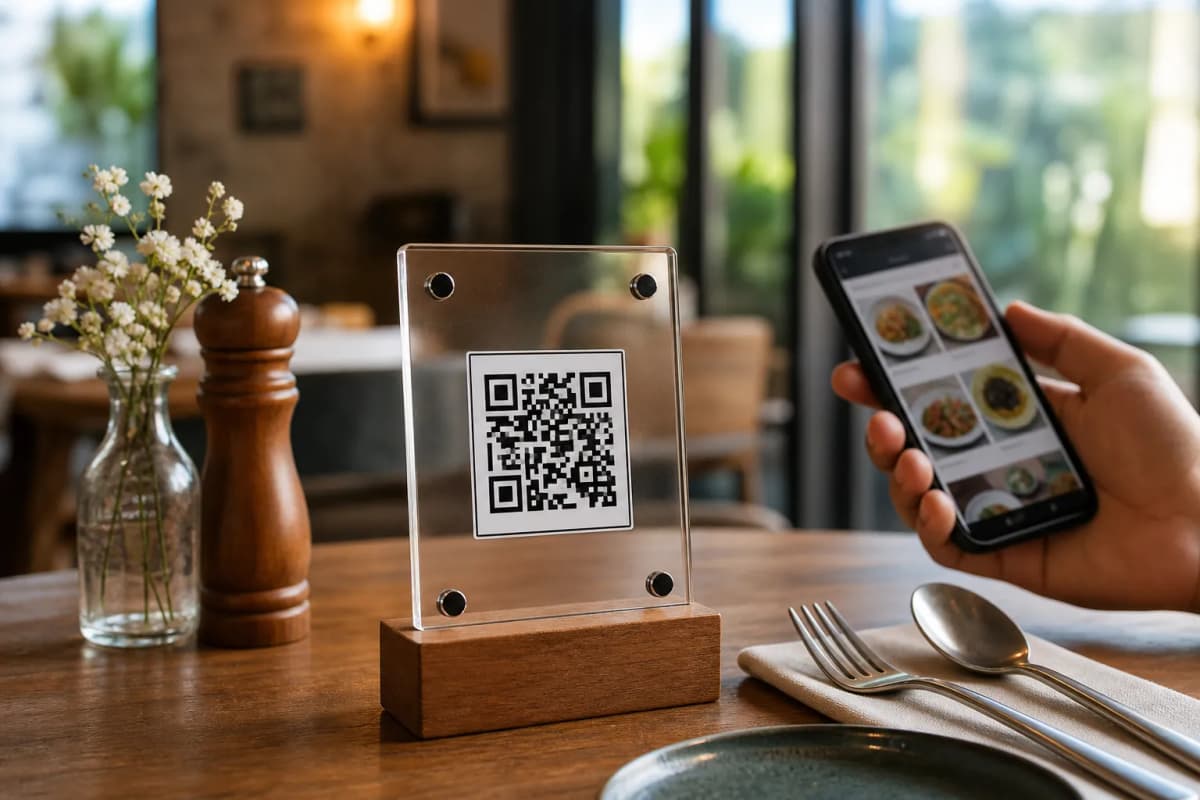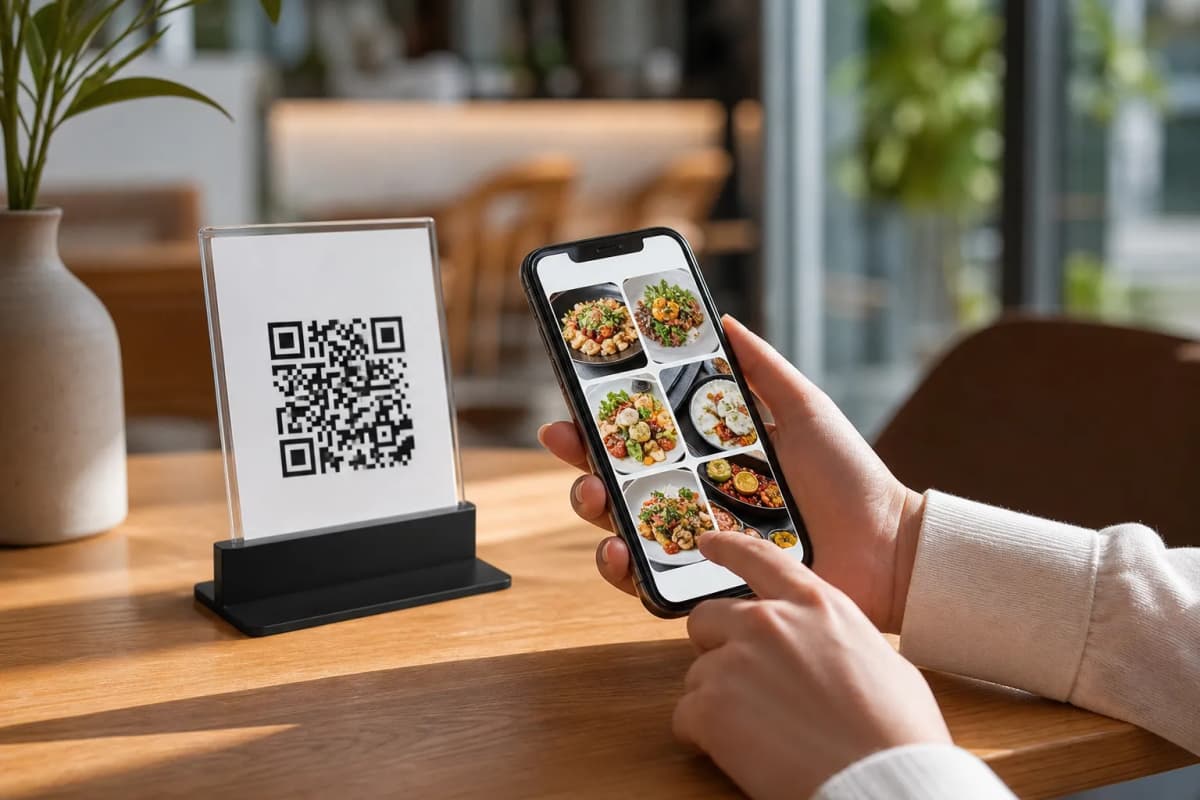
Every restaurant owner wants to streamline service, reduce waiting times, and increase table turnover. Setting up a digital menu qr code is the most practical way to achieve these goals today. By allowing customers to view your menu on their own devices, you eliminate physical printing costs and give your staff more time to focus on hospitality. With modern platforms like eMenu AI, launching your digital system takes only a few minutes and requires absolutely no technical expertise.
Step-by-Step Guide to Launching Your Digital Menu QR Code
To get your system up and running, follow these straightforward deployment steps using the eMenu AI platform.
- Set up your account and menu structure: First, access the eMenu AI platform on your iPhone, iPad, Android device, or computer browser. From the dashboard, organize your menu into categories such as appetizers, mains, and beverages. You can quickly add dish names, detailed descriptions, and prices. If you need high-quality photos, use the integrated AI food image generation tool to create appetizing visuals instantly.
- Select and customize your design template: Your digital interface should match your restaurant's brand identity. Browse the collection of professional ready templates. Every layout is fully customizable, and if you need a specific style, the support team can build a custom template to match your brand for free.
- Configure your local settings and ordering options: Tailor the experience to your local market. eMenu AI supports over 95 world currencies, with the ability to add new ones in seconds. Additionally, the platform automatically translates your menu into more than 100 languages, allowing guests to switch languages with a single tap. Depending on your business model, you can enable table ordering, WhatsApp orders with live tracking, or simple pickup orders.
- Generate and print your code: Once your menu is ready, generate your custom QR code. You can customize the code with your brand colors and logo. Print the codes and place them on your tables, bar counters, or entrance doors.
Enhancing the Guest Experience at the Table
Once your digital menu qr code is active on your tables, guests can scan it using their phone cameras. There is no app installation required. Beyond browsing food, you can activate several helpful features to improve customer satisfaction:
- Call Waiter: Guests can tap a button to request assistance or ask for the bill. Staff receive instant notifications showing the table number and exact request.
- Table Reservation System: Customers can book their next visit directly from the digital interface.
- In-Menu Rating System: Gather valuable feedback by prompting guests to rate their experience before they leave.
To see how this looks in a real environment, you can browse a live demo menu to experience the smooth transition and clean layout that your customers will see.
Simplify Your Restaurant Operations Today
Ready to upgrade your dining room? Transitioning to a digital menu qr code reduces labor pressures, eliminates ordering errors, and speeds up table turnover. Get started today by creating your account on the eMenu AI smart link, where you can configure your menu, customize your templates, and download your print-ready QR codes in just a few clicks.