Many restaurant owners wonder how to set up a seamless digital ordering experience without complicated software. Implementing a qr code scanner menu restaurant system is the most effective way to let guests browse your offerings and place orders instantly. With eMenu AI, setting this up is incredibly practical and requires zero technical skills. Customers simply point their camera, and you get complete control over your operations.
Why Implement a QR Code Scanner Menu Restaurant System?
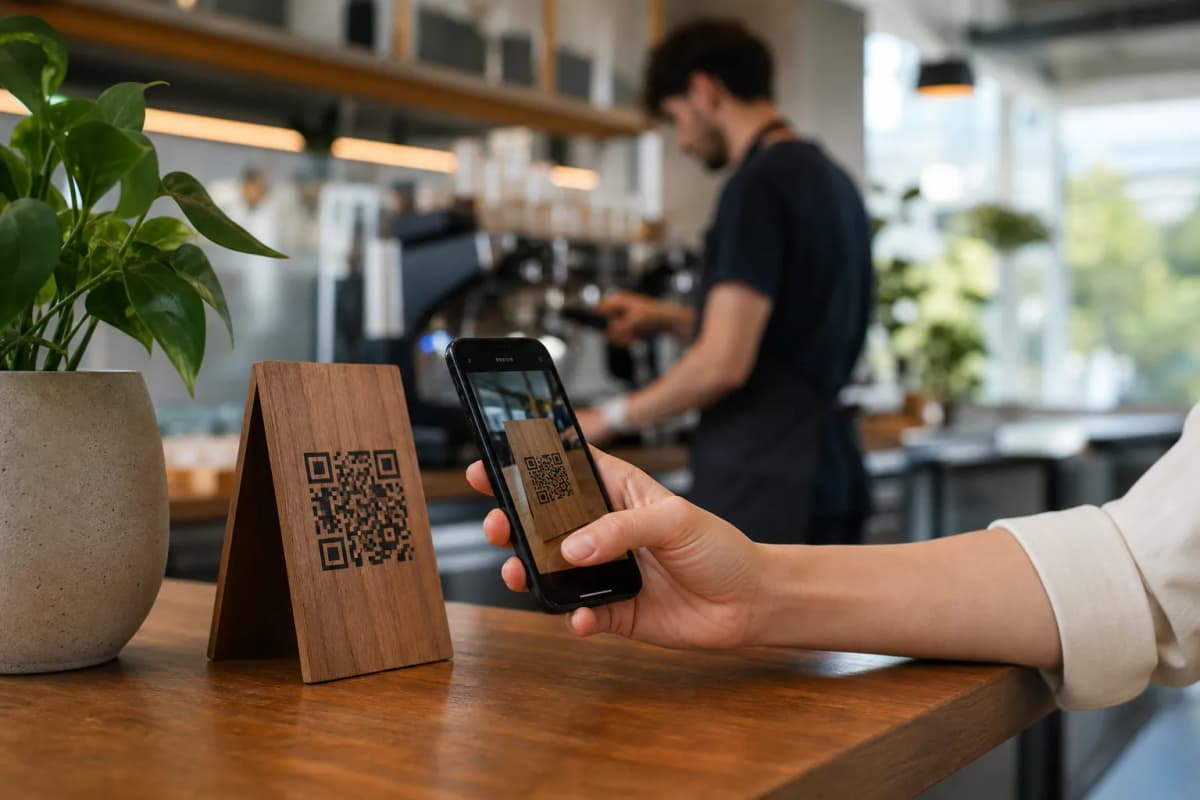
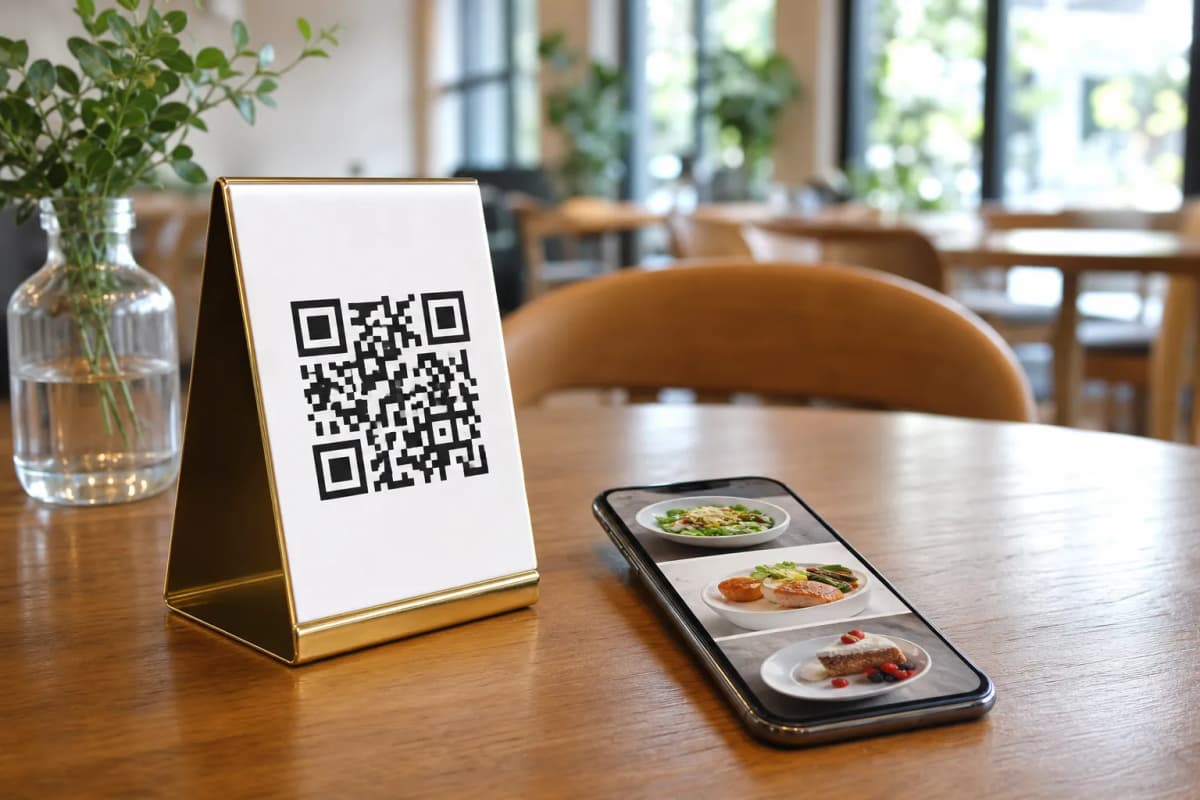
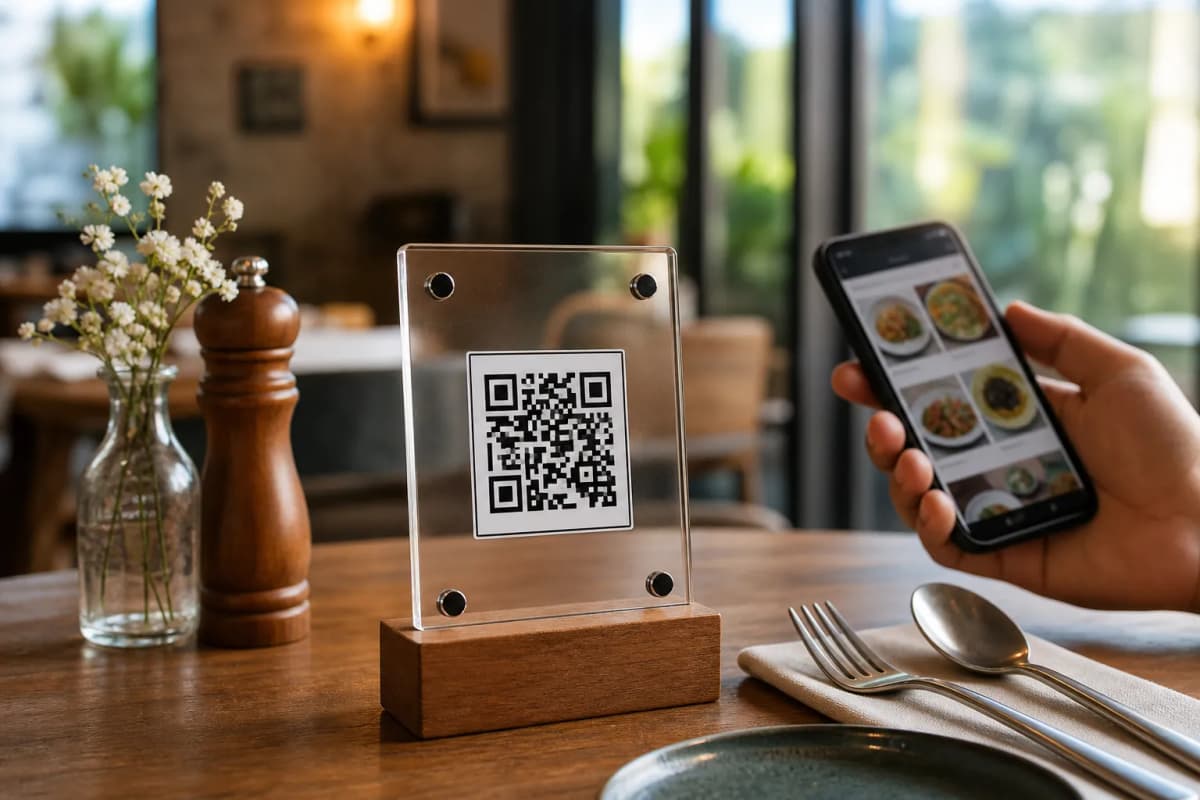
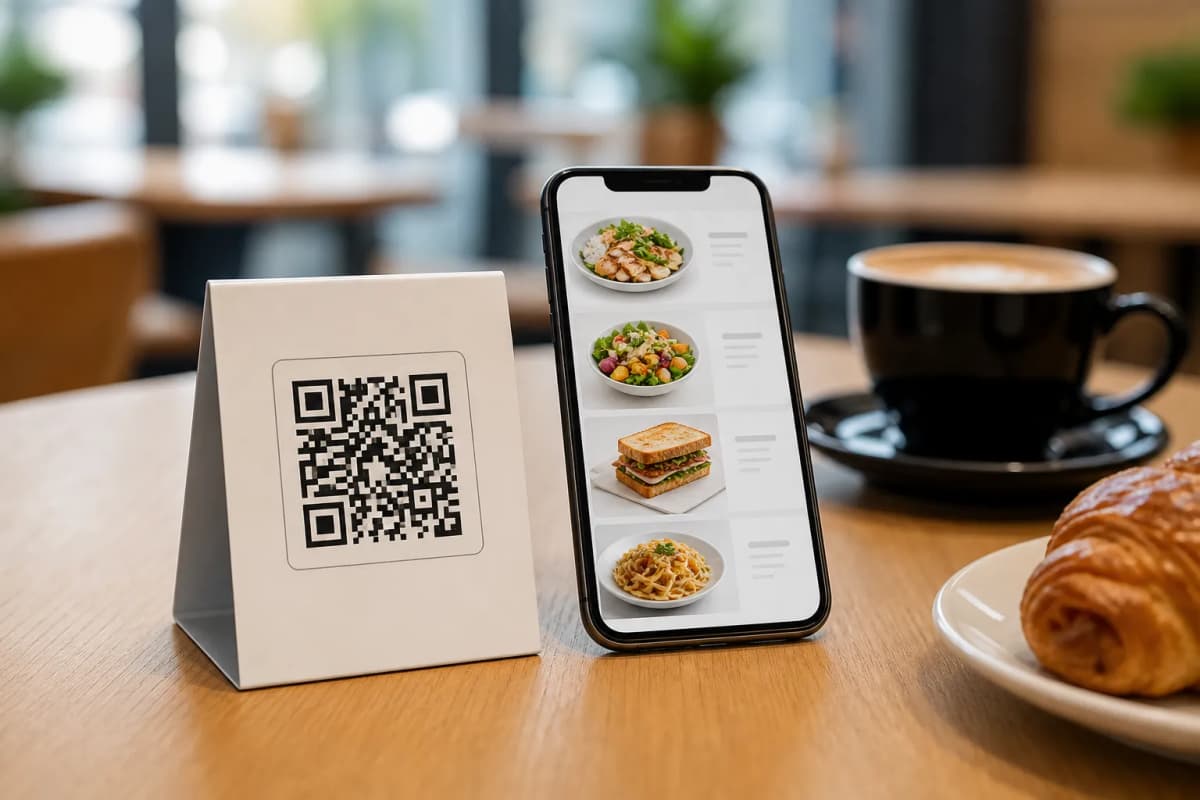
When diners sit at a table, they want fast service. They point their phone camera at the code printed on the table, and without any app to download, they instantly see a beautiful digital menu. As an owner, you can manage this entire experience from your phone, tablet, or computer. The eMenu AI platform makes it easy to keep prices updated, add new seasonal items, and receive orders directly to your kitchen in real time.
Step 1: Access the Platform and Create Your Profile
The first step is to get the tools you need to build your menu. You can open eMenu AI here to start setting up your digital restaurant profile. This smart link works perfectly whether you are using an iPhone, an Android tablet, or a computer web browser. Once you create your account, you will have access to the full web dashboard to manage your categories, items, and restaurant branches from one central location.
Step 2: Build Your Menu and Generate Images
A great menu needs great photos to drive sales. Add your categories, drinks, and dishes directly in the dashboard. If you do not have professional photography for your dishes, eMenu AI includes an AI food image generation tool. Just type what the dish is, and the system creates a stunning, appetizing image for you. You can organize your sections, write descriptions, and adjust prices instantly.
Step 3: Select a Professional Design Template
Your digital menu should match your restaurant branding perfectly. Browse the multiple ready templates to find a design that fits your unique style. Every template is fully customizable, allowing you to change colors, fonts, and layouts. New designs are added regularly, and you can even request a custom template for free to match your exact brand guidelines.
Step 4: Print Your Custom QR Code
Once your menu looks perfect, you can generate a professional QR code. You can customize this code with your restaurant logo and specific brand colors. Print these codes and place them on your tables, at the entrance, or on your takeaway packaging. Customers just scan to see your digital offerings immediately.
Enhancing the Customer Experience
A digital menu does much more than display food. By using eMenu AI, you offer automated features that make dining smoother for everyone:
- Automatic Translations: Your menu is available in over 100 world languages. Tourists and international guests can switch to their native language with a single click.
- Call Waiter Feature: With one tap, guests can request assistance or ask for the bill. Your staff gets instant notifications showing the exact table number and request type.
- In-Menu Rating System: Collect comprehensive customer feedback directly inside the menu while the guest is still at the table, helping you improve service constantly.
- Table Reservations: Let customers book tables directly from the menu interface before they even arrive at your venue.
Getting the menu live is just the beginning. The platform handles all your daily operational needs. Customers can use Table Ordering to send requests straight to the kitchen. If they want to order from home, you can accept WhatsApp Orders with live order tracking. For takeaway, the system handles Pickup Orders straight through the menu without any frustrating phone calls.
Ready to upgrade your restaurant operations? You can check our affordable pricing plans, including a free tier to get you started immediately. Take control of your business and launch your digital menu today to serve faster, reduce wait times, and impress your guests from the moment they sit down.