Why Choose Digital Menu Restaurant Software?
Step 1: Set Up Your Account
Getting started with your new digital menu is fast and simple. First, access the smart platform by visiting eMenu AI on your iPhone, iPad, Android device, or web browser. This single dashboard allows you to manage your entire restaurant from anywhere. You will enter your basic restaurant information, set up your operating hours, and prepare your digital storefront for customers.
Step 2: Choose a Professional Template and Add Your Dishes
Visual appeal is key to driving more orders. Instead of coding or designing from scratch, you can browse a wide selection of professional menu templates designed to fit different restaurant themes. If you need something entirely unique, custom templates are made free on request to match your brand identity perfectly. Once your design is set, you can start adding categories, dishes, descriptions, and prices. If you do not have photos ready, the integrated AI food image generator can help you create highly realistic dish images instantly.
Your digital menu is more than just a list of food: it is a fully functional sales tool. Depending on your business model, you can activate several key ordering methods:
- Table Ordering: Diners scan the QR code at their table and send orders straight to the kitchen.
- WhatsApp Ordering: Customers send their orders and track their delivery or pickup status directly via WhatsApp.
- Pickup Orders: Guests schedule their takeaways without waiting in line or calling the restaurant.
Step 4: Print and Display Your QR Codes
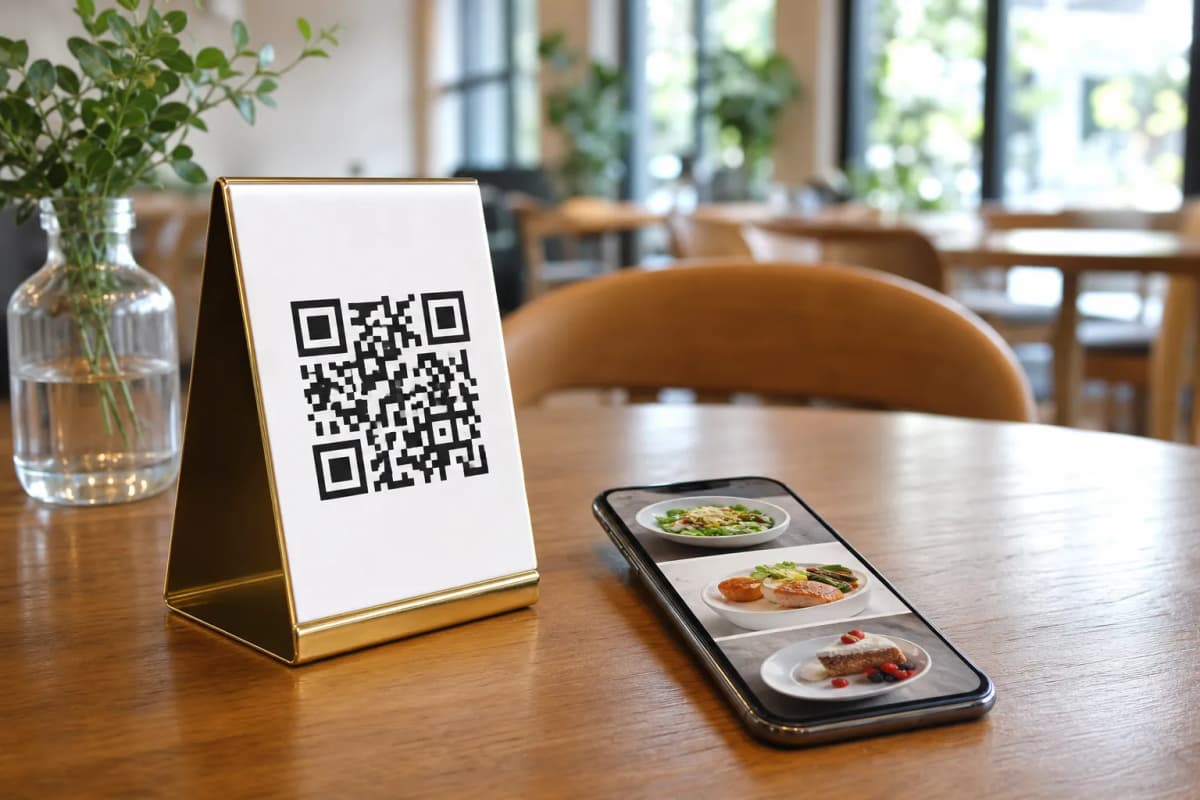
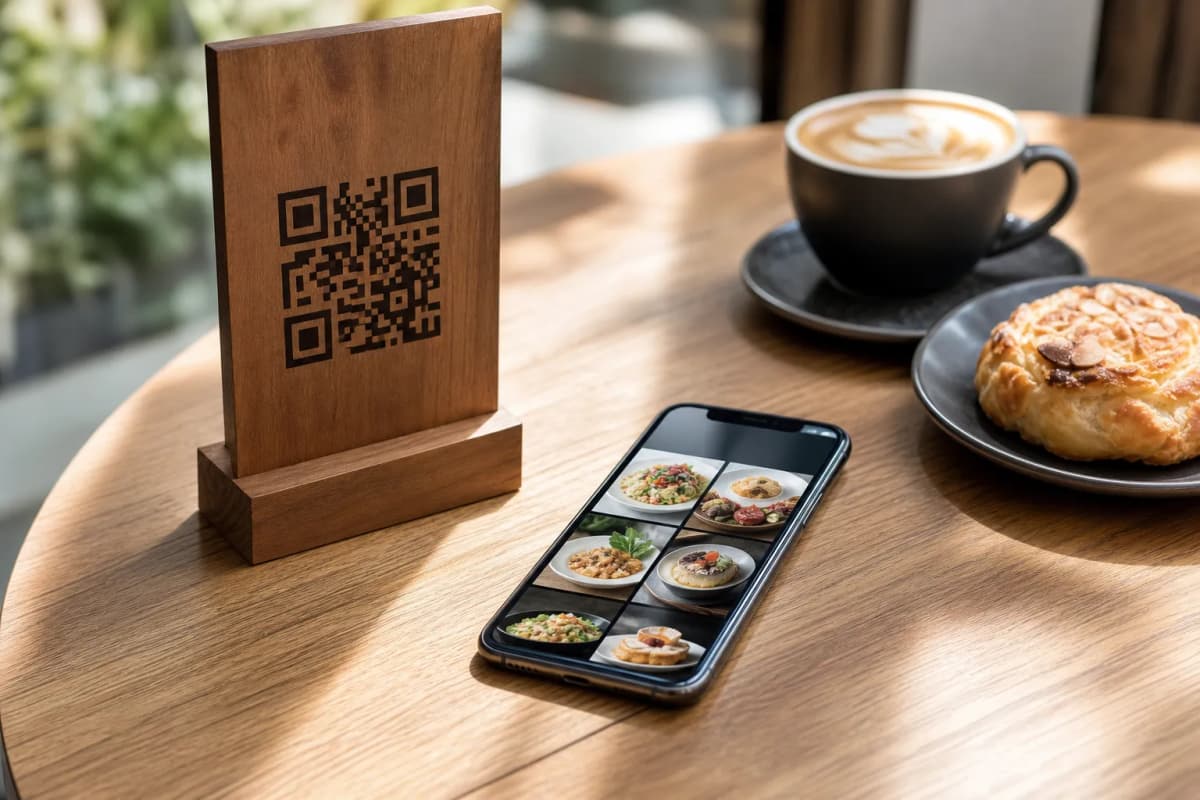
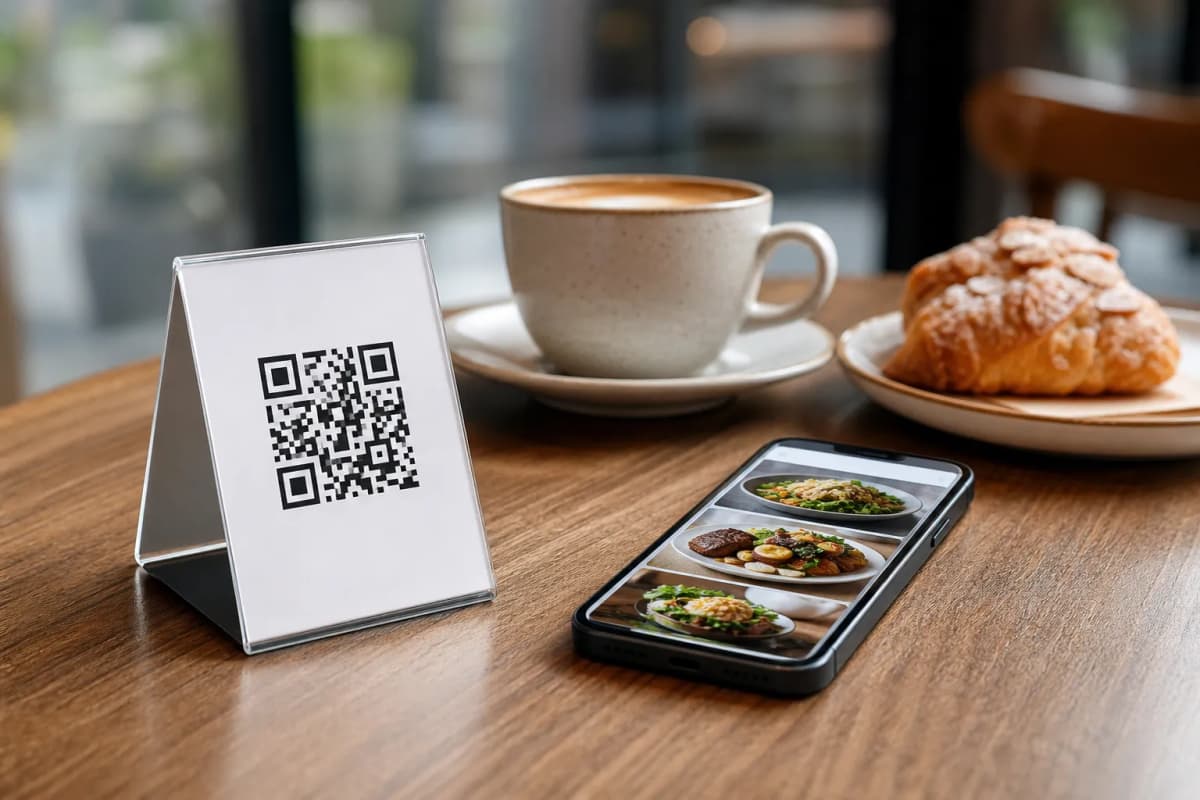
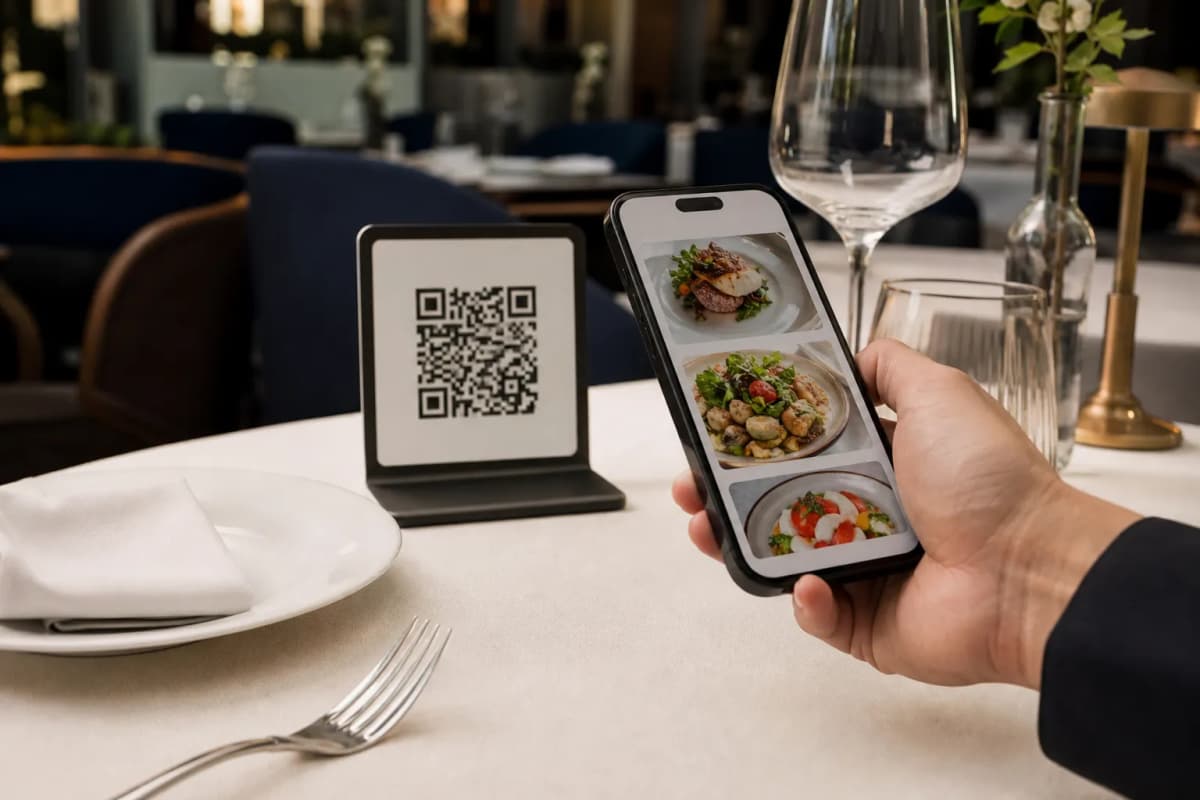
With your menu finalized, generate your professional QR codes directly from the dashboard. You can customize the QR codes with your restaurant's brand colors and logo. Print these QR codes and place them on your tables, bar counters, or at the entrance. When customers arrive, they simply point their phone cameras at the code to instantly view your stunning interactive menu.
Step 5: Collect Feedback and Manage Operations
Once your menu is live, use built-in tools to keep improving your service. The in-menu rating system allows customers to submit feedback directly inside the digital menu, helping you address any kitchen or service issues immediately. Customers can also use the call waiter feature to request assistance or ask for the bill with a single tap, sending an instant notification with their table number to your staff. You can also enable the table reservation system to let customers book their spots in advance.
Ready to upgrade your restaurant operations? Take a look at our affordable premium options on our pricing page, and start building your custom QR menu today.