Understanding How to Scan Menu in Restaurant Environments
To provide a modern dining experience, you need a system that works flawlessly across all devices. When guests figure out how to scan menu in restaurant spaces you manage, they expect a highly interactive experience. eMenu AI delivers exactly that, allowing you to manage everything from a simple web dashboard while giving your customers a rich, localized ordering platform directly on their own phones.
Step 1: Build Your Digital Catalog
The first step is to get your items online. You can start immediately by visiting eMenu AI. Whether you use an iPhone, an Android tablet, or a computer browser, this smart link automatically directs you to the right platform. From the dashboard, you have full control to add your dishes, change prices, and organize sections. If you are missing high-quality photos, the platform includes built-in AI food image generation to make your menu items look absolutely irresistible.
Step 2: Design Your Professional QR Code
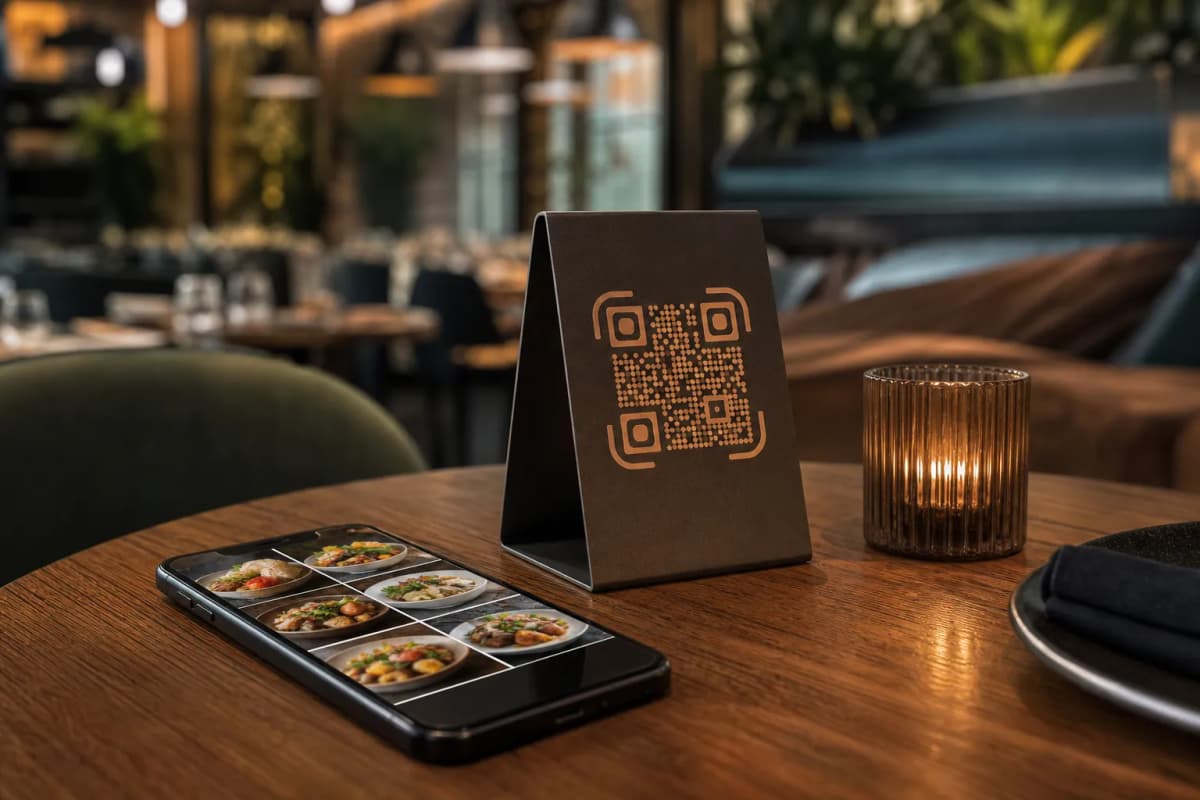
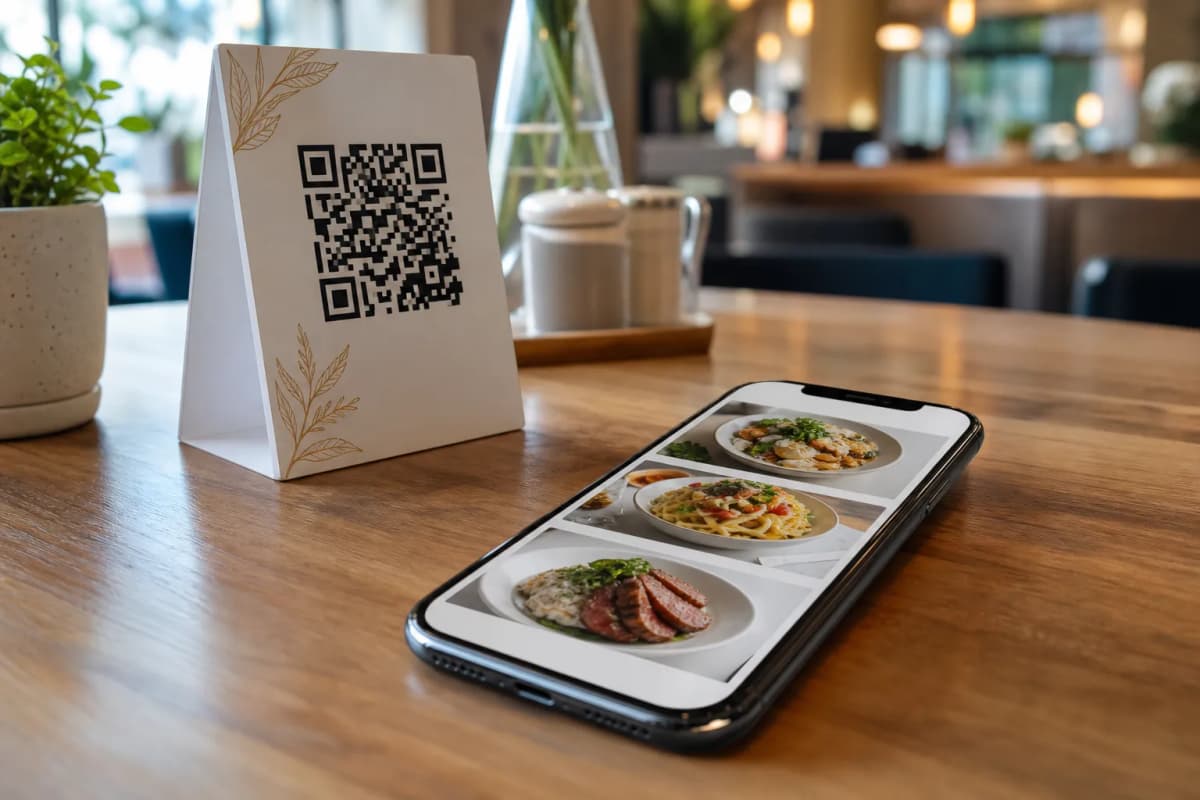
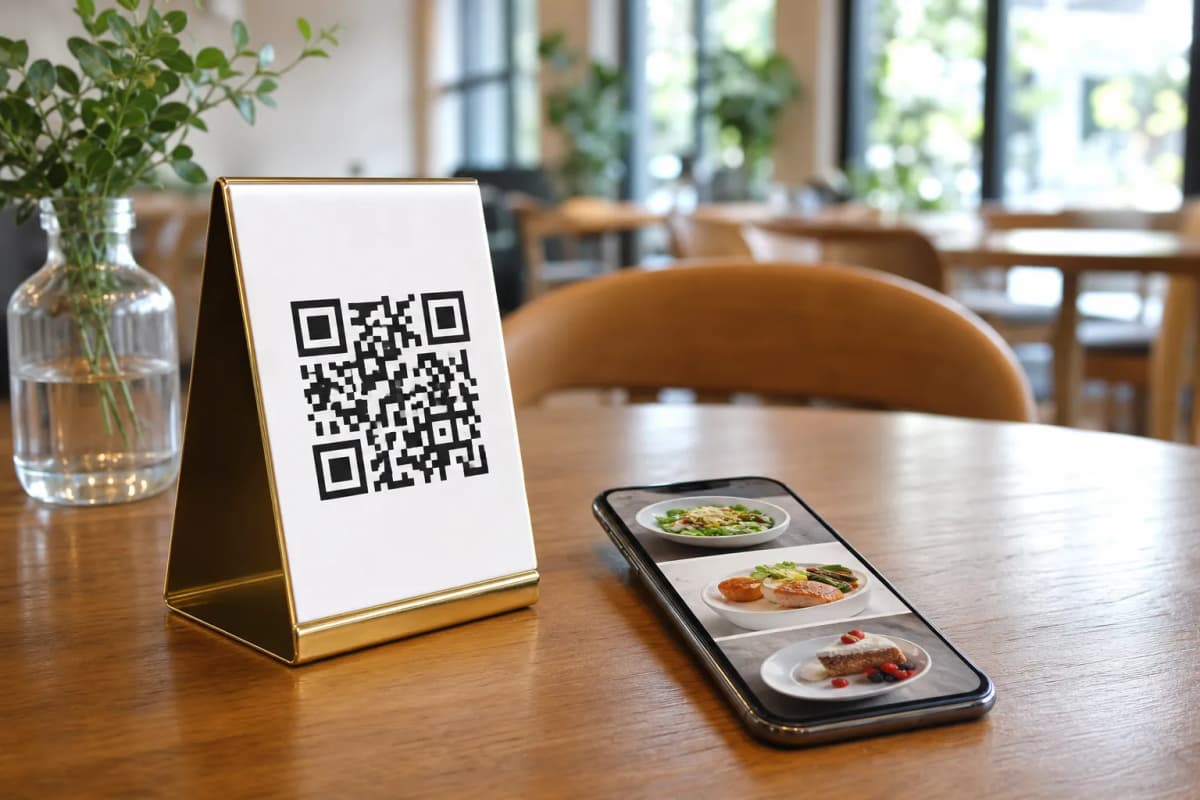
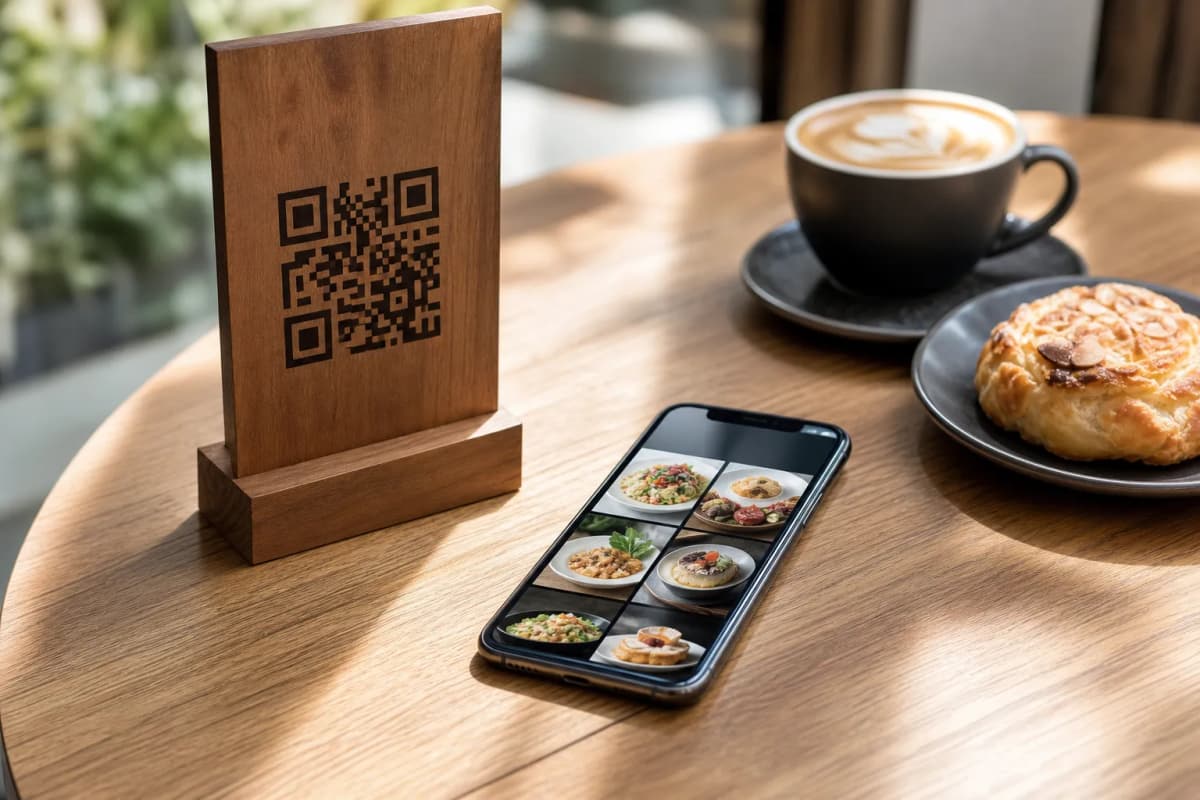
Once your items are ready, it is time to generate the code that customers will scan. eMenu AI provides a customizable professional QR code that you can tailor with your restaurant's colors and logo. Print these codes out and place them on tables or at the entrance. To ensure the menu looks fantastic when opened, you can choose from multiple ready designs in our templates gallery. Every template is fully customizable, and custom templates can be made free on request to perfectly match your brand.
A simple scan should lead to a seamless transaction. With eMenu AI, you can activate several powerful features to speed up your service:
- Table and WhatsApp Orders: Customers can browse the menu and send orders directly from their table to the kitchen. You can also enable ordering via WhatsApp with live order tracking, or accept pickup orders straight through the menu with no calls required.
Step 4: Elevate the Customer Experience
Beyond basic ordering, your digital menu acts as a complete customer service tool. The system supports over 100 world languages with automatic translation, allowing guests to switch languages with one click. You can enable the Call Waiter feature, letting guests request assistance or the bill with one tap; staff get instant notifications with the table number and request type. Additionally, use the in-menu rating system to collect comprehensive feedback, or activate the table reservation system so customers can book directly from within the menu.
Launch Your Scannable Menu Today
Transforming how guests interact with your restaurant has never been easier. We offer very affordable plans, including a free tier to help you get started right away. Check out our pricing options to find the perfect fit for your business.
Stop worrying about outdated paper menus. Create your account today by opening eMenu AI and give your customers the modern, fast, and effortless ordering experience they truly deserve.