Why Upgrade Your Menu Experience?
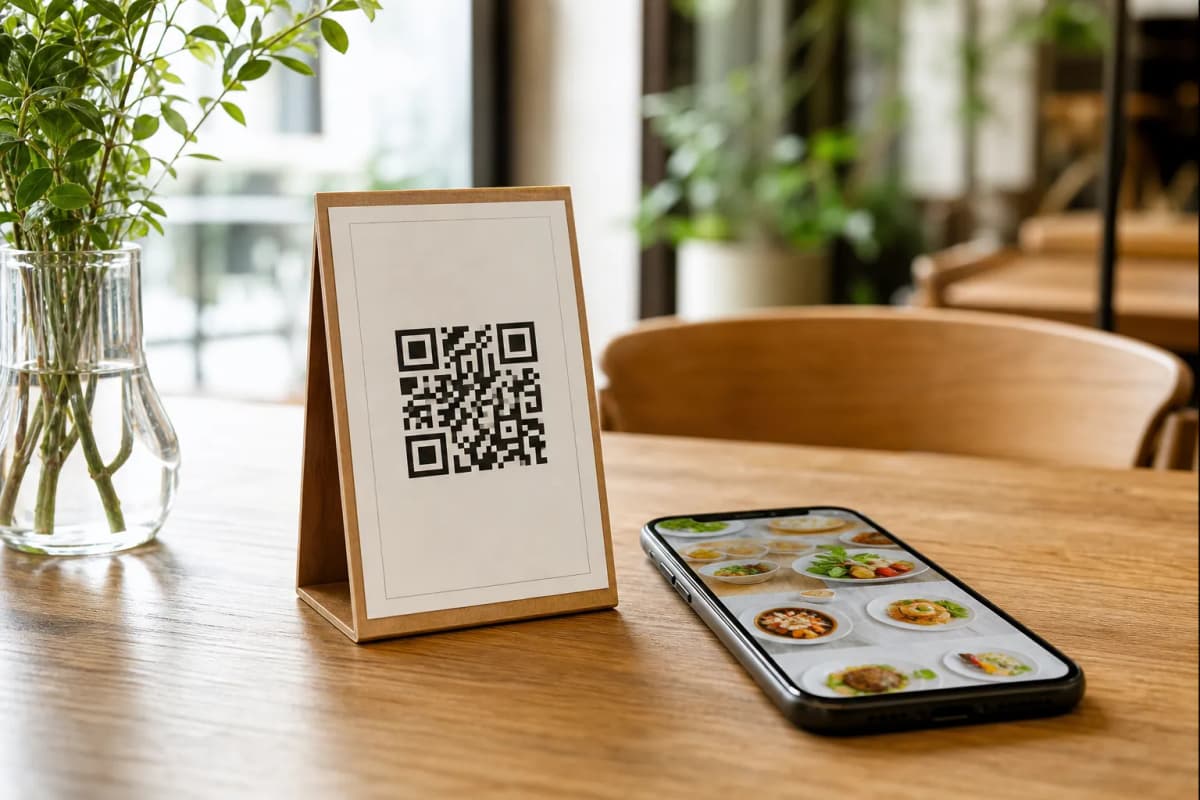
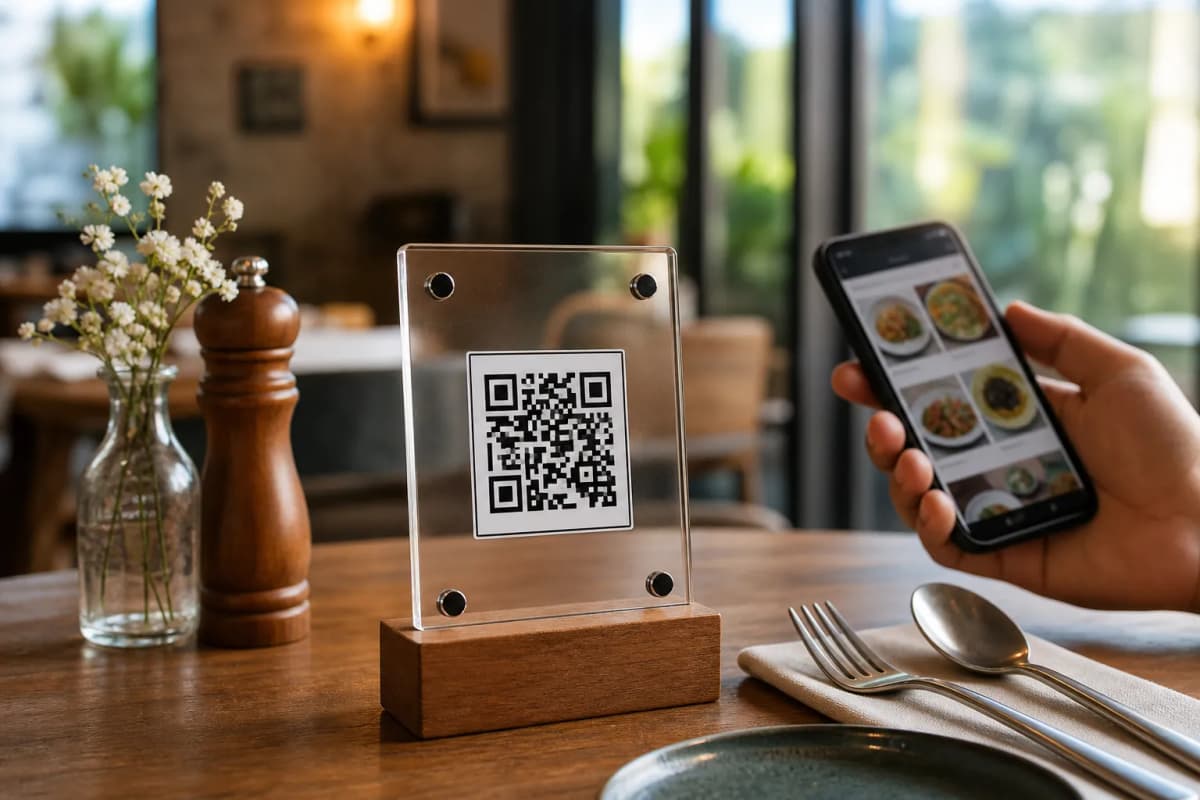
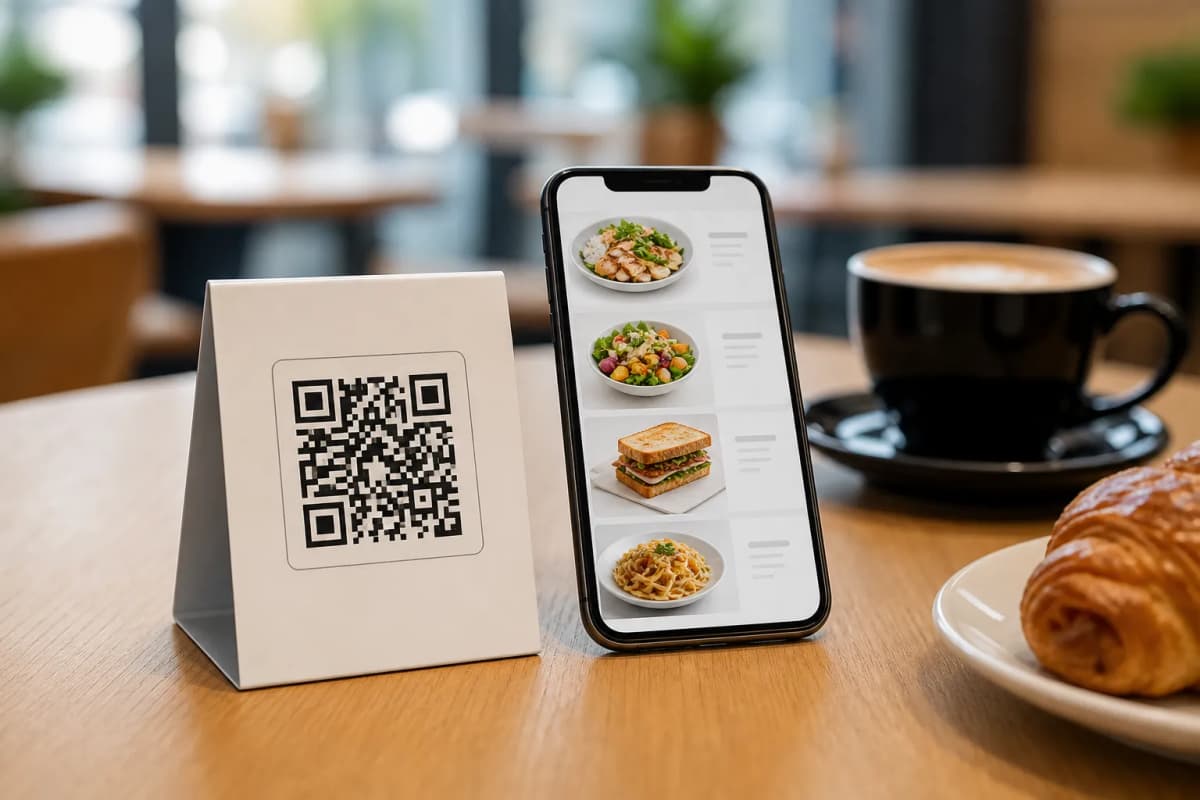
Using a digital catalog solves several daily operational problems. When you switch to eMenu AI, your customers simply scan a code on their table to view your offerings. There is no app for them to install. Instead, they get instant access to a fully interactive interface. They can read descriptions, view AI-generated food images, and even switch the language with one click. The platform supports over 100 world languages with automatic translation, making it a perfect fit for tourist areas and diverse cities.
Step-by-Step Guide to Launching Your Menu
Setting up your system is fast and requires no complex hardware. Whether you run a small coffee shop or a large fine-dining establishment, here are the exact steps to get your venue running quickly and efficiently.
Step 1: Create Your Account
Start by getting the platform on your preferred device. You can manage everything from an iPhone, iPad, Android device, or a web browser. Click here to open eMenu AI and register your restaurant. This smart link will automatically direct you to the App Store, Google Play, or the web dashboard depending on what device you are currently using to ensure a smooth start.
Step 2: Add Your Categories and Dishes
Once inside the dashboard, start building your sections (like Starters, Mains, and Desserts). Add your dish names, descriptions, and prices. If you do not have professional photography for your food, eMenu AI includes an AI food image generation tool that creates stunning visuals for your items automatically. You can also see how a finished setup looks by checking out a live demo menu.
Step 3: Customize the Design
Your menu should match your brand identity. You do not need to hire a designer to make it look professional. eMenu AI provides multiple ready designs. You can browse them and select the best fit for your cafe or dining room. If you want to see the options, check out the templates gallery. Every template is fully customizable, and custom designs can be requested for free to perfectly match your branding.
Step 5: Generate and Print Your QR Code
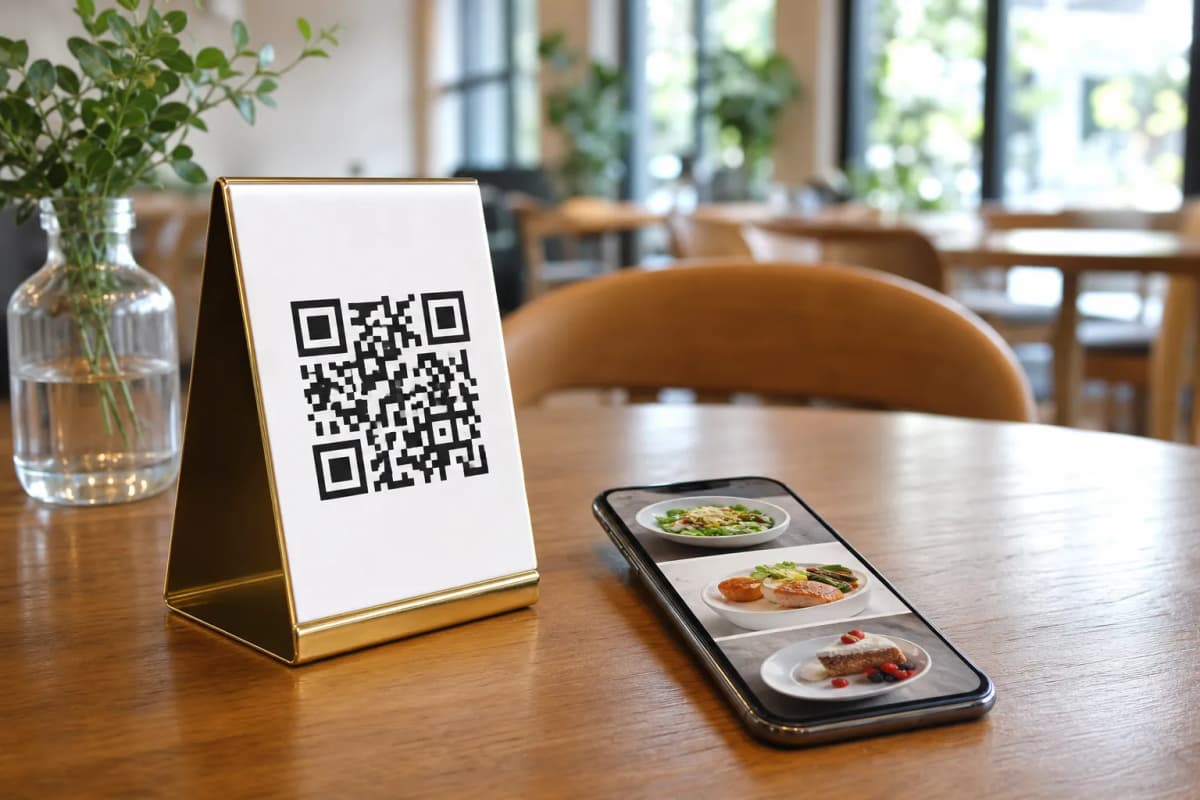
The final step is generating your professional QR code. The system allows you to customize the code with your specific brand colors and upload your logo into the center. Print these codes and place them on your tables, at the entrance, or on your flyers. When a customer scans it, they will instantly see your beautiful new setup and can even use the Table Reservation System for future visits.
Enhance the Dining Experience
Are you ready to modernize your restaurant operations and delight your guests? Setting up takes only a few minutes. Start your digital menu setup today and give your customers the seamless ordering experience they deserve.