If you want to speed up table turnover and reduce wait times, upgrading to a digital menu service is the most practical step for your restaurant. Gone are the days of printing expensive paper menus every time you change a price or add a special item. With eMenu AI, your customers scan a QR code and order directly from their phones without installing apps. Everything is managed easily from your web browser or phone. Here is exactly how to set up your system and start taking orders today.
How to Set Up Your Digital Menu Service
Getting started is incredibly simple. You do not need any technical skills to build a beautiful and functional menu. Follow these practical steps to get your restaurant online in just a few minutes:
- Access the Platform: Manage your entire restaurant from your preferred device. Simply click the smart link to start using eMenu AI. This link detects your device and takes you straight to the correct app store or the web dashboard automatically.
- Build Your Menu: Add your categories and items easily. If you lack professional photography, use the AI food image generator to create mouth-watering visuals instantly. Your menu also supports automatic translation into over 100 world languages, allowing tourists to switch languages and order in their native tongue with one click.
- Select a Design: Your digital presence should match your physical restaurant. Browse the ready templates to find a professional layout. Every template is fully customizable, and custom templates are made free on request to match your brand perfectly.
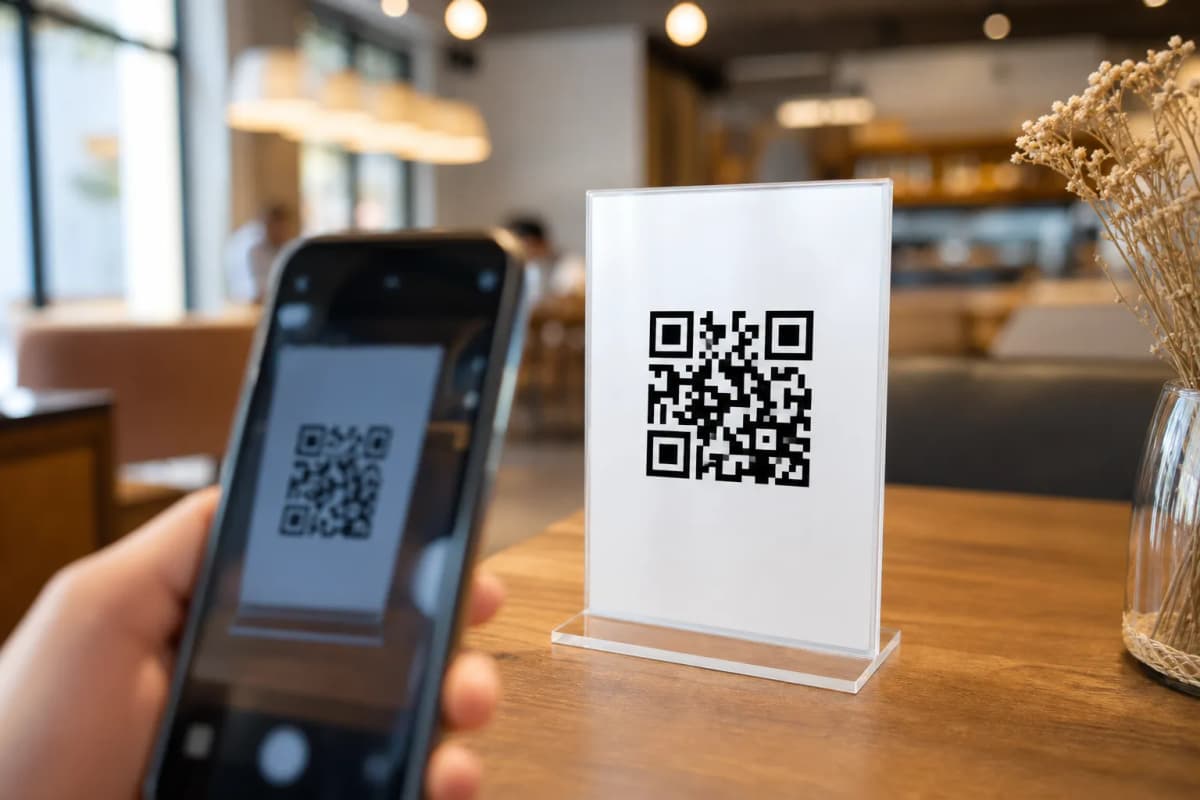
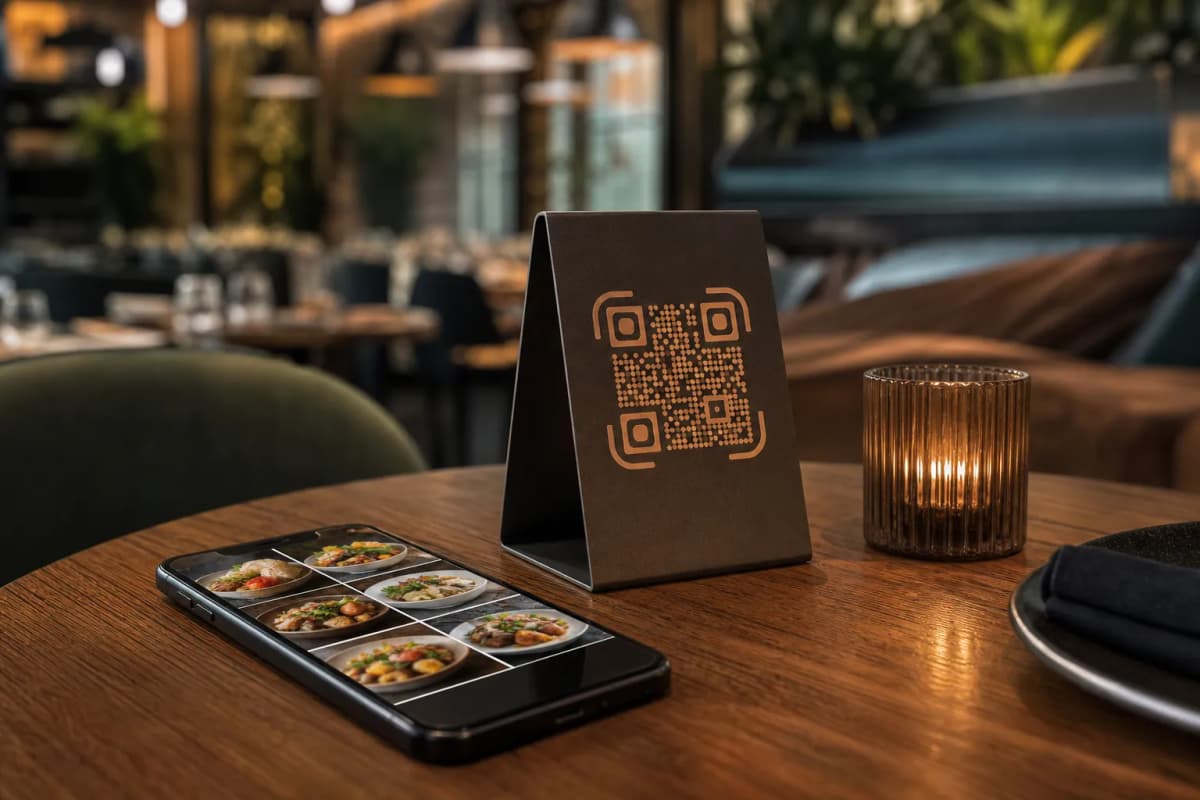
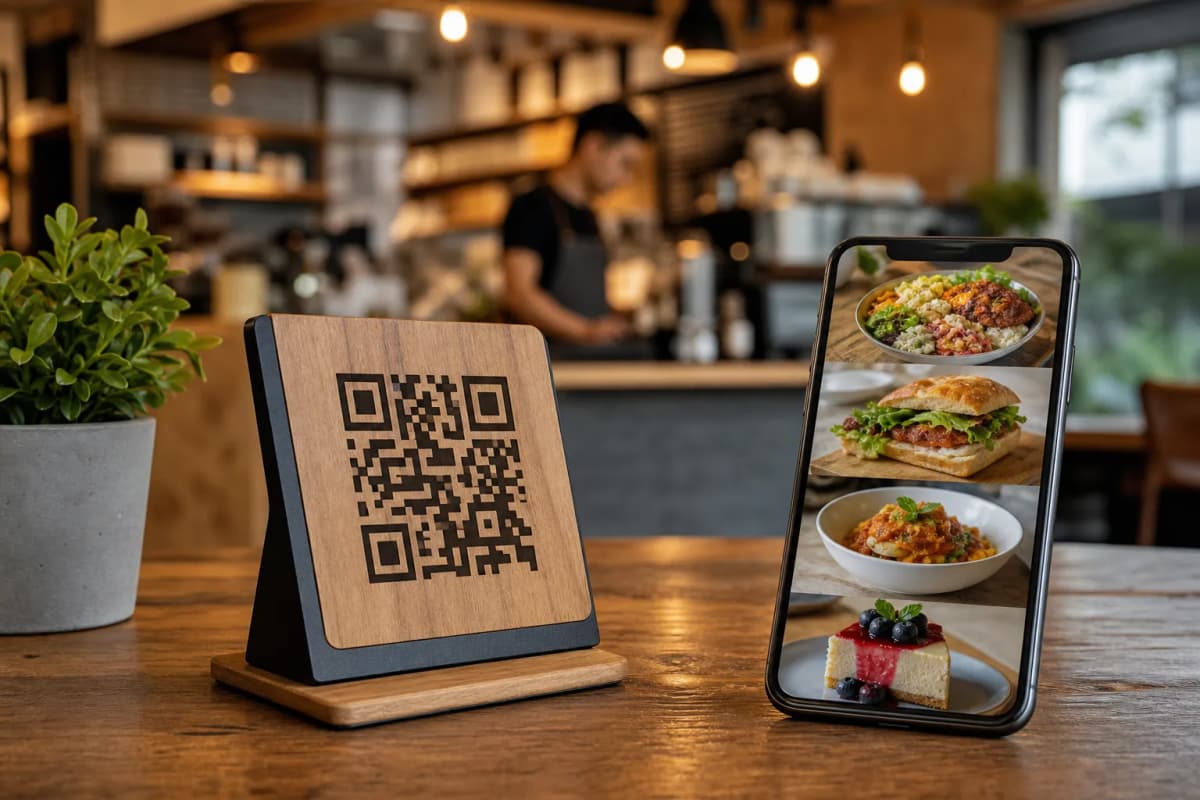
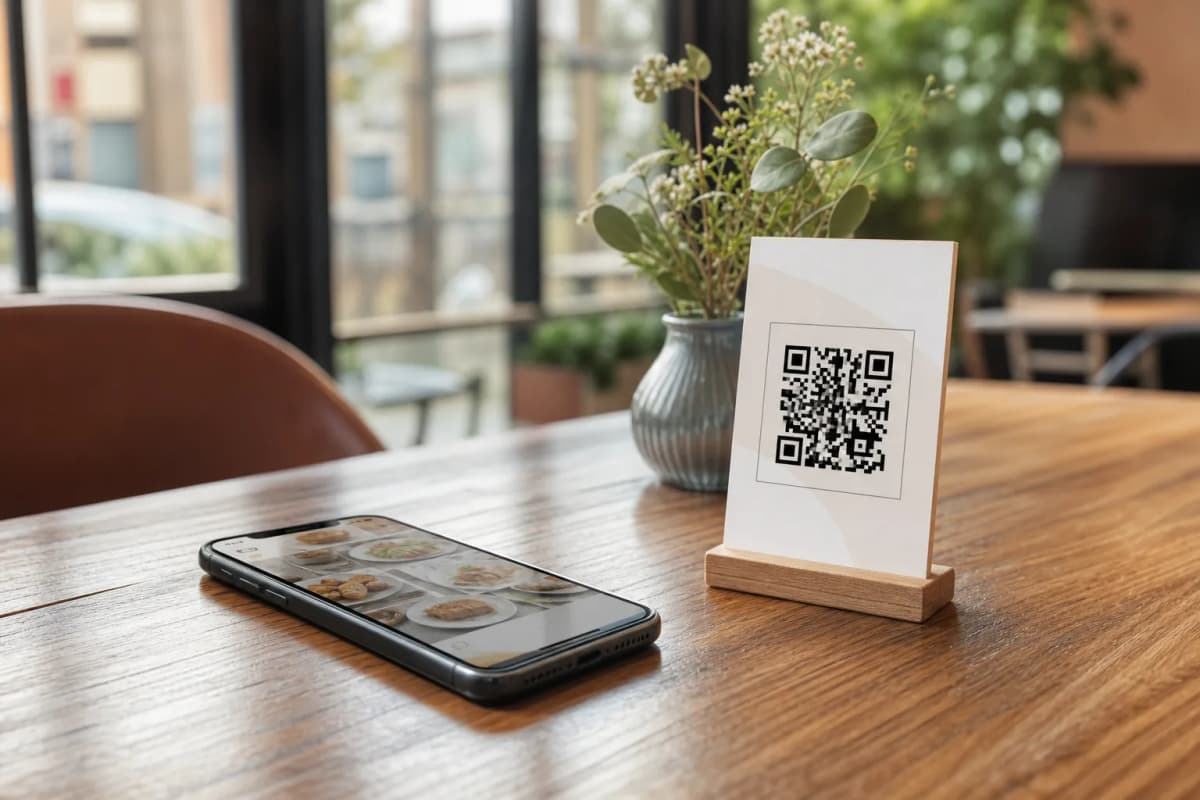
- Print Your QR Codes: Generate a professional QR code customized with your restaurant colors and logo. Print these for your tables, place them at the entrance, or add them to your takeout flyers.
Managing Pickup and WhatsApp Orders
A robust menu platform does much more than display your food. Once your setup is complete, you can unlock new, highly efficient ordering methods for your customers.
- Table Ordering: Customers can browse the visual menu and send orders directly from their table to the kitchen, minimizing wait times and reducing staff errors.
- Pickup Orders: Allow customers to place takeaway orders straight through your menu link. There is no need for them to make phone calls or download third-party delivery apps.
- WhatsApp Orders: Enable ordering via WhatsApp to give guests a familiar way to order, complete with live order tracking so they always know the status of their food.
Improving the Customer Experience
- Call Waiter: Let guests request assistance or the bill with a single tap. Your staff receives instant notifications displaying the exact table number and the specific request type.
- Table Reservation System: Allow customers to book tables directly from within the menu before they even arrive at your restaurant.
- In-Menu Rating System: Collect comprehensive customer feedback inside the menu to monitor food quality and staff service privately.
Ready to modernize your restaurant operations? Take full control of your venue with a platform built for speed and simplicity. You can explore our highly affordable pricing plans (which include a free tier) to see what works best for your business. Equip your staff with the right tools, impress your guests, and launch your new menu today.