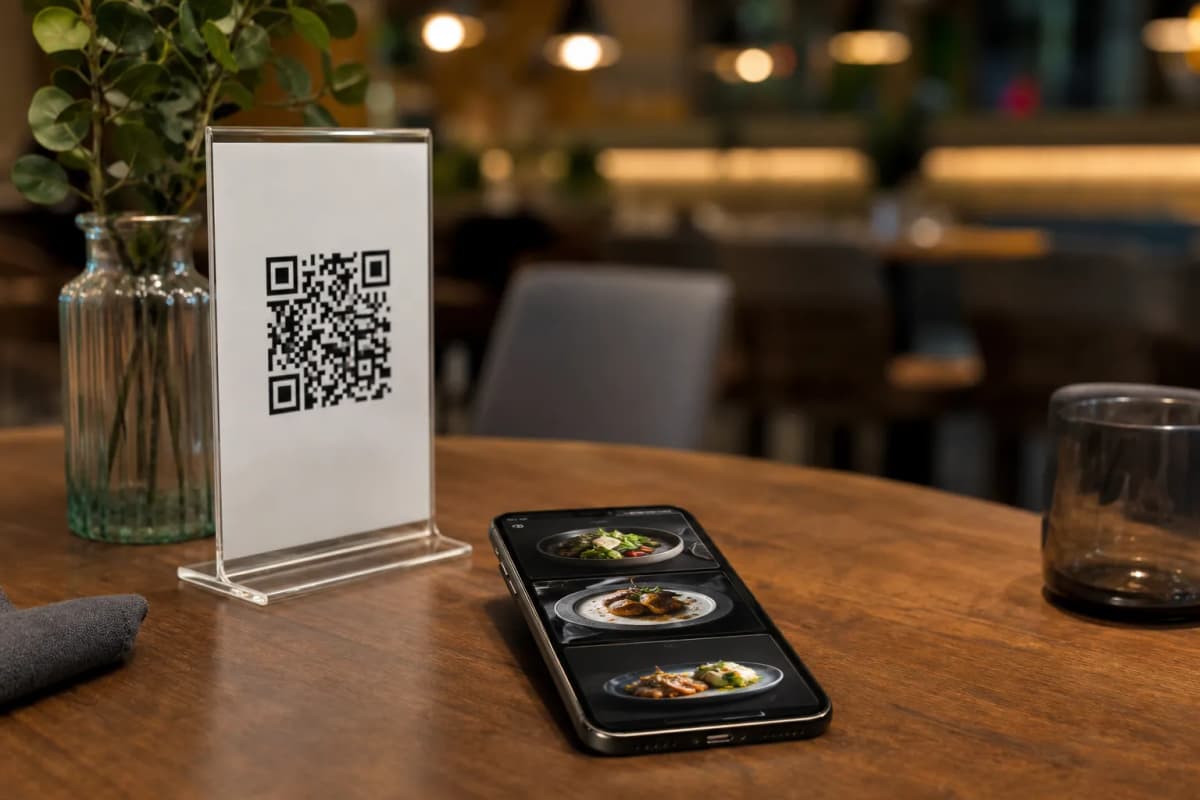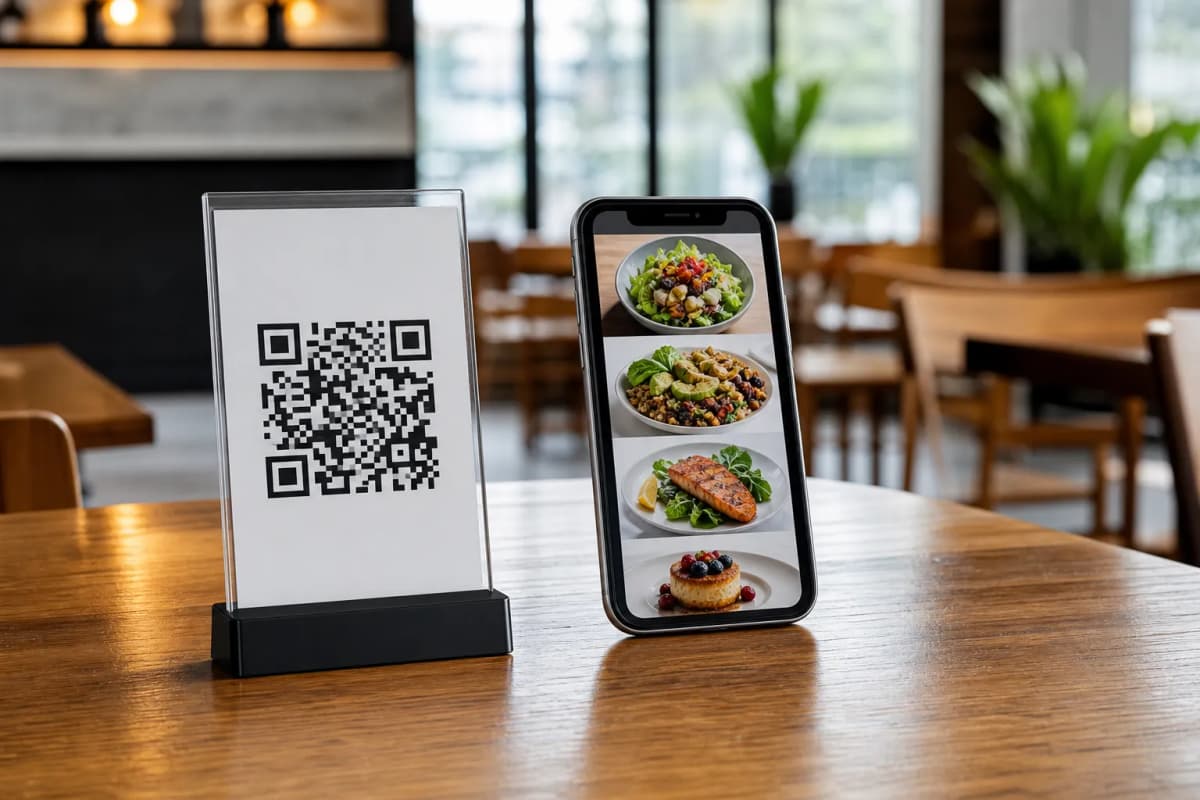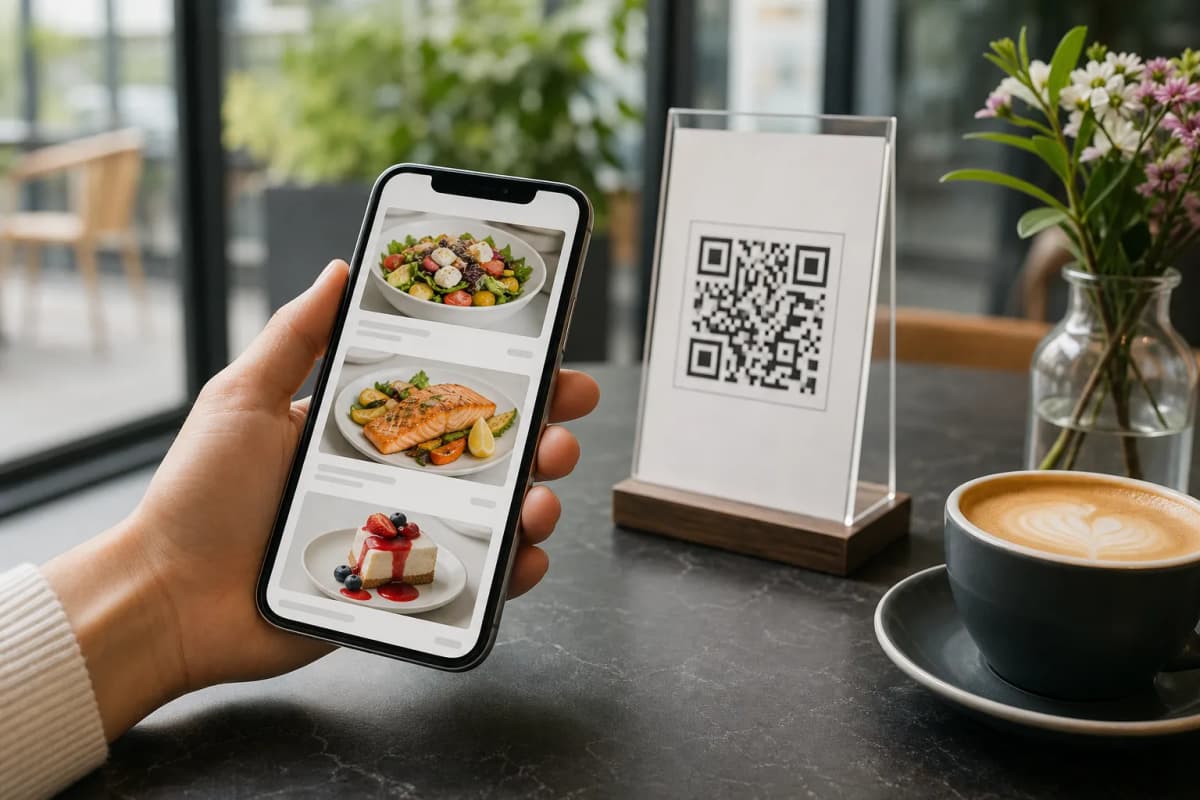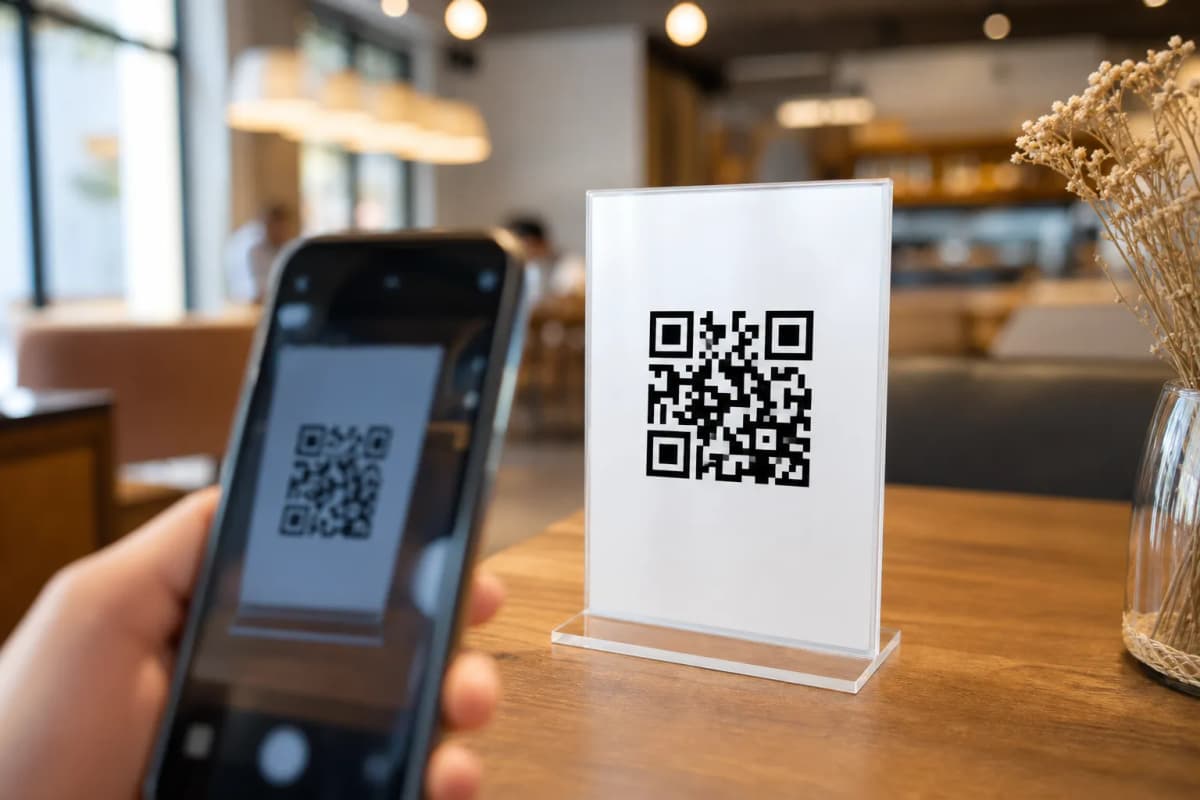
Upgrading your dining room starts with the right tools. If you are tired of reprinting paper menus every time you change a price or add a new dish, it is time to switch to a digital setup. A qr code restaurant menu lets your customers scan, browse, and order directly from their smartphones. No app installation is required for the guest, and as an owner, you get complete control over your daily operations from start to finish.
Why a QR Code Restaurant Menu Makes Sense
Modern customers expect fast, seamless, and highly personalized service. By using eMenu AI to power your digital catalog, you give your guests instant access to your offerings the second they sit down. They do not have to wait for a busy waiter to bring a physical booklet. Instead, they simply scan the code on their table, view mouth-watering AI-generated food images, and instantly send their requests directly to the kitchen.
Practical Steps to Launch Your Digital Menu
Creating your digital catalog is simpler than you might think. Follow these practical steps to get your restaurant up and running quickly and efficiently.
- Create Your Account: You can manage your entire restaurant from your phone, tablet, or computer browser. Just open eMenu AI to register your business. This one smart link automatically detects your device and sends you to the App Store, Google Play, or the web dashboard.
- Add Your Categories and Items: Start building your menu sections, such as appetizers, mains, and desserts. You can type in descriptions and set your prices in seconds. If you are missing professional photography, you can use the built-in AI food image generation tool to create stunning visuals for your items effortlessly.
- Choose a Professional Design: Your menu should match your brand perfectly. You can browse multiple ready designs in the templates gallery. Every template is fully customizable, and new layouts are added regularly. If you need something highly specific, custom templates can even be made free on request.
- Print and Display: Generate a professional custom QR code for your tables or your entrance. You can customize the code completely with your restaurant colors and logo before printing it out to ensure it matches your physical decor.
Beyond the Basics: Smarter Daily Operations
Once your basic setup is complete, you can activate powerful tools to further streamline your service. If you offer takeaway, customers can place pickup orders straight through the menu without making a phone call or installing any apps. For delivery, you can enable WhatsApp orders, allowing you to receive requests with live order tracking directly in your preferred chat app.
While dining in, guests can use the Call Waiter feature with one tap from the menu to request assistance or ask for the bill. Your staff will instantly receive a notification showing the exact table number and the request type. You can also activate the Table Reservation System so future guests can book tables directly from within the menu before they even arrive.
Finally, do not forget to activate the In-Menu Rating System. This allows you to collect comprehensive customer feedback quietly and effectively right inside the digital menu, helping you improve your service based on real, actionable data.