How a Digital Restaurant Menu App Changes Your Business
A smart menu does much more than display a few food pictures and prices. By using eMenu AI, you turn every single table into a highly efficient self-service ordering station. Your customers can browse your dishes in over 100 world languages thanks to automatic translation. If an international tourist visits your establishment, they can switch the entire menu to their native language with just one click.
Practical Steps to Set Up Your Menu
Launching your modern menu is surprisingly straightforward. You do not need any advanced technical skills to get started. Just follow these practical steps to transform your daily restaurant operations.
- Get the Platform: Start by opening the eMenu AI platform. This smart link detects your device automatically and works perfectly on your iPhone, iPad, Android phone, tablet, or web browser.
- Design Your Display: Choose from multiple ready templates that fit your unique brand aesthetics. You can browse the beautiful options at our templates gallery. Every single template is fully customizable. If you need something highly specific, custom templates are made totally free on request to match your exact brand guidelines.
- Add Your Dishes: Use the web dashboard from your computer browser to add categories, items, and adjust prices. The dashboard gives you full control. If you lack professional photography for your new items, eMenu AI includes an incredible AI food image generation tool to create beautiful, appetizing visuals for your menu items instantly.
- Enable Ordering Features: Turn on the Table Ordering feature so seated guests can send requests straight to the kitchen. You can also activate WhatsApp Orders for a streamlined process with live order tracking, or set up a Pickup Orders section so takeaway customers can buy food without making phone calls or downloading extra apps.
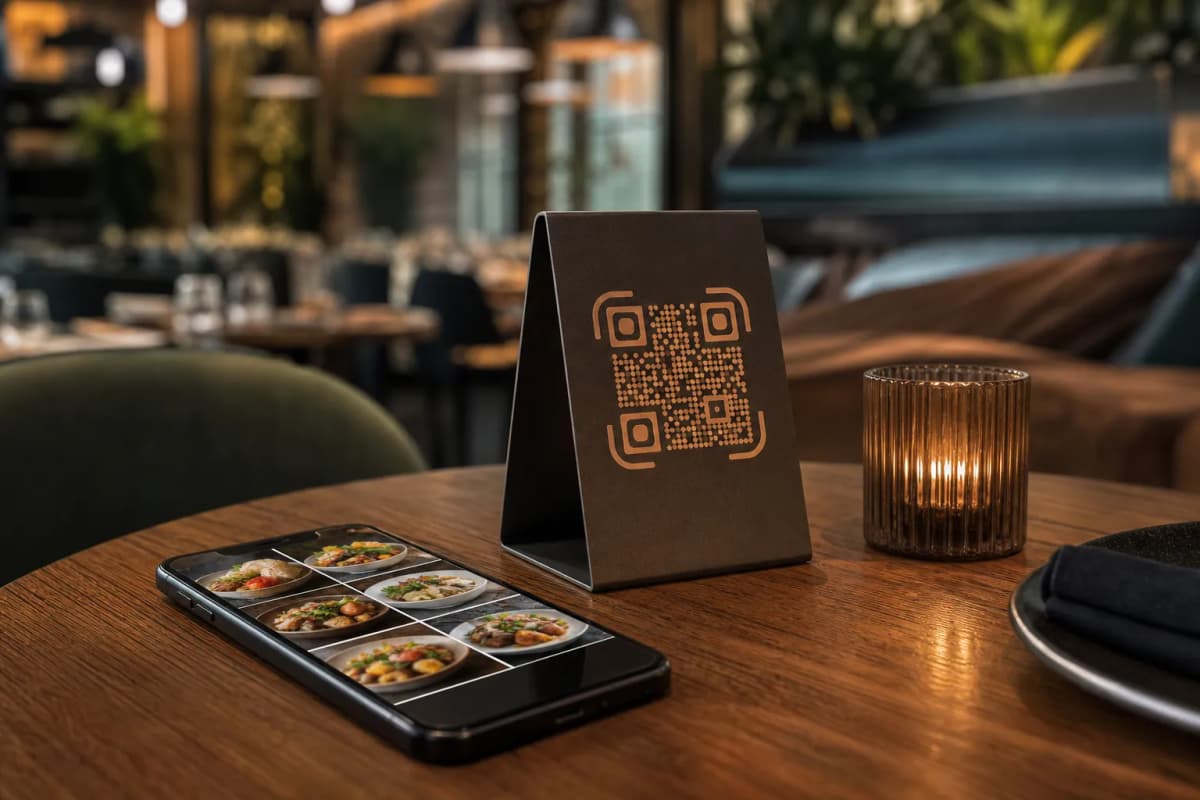
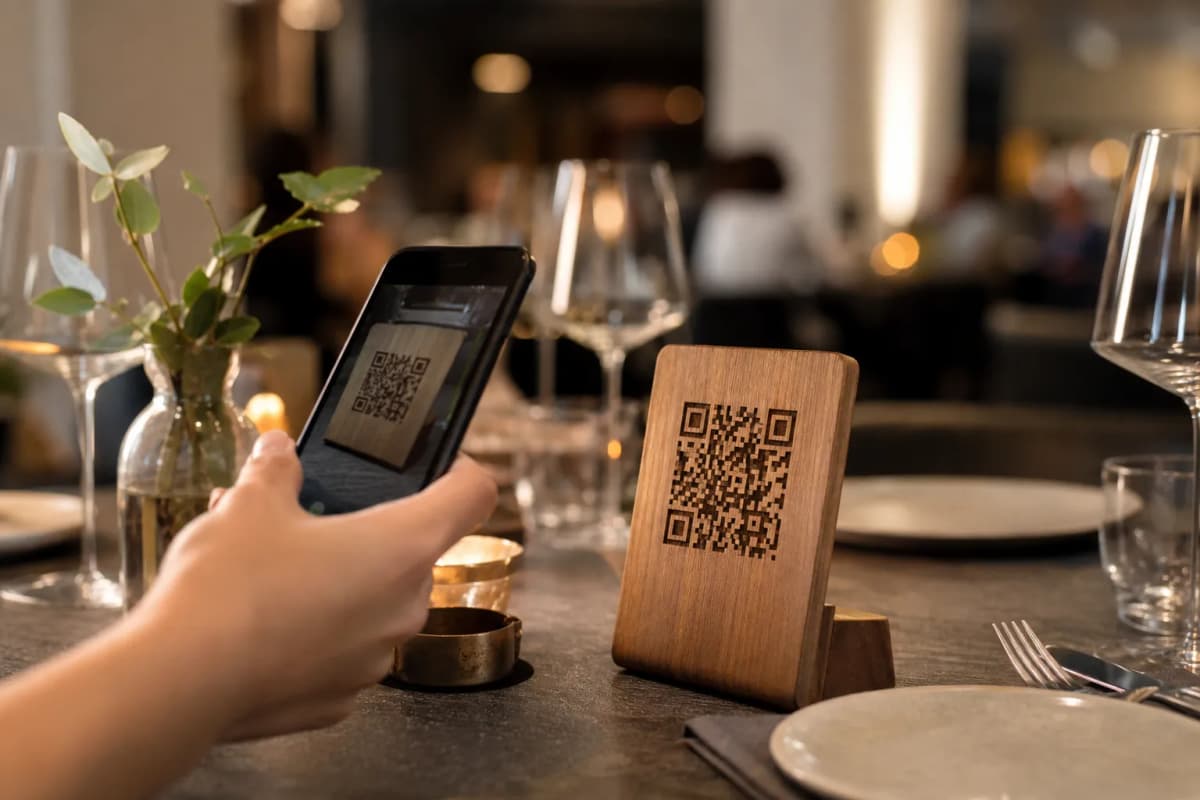
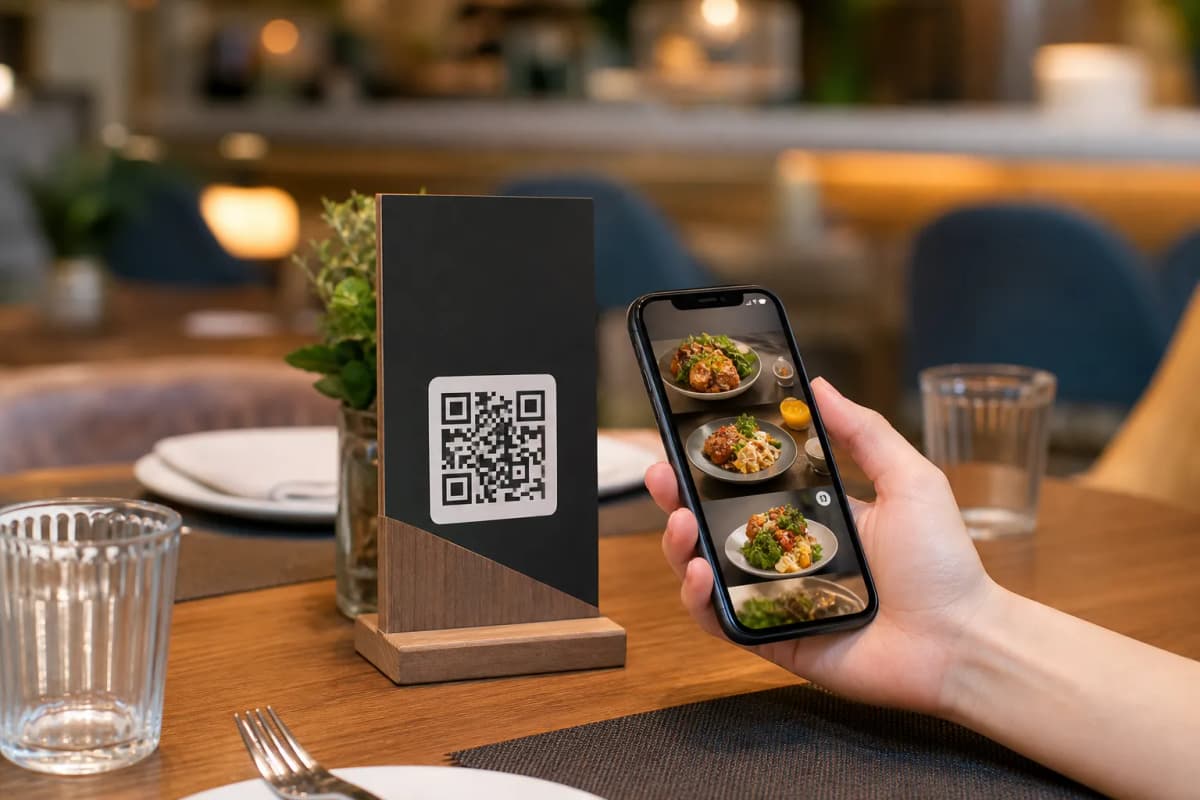
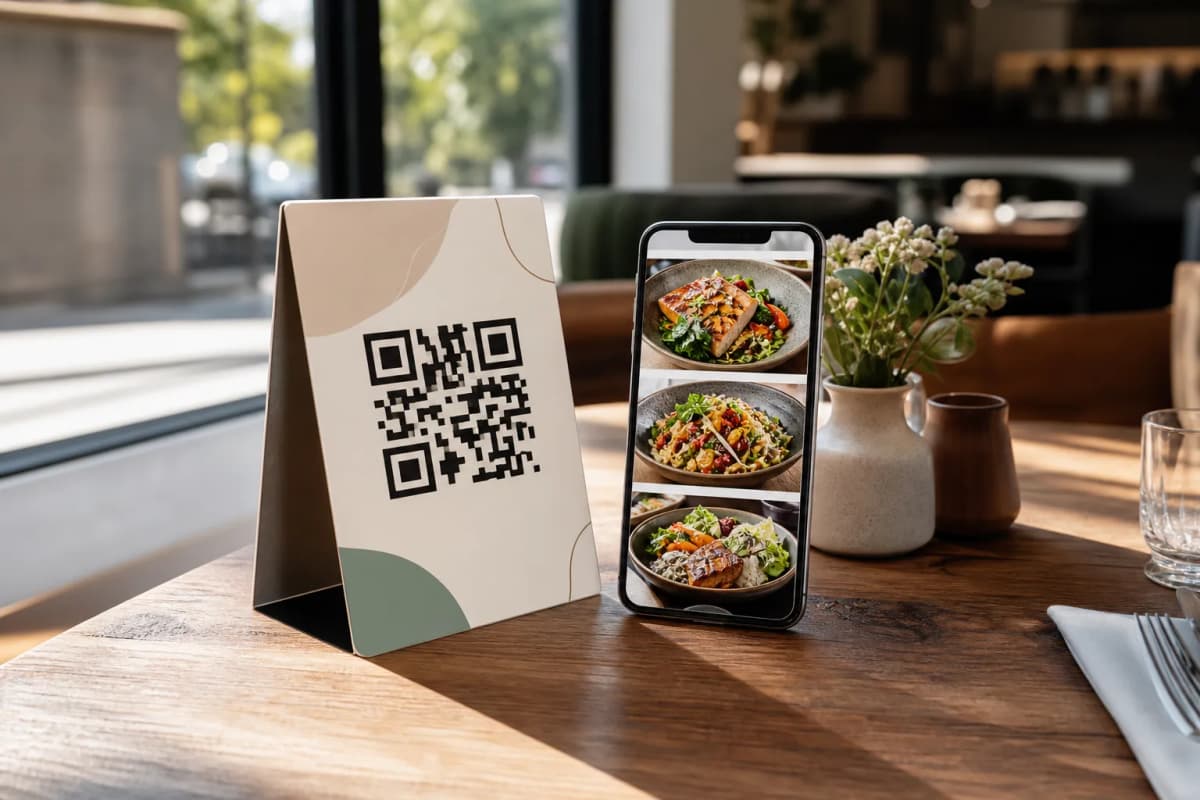
- Generate Your Custom QR Code: Create a professional QR code customized specifically with your restaurant colors and logo. Print this code for display on your dining tables, counters, or at the front entrance.
Enhancing the Complete Guest Experience
Beyond basic food ordering, eMenu AI offers powerful built-in tools to keep your dining room running perfectly. The Call Waiter feature is a massive upgrade for customer service. With one tap from the menu, guests can request assistance or ask for the final bill. Your floor staff receives instant notifications detailing the exact table number and the specific request type.
You can also enable the Table Reservation System, letting potential customers book their preferred tables directly from within the menu interface before they even arrive at your venue. After the meal is finished, the In-Menu Rating System helps you collect comprehensive customer feedback quietly and efficiently, helping you understand exactly what your guests love and where your team can improve.
Setting up your new digital system is incredibly affordable, and a free plan is readily available to help you test these powerful features yourself. Check out our pricing plans to see what tier fits your business volume best. Are you ready to modernize your cafe or restaurant and serve your guests faster? Open eMenu AI today and start building a smarter, faster, and much more profitable dining experience.