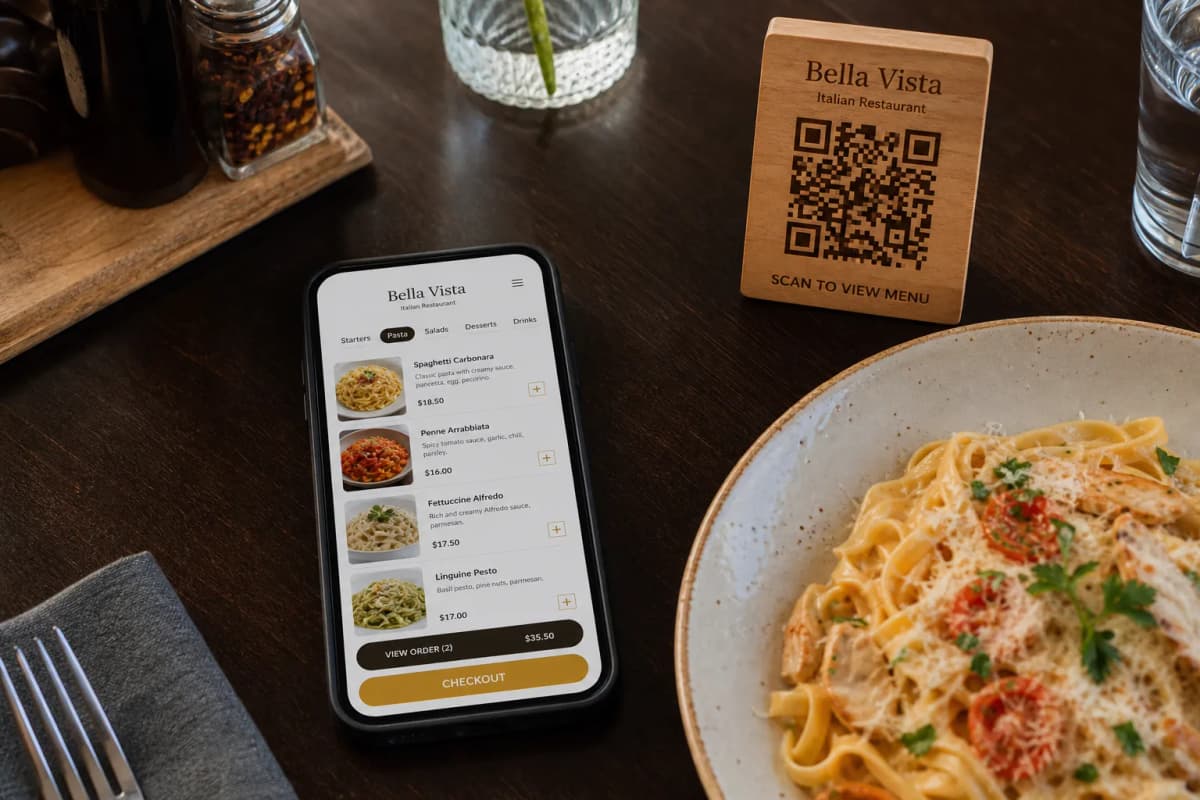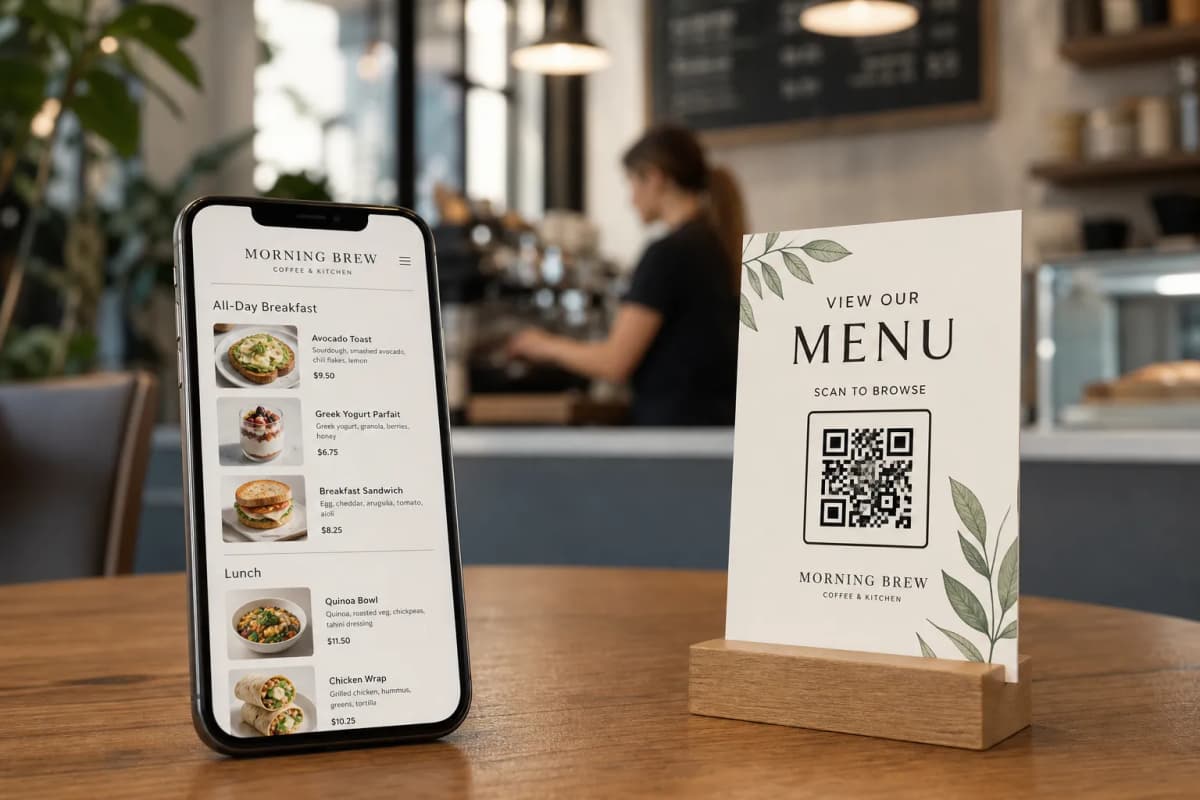
Creating highly functional e menu restaurants is no longer a complicated technical task. Today, restaurant and cafe owners need a fast, reliable way to digitize their operations without forcing customers to install heavy applications. With eMenu AI, you can launch a complete digital ordering system directly from your phone, tablet, or web browser. This guide will walk you through the practical steps to set up your menu, connect your kitchen, and start serving guests faster.
Why the Best e Menu Restaurants Choose Digital Platforms
Practical Steps to Set Up Your Menu
Getting started takes only a few minutes. You do not need any coding knowledge to build a professional layout.
- Create Your Account: Start by getting eMenu AI via our smart app link. This link automatically detects your device and opens the correct version for iPhone, iPad, Android, or the web dashboard.
- Add Your Dishes: Upload your menu items, descriptions, and prices. If you do not have professional photos, you can use the built-in AI food image generation tool to create stunning visuals for your dishes instantly.
- Select a Design: Visit the templates gallery to browse multiple ready templates. Every template is fully customizable to match your brand, and custom designs can be requested for free.
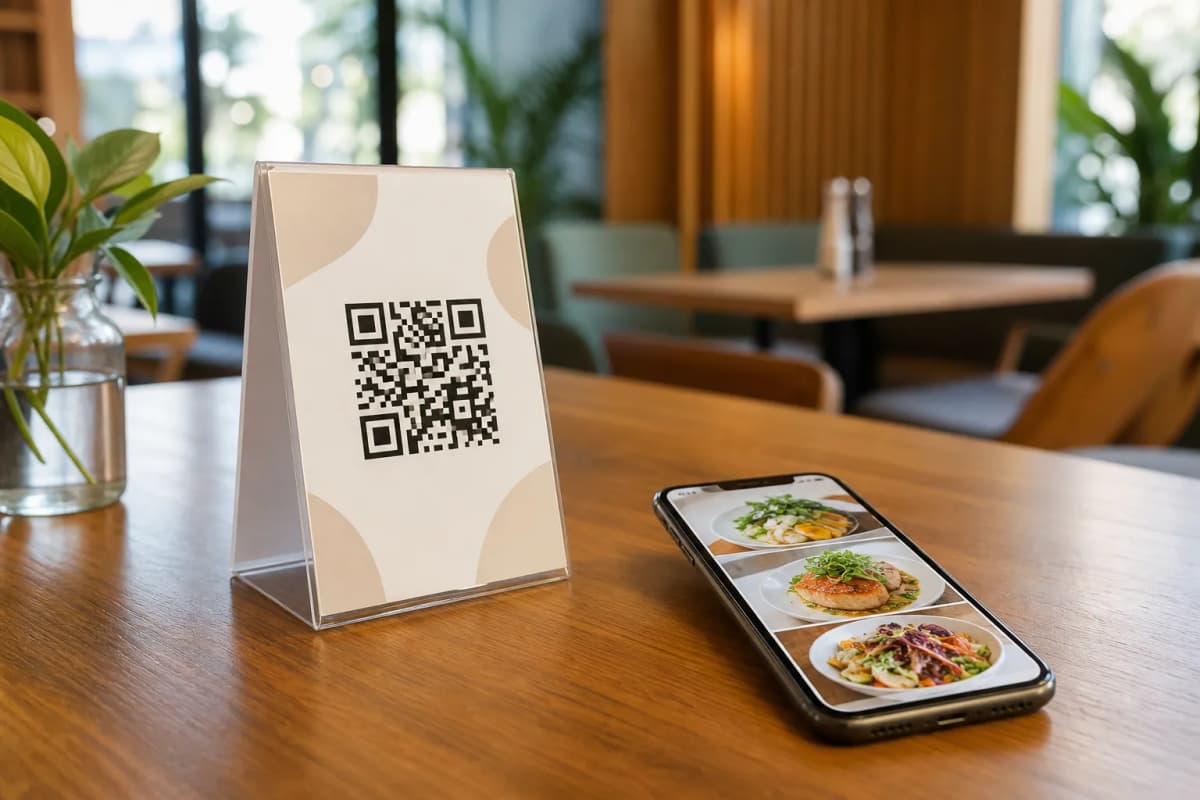
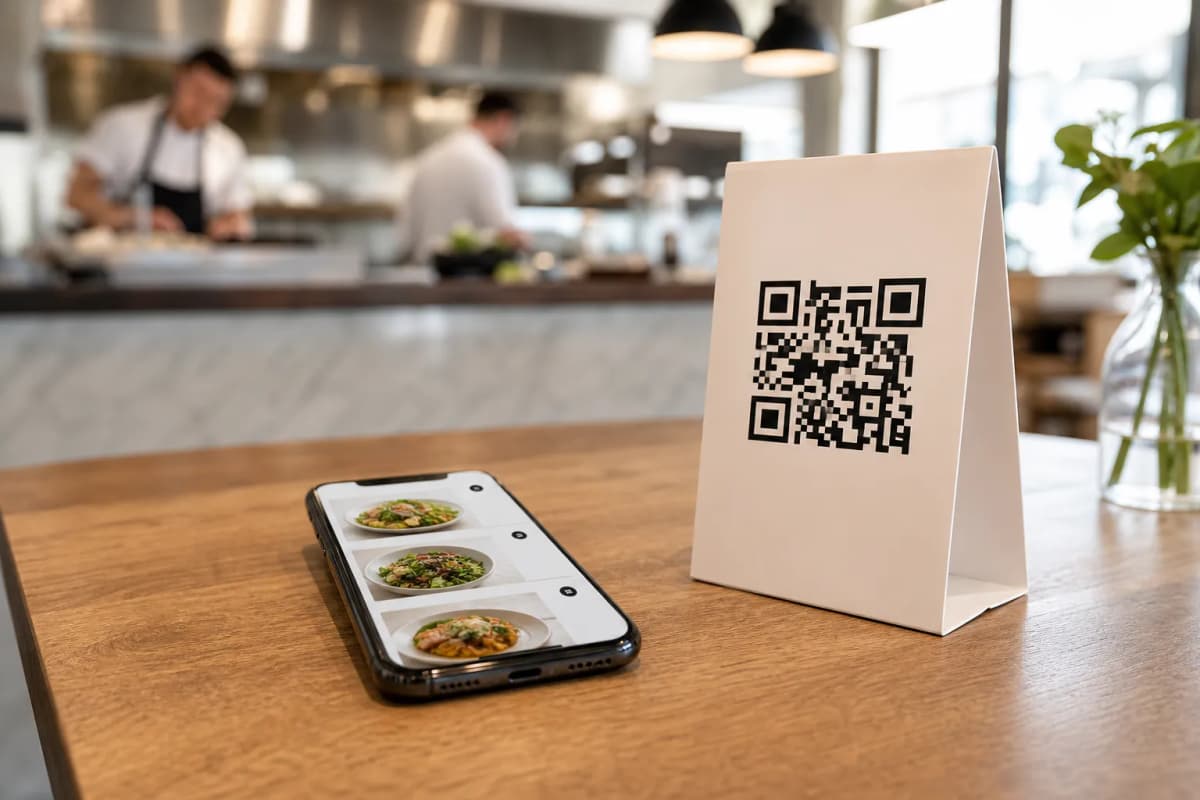
- Generate Your QR Code: Create a professional, custom QR code featuring your restaurant colors and logo. Print it and place it on your tables or at the entrance.
Flexible Ordering Options for Your Guests
A great digital menu does more than just list food: it actively takes orders. eMenu AI gives your customers three primary ways to request their meals:
- Table Ordering: Guests browse the menu and send orders directly from their table to the kitchen staff.
- WhatsApp Orders: Customers can place orders via WhatsApp, complete with live order tracking for ultimate convenience.
- Pickup Orders: Allow customers to place takeaway orders straight through the menu link. No phone calls and no third-party apps are needed.
Elevating the Customer Experience
Running successful e menu restaurants means keeping your guests happy from the moment they sit down. With the Call Waiter feature, a single tap from the menu requests assistance or the bill. Your staff will receive instant notifications specifying the table number and the exact request type.
You can also enable the Table Reservation System, allowing customers to book their tables directly from within the menu. Finally, the In-Menu Rating System lets you collect comprehensive, private feedback right after the meal, helping you improve your service continuously.
Are you ready to transform your restaurant operations? Building a smart, responsive digital menu has never been easier. Review our highly affordable plans on the pricing page, and launch your seamless dining experience today.