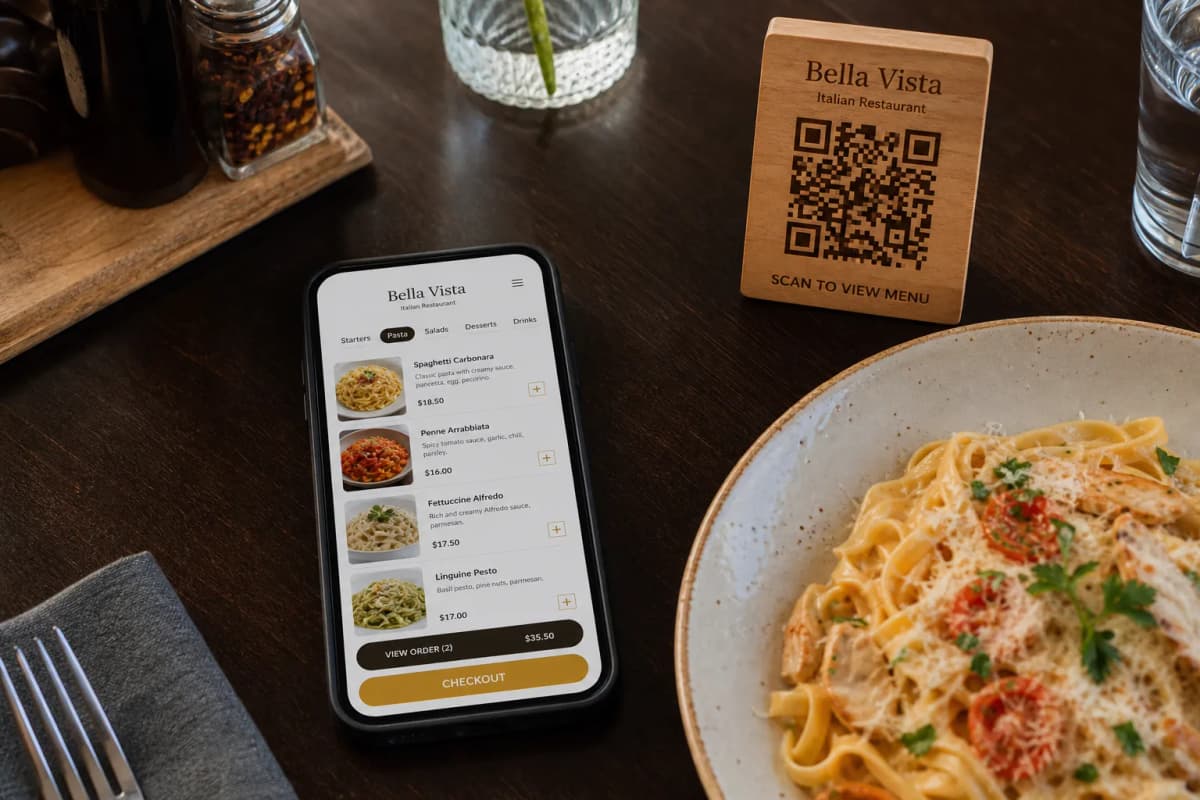
Restaurants and cafes worldwide are moving away from easily damaged paper menus and embracing smart, contactless solutions. A well-designed digital menu with qr code allows your customers to explore your offerings at their own pace, view appetizing photos, and make confident ordering decisions. Customers simply scan the code at their table to view dishes instantly, without downloading any apps. With eMenu AI, launching this system takes only a few minutes. You get a powerful platform where you can manage your entire operation from a web browser or mobile device. Here is a practical guide to getting your new interactive menu live today.
Building Your Digital Menu with QR Code
Step 1: Set Up Your Profile and Add Menu Items
The first step is to build your core catalog. You can start on the web or download the app to begin. Once inside eMenu AI, start creating your categories and adding your dishes. Using the web dashboard gives you full control from a computer browser to bulk-edit prices or reorganize sections fast. If you lack professional photography, eMenu AI includes a powerful AI food image generation tool that creates stunning, appetizing images for your menu items automatically.
Step 2: Customize Your Design and Languages
eMenu AI offers a wide variety of sleek designs to match your brand. Browse our multiple ready templates to find the perfect layout, and customize it with your colors and logo. Furthermore, the platform automatically translates your menu into over 100 world languages. International customers can switch to their preferred language with a single click, instantly breaking down communication barriers.
Step 4: Enhance the Guest Experience
eMenu AI equips your tables with interactive hospitality tools. Turn on the Call Waiter feature so guests can request assistance or the bill with one tap. Staff receive instant notifications detailing the table number and request type. Additionally, enable the In-Menu Rating System to collect customer feedback, or activate the Table Reservation System so guests can book directly from your interface.
Step 5: Generate and Print Your QR Code
Once your settings are finalized, eMenu AI generates a professional, custom QR code for your restaurant. Brand this unique code with your logo and unique color scheme so it blends perfectly with your interior design. Download the high-resolution file and print it on table tents or entrance signs.