Deploying a digital menu for restaurant operations does not have to be a slow or complex process. Restaurant and cafe owners often look for immediate, practical steps to transition from old paper cards to a streamlined digital workflow. Implementing a digital menu for restaurant tables, takeout, and delivery speeds up service, cuts printing costs, and drives higher average order values. By using the right tools, you can build, configure, and launch your interactive system in a single afternoon.
Configuring a Digital Menu for Restaurant Operations
To begin, you need a central platform that works seamlessly across all devices. Go to the eMenu AI smart link, which automatically opens the correct version for your iPhone, iPad, Android phone, tablet, or web browser. Once you create your account, the setup follows clear, actionable stages.
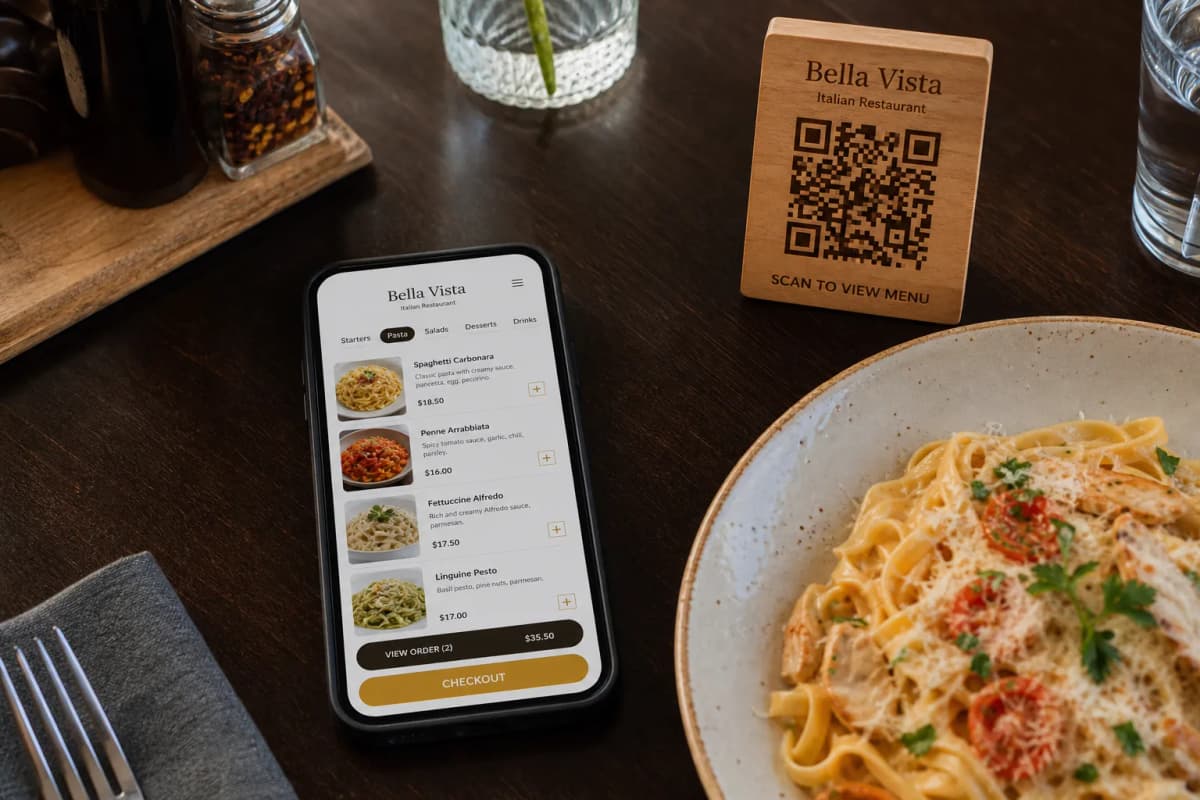
- Structure Your Menu Sections: Organize your dishes into logical categories like starters, mains, desserts, and beverages. Upload high-quality photos of your food. If you do not have professional photos yet, you can use the built-in AI food image generation tool to instantly generate realistic, high-resolution visuals for your menu items.
- Select and Customize a Template: Head over to the eMenu AI templates gallery to choose a professional layout. Every design is mobile-optimized and fully customizable. If you have unique brand requirements, you can request a custom template made completely for free to match your corporate identity.
- Configure Multi-Language Support: Because your customer base may be international, enable automated translation. The platform supports over 100 world languages, allowing guests to change the language with one simple click. You can also configure pricing in more than 95 international currencies, with the option to request any new currency within seconds.
Integrating Table Services and Ordering Workflows
A great digital menu does more than just show pictures; it acts as an active assistant. Depending on your service model, you can choose which interactive features to activate through your web dashboard.
- Table Ordering: Allow guests to send their selections directly from their tables to your kitchen.
- WhatsApp Orders: Enable customers to submit their orders directly to your business WhatsApp account with live order tracking.
- Pickup Orders: Let takeout customers order directly from their phone browsers before they arrive, eliminating long queues and phone calls.
- Call Waiter and Reservations: Give guests the power to request assistance or the check with one tap. Staff receive instant notifications showing the exact table number. You can also activate the built-in table reservation system to manage bookings directly within the menu interface.
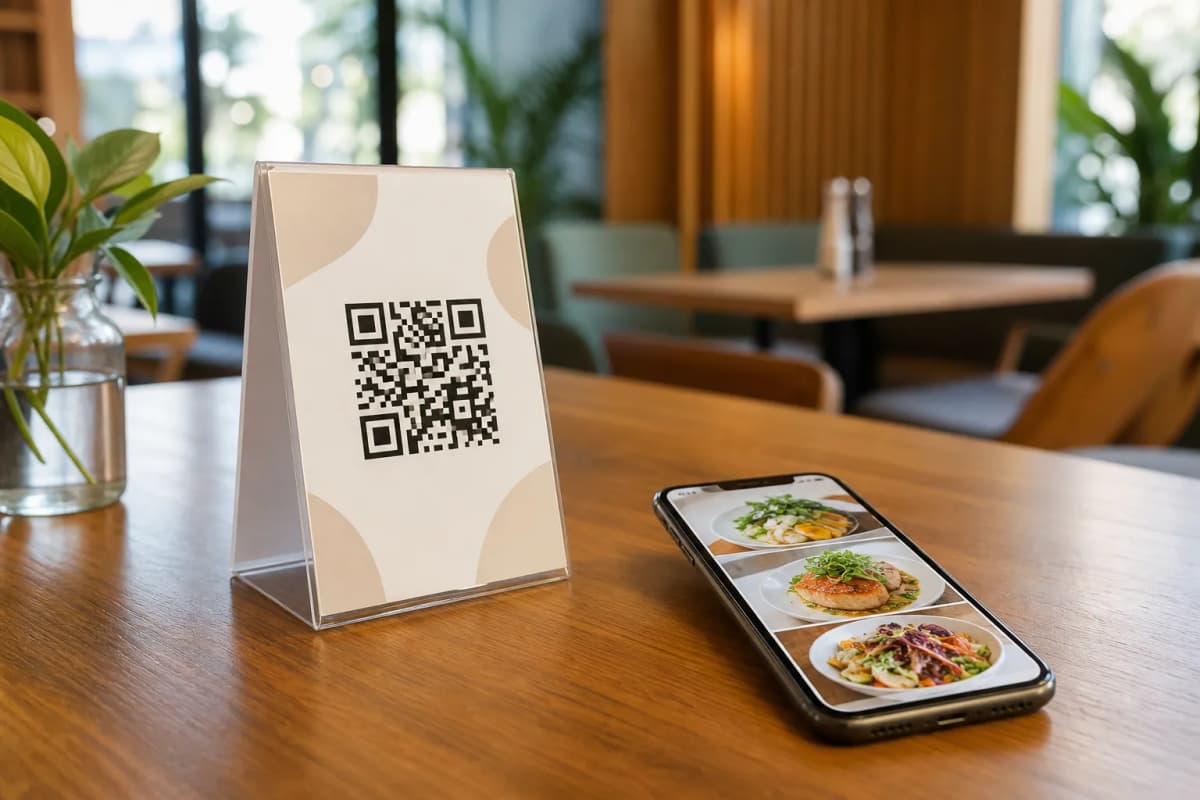
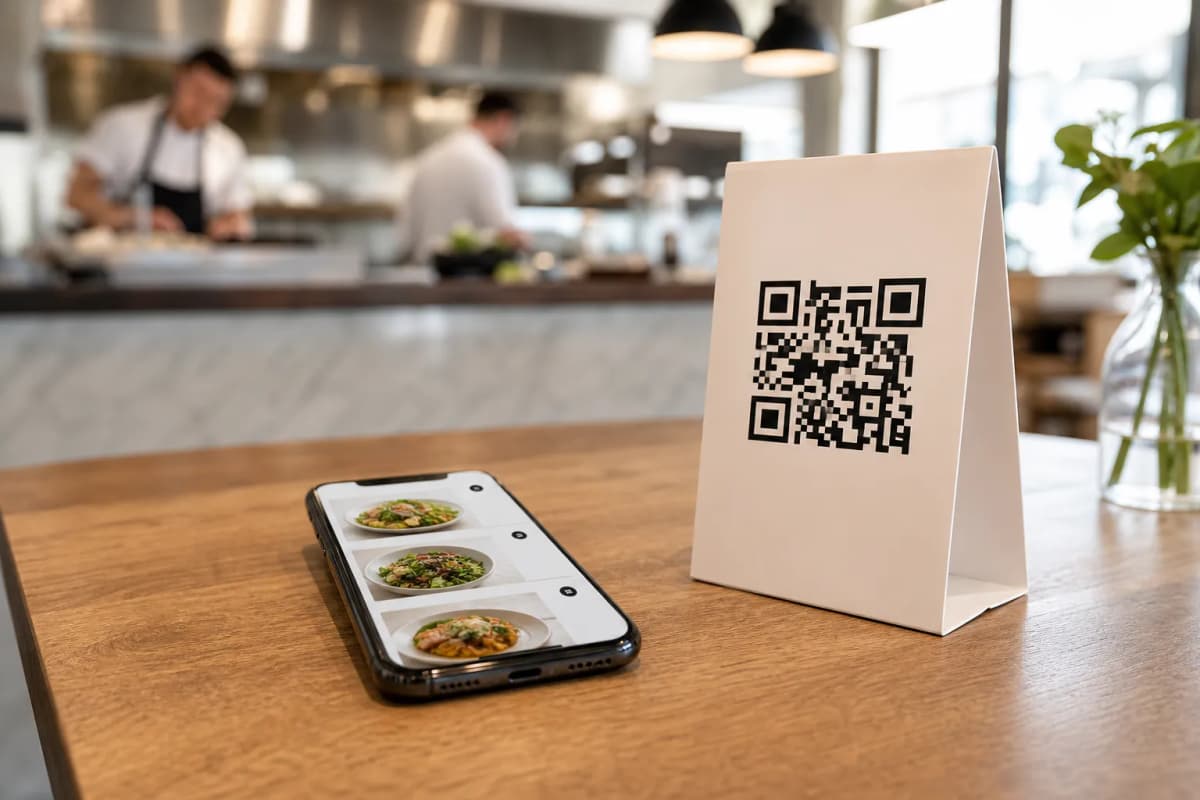
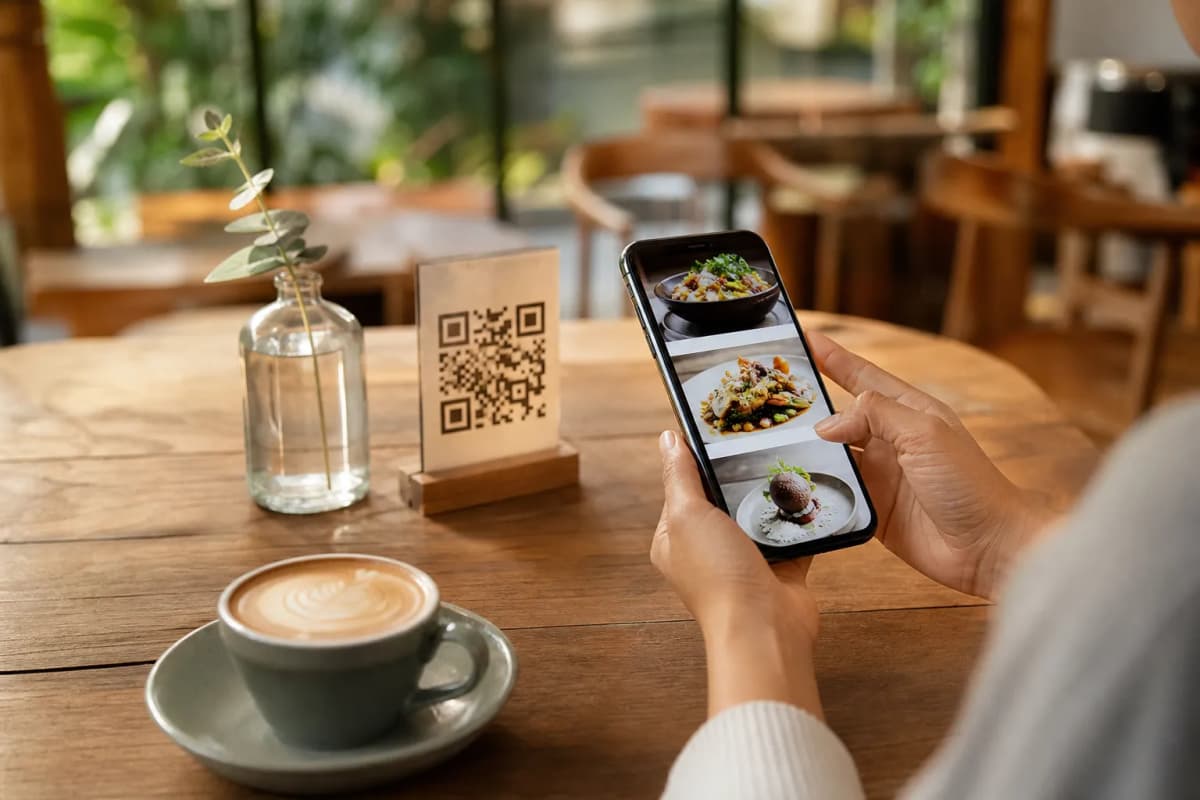
Before launching, you can view some operational examples like the Cap Restaurant demo menu to see how an optimized setup functions in real life. When your menu is ready, generate your professional QR code from the dashboard, customize it with your logo and colors, print it, and place it on your tables.
With affordable plans available, including a permanent free plan, you can start optimizing your operations today. Explore our eMenu AI pricing plans to find the best fit for your business, and get ready to elevate your dining experience.