Why a Restaurant QR Menu Matters
Step 1: Build Your Digital Menu
The first step is getting your food and drinks into the system. You can open eMenu AI on any device (iPhone, iPad, Android, or your computer browser) to start building immediately. The comprehensive web dashboard gives you full control to organize categories, update prices instantly, and add seasonal items without reprinting paper menus. If you are missing professional food photography, eMenu AI includes an innovative AI food image generator to create stunning pictures for your dishes in seconds.
Step 2: Customize Your Design
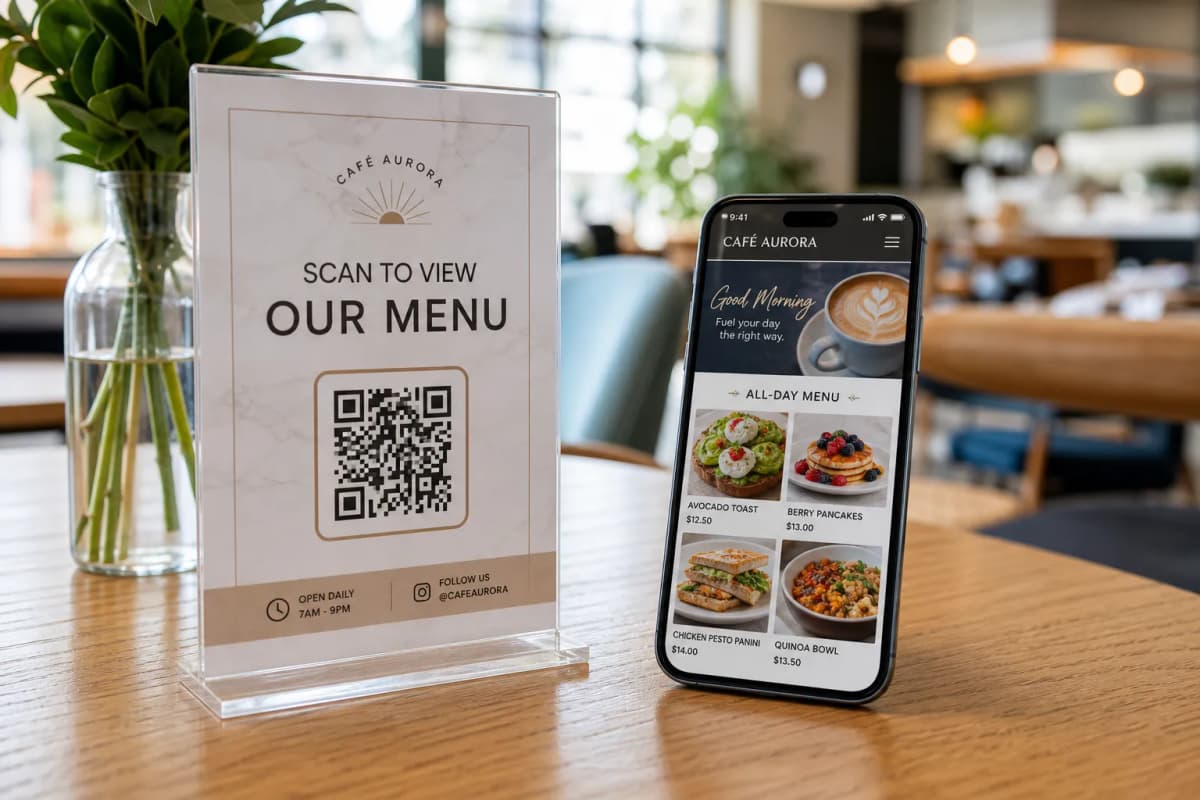
Your menu should match your brand perfectly. eMenu AI offers multiple ready designs to make your food look incredible on any smartphone screen. You can browse the templates gallery to find a layout that fits your specific vibe. Every single template is fully customizable. If you have a specific vision, custom templates can even be designed free on request to perfectly match your brand identity and typography.
Step 4: Print Your Professional QR Code
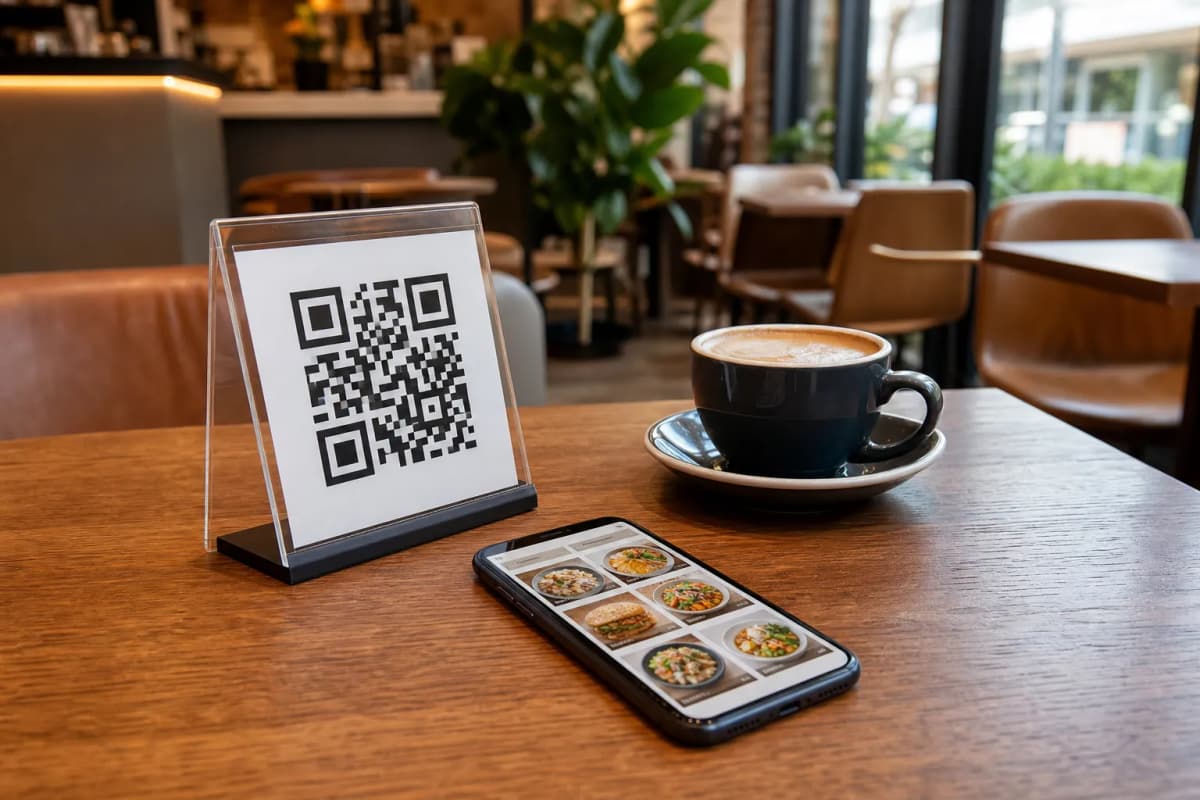
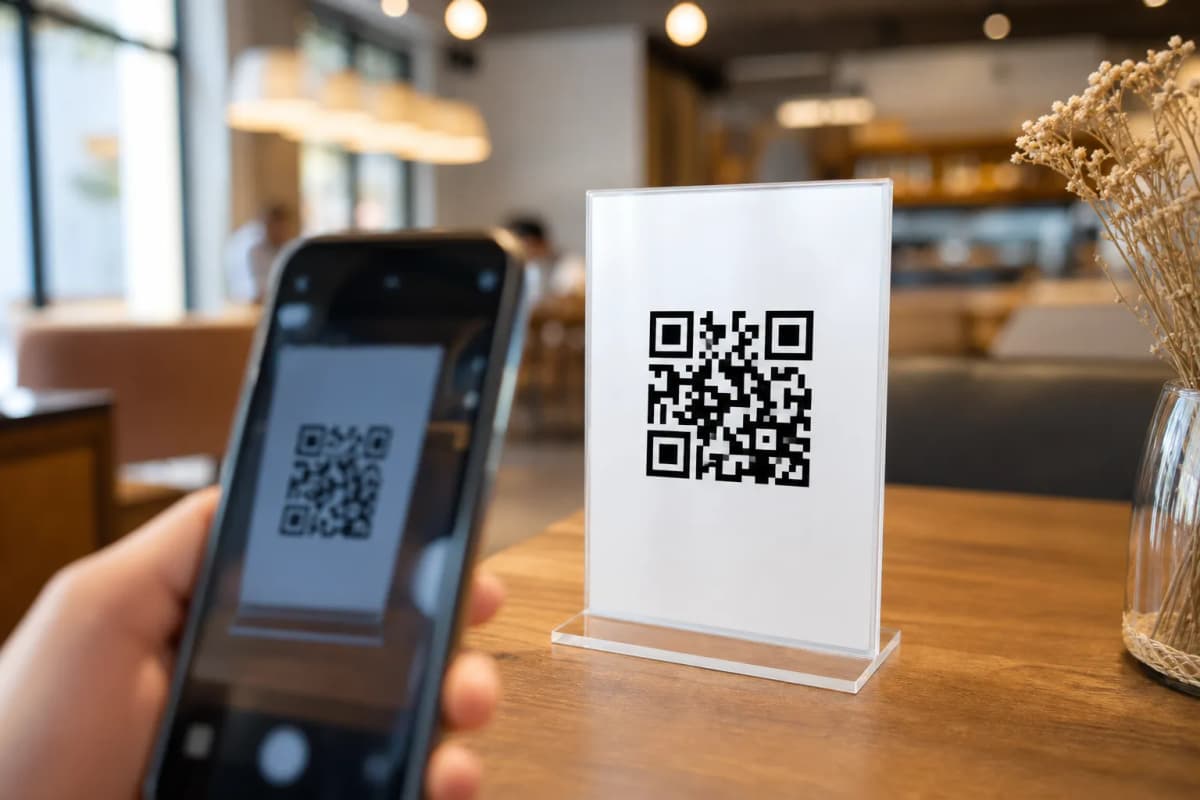
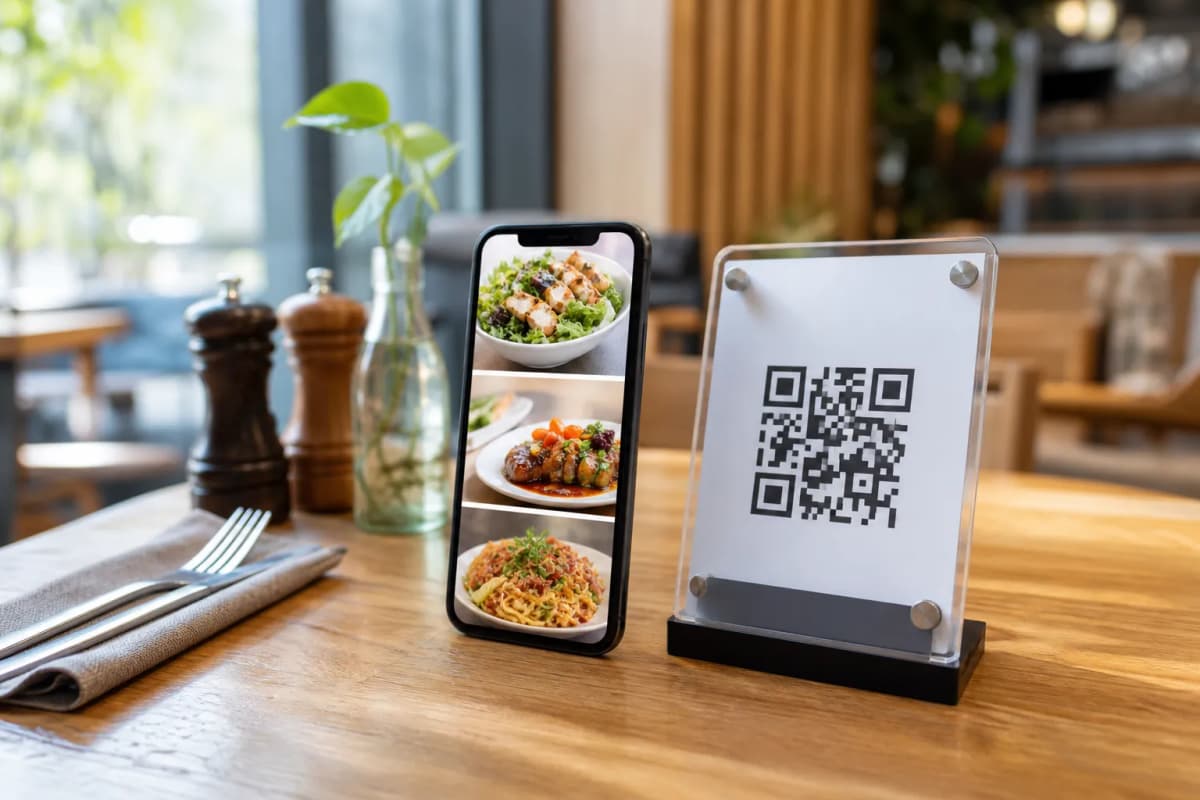
Once your setup is live, generate your professional QR code. You can customize the code with your restaurant colors and logo before printing it for your tables. When guests scan it, they access not only the menu but also powerful interactive features. They can use the Call Waiter button to request table assistance or ask for the bill with one tap. Your staff will receive an instant notification detailing the table number and request type. Customers can also book future visits using the Table Reservation System, and leave valuable feedback through the In-Menu Rating System.
Ready to Launch Your Platform?
Setting up a smart dining experience takes only a fraction of the time it used to. The platform scales effortlessly with your needs. Check out our affordable plans on the pricing page (there is a free plan available to help you get started). To see how it looks in the real world, check out a live demo at Cap Restaurant. When you are ready to modernize operations and boost sales, create your menu today and give your guests a seamless ordering experience.